
Salesforce SMS Integration: Close More Deals With Texting
Learn how Salesforce SMS integration works and explore how to set it up. Discover why TextUs is the best SMS solution for Salesforce integration.

Written by
Published
January 14, 2026
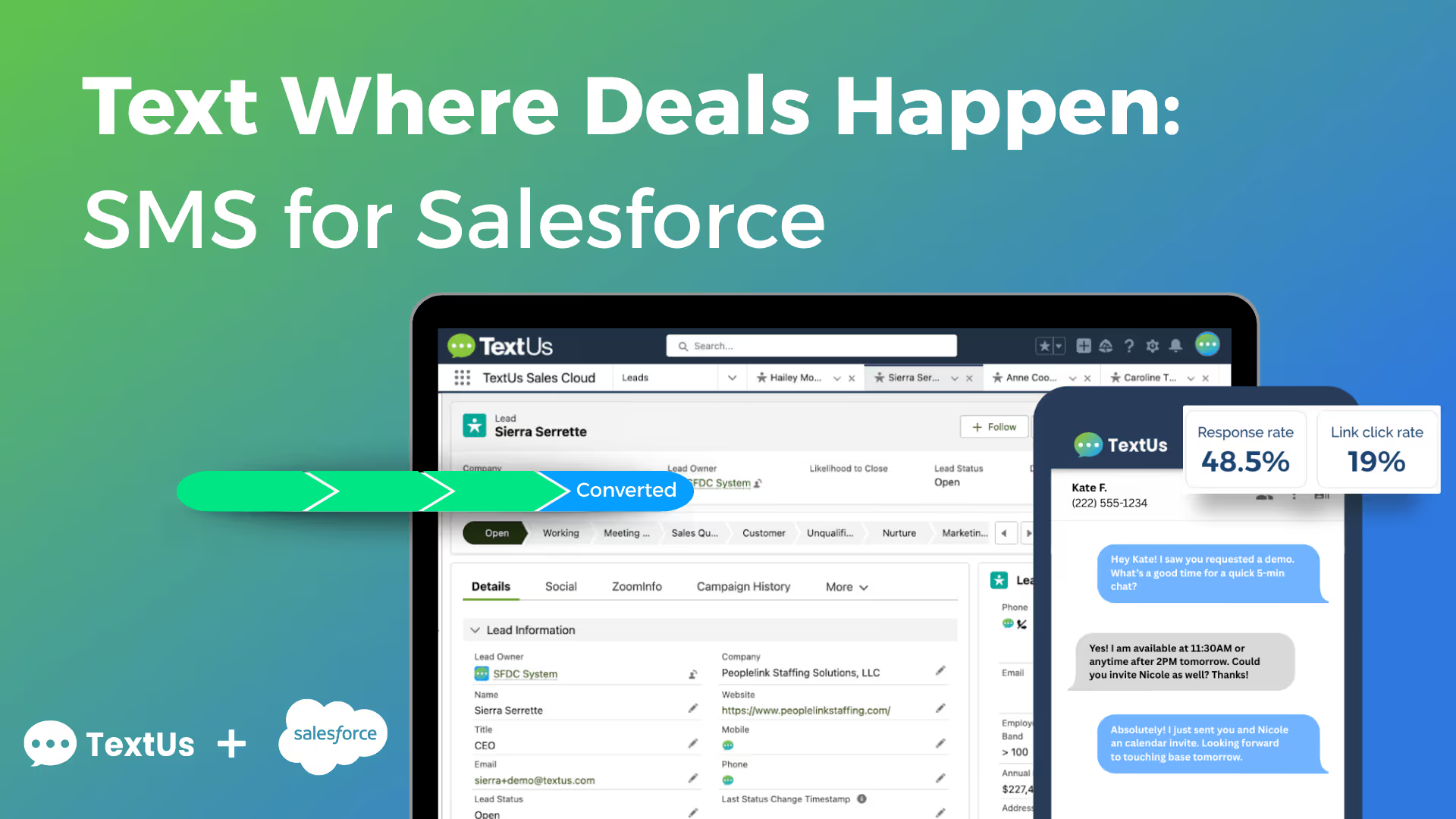
Your sales team needs to reach prospects at the moment interest is high. If they aren’t texting, they’re missing that window.
With people checking their phones over 100 times a day, texting is where conversations are happening. If your team already works in Salesforce, it only makes sense to bring SMS into the platform and eliminate the lag between outreach and response.
In this article, we’ll explore how Salesforce SMS integration brings your messaging strategy up to speed. You’ll learn how sales teams are using integrated texting to respond faster, stay organized, and close more deals.
TL;DR
- SMS integration in Salesforce makes communication faster and easier to manage by letting reps send and receive texts within contact and lead records.
- Salesforce sends text messages based on triggers like lead status, deal stage, or specific actions.
- SMS messages can be personalized using CRM data, which makes it easy to include contact names, relevant context, and precise timing for better engagement.
- SMS is used across a range of high-impact workflows, including lead follow-ups, appointment reminders, reactivation campaigns, event promotions, billing alerts, and internal team notifications.
- TextUs delivers these capabilities inside Salesforce, offering two-way SMS, automatic message logging, campaign tools, workflow triggers, and contact syncing.
Why Texting Matters for Sales Teams
What makes texting effective is not just the medium itself, but how easily it fits into your team’s process. It’s fast, direct, and far more likely to reach a prospect than traditional channels.
With average open rates below 20%, email is sometimes delayed or ignored. Texts are seen and read within minutes, which makes them ideal for timely outreach.
Texts are also less disruptive, easier to respond to, and better suited for quick check-ins that can be directed to a particular stage in the buyer journey.
Finally, a short, well-timed message builds rapport and keeps deals active, especially when it aligns with the viewer’s interests and direct behavior cues from previous interactions.
With TextUs and Salesforce integration, now you can meet in the middle. You can send and receive messages straight from any contact or lead record in Salesforce, with every conversation automatically logged.
You can also build SMS steps into automated workflows, so follow-ups, reminders, and check-ins happen right on time.
Book a demo with TextUs today and start having better conversations that move deals forward!
How to Set Up SMS Integration With Salesforce
With real-time texting built into your CRM, your team can connect faster, track interactions automatically, and increase overall response rates.
Here are the steps to set up SMS integration in Salesforce, and what to consider before launching your messaging strategy.
Step #1: Choose the Right SMS Integration Tool
Start by choosing the best SMS marketing software that integrates natively with Salesforce Service Cloud. The solution should have all the capabilities your team needs, such as two-way texting, automation support, message logging, and SMS templates.
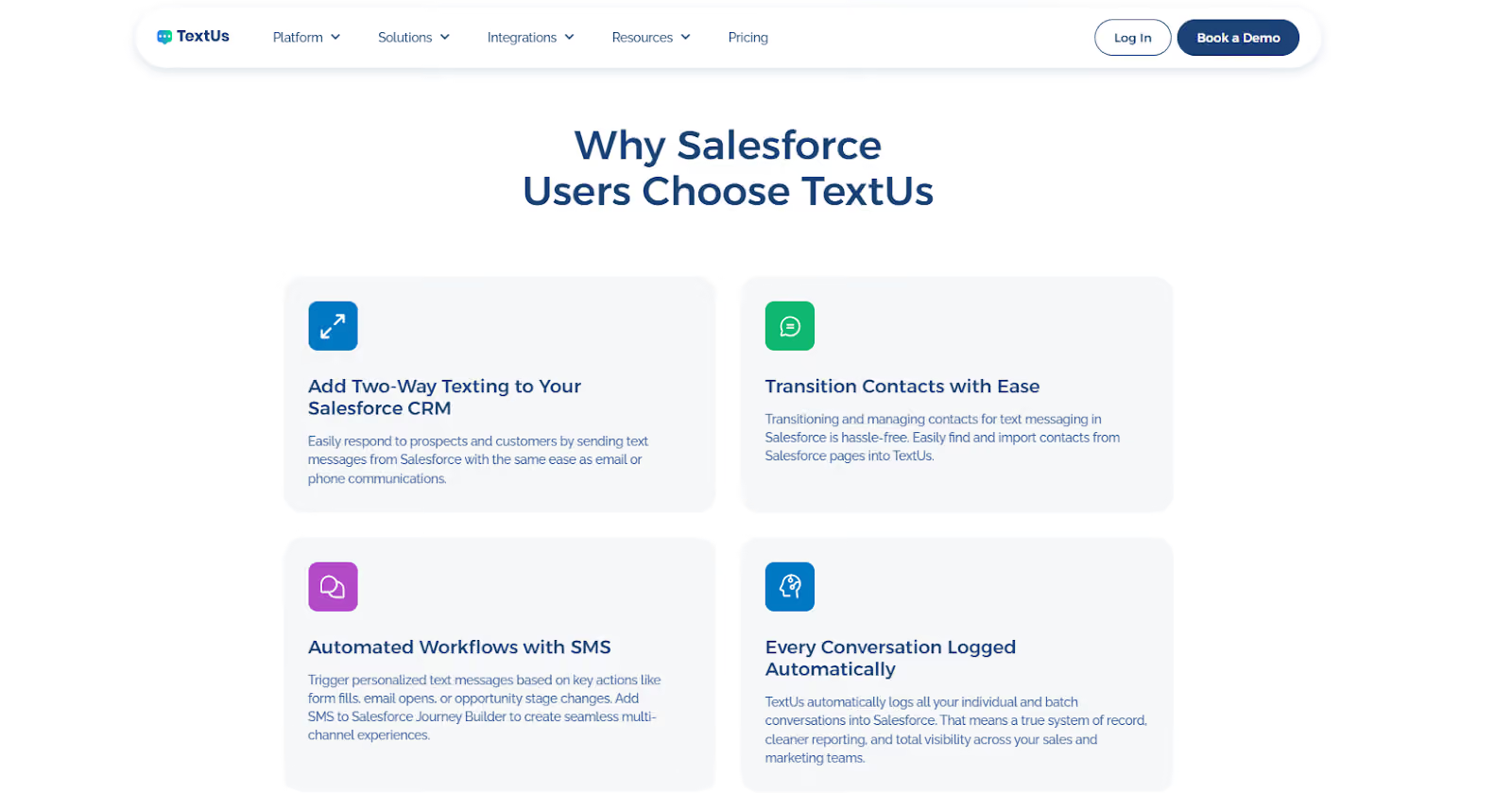
TextUs checks all these boxes. It’s purpose-built for sales and support teams using Salesforce who need to follow up in real time and keep every message tied to the right contact.
Other reputable tools also support cookie-based preferences and compliance controls. They may include options like a cookie consent manager or methods to collect consent, which are necessary for secure messaging and website interaction.
Step #2: Install the AppExchange Package
After choosing an SMS provider, you can install the TextUs for Salesforce App from the AppExchange and follow the guided configuration steps.
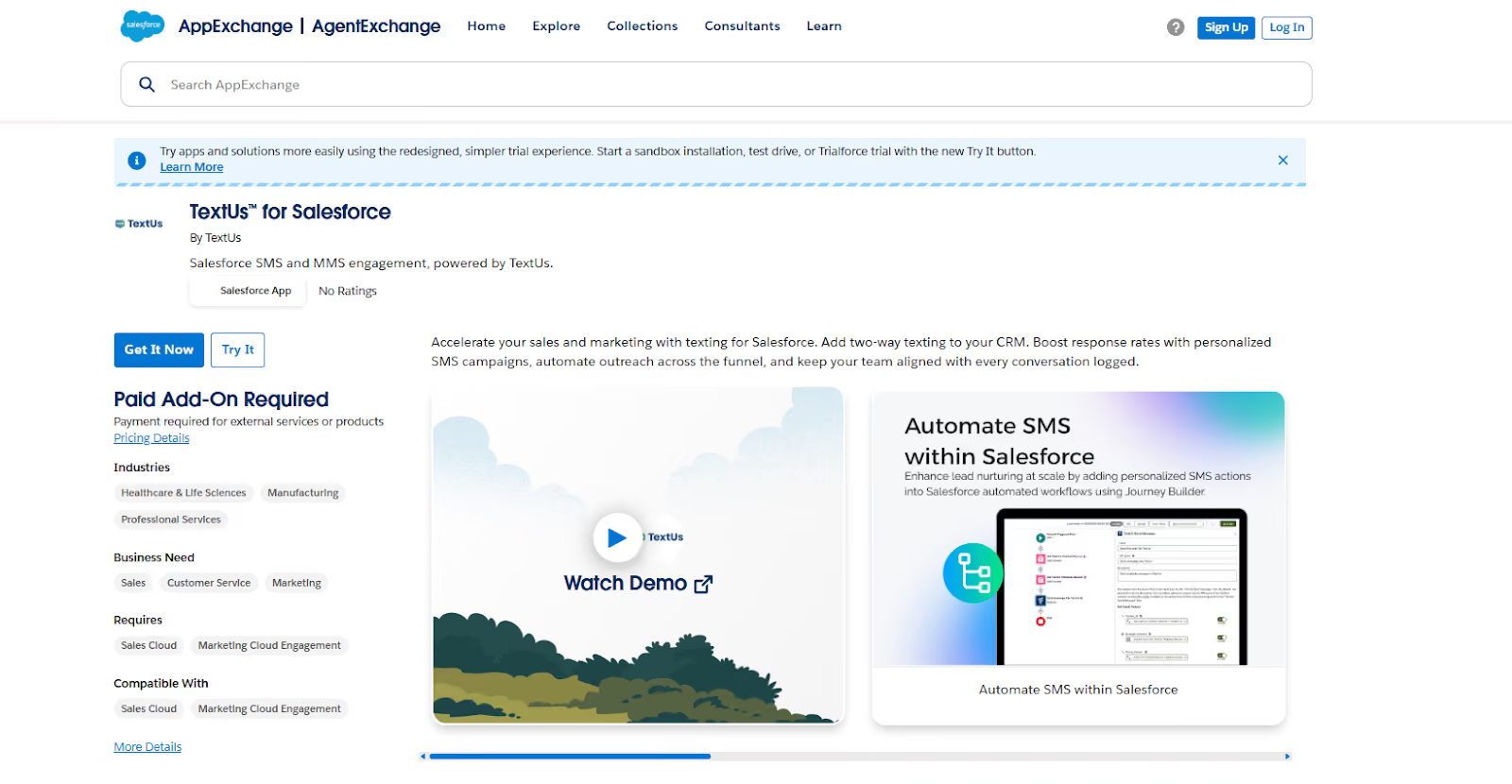
When you install the package, you will be prompted to log in with your Salesforce credentials and choose the appropriate install options. After installation, the next step is configuring the app settings inside Salesforce.
This configuration includes updating default settings like how activities are logged and enabling text activity triggers, so text interactions are recorded correctly in your Salesforce org.
If you use web forms to collect opt-ins, include a checkbox label clearly explaining what users are agreeing to. Your privacy policy should explain the use of required cookies and any options to accept all cookies.
Step #3: Configure Automation and Workflows
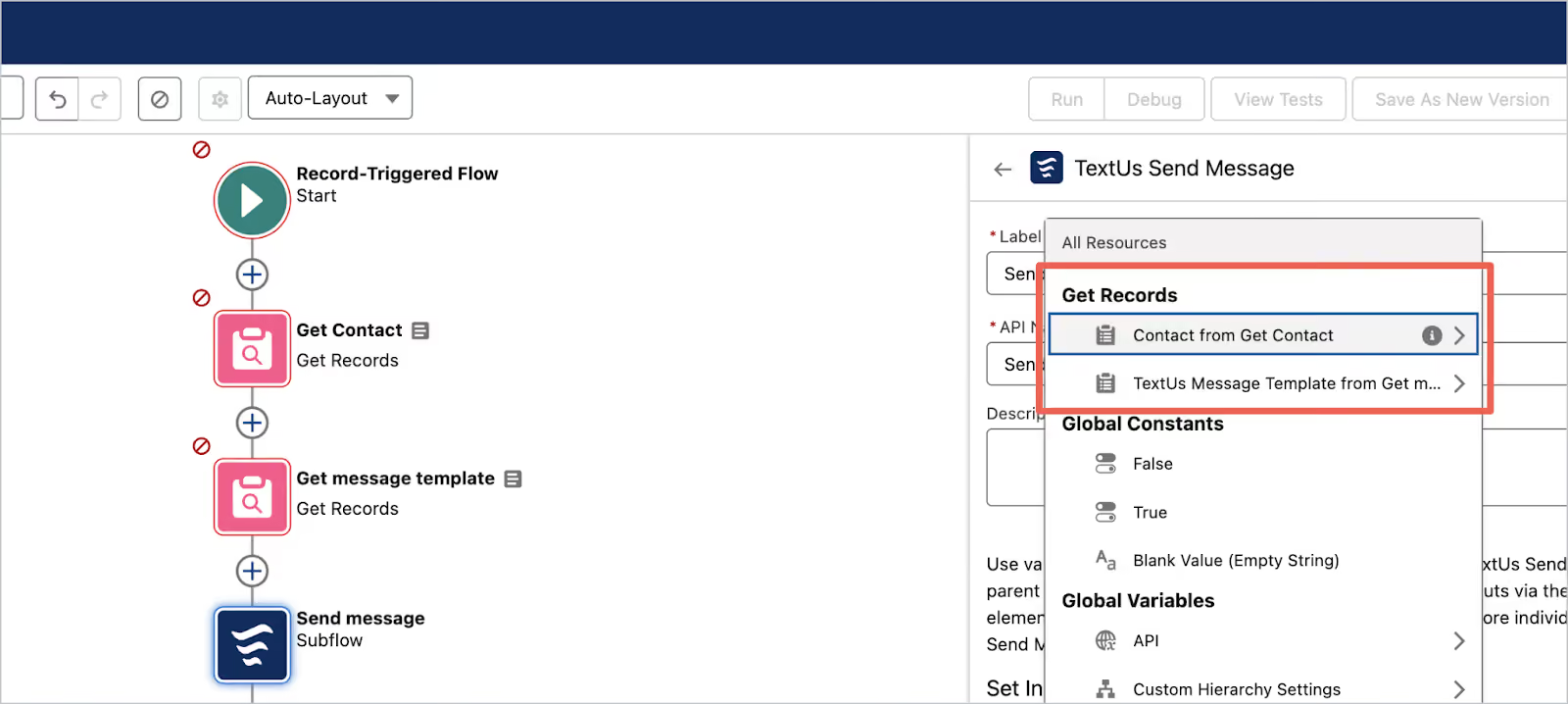
You can use Salesforce automation tools like Flow or Process Builder to trigger SMS messages. You can set up messages to send when leads are created, status changes, or when renewal dates approach.
If your opt-ins are tied to form submissions, disclose how you analyze website usage and explain which cookies are used for market research or personalization. Consent should be clear and specific to each action.
Step #4: Set Up Message Templates and Campaigns
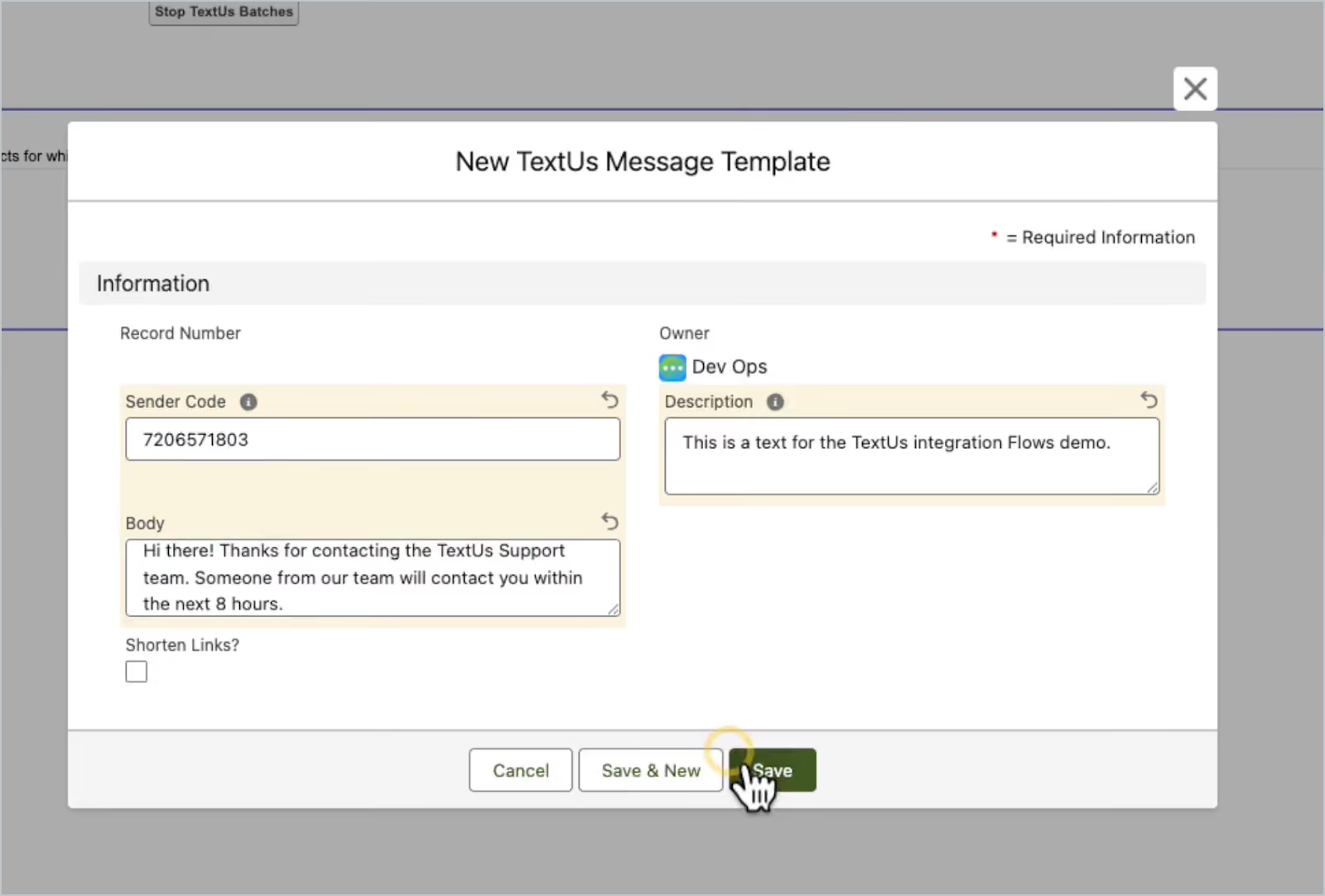
You need to create pre-approved SMS templates to help your team save time and maintain messaging consistency.
You can personalize messages using Salesforce fields like first name or last interaction, so you can understand a viewer's interests and direct them to specific marketing content.
For public-facing opt-in forms, you can include messaging that explains how communications are tailored. If you’re using first-party data, this is a good time to clarify how it helps direct them to specific marketing offers without compromising their privacy.
You’ll also want to link to your privacy policy, where you include your cookie details and explain how advertising cookies may be used to deliver offers to your interests.
Step #5: Monitor Performance and Stay Compliant
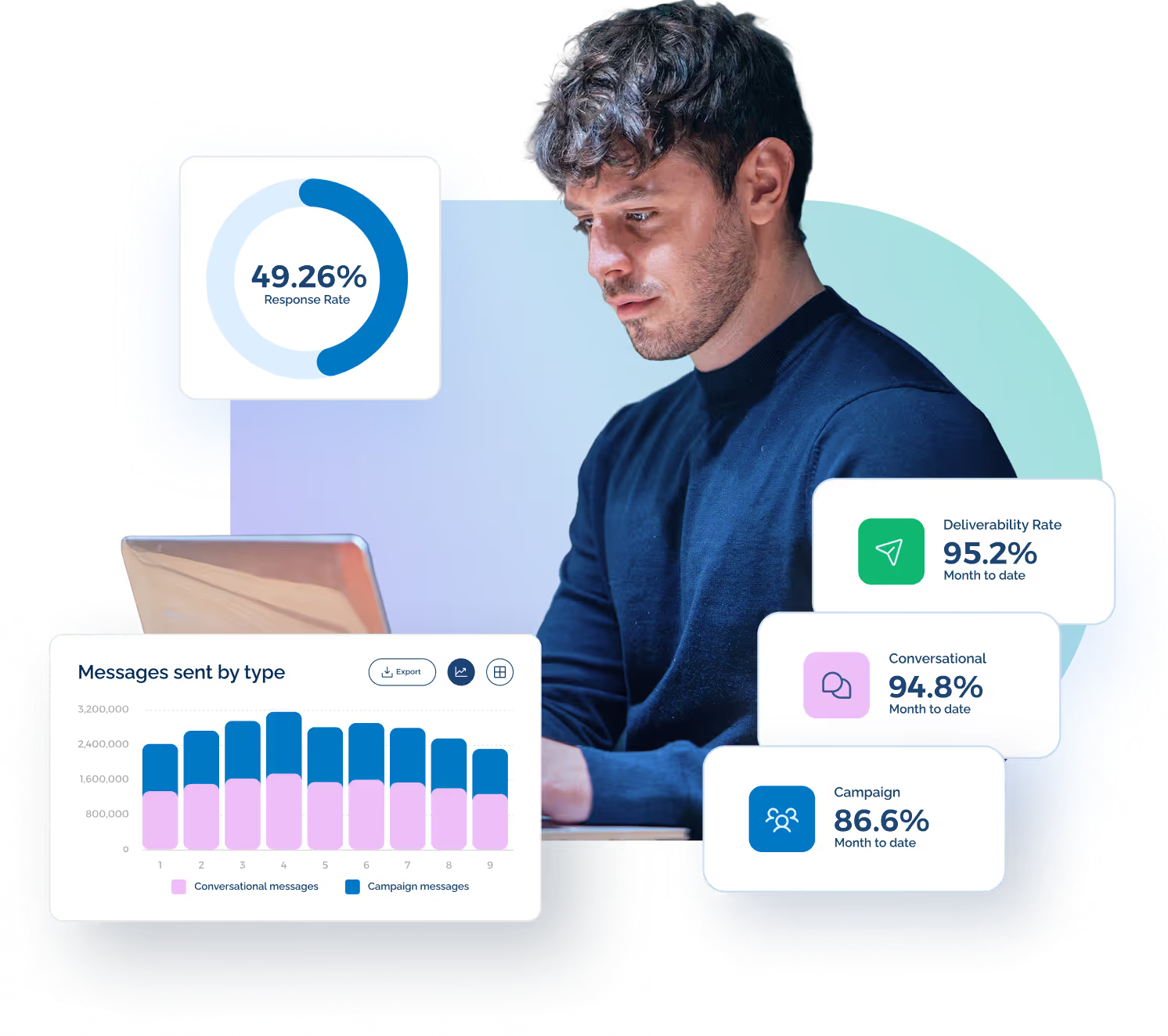
After launching your SMS integration, you need to monitor message delivery, open rates, and replies directly in Salesforce reports.
You can use this data to adjust timing and audience targeting while reviewing performance to analyze website engagement and website usage trends tied to SMS opt-ins.
On the compliance side, be sure to document your approach to privacy. Revisit how you handle cookie preferences and consent records. Any site traffic cookies used should be disclosed, especially if they influence your messaging strategy or segmentation.
If your system relies on tracking, make it clear that cookies are placed with your consent and support the usage and tailor future messages based on behavior.
TextUs Is Built for Sales Teams Using Salesforce
TextUs integrates with Salesforce to give you a faster and more efficient way to connect with prospects through text. It brings SMS communication into your existing workflow, so that every message is sent, received, and tracked without leaving the CRM.
Two-Way Texting From Salesforce Records
Sales reps can send and receive text messages from lead or contact records in Salesforce. This makes it easy to start a conversation the moment a prospect engages.
With no need to toggle between systems, your team stays focused and connected throughout the sales process.
Auto-Synced Text Conversations
Every interaction is automatically logged into Salesforce to make sure you’ll always have an up-to-date history of client communication. It eliminates manual data entry, prevents lost follow-ups, and makes sure your team always has the full context of every conversation.
Add SMS Actions to Salesforce Workflows
TextUs allows you to trigger SMS messages based on actions, stages, or timelines within Salesforce.
Whether you are welcoming new leads or checking in before renewals, each message can be delivered at the right time with consistent follow-through.
Rich Text Features
TextUs offers a suite of tools built for structured, measurable communication. Teams can create and reuse message templates to save time and ensure brand consistency.
Campaign messaging also allows for targeted, segmented outreach to specific groups of contacts within Salesforce. Link tracking gives insight into recipient engagement, providing real-time feedback that can inform follow-up strategy.
Quick Contact Import
Bringing your CRM data into your messaging tool should never slow your team down.
TextUs syncs contacts from Salesforce instantly, making sure your outreach lists are always current and accurate. New leads, updated phone numbers, and changes to contact records are reflected.
Power Your Sales Outreach Without Leaving Salesforce—Try TextUs!
If your reps are still relying on slow email threads or juggling separate apps to follow up, it’s time to bring texting into Salesforce.
TextUs helps you connect with prospects faster and keep every conversation aligned with your pipeline. It combines CRM structure with advanced SMS capabilities that support real-time communication and digital engagement.
With TextUs, your team can send SMS messages from any Salesforce contact or lead record. Every message is automatically logged, every follow-up can be triggered through workflows, and every conversation stays within the CRM.
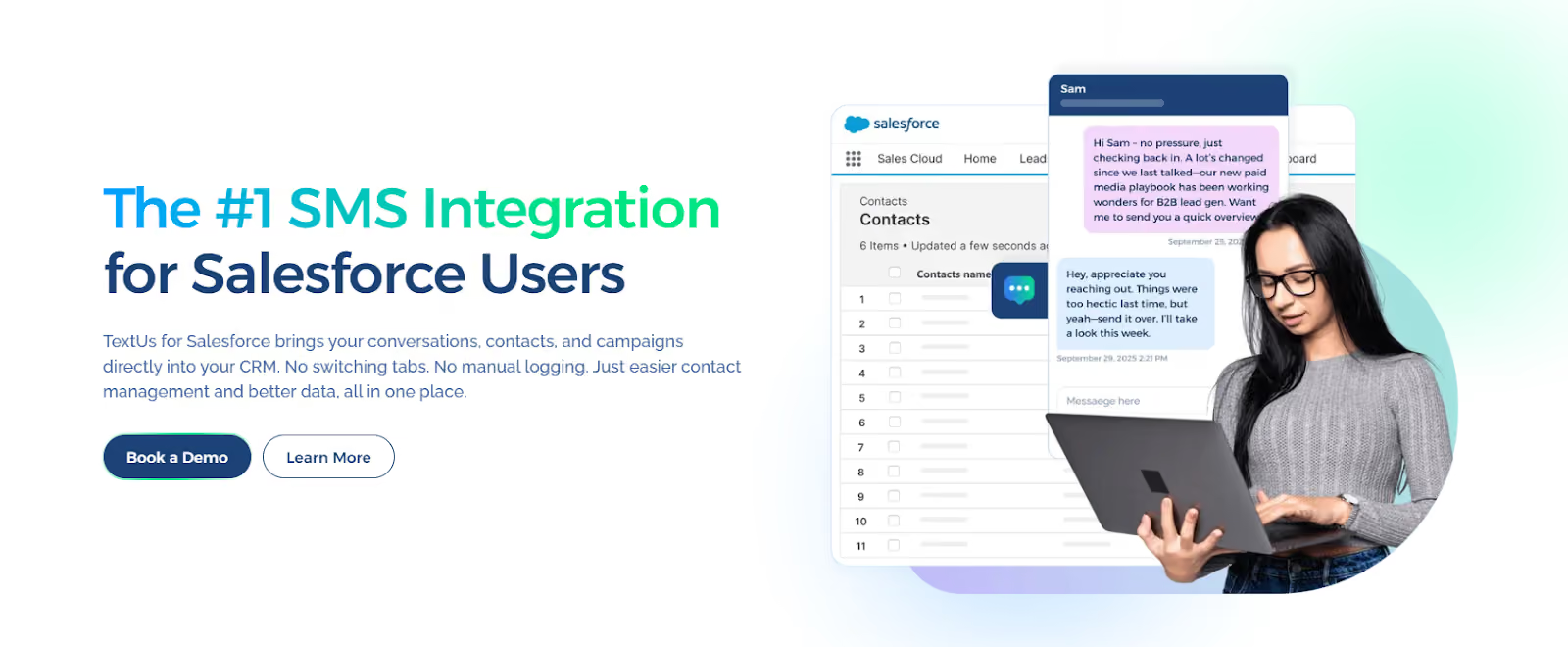
See how TextUs turns Salesforce into a real-time messaging engine built for sales. Book a demo with TextUs today and start turning every conversation into an opportunity!
FAQs About Salesforce SMS Integration
Does SMS integration with Salesforce keep customer data secure?
Yes. Salesforce SMS integrations are designed with security best practices to safeguard customer data. Platforms that follow modern data standards use website authentication cookies and encrypted protocols to transmit the website authentication securely and prevent unauthorized access.
All SMS interactions are logged inside Salesforce, so sensitive details stay within your Salesforce org and ensure protection at every stage of the workflow.
How can marketing teams use SMS in Salesforce?
Marketing teams use Salesforce to send text messages that support a variety of outreach strategies, including campaigns, follow-ups, and event alerts.
When using Journey Builder or Flow, you can automate sequences and direct them to specific marketing content based on user behavior or past interactions.
These messages can be enhanced through insights gathered from research and cookies used across websites. It gives teams better tools to tailor messaging based on usage trends and drive stronger engagement.
Are cookies necessary when connecting SMS with web-to-lead forms?
Yes. Some cookies are necessary for basic website functions, such as syncing lead data into Salesforce when users submit a form. Functional cookies enhance functions like data capture accuracy and help maintain website authentication cookies for session consistency.
Also, cookies support functions, performance, and services by allowing the system to analyze site traffic cookies and measure how effective your forms are at generating leads.
Be transparent about the use of cookies on our websites, and make sure users have the option to accept or reject non-essential categories.
What should I include in my cookie notice when using SMS opt-in forms?
If you're collecting phone numbers for SMS campaigns, your cookie notice should clearly explain how cookies are used.
You should disclose if advertising cookies track activity or if any are used for remarketing or interest-based promotions. Also, note whether functional cookies are required to ensure your website works properly or to improve form reliability.
It’s important to state that cookies are only placed after user consent. Provide toggles so users can decide whether to consent to us placing required functional and advertising cookies.
You also need to be clear about settings and preferences, and click paths that allow users to control cookie categories at any time.
Continue Reading



Frequently Asked Questions
How does Salesforce SMS integration help sales teams close more deals?
Salesforce SMS integration gives sales reps a faster way to follow up with prospects directly from their CRM. With texts logged automatically and workflows triggering outreach at key moments, teams stay responsive and consistent — which directly improves conversion rates.
What Salesforce SMS automation workflows drive the most pipeline?
The highest-impact Salesforce SMS automations are: immediate lead follow-up texts triggered by form submissions, pre-meeting reminder texts, post-demo check-in sequences, and stalled deal re-engagement texts. Each targets a specific high-drop-off moment in the pipeline.
How do you set up SMS automation in Salesforce?
Set up Salesforce SMS automation by installing a business texting app from the AppExchange (like TextUs), connecting it to your Salesforce org, and configuring workflow rules or process builder triggers to send texts based on the CRM events you want to automate.
Business Texting
Built for Results
Create and convert pipeline at scale through industry leading SMS software