Learn More About the Zapier Integration
Get the complete breakdown of workflows, templates, and setup in our release notes.
View Release Notes


Every missed follow-up or delayed message is a lost opportunity. If your team spends time toggling between platforms or manually sending reminders, it’s time to automate.
Zapier SMS integration connects your SMS marketing platform with multiple apps to send texts automatically based on actions or triggers. Campaigns are sent timely, data stays synced, and your team spends less time on repetitive tasks.
In this article, we’ll break down what Zapier SMS integration is, provide time-saving SMS templates, and step-by-step guidance to help you start building smarter, faster messaging workflows.
Zapier is a workflow automation platform that connects other apps you use every day. It acts as a connector between your CRMs, form tools, calendars, spreadsheets, or email platforms.
A typical Zapier integration uses two parts:
.gif)
With the new Zapier integration, TextUs can now work with tools like Slack, Google Calendar, Salesloft, ActiveCampaign, Zoho CRM, Google Sheets, and thousands more.
Now, your most important conversations can be triggered and tracked automatically, so your team can focus on engaging customers instead of managing systems.
If you’re syncing contact data or automating follow-ups, this integration helps your conversations move at the speed of your business.
Explore Zapier + SMS integration — book a demo with TextUs today!
If you’re new to automation or just looking to save time, TextUs has ready-made workflows that can simplify your setup and help teams start sending texts based on specific events or CRM activity.
With this Zap, every time a new message is received in TextUs, your team is immediately notified in a Slack channel of your choice.

This keeps the right people in the loop without having to refresh inboxes or toggle between apps. It’s useful for teams that manage shared conversations or rotate responsibilities.
You can automatically create a contact in TextUs whenever a new record is added to Zoho CRM. This Zap pulls in details like the contact’s name, phone number, business name, and tags.
Therefore, you’re not working off an existing record that’s missing data or disconnected.
This template allows your team to follow up instantly after a call is logged. Once a call is recorded in Salesloft, the Zap acts as a trigger app to trigger SMS messages through TextUs.
It’s a smart way to keep conversations moving and ensure every prospect or client receives timely follow-up while the conversation is still fresh.
When someone fills out a form through Jotform (you’ll see the Jotform logo appear when setting it up), this Zap automatically creates a new contact in TextUs.

It’s ideal for new Jotform submissions tied to lead capture, job applications, registrations, or any intake form.
Instead of letting email bounces go unresolved, this Zap sends an SMS to the contact using TextUs. It gives you another chance to confirm the person’s information or re-engage them through a more reliable channel like text messaging.
Every time a contact opts out of receiving SMS messages, this template logs their phone number and details in a designated Google Sheet.

This gives your team a live, centralized view of unsubscribe activity to support compliance and record-keeping.
You can trigger reminder messages from Google Calendar (look for the Google Calendar logo) using this template. You might send SMS notifications based on upcoming events, meetings, or appointments to reduce no-shows and boost attendance.
While the prebuilt Zap templates make it easy to get started, the real strength of the integration lies in how much you can customize. You can build Zaps that match your exact communication process and support your customer base with more flexibility and scale.
With support for thousands of apps, Zapier lets you trigger SMS messages from nearly anywhere. Whether it’s Facebook Lead Ads, a CRM update, or a form submission, you can automate messages when it matters most.
This helps your team stay responsive without having to manually track these events. It also ensures your contacts receive the right message content at the point of action.
Instead of updating contact records in multiple systems, you can use SMS by Zapier to keep contact data aligned. When a contact is added or changed in one platform, that existing data is immediately updated in TextUs.
It reduces the chance of missing critical updates, ensures messaging accuracy, and makes sure your team always has access to the latest contact information.
You can automatically track and log important activity from TextUs into project management tools, spreadsheets, CRMs, or support platforms.
For example, you might want to log specific action responses into a spreadsheet, notify a manager of status changes, or tag a contact when a conversation needs confirmation or review.
This improves visibility across your organization without requiring team members to update status or copy over conversations manually.
Every team has its own process, and the TextUs + Zapier integration is built to adapt. You can design custom, multi-step Zaps with filters, conditions, and branching logic that support complex workflows.
For example, a service team might set up a workflow that sends MMS follow-ups after customer intake, or a sales team might automate messages for new leads coming from form submissions or Google Calendar events.
You are in full control of how and when communication happens. This level of customization ensures your automation strategy scales with your business, not the other way around.
Setting up the TextUs connection in Zapier is a one-time task that lets your team automate text messaging workflows across more than 8,000 applications.
After completing this setup, you will be able to use TextUs to send messages, update contacts, and trigger automated actions based on the tools you already use.
Note: This connection only needs to be set up once. All messages sent through Zaps will use the authenticated admin account as the sender.
Your conversations deserve to move as fast as your business does. With the Zapier and TextUs integration, you can keep them moving faster, smarter, and with less manual work.
Whether you want to send SMS messages when a deal closes or notify your team the moment a message comes in, this integration gives you complete control without writing a single line of code.
You can build powerful workflows that keep your team responsive and your communication consistent, without jumping between systems.
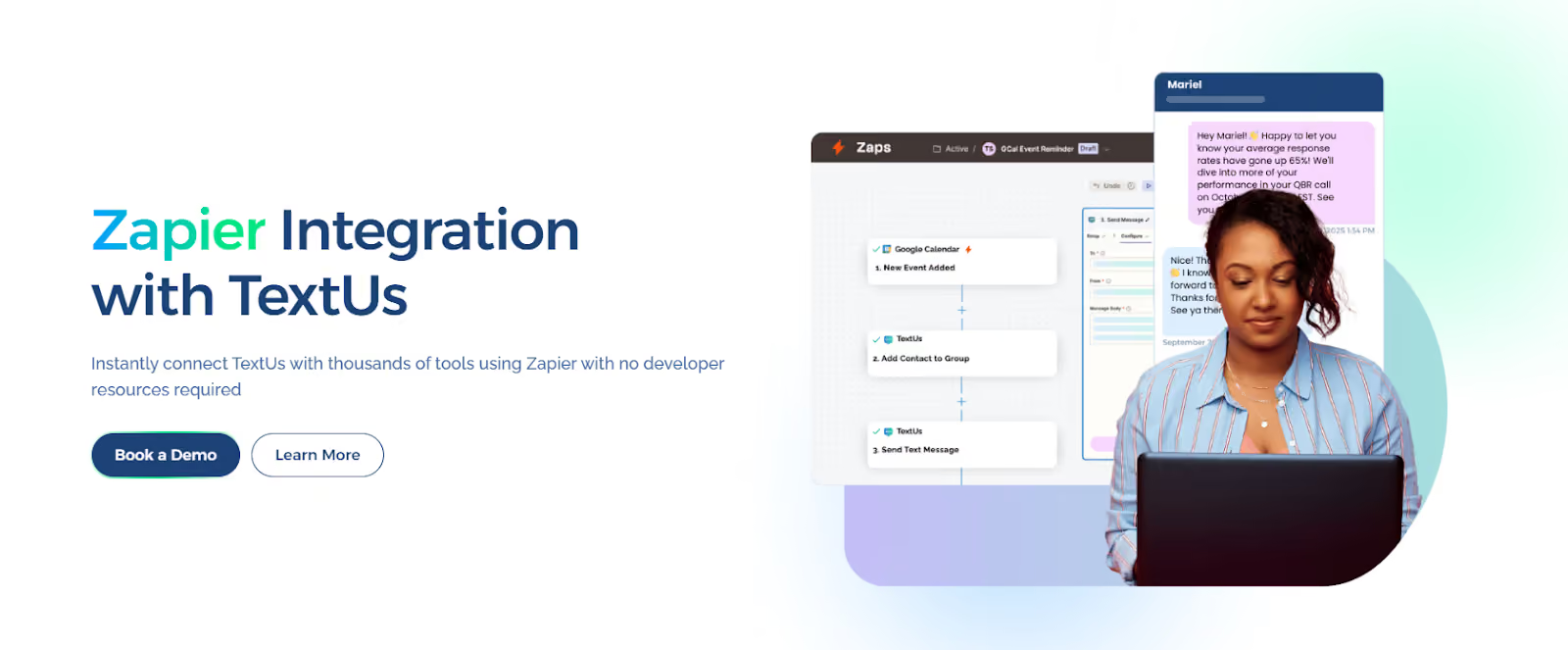
Start automating your outreach and turn routine communication into high-impact conversations. Book a demo with TextUs today!
Yes, it can, but with integration. Zapier lets you connect to SMS platforms like TextUs to send text messages automatically. You just need to set up a Zap that tells TextUs when to send a message based on an action from another app, such as a form submission or a new contact in your CRM.
Some providers, such as Twilio, offer limited free credits for testing purposes. However, most business-ready SMS platforms charge based on usage.
Free APIs often come with a limited number of messages and lack features that companies rely on, such as text alerts, opt-out tracking, or message logging tied to contacts.
Yes. SMS automation is one of the most valuable features Zapier supports. You can build automations to send messages based on real-time actions. These automations can be easily managed using the Zap editor, giving your team control without needing technical skills.
Zapier is better suited for business workflows. It connects with thousands of professional apps and supports multi-step automation with trigger, action, and logic. IFTTT is more consumer-focused, often used for smart devices and home automation.
If your company relies on tools like CRMs, scheduling platforms, or communication systems, Zapier offers the scale and control required to manage business communication at speed.
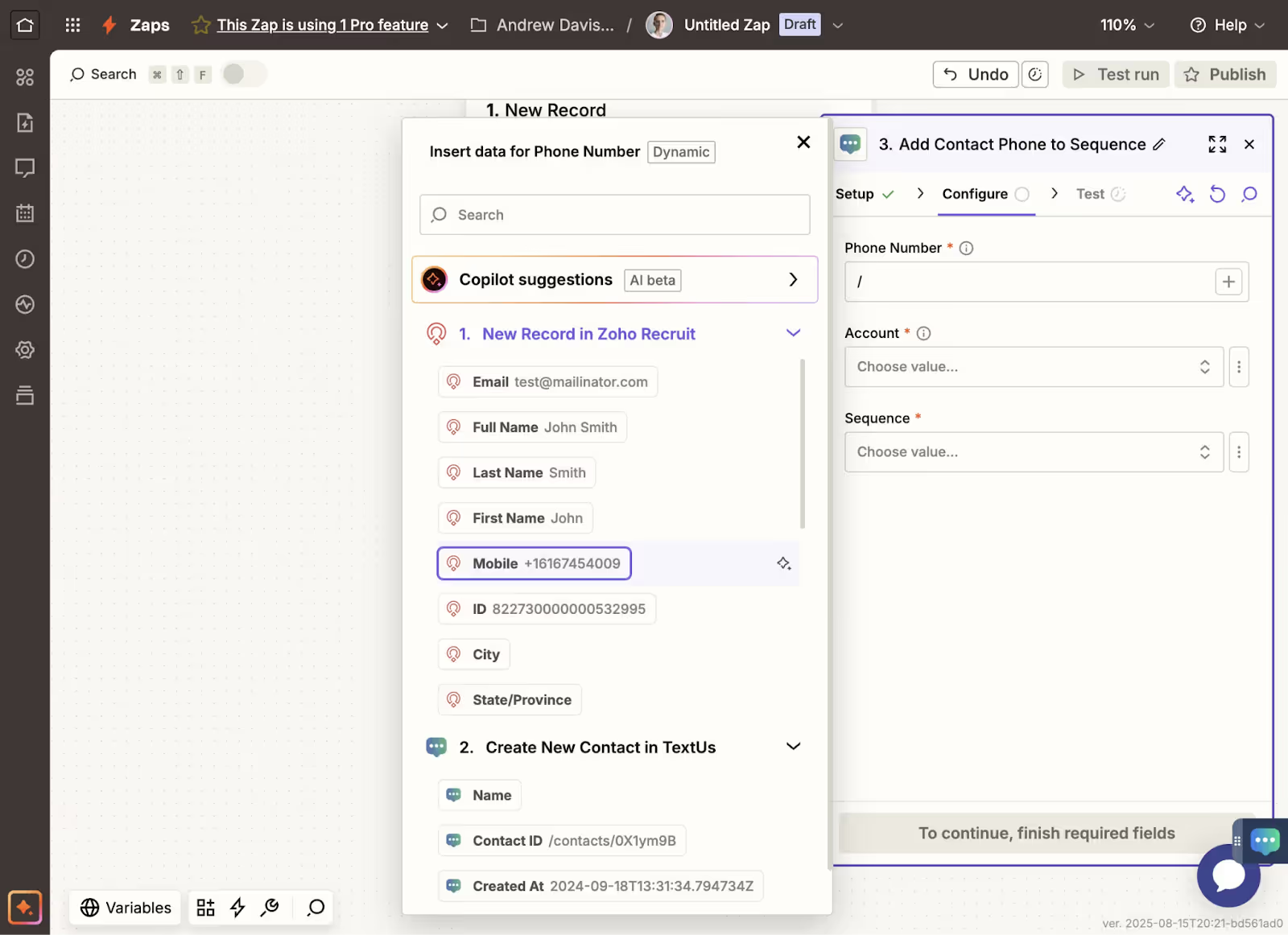
Zapier SMS integration connects your SMS platform with thousands of other apps through automated workflows (Zaps). When a trigger event happens in one app — like a new form submission or CRM update — Zapier automatically sends a text message without any manual action from your team.
Zapier SMS can automate lead follow-up from form submissions, appointment reminders from calendar bookings, order status updates from e-commerce events, support ticket follow-ups, and recruiting candidate notifications — essentially any workflow where a business event should trigger a text message.
No coding required — Zapier is designed for non-technical users to build automated workflows through a point-and-click interface. Connecting your SMS platform to trigger apps and configuring the text message content typically takes minutes, not hours.
Create and convert pipeline at scale through industry leading SMS software