
How to Use the TextUs + Microsoft Dynamics SMS Integration
Discover the benefits to Dynamics 365 text messaging to enhance communication workflows and boost response rates with this new TextUs integration.

Written by
Published
October 17, 2022
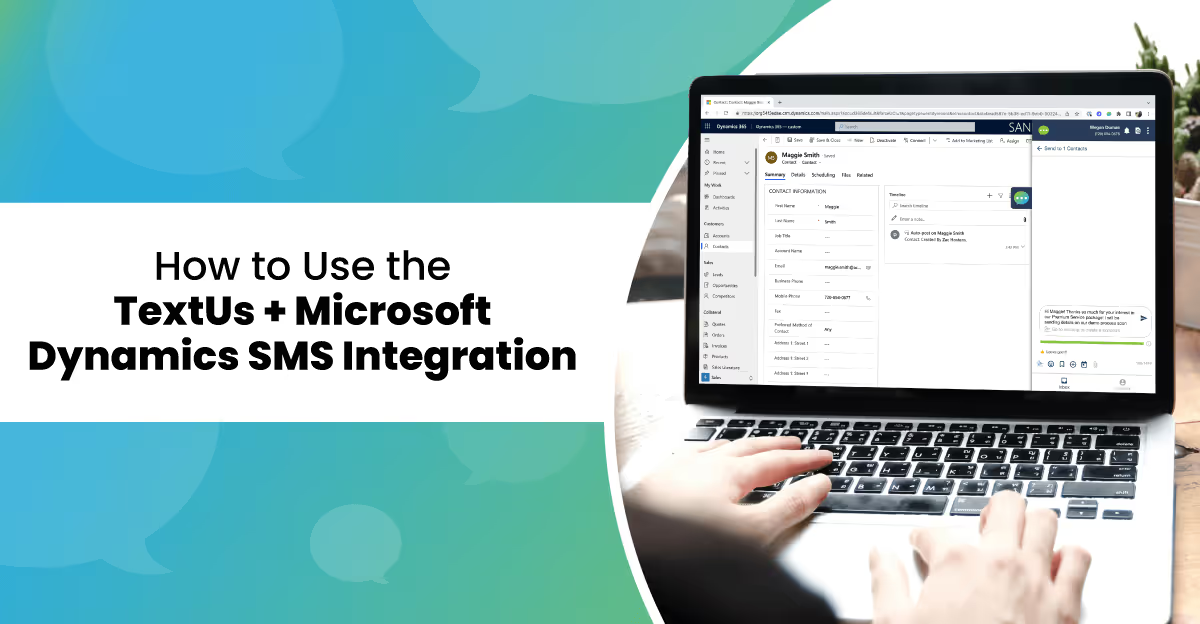
TextUs builds integrations with our users in mind. One of the top features for SMS is having the capability to integrate with a customer relationship management (CRM) tool. We are now offering Dynamics 365 text messaging as part of the Microsoft Dynamics suite of tools.The TextUs and Microsoft Dynamics SMS integration enables sales and customer service teams to send and receive real-time, two-way text messages from MS Dynamics to enhance communication workflows and boost response rates. Dynamics 365 text conversations are logged back into MS Dynamics, making text messaging a seamless extension of current business systems, and streamlining data into one system of record.[embed]https://youtu.be/aj8ORZSoPQ0[/embed]
Key Features of TextUs + Dynamics 365 SMS
You want a tech integration that lets you improve your communication with users. Having access to your contacts, content, and campaigns built into your MS Dynamics platform, you can easily achieve results without added labor or switching between platforms.Improve your workflows with:
- Conversational Texting. Increase prospect and customer engagement by adding two-way texting to Microsoft Dynamics, and use built-in quick text features for a fully integrated experience.
- Seamless Contact Import. Easily find and import contacts or click-to-text numbers with Dynamics 365 SMS.
- Conversation Logging. Keep your team on the same page by auto-logging text communications back into Dynamics 365 for a single system of record.
Benefits of Dynamics 365 Text Messaging
With the TextUs and MS Dynamics integration, users will be able to experience more capabilities in their customer relationship management and sales processes including:
- Message personalization. We have seen text message response rates increase when personalized in an effort to build relationships with your customers and prospects.
- Rich media. Incorporate photos, videos, GIFs, and PDFs into your messages to increase engagement and customization.
- Message templates. Save time and utilize Dynamics 365 text messaging templates that all team members can tailor to meet their personalization needs without reinventing the wheel.
- Campaigns. Target your audiences with campaigns that integrate with your workflows and organically build relationships and conversations throughout the lifecycle.
- Link shortening. With premium features available, you can brand your short links in order to build credibility and brand awareness with your users—all from your MS Dynamics integration.
- Reporting and analytics. Learn which text messages are resonating with your audience and do more of what works to improve your sales and customer experience.
Use your SMS integration to collaborate with team members and see who is communicating and what type of content is being sent to users in real-time. Never guess what has been done or said again—or wait to see results.
How to Use MS Dynamics Integration
In order to take advantage of the Microsoft Dynamics SMS integration, users will need a few requirements:
- Microsoft Dynamics 365 CRM
- Integration enabled in both TextUs and MS Dynamics
- TextUs Chrome Extension
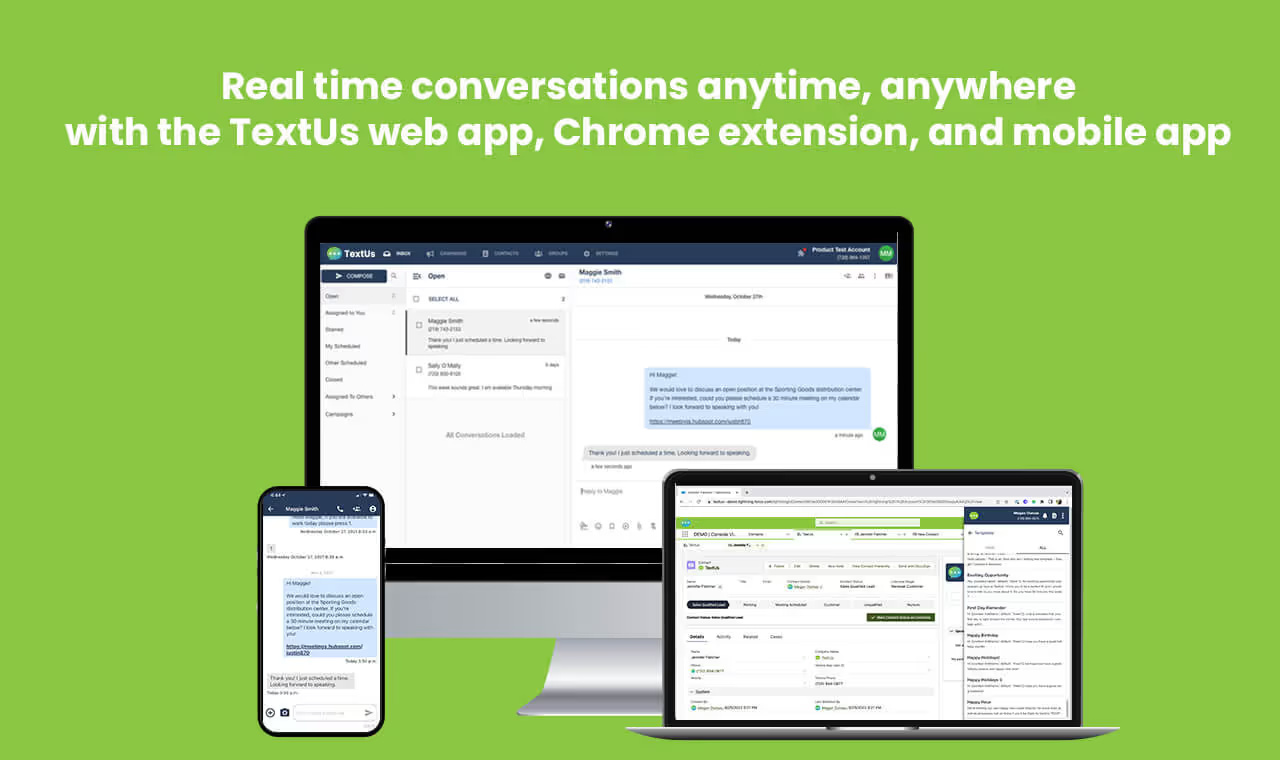
The TextUs Chrome Extension makes it easy for users to work while in Dynamics 365 either with easy slide-out functionality or open the pop-out window for a more full-feature experience. You can manage conversations and see your responses right away with real-time notifications from within the Chrome Extension.Start using Dynamics 365 SMS today, by visiting our app in the Azure Marketplace. Happy texting!
Continue Reading



Frequently Asked Questions
How does the TextUs and Microsoft Dynamics SMS integration work?
The TextUs Microsoft Dynamics integration lets sales and customer service teams send and receive text messages directly within Dynamics 365, with all SMS conversations logged against the relevant contact or account record.
What are the benefits of integrating SMS with Microsoft Dynamics 365?
Integrating SMS with Microsoft Dynamics gives teams a complete communication record in one place, eliminates context switching, enables personalized outreach using CRM data, and improves response rates compared to email alone.
Is the TextUs Microsoft Dynamics integration available for all Dynamics versions?
The TextUs Dynamics integration is designed for Dynamics 365, which is the current cloud-based version of Microsoft's CRM platform. Contact TextUs for specific compatibility details for your Dynamics configuration.
Business Texting
Built for Results
Create and convert pipeline at scale through industry leading SMS software