
RCS vs MMS: Which Messaging Format Performs Better?
Read our RCS vs MMS guide and learn how these two messaging formats differ and which one you should use. Discover how TextUs can help you out.

Written by
Adam Hamdan
Published
December 24, 2025

If you’re using messaging to connect with customers, the format you choose affects how many people you reach and how your messages get through.
Rich Communication Services (RCS) is a newer option with advanced features like read receipts and suggested replies. Multimedia Messaging Service (MMS) also lets you send visuals, but doesn’t rely on the internet or device compatibility.
However, RCS depends on specific conditions, such as app compatibility and an active internet connection. MMS avoids those issues by delivering media messages that reach users without requiring data or special setup.
In this article, we’ll break down the key differences between RCS and MMS and explain where they fit in real business workflows. You’ll also see why the most reliable messaging strategy still centers around SMS and MMS, which work together to deliver reach and visual content.
TL;DR
- RCS offers advanced features like read receipts and suggested replies, but it only works on Android devices with internet access and carrier support.
- MMS supports media content like images, audio, and videos without requiring an internet connection, and it delivers to both Android and iPhone users.
- RCS messaging can fail if the recipient’s setup doesn’t meet all requirements, while MMS works across virtually all mobile phones, including feature phones.
- For campaigns that rely on reach, consistency, and minimal delivery risk, MMS continues to be the more reliable format.
- With TextUs, you can easily send rich, media-based messages that reach your customers on time, on any device.
What Is RCS Messaging?
RCS is a messaging format that upgrades standard plain-text SMS and MMS with features similar to chat apps like WhatsApp or Facebook Messenger. It brings more advanced capabilities into the default native messaging app on supported phones.
It’s built into many Android devices and supported by carriers that have enabled RCS adoption. Because RCS uses internet connectivity, it can support better media quality, interactive features, and elements such as read receipts and typing indicators.
How RCS Messaging Works
For RCS to function properly on a user’s phone, you need these things to line up:
- The device must be Android (RCS doesn’t work on Apple devices)
- The messaging app must support RCS (such as Google Messages)
- The carrier must support RCS services
- The user must have an internet or data connection
Limitations of RCS
Even with all the features, RCS business messaging has several major limitations for businesses.
RCS does not work on iPhones and only appears between other RCS users. Even among Android users, not all phones or carriers are RCS-enabled. That makes message delivery unreliable unless you know exactly who your recipients are.
It also depends on Wi-Fi or cellular data. If your customer is in a low-signal area or offline, the message won’t be sent. Some systems try to switch to SMS or MMS as a fallback, but this is not always seamless.
In many cases, marketing messages look different depending on the phone model, app version, or network. This lack of consistency makes campaign planning more difficult.
What Is MMS Messaging?
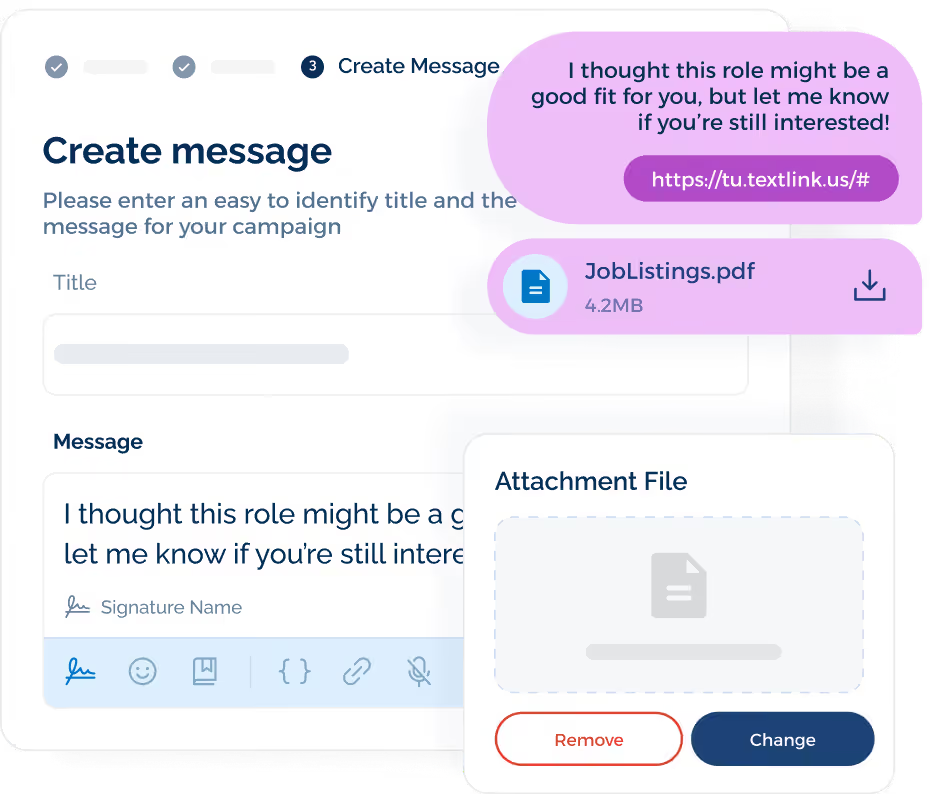
MMS is the upgrade to traditional SMS that allows you to send media content through text messages. It works with standard carrier support, which makes it compatible across a wide range of devices.
How MMS Messaging Works
MMS uses the same carrier networks as SMS but supports a larger payload. The message is sent through the carrier’s data channel, but it does not require Wi-Fi or mobile data from the user’s plan.
It works across virtually all mobile phones, including basic phones and more advanced smartphones, because it uses standard cellular networks rather than requiring internet access.
While RCS offers rich media quality and interactive buttons, MMS is more dependable across users and networks. If you send a product image through MMS, it reaches the recipient even if they’re offline or on an iPhone.
For this reason, many businesses still choose MMS for campaigns that require visuals but also need maximum reach. Book a demo and start texting with TextUs today!
MMS vs RCS: Key Differences Explained
While both support media and more advanced messaging than SMS, their technical requirements and reliability vary across each messaging channel.
Understanding these differences helps you choose the messaging type that matches your customer base and messaging goals across mobile devices.
Message Format and Capabilities
MMS allows you to send messages that include images, audio files, and short video clips. It builds on SMS by working over the same cellular network and appears in the user’s default messaging app.
RCS supports a richer message format that includes read receipts, typing indicators, dynamic layouts, and interactive elements. These app-like features make it feel closer to a messaging app than a traditional text.
Media Quality and File Size Limits
MMS can send media, but it is limited by carrier file size restrictions of around a few hundred kilobytes. This compression can reduce clarity in images and video, which impacts your visual storytelling in larger visual campaigns.
RCS supports larger media files, including high-resolution photos and longer videos. This level of media support allows for more detailed content, but only RCS users with the right setup can receive it.
If conditions are not met, behavior depends on fallback logic, which is not always consistent.
Branding and Visual Experience
MMS does not have built‑in branding features. Any branding should be included within the media itself. Customers simply receive MMS through their default messaging interface without additional sender indicators.
With RCS, you can display verified sender profiles, including your company name and logo, supported by sender verification and verified sender IDs. This creates stronger brand recognition and allows for custom branding inside the message thread.
Interactivity and Rich Features
MMS is static in nature. It can show images or video, but all interactions, such as links or calls to action, happen after users tap a link in the message.
RCS adds interactive tools that are not possible with MMS. These tools increase customer engagement by letting users respond faster within the thread instead of clicking out to a browser.
Delivery Receipts and Read Status
MMS offers delivery confirmation through carrier-level data, but there are no read receipts. This makes tracking harder, though it also avoids over-complicating the system.
RCS includes read receipts and typing indicators, which help with engagement tracking. These signals offer insights into whether the customer has seen or interacted with the message.
Internet Dependency and Network Requirements
This is one of the most important differences between MMS and RCS.
MMS works without an internet connection. It uses the cellular network, just like SMS. That’s why it’s still widely used for appointment reminders, service alerts, and visual SMS campaigns.
RCS only works when the phone is connected to mobile data or Wi-Fi. If the signal is poor or the phone is offline, messages cannot be sent or received.
In field service, logistics, recruiting, or healthcare, where every message must go through, this makes MMS and SMS the safer bet.
SMS and MMS: The Best Combination for Business Texting
When you're running a business, your communication tools need to deliver every time. Missed messages, delays, or device issues cost you resources and affect the customer experience.
You need messaging that’s dependable, fast, and compatible across a wide range of users and devices.
Together, SMS and MMS give you complete control over message delivery and presentation. They work in both RCS and non-RCS environments, with no additional configuration required.
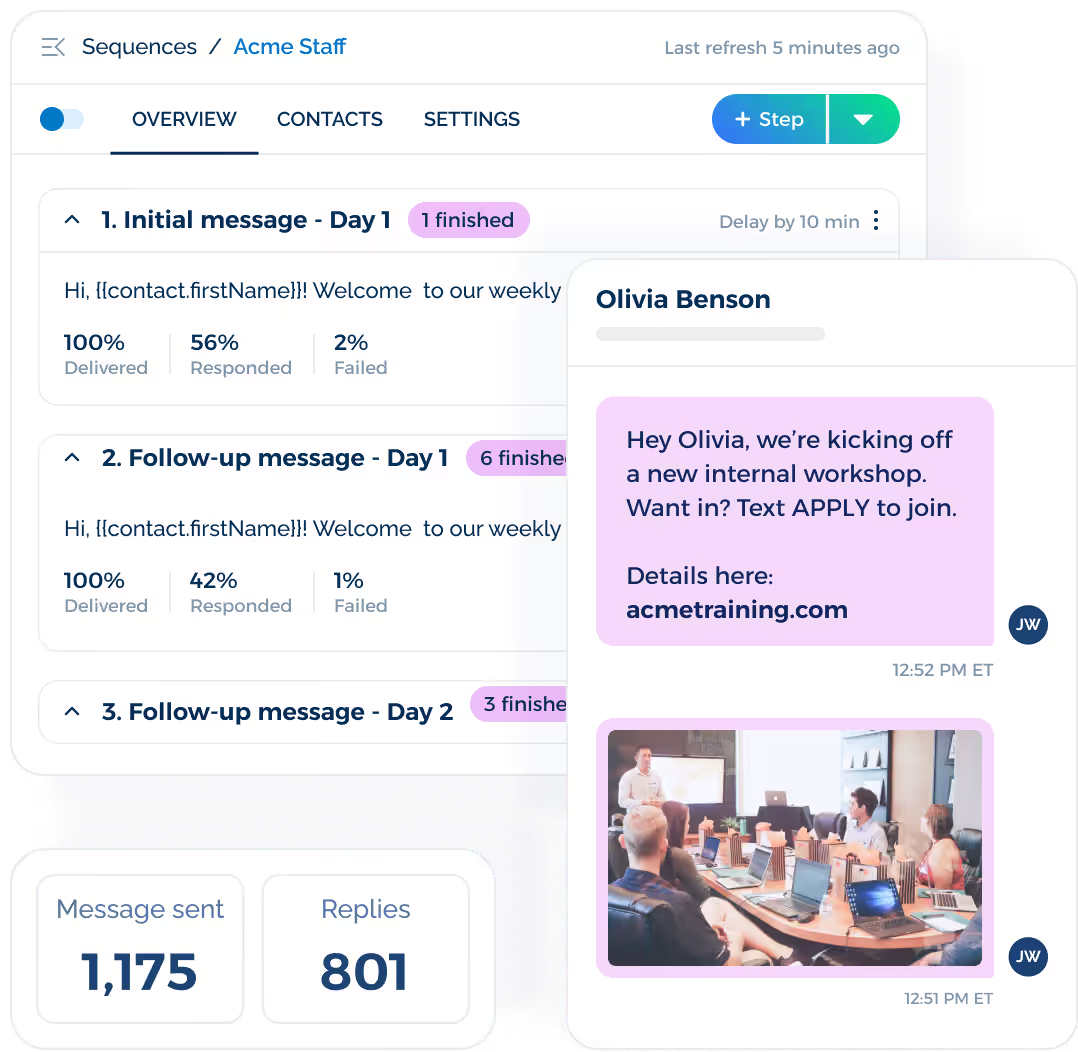
SMS handles the quick, high-volume updates your team sends daily. MMS gives you the ability to include images, longer text, and simple branded visuals that help your message stand out.
If you’re investing in communication that needs to reach people the way you intended, SMS and MMS continue to allow you to scale outreach without worrying about device compatibility or delivery breakdowns.
Real-Time, Visual, and Compatible—TextUs Makes It Reliable!
As more platforms push rich messaging features, the gap between promise and performance continues to grow. You can't afford to risk delivery when timing and reach affect your results.
MMS, paired with text-based messages, continues to offer the balance your business needs: reliable reach with visual impact.
With TextUs, you don’t have to choose between simplicity and engagement. You can send custom visuals, confirmations, and reminders to any device, all through a messaging platform built for business.
Your team connects in real time, your customers get the message instantly, and every campaign stays on track. There’s no uncertainty around device support or message delivery. You send, and it reaches your audience every time.
Book a demo with TextUs today and see how dependable messaging should work!
FAQs About RCS vs MMS
Should I turn off RCS?
If you're running a business or relying on messaging for critical communication, turning off RCS may be worth considering. While RCS adds interactivity through typing indicators and suggested replies, it depends on several factors to work.
Some users also report delays or dropped messages when RCS is enabled. Sticking with SMS and MMS helps avoid those issues. It also gives you consistent delivery across virtually all mobile devices.
Why does my text message say RCS?
You’ll see this if both you and the recipient have RCS enabled, and the message is sent over the internet rather than the carrier’s SMS/MMS network.
This happens by default on Android phones with apps like Google Messages. If the connection drops, it may fall back to SMS or MMS depending on your settings.
Why is RCS not popular?
Despite the technical improvements, RCS still faces adoption hurdles.
First, it only works on Android. It doesn’t support Apple devices, which excludes a huge segment of users. Second, RCS relies on an active data plan or Wi-Fi, while SMS and MMS work over standard cellular networks.
Also, there's no consistent support across carriers, apps, and devices, which leads to fragmented user experiences. Many people don't even realize it's enabled, or may turn it off if they face delivery issues.
This lack of standardization, along with unclear sender verification and limited compatibility, keeps businesses from using RCS at scale.
Did RCS replace MMS?
No, RCS did not replace SMS or MMS. It's designed to bring chat-like features to native messaging apps, including support for verified branding, quick replies, and end-to-end encrypted chats between select users.
MMS continues to be the more dependable choice when sending media to a broad audience, especially when reach and compatibility are more important than interactivity.
Continue Reading



Frequently Asked Questions
What is the difference between RCS and MMS?
RCS (Rich Communication Services) is a next-generation messaging format that supports read receipts, suggested replies, and high-quality media, but requires internet connectivity and device compatibility. MMS delivers multimedia messages reliably across all phones without requiring data or special app setup.
Which messaging format is better for business marketing — RCS or MMS?
MMS is currently more reliable for broad business marketing because it reaches all mobile devices regardless of operating system or data connectivity. RCS offers richer features but has inconsistent availability depending on carrier and device support.
Is RCS ready to replace SMS and MMS for business messaging?
Not yet — RCS adoption is growing but still limited by carrier and device compatibility gaps. SMS and MMS remain the most universally supported channels for business messaging and should remain core to any SMS marketing strategy.
Business Texting
Built for Results
Create and convert pipeline at scale through industry leading SMS software