
Enterprise SMS: Benefits, Use Cases, and How to Get Started
Learn how to set up enterprise SMS and explore its benefits and common use cases. Discover how TextUs can help you handle your SMS communication.

Written by
Adam Hamdan
Published
February 23, 2026

Large organizations use SMS for sales follow-ups, customer service updates, recruiting, and time-sensitive operations. The problem is that enterprise communication is already hard to manage.
Multiple departments, high message volume, strict compliance rules, and scattered customer data can turn simple conversations into a slow and disorganized process.
Enterprise messaging solves that problem by bringing control and consistency to business texting. It keeps messages inside a shared system, supports user roles and reporting, and builds compliance into existing workflows.
In this article, we'll explain the importance of enterprise SMS and why it has become a key messaging channel for large organizations. You'll also learn the most common use cases and how to implement enterprise SMS to improve customer communication.
TL;DR
- Enterprise SMS messaging turns texting into a structured, compliant communication channel designed for large organizations.
- The main benefits of enterprise SMS include faster response times, improved customer experience, stronger accountability, consistent brand messaging, and measurable performance tracking.
- Enterprise SMS supports key business functions, including sales follow-ups, appointment reminders, support updates, service notifications, SMS campaigns, recruiting outreach, billing notices, customer surveys, and internal alerts.
- Successful enterprise SMS implementation requires a clear goal, the right number type, proper consent management, message templates, staff training, a pilot rollout, and ongoing governance.
- TextUs is an enterprise SMS solution that supports business SMS with shared inboxes, CRM integrations, reporting, and built-in compliance controls.
The Benefits of Enterprise-Level SMS Messaging
Enterprise messaging is not only about sending SMS messages in large volumes. It improves how you manage conversations, respond to customers, and keep communication consistent.
Here are the main benefits of enterprise SMS for large organizations:
Faster Conversations and Higher Engagement
Enterprise SMS supports faster two-way texting than email marketing in many business situations. Most people read text messages soon after receiving them from verified business phone numbers.
Sales conversations can start faster, and support questions can get answered sooner. Texting also eliminates the need to check an inbox, which leads to stronger customer engagement.
Better Customer Experience
Enterprise SMS gives customers a simple way to manage customer communication with a business.
A customer can reply from a phone without logging into a web portal, waiting on hold, or searching through email threads. You can also send MMS messages with images, receipts, or product visuals to make your campaigns appealing.
Texting also works well for quick updates, confirmations, and reminders. It keeps communication short and easy to follow.
Stronger Team Accountability
Enterprise SMS keeps business conversations in a shared system instead of on personal mobile phones. Managers can review conversation history, response times, and message ownership.
Shared visibility also supports better handoffs. If someone is out of the office, another person can step in without losing context.
Consistent Brand Messaging
Enterprise texting support templates, saved replies, and approval controls. These key features support consistent wording, tone, and compliance language.
Customers get a similar experience no matter who sends the message. The business also avoids inconsistent messaging that can happen with personal texting.
More Measurable Communication
Enterprise SMS provides reporting on delivery, replies, opt-outs, and conversation volume. These reports make it easier to understand what needs improvement, including tracking issues like delivery failures.
SMS performance tracking also supports better planning. You can compare message types, timing, and outcomes using real-time data.
TextUs is an enterprise text messaging software that gives leadership and managers access to real-time dashboards, response time tracking, campaign reporting, and user-level activity insights.
Instead of relying on assumptions, you can see how performance-driven marketing supports revenue, customer service, and recruiting outcomes.
If measurement and oversight matter to your organization, book a demo with TextUs today!
Common Use Cases of Enterprise SMS Marketing
Here are some of the most common ways companies use enterprise SMS in practice:
- Sales follow-ups: Sales reps use SMS to contact new leads, confirm interest, and schedule meetings. Sales text messages support quick back-and-forth communication during early sales conversations.
- Appointment scheduling and reminders: Businesses use SMS to confirm appointments and send reminders before scheduled visits. Customers can reply to reschedule or confirm without making a phone call.
- Customer support updates: Support staff sends ticket updates and short status messages through SMS. Customers can ask follow-up questions and receive SMS replies in the same conversation thread.
- Service and delivery notifications: Enterprise teams send arrival windows, delivery updates, and schedule changes through text messages. Personalized bulk notification keeps existing customers informed without long email threads.
- Marketing promotions and campaigns: Marketing departments send opt-in promotions, event reminders, and product announcements using SMS marketing campaigns. Messages stay short and focused on one action.
- Recruiting and hiring communication: SMS recruiting helps you reach candidates, schedule interviews, and confirm attendance. Texting supports faster communication during the recruitment process.
- Billing reminders: Finance departments send invoice reminders and payment links through SMS. Billing details and complete payment can be viewed from customers' mobile devices.
- Customer surveys and feedback requests: Companies request short feedback after a service visit, purchase, or support interaction. SMS surveys often receive more responses than longer email forms.
- Internal alerts and announcements: HR and leadership send urgent notices, schedule updates, or policy reminders through SMS. Texting supports the fast distribution of important information.
How to Start Using Enterprise SMS in Your Organization
Enterprise SMS works best with a structured rollout that aligns with your broader communication strategy. Here are the essential steps you can follow to set up enterprise SMS.
Step #1: Decide Your Primary Goal
Start with a specific business objective. Enterprise SMS can support sales, customer support, marketing, recruiting, billing, or internal communication.
You can focus on one main goal to prevent confusion during setup and to better align with your internal operations.
For example, if you're aiming for a faster lead response, the system should prioritize routing new inquiries to sales reps and managing inbound conversations.
If your goal is appointment reminders, the setup should focus on scheduling data and automated workflows.
A defined goal also makes measurement easier. You can track response time, booking rate, or message engagement based on that single objective and connect results to your broader customer journey.
Step #2: Choose the Right Number Type
Enterprise SMS requires a registered messaging number through a compliant SMS service.
Most businesses choose between 10DLC, toll-free numbers, or short codes, depending on high-volume messaging capabilities and use case.
- 10DLC numbers are common for local business texting and conversational messaging
- Toll-free numbers support higher volume and national reach
- Short codes are used for large campaigns that require fast throughput and bulk SMS distribution
The right number type depends on message volume, industry, and growth plans. You need to choose the correct option early, as it helps reduce delivery failures as your messaging grows.
Recommended reading: Know the Difference: Short Codes vs Long Codes vs Toll-Free Numbers
Step #3: Collect Consent the Right Way
Enterprise communication starts with permission and strict adherence to SMS regulations.
If people did not agree to receive texts from your business, messaging can turn into complaints fast, even if the intent is harmless.
The safest approach is to make SMS opt-in clear and easy. Customers can opt in through a web form, a checkbox during checkout, a keyword like “START,” or a paper form. This is important for application-to-person (A2P) messaging programs that contact individuals directly.
The message should spell out what they are signing up for, what types of texts they will get, and how they can opt out at any time.
You also need to keep proof of consent. That means storing opt-in records inside your platform or connected system with secure data storage.
If a customer questions why they were contacted, your business needs a clean record of how and when consent happened.
SMS opt-outs are just as important. “STOP” needs to work every time, instantly. A strong enterprise texting platform handles opt-outs automatically, so no one on your staff has to manage it manually.
Step #4: Build Templates and Campaign Rules
Templates prevent staff from rewriting the same texts all day, using approved prewritten message templates.
Most businesses start with a core set, such as lead follow-ups, appointment confirmations, payment reminders, and support updates. These serve as part of your standardized customer service tools.
A customer should also get the same tone and quality no matter who sends the message. Templates reduce errors and lower the chance of sending something that creates confusion or SMS compliance risk.
Campaign rules are the guardrails. You have to set standards for how often messages can be sent, what time of day messages can go out, and what types of messages require opt-out language.
Step #5: Train Your Teams
The people sending messages shape the experience. Training your support team makes sure everyone understands how to use texting in a professional and consistent manner.
Start with writing short messages, responding in a way that matches your brand, and knowing what to do when a conversation gets sensitive.
Staff should also know how to handle opt-outs correctly and when to escalate issues to a manager or another department, with proper role-based access controls in place.
Response time also needs structure. Customers expect texting to be faster than email. Set clear internal expectations so messages do not sit unanswered for hours or days.
Step #6: Launch a Pilot Program
Instead of turning enterprise SMS on for the whole company, start with one department, one region, or one location. That gives you a controlled environment to test what works.
You can use the pilot to review real performance. Watch delivery rates, response rates, opt-outs, and how staff members handle customer interactions through SMS or other integrated channels like Facebook Messenger.
Carrier filtering issues can also show up early, especially if messaging is not registered or templates are too promotional.
Employees will tell you where the workflow slows down. Customers will show you what types of messages get replies and which ones get ignored. You can use that insight to refine templates, rules, and routing before scaling.
Step #7: Scale With Governance
Once the pilot is stable, scaling becomes a management task rather than a messaging task.
Governance is what keeps enterprise SMS consistent as more departments join and message volume grows. It includes permissions, template approval, reporting standards, and SMS compliance reviews.
It also includes simple rules like who can send campaigns, who can edit templates, and who can access conversation history.
Reporting should become routine. Leadership should review response time, opt-out rates, campaign performance, and user activity on a regular schedule.
Without oversight, enterprise SMS can drift into inconsistent habits as new users join.
Centralize Your Enterprise SMS Conversations With TextUs
Business texting only works when it is compliant and built for enterprise-level needs. If your organization is still relying on personal phones or basic texting tools, you are leaving performance on the table.
TextUs is designed to support enterprise SMS the right way, with shared inboxes, CRM integrations, reporting, and built-in compliance controls that support reliable delivery.
This enterprise texting solution allows your sales, support, and recruiting teams to manage conversations inside one secure platform.
You gain message tracking, role-based permissions, opt-in and opt-out management, and tools that keep communication consistent within every department.
TextUs also makes it easier to manage two-way SMS conversations, so customers can reply naturally once they receive SMS messages. You can also embed SMS into your workflows and connect the platform with your existing systems.
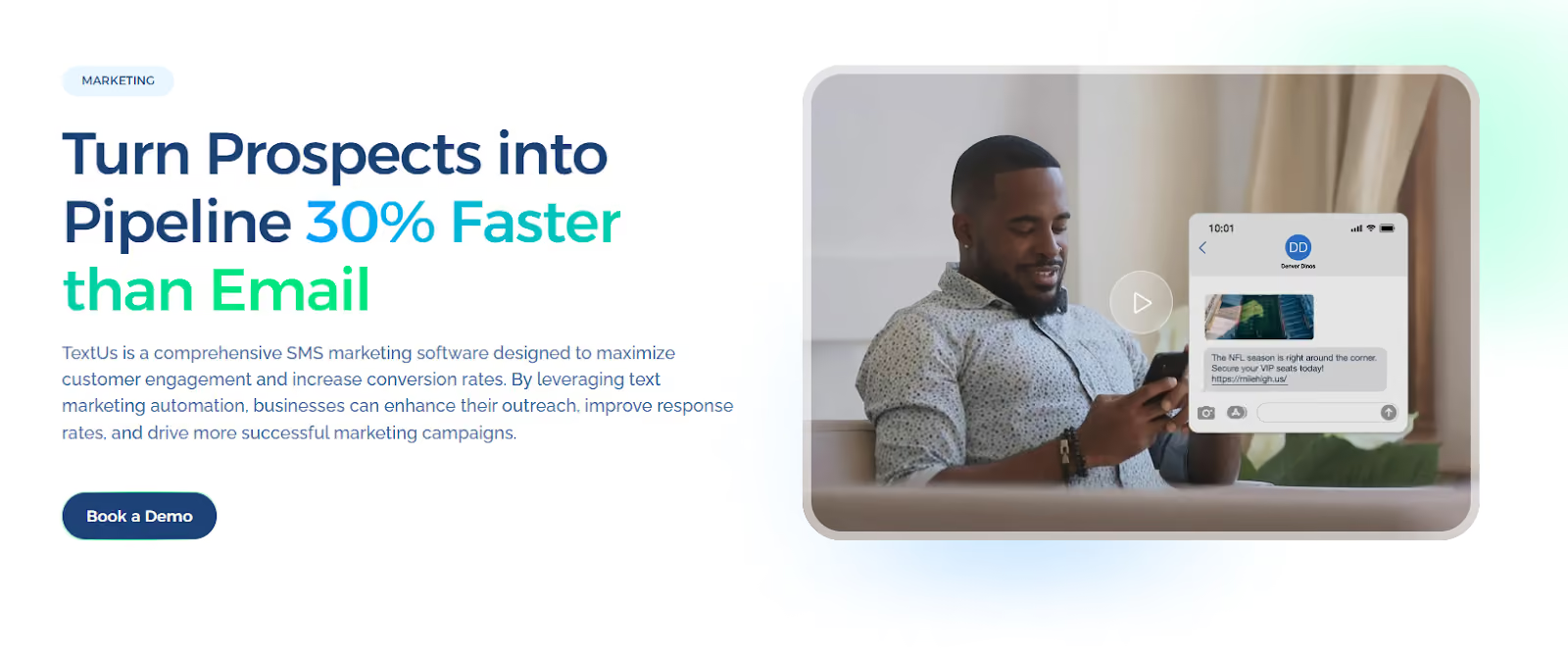
See how this enterprise SMS service can support your teams, improve response time, and give leadership full visibility into messaging performance. Book a demo with TextUs today!
FAQs About Enterprise SMS
Why do large organizations need an enterprise-grade SMS solution?
Enterprise organizations send high message volumes and involve many departments. They need shared visibility and compliance controls to streamline internal operations and protect long-term customer relations.
An enterprise text messaging platform keeps conversations in one system instead of on personal phones. It also supports tracking, audit history, and registered messaging numbers.
What is the best number type for enterprise SMS?
Most enterprises use 10DLC for local and conversational SMS messaging. It supports sales and support communication and supports consistent delivery.
Toll-free numbers support higher volume and national reach. Short codes are used for large campaigns that require fast message delivery. The best choice depends on volume and use case.
What KPIs should enterprises track for SMS?
You should track delivery rate, response rate, and opt-out rate. You also have to monitor response time and business outcomes such as booked appointments, closed deals, or completed payments.
An enterprise messaging platform with a user-friendly interface and built-in Unicode support makes it easier to review performance and manage multilingual messaging.
Continue Reading



Frequently Asked Questions
What is enterprise SMS and how does it differ from standard business texting?
Enterprise SMS is high-volume, team-based business texting designed for large organizations. It includes advanced compliance controls, multi-team inbox management, CRM integrations, and analytics that standard plans do not offer.
What are the main use cases for enterprise SMS?
Enterprise SMS is used for sales follow-up, recruiting outreach, customer service, employee communications, appointment reminders, and emergency notifications across large, distributed teams.
How do you get started with enterprise SMS?
Getting started with enterprise SMS involves choosing a platform, completing 10DLC registration, connecting your CRM or ATS, training your team, and launching with a defined use case before expanding to additional departments.
Business Texting
Built for Results
Create and convert pipeline at scale through industry leading SMS software