
10 Best Enterprise Communication Tools for Unified Messaging
Explore the ten best enterprise communication tools for unified messaging. Discover what makes TextUs stand out for two-way business texting.

Written by
Adam Hamdan
Published
December 15, 2025

Your teams are spread across time zones, toggling between too many tools, or waiting hours for responses to time-sensitive messages.
When communication breaks down, so does your momentum.
That’s why more companies are turning to enterprise communication tools, which are built to simplify how teams connect, collaborate, and respond across a digital workplace.
These tools bring structure and speed to conversations across your business, whether you’re working with internal teams, external clients, or frontline staff.
In this article, we’ll break down the best enterprise communication tools per use case so that you can find the right fit for your team’s needs. As we explore the options, we’ll also introduce why SMS marketing is a powerful and effective channel in business communication.
TL;DR
These are the best enterprise communication tools in 2026:
- TextUs – best for two-way business texting
- Slack – best for cross-team collaboration
- Microsoft Teams – best for organizations in the Microsoft ecosystem
- Google Workspace – best for unified messaging within Google apps
- Asana – best for structured project and task tracking
- Trello – best for visual workflow management
- Zoom – best for high-quality video conferencing
- AlertMedia – best for emergency and safety alerts
- ProofHub – best for centralized project communication
- Confluence – best for company-wide documentation and wikis
The Impact of Ineffective Team Communication
Poor communication is one of the most expensive and underestimated issues in enterprise environments.
A 2025 survey from Pumble found that 86% of employees and executives pinpoint ineffective collaboration or poor internal communication as the main cause of workplace failures.
This shows that even the most skilled teams can struggle when the right communication systems aren't in place. Here are some of the most common challenges enterprises face:
- Lack of real-time communication: Delays in internal and external messaging result in bottlenecks, missed leads, or poor customer experience
- Tool overload and fragmentation: Teams using too many platforms lead to context-switching and confusion
- Remote work coordination: Time zones, async work, and poor connectivity make alignment difficult
- Low engagement and message visibility: Important updates often get lost in crowded channels like email or chat
- Security and compliance risks: Using consumer-grade tools or unregulated texting can expose enterprises to data breaches and legal issues
- Inefficient customer or candidate follow-up: Manual outreach, especially in sales or recruiting, slows down your pipeline movement
The bottom line is that poor communication doesn't just cause frustration. It also actively holds your business back, from dropped leads and delayed projects to unresponsive teams and compliance risks.
But while the challenges are evident, so is the opportunity. From mobile access to workflow automation, the right solution can promote a collaborative environment.
10 Best Enterprise Communication Tools (By Use Cases)
Whether you’re looking to engage leads instantly, align remote teams across time zones, or manage projects without message chaos, there’s a solution tailored to what your business needs.
Here are the ten best enterprise communication tools, each selected for a specific use case.
1. TextUs – Best for Two-Way Business Texting
One of the most impactful shifts you can make is to incorporate business texting as a core communication channel. Business SMS delivers what teams and customers need most: speed, clarity, and personalization.
With an average 98% open rate and most texts read within the first two minutes, texting helps you reach prospects, candidates, or customers when it counts.
TextUs is a leading business text messaging platform designed for high-response outreach in sales, recruiting, field operations, and more. It enables two-way texting at scale, with mass texting campaigns and one-to-one conversations.

TextUs doesn’t just send messages; it also automatically moves contacts through a communication journey. You can set up SMS drip campaigns that can welcome new leads, nurture prospects over time, and revive inactive contacts based on triggers or timelines.
Combined with tools like templates, dynamic fields, analytics, scheduling, and team inboxes, it becomes a powerhouse for mass communication without scaling headcount.
This unified communications solution focuses on compliance and deliverability for SMS. It supports new 10DLC regulations so you can safely text from local numbers with improved delivery and response rates.
The platform also assists with SMS opt-ins, privacy, and proper texting etiquette, which are critical for enterprise messaging. With high open rates on text messages, you can use TextUs to bypass email clutter and get 10x faster responses than traditional outreach.
Key features like dynamic message variables, branded short links, MMS messaging, and automated scheduling help you connect smarter and close more deals via text.
2. Slack – Best for Cross-Team Collaboration
Slack is a collaboration tool that organizes communication into channels, with dedicated spaces for projects, departments, or any topic. This channel-based structure keeps conversations segmented by team or project while preserving a searchable history for everyone.
Slack Connect lets you chat via text, manage projects through file sharing, and start thread discussions on specific messages. You can also hop on quick audio/video calls (huddles) for project discussions.
This employee app has extensive integrations with over 2,600 apps, which allows you to connect existing systems like Google Drive or Salesforce.
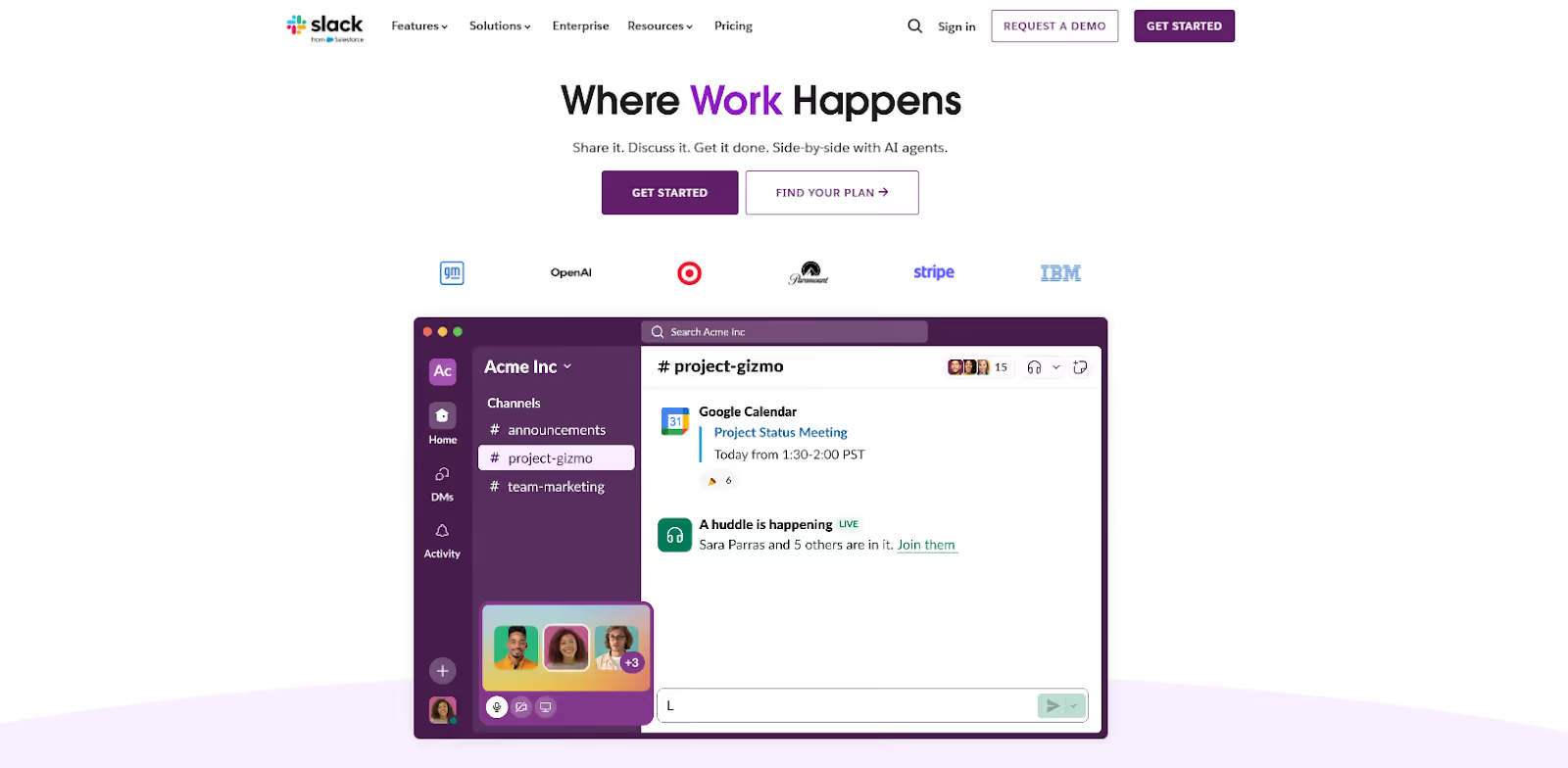
This business communication software offers single sign-on (SSO), data encryption, and compliance with standards like SOC 2 and GDPR for companies that need tight control.
It lets you engage employees and create multiple channels for broad topics or private channels for sensitive projects.
However, users often report that the constant stream of channel updates and pings can be overwhelming, especially in large workspaces with dozens of active channels.
Important decisions or files can sometimes get buried in long thread chains, which makes it hard to later retrieve the context despite Slack’s search capabilities. Also, while it includes basic voice/video calls, these features are more limited compared to dedicated video platforms.
3. Microsoft Teams – Best for Organizations in the Microsoft Ecosystem
Microsoft Teams is a unified communications platform integrated with the Microsoft 365 suite. It offers persistent team chats and channels organized by department, project, or any grouping.
This enterprise communications solution provides video conferencing tools and VoIP calling capabilities. Teams meetings can support large participant counts with HD video, screen sharing, meeting recording, live captions, breakout rooms, and more.
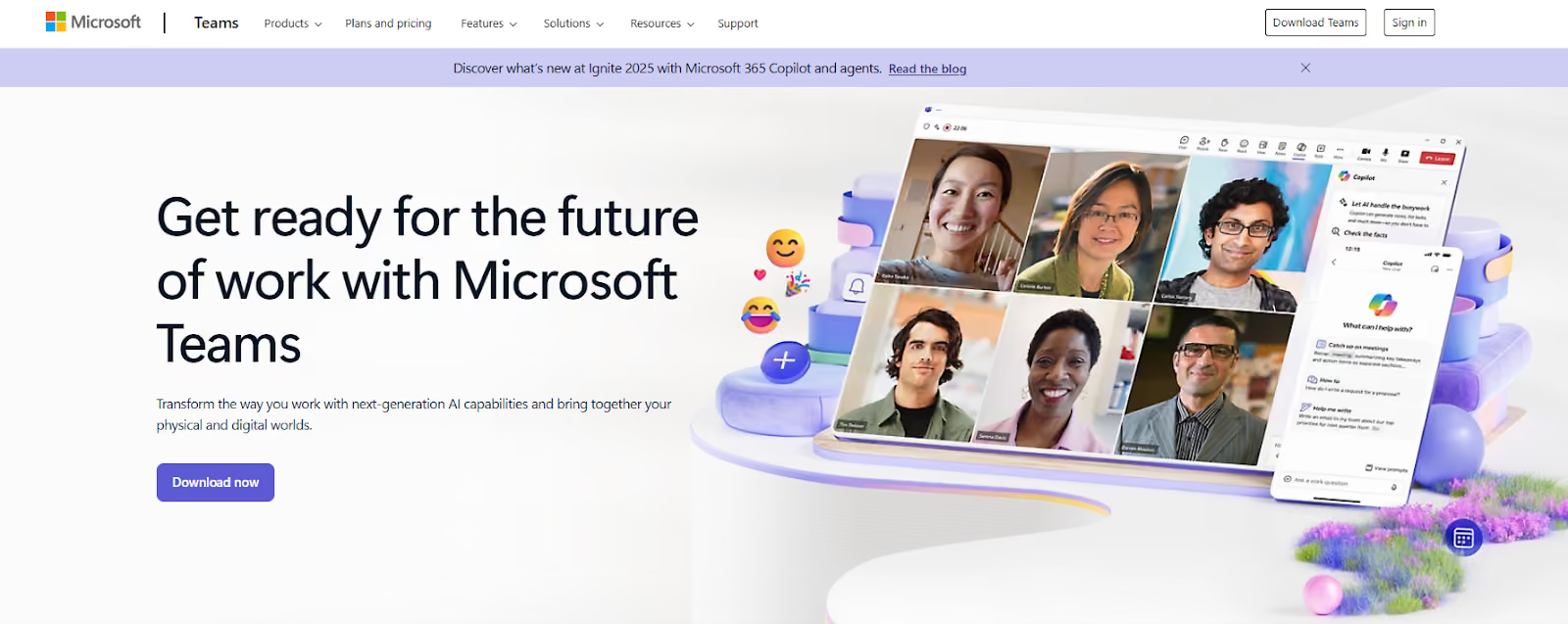
One major advantage for enterprises already using Microsoft is Teams’ deep integration with familiar apps like Outlook, SharePoint, and Office. Within a Teams chat or channel, colleagues can co-author Word documents, Excel spreadsheets, or PowerPoint presentations in real time.
Microsoft Teams includes useful features like shared calendars, task management features, and extensive security controls, which are crucial for enterprise IT compliance. With enterprise plans, meetings can scale up to webinars and live events for thousands of viewers.
You can benefit from single sign-on and integration with Azure Active Directory for managing permissions and guests. Files shared in Teams are stored in SharePoint, so that they’re accessible via Office 365 with version control and advanced search.
While powerful, Microsoft Teams can feel heavy or complex for some users. Common feedback is that the interface has a lot going on, with chats, teams, channels, tabs, and apps.
Teams can also be resource-intensive, and on older devices or with many video feeds, users have noted occasional slowdowns or lag during meetings.
4. Google Workspace – Best for Unified Messaging Within Google Apps
Google Workspace offers a suite of communication tools, primarily Gmail for email, Google Chat for instant messaging, and Google Meet for video conferencing.
It’s integrated across Google Workspace apps, where Chat messages and Spaces appear in Gmail’s sidebar, and you can quickly escalate a chat into a Meet video meeting.
Google Meet supports high-quality video calls with features like screen sharing, recording, live captions, and tiled gallery view.
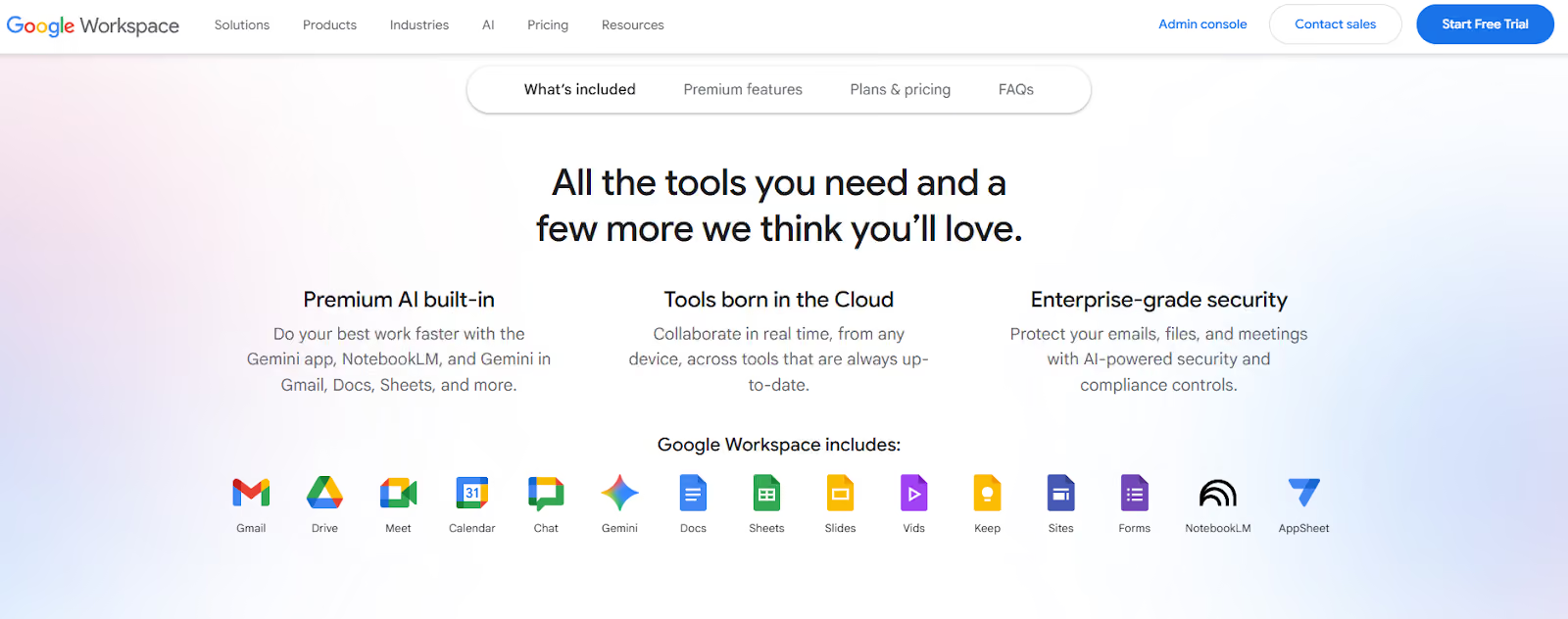
All messages, whether email or chat, and all meetings are tied to users’ Google accounts and can be searched via Google’s powerful search. You can collaborate on Docs, Sheets, or Slides during Meet calls in real time, using Google’s co-editing strengths.
Workspace admins can set retention policies for Chat, perform eDiscovery across Gmail and Chat, and manage Meet security settings. Google’s reliability and global infrastructure mean Meet calls are generally stable, and there’s no additional cost for dialing in via phone for audio.
One challenge some organizations face is that Google’s communication tools may not be as feature-rich as specialized platforms. Google Meet lacks some advanced engagement features that competitors have.
Users have also noted the absence of built-in polling, limited whiteboarding tools, and the lack of a waiting room for attendees in basic Meet sessions. Large meetings in Meet max out at a certain participant count, which might be restrictive for webinar-style events.
5. Asana – Best for Structured Project and Task Tracking
Asana is primarily a project management platform, but its communication features around tasks and projects make it ideal for structured enterprise communication.
In Asana, every project is a shared workspace where teams can create tasks, assign owners and due dates, and then discuss those tasks via comments and updates.
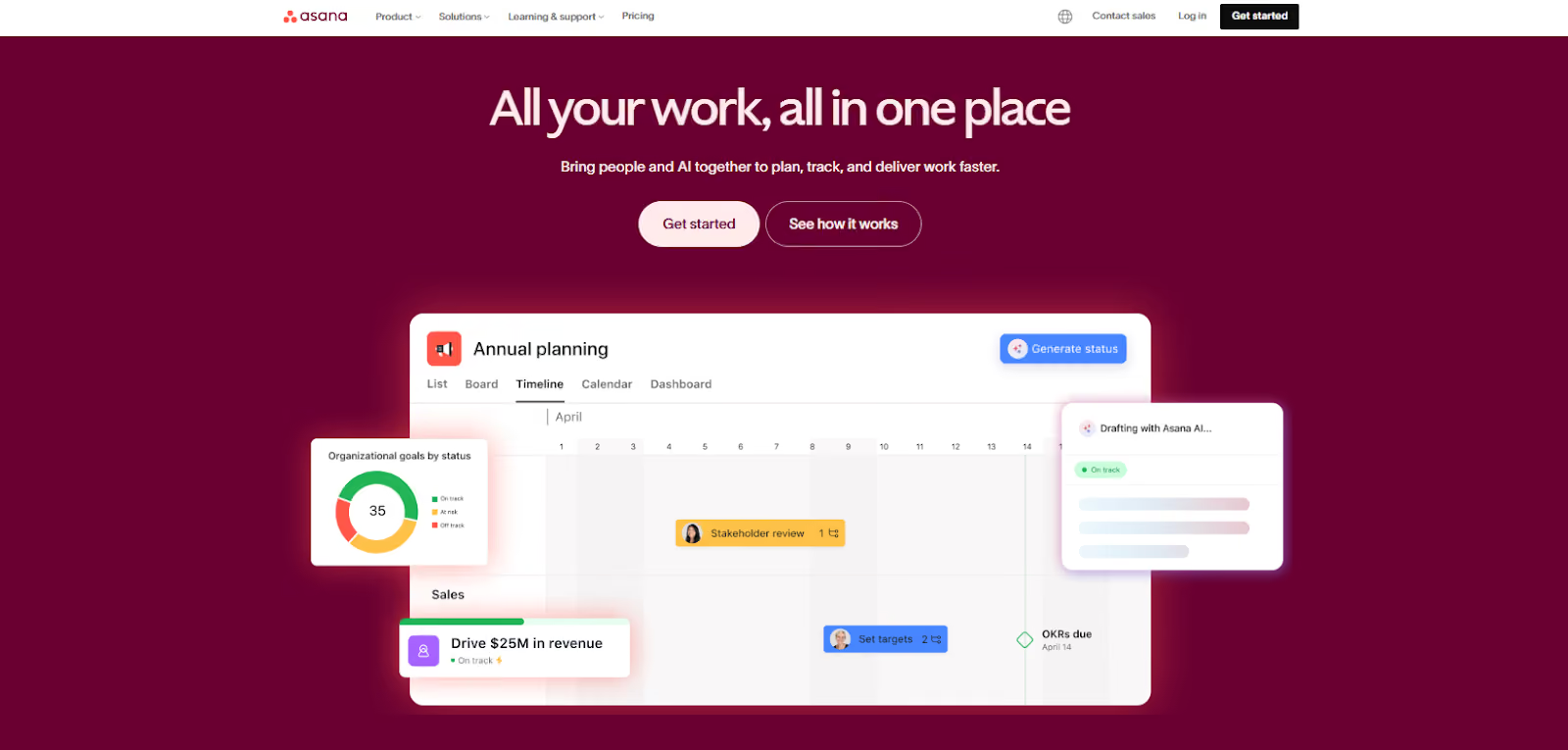
It offers multiple views to visualize projects and progress. You can tag colleagues, attach files, and even integrate with other apps to keep all project communication in one place. Each task has its own comment thread, so all discussion about that piece of work stays organized and searchable.
Asana supports real-time updates and notifications. You’ll see when someone completes a task or adds a comment, and you can receive inbox/email alerts.
It also has @mention functionality to loop in stakeholders and a “Followers” feature, so relevant team members get notified on task progress.
Some users report that the interface can feel intimidating or overwhelming at first, especially for those not used to structured project tools. Also, by design, Asana enforces one assignee per task to drive ownership, which some view as a limitation when a task requires multiple people.
6. Trello – Best for Visual Workflow Management
Trello is a visually oriented project board tool that uses the Kanban board format. Projects are represented as boards, and columns represent stages such as “To Do”, “Doing”, and “Done”. Tasks are also shown as cards that move across the columns as work progresses.
Each card can have details like descriptions, due dates, attachments, labels, and checklists, and team members can leave comments or @mention others on the card for discussions.
Trello includes real-time drag-and-drop updates, which keep the whole team aligned without the need for constant meetings.
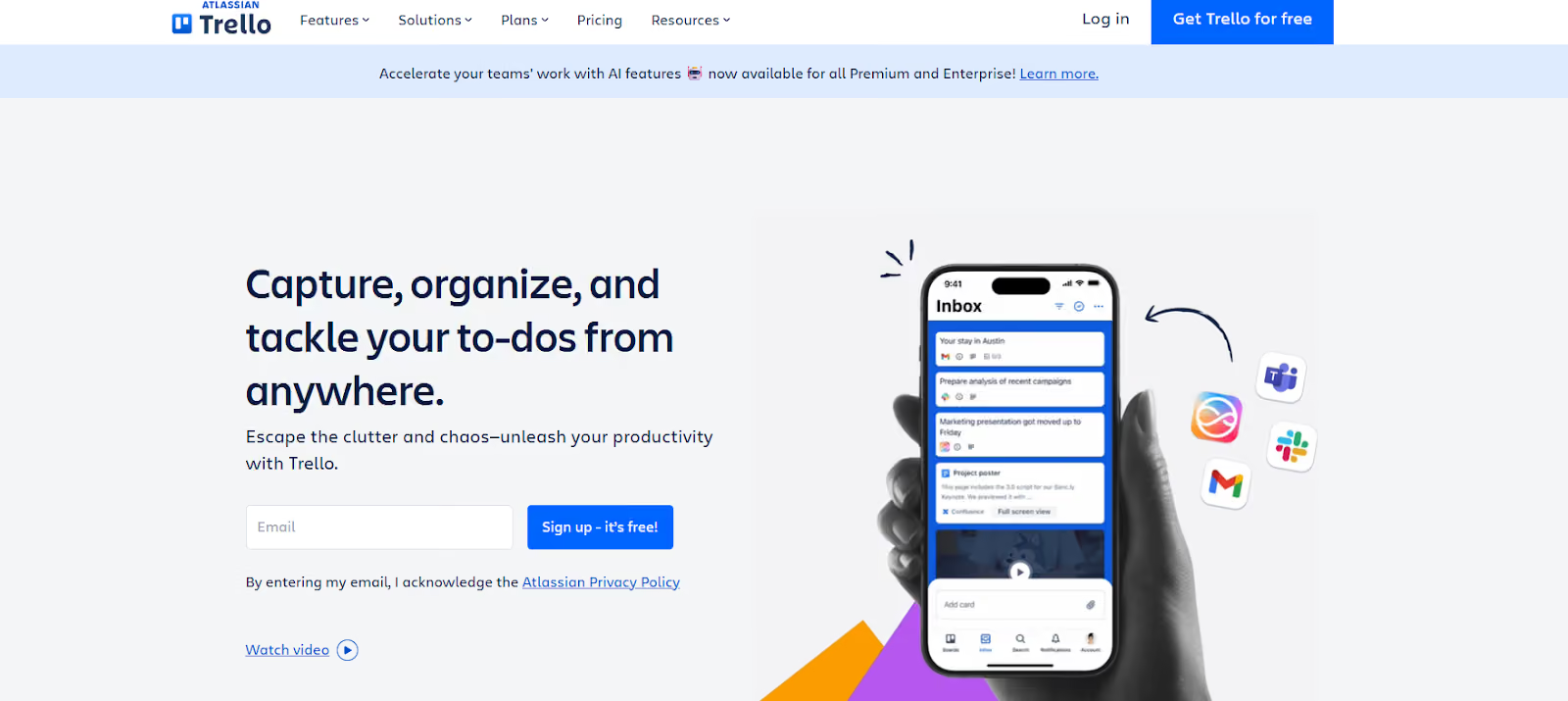
Trello supports unlimited boards and cards on paid plans. It introduced views beyond Kanban to help enterprises see multiple projects at once. Trello’s integration ecosystem lets you connect it to Slack, Google Drive, Jira, and multiple apps within your tech stack.
Trello’s notifications and reminders will get you notified if you’re mentioned on a card or if a card nearing its due date hasn’t moved. Since Trello is now an Atlassian product, it also integrates well with Confluence and Jira, which is useful for software teams bridging agile development.
However, some users note that as boards grow with hundreds of cards, the interface can become cluttered and harder to navigate. Security and permissions are another consideration since Trello has simpler permission schemes.
While Trello is great for task-centric communication, it’s not meant to replace other communication tools. Commenting on cards is fine for quick notes, but longer discussions might still move to Slack or email.
7. Zoom – Best for High-Quality Video Conferencing
Zoom is a cloud-based video conferencing platform that became a household name for its ease of use. Participants can join meetings with a simple link and minimal setup.
For collaboration, Zoom provides built-in tools like screen sharing, annotation, and text chat within meetings. It also recently introduced a Whiteboard feature for visual brainstorming and supports strong collaboration features for hybrid teams.
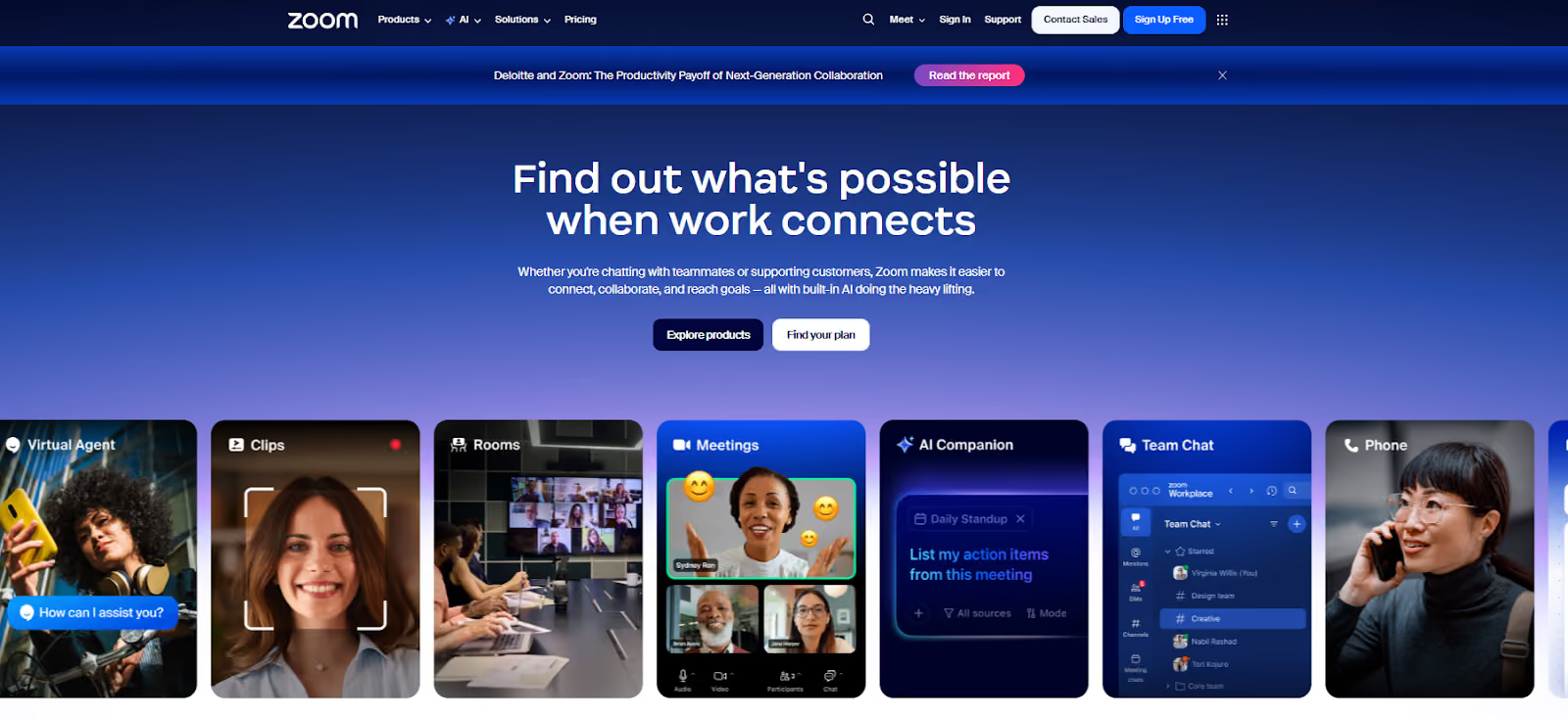
Zoom integrates with Microsoft Outlook and Google Calendar, so invites include the meeting link and dial-in info. It has “Personal Meeting Rooms” for quick ad-hoc meetings, and the interface is uniform across devices.
The platform offers Webinars that can handle thousands of view-only attendees with Q&A and polling features. Zoom Rooms provides conference room integrations, and its phone system can replace legacy PBX with cloud-based phone calls.
Security-wise, it stepped up with end-to-end encryption options for meetings, and admins can enforce waiting rooms, passcodes, and authentication to ensure meetings are secure and only intended participants join.
The continuous meeting chat feature is also handy. Chats from the meeting can persist in Zoom Team Chat afterward so that you can follow up in the same thread post-call.
A known downside of Zoom is that it can be somewhat resource-intensive. Users on older computers or with limited RAM sometimes experience that running Zoom can slow down their system or cause occasional call lag.
Another consideration is cost. While Zoom offers a free plan, it limits group video calls to 40 minutes, which is too short for enterprise use, so you need to invest in business licenses for all hosts.
8. AlertMedia – Best for Emergency and Safety Alerts
AlertMedia is a mass notification and emergency communication system built to inform and protect employees during critical events. Its collaboration features include multichannel alerting, where you can send notifications via text message, voice call, email, mobile app push, and social media.
You can ask employees to check in as “Safe” or “Need Assistance” and see responses in real time. AlertMedia monitors local and global threat data and can automatically or manually trigger alerts to affected people if a threat is nearby.
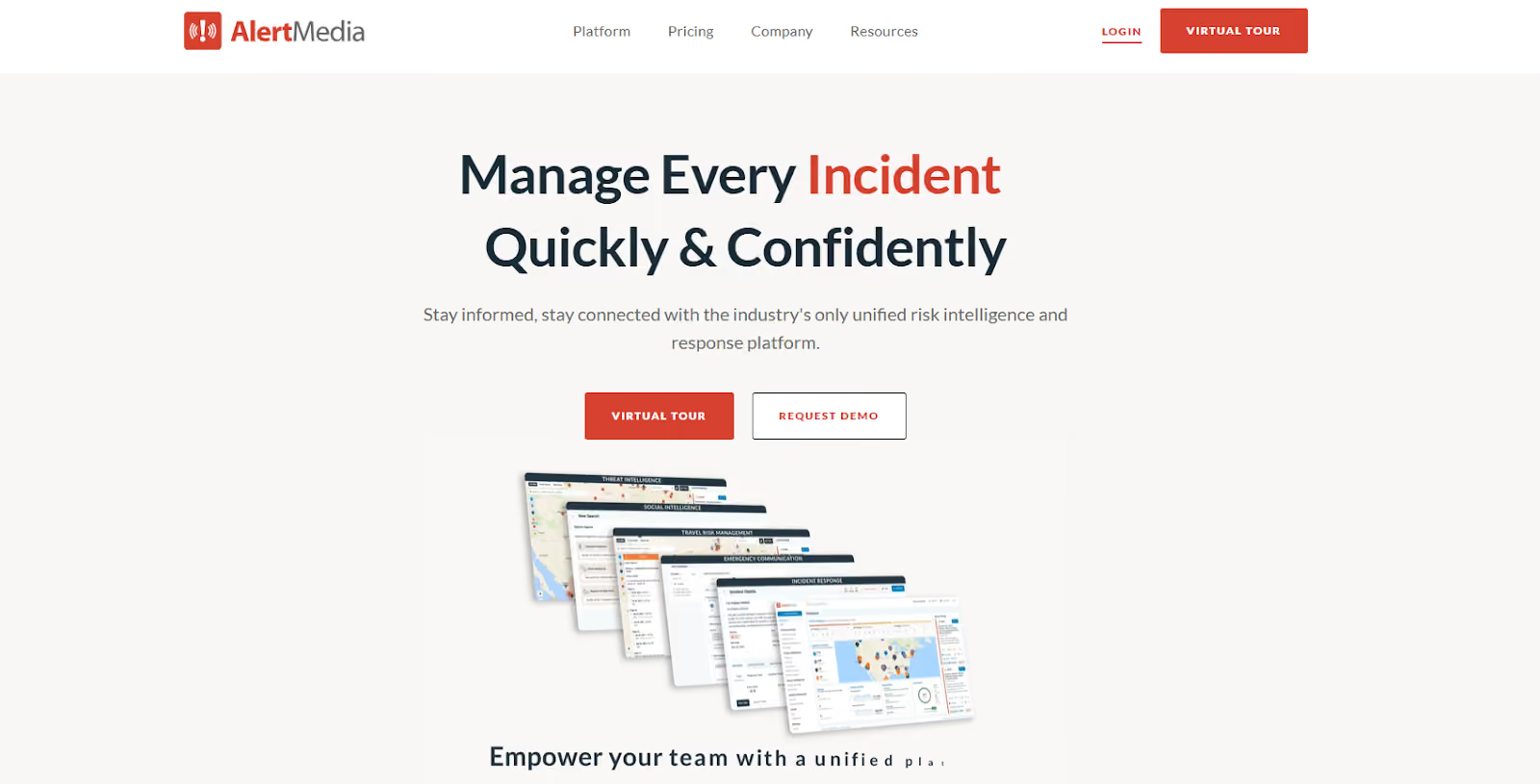
Other features include conference call bridging, geotargeting, and an inbox for employees to report incidents or ask for help. All communications are tracked in a centralized console, so crisis managers see delivery status and can follow up accordingly.
Its multichannel approach makes sure that even if cell networks are congested or an employee doesn’t see a text, they might see an app push or email. The platform also supports audience segmentation and dynamic groups.
Given its specific focus, AlertMedia is not an everyday communication tool, and some feedback points to a few usability quirks in non-emergency use. Some users have found the contact management interface to have limited sorting or filtering options.
Compared to many communication tools, AlertMedia is an added system that enterprises should maintain and is not commonly used in day-to-day operations. When an actual crisis hits, you have to remember how to use it under stress, and regular drills are recommended.
9. ProofHub – Best for Centralized Project Communication
ProofHub is an all-in-one project management and internal communication platform that combines project planning features with communication features.
In ProofHub, every project can have a Discussions section where team members hold threaded conversations on specific topics. There’s also a one-to-one or group Chat for informal messaging, which is handy for asking a teammate a question without leaving the platform.
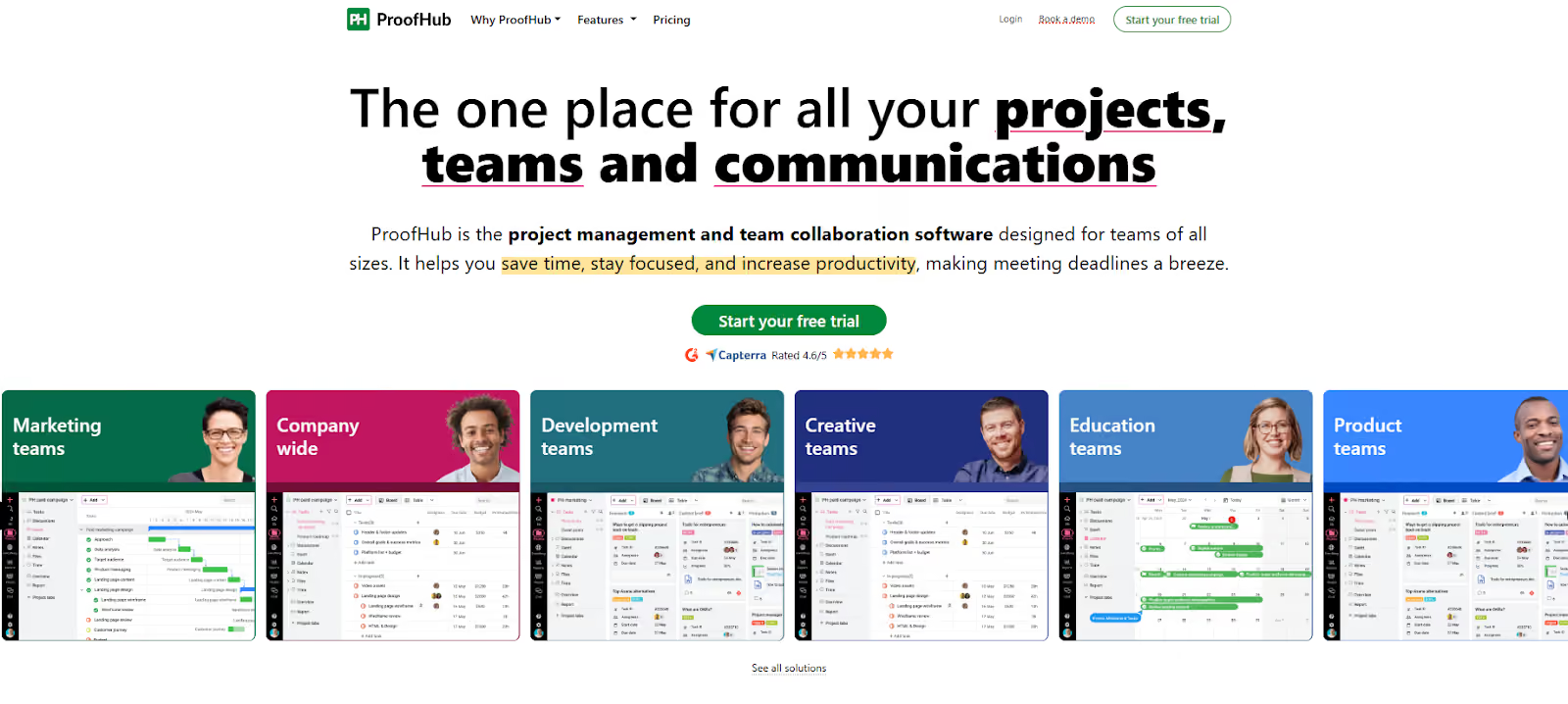
ProofHub’s Announcements feature allows broadcasting important updates or news to the whole team or a specific group. All files and documents related to a project can be stored in the platform's Files area, and the software supports document collaboration and online proofing.
This internal communication software also provides to-do lists, time tracking, and reporting. It serves as a central hub where people see their tasks and collaborate on them in context.
ProofHub emphasizes accountability and eliminating confusion. It helps streamline workflows to keep everyone aligned with tasks, deadlines, and real-time chat.
Managers spend less time chasing down updates as they can see status updates in real time and can ping team members in the app.
Some users have noted that while ProofHub packs many features, the interface can occasionally feel less polished or glitchy. Because it offers so much customization and so many modules, new users might find it a bit overwhelming initially.
10. Confluence – Best for Company-Wide Documentation and Wikis
Atlassian Confluence is a team workspace and wiki platform for organizing company knowledge, documentation, and collaborative content. It allows teams to create pages and spaces, from meeting notes and project plans to IT documentation and HR policies.
You can write content with formatted text, tables, images, videos, and embed content from other tools. Pages can be edited collaboratively in real-time or asynchronously, and every version is saved with history so you can see who changed what and revert if needed.
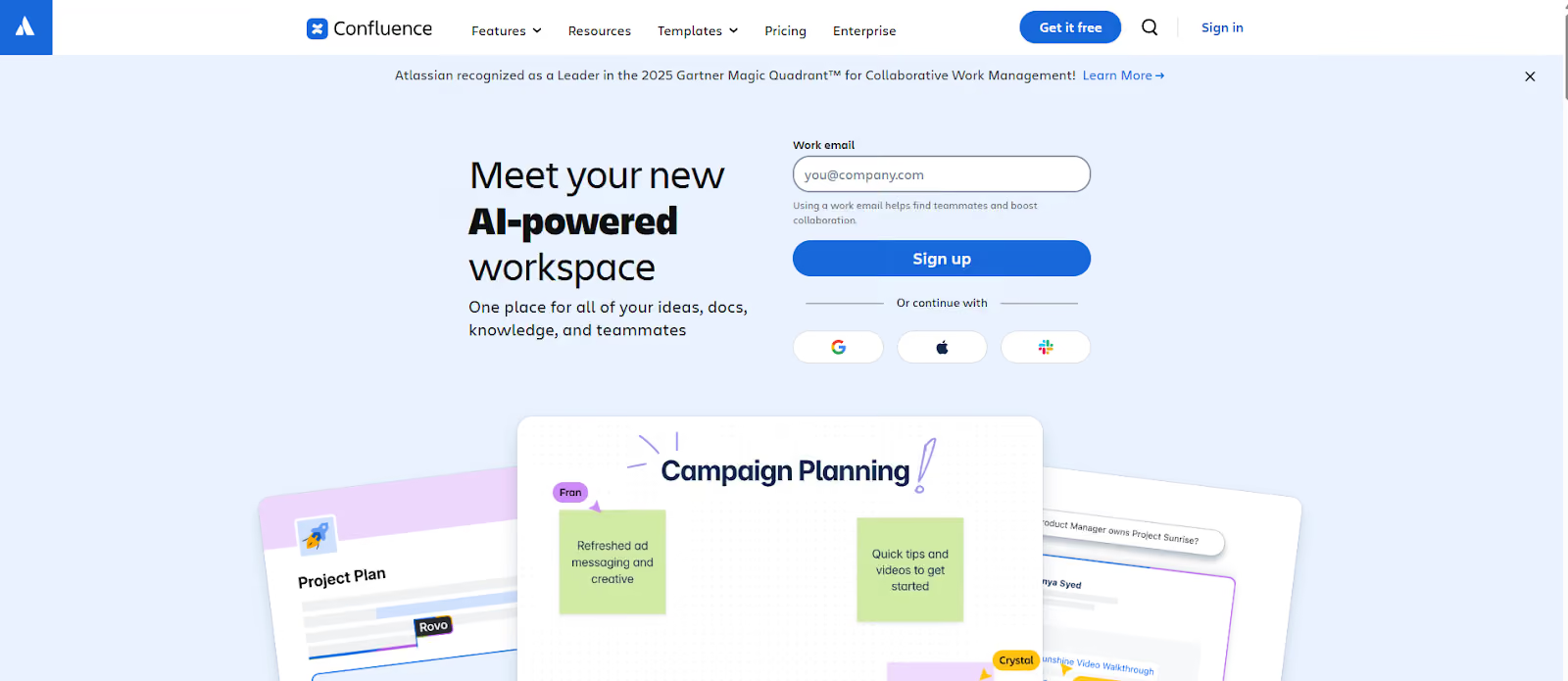
Confluence breaks down information silos and improves transparency, which can be invaluable for maintaining up-to-date documentation that anyone with permission can find. Its search function and page organization enable efficient knowledge management.
As part of Atlassian Cloud, it meets enterprise requirements for security, compliance, and reliability. It offers SSO, encryption, data loss prevention, and can scale to thousands of users and pages without issue.
Users have complained about difficulty in managing pages as content grows. Some encountered confusing permission setups or a lack of structure, leading to information being hard to find despite being in the system.
Make SMS Messaging a Revenue Driver—Start Texting With TextUs!
If you're still relying on email threads, missed calls, and scattered chat apps to drive critical communication, you’re losing more than just time.
When responses lag, your deals stall, candidates drop off, and internal teams fall out of sync.
TextUs is built to fix that. It’s a business-grade texting platform that gives your team the power to connect with leads, candidates, and customers through fast, two-way SMS conversations.
With features like automated drip campaigns, CRM integration, shared inboxes, and enterprise-level compliance, TextUs lets you scale personalized outreach without burning out your team.
Whether you're in sales, recruiting, support, or operations, this internal communication tool gives you the channel that gets seen and drives results.
If you want to improve employee engagement, accelerate decision-making, and build stronger connections, it's time to move beyond outdated tools.

TextUs gives you the communication advantage modern enterprises need. Book a demo today!
FAQs About Enterprise Communication Tools
What are the six tools used to communicate with examples?
There are six primary tools used in modern business communication:
- SMS/text messaging: High-response outreach channel (e.g., TextUs, EZ Texting)
- Email: Used for formal, asynchronous communication (e.g., Gmail, Outlook)
- Instant messaging: Enables real-time collaboration (e.g., Slack, Microsoft Teams)
- Video conferencing: Essential for remote meetings and presentations (e.g., Zoom, Google Meet)
- Phone/VoIP systems: Traditional calls or cloud-based voice systems (e.g., RingCentral, Zoom Phone)
- Project management tools: Track progress and communicate within tasks (e.g., Asana, Trello)
Each enterprise app serves a unique role in maintaining efficient communication strategies across different teams, locations, and use cases.
What are the five Cs of communication?
The five Cs of effective communication are:
- Clarity: Be direct and easy to understand
- Concise: Deliver your message in as few words as necessary
- Correctness: Use proper grammar and accurate information
- Courtesy: Maintain a respectful and considerate tone
- Completeness: Provide all the information needed to understand or act on the message
These are critical in enterprise communication, where a small misstep can lead to misalignment, missed deadlines, or poor customer interactions.
What is an enterprise communication platform?
An enterprise communication platform is a software system that enables large organizations to communicate internally among employees and externally with customers or stakeholders.
Platforms that support async communication, improve customer interactions, help assign tasks, and foster an internal social network that improves alignment across a distributed workforce.
What is the most popular communication tool?
The most popular communication tool globally depends on your needs:
- For business SMS communication, TextUs is the best communication platform for two-way internal comms and external messaging.
- For team messaging, Slack and Microsoft Teams are ideal for real-time collaboration.
- For video conferencing, Zoom continues to lead with its reliability and ease of use.
- For email and scheduling, Gmail via Google Workspace is still widely adopted across organizations.
Slack and Teams are the most common daily-use platforms inside enterprises. But TextUs earns a top spot for organizations that need quick, two-way communication with leads, candidates, and customers.
Continue Reading



Frequently Asked Questions
What are the best enterprise communication tools for unified messaging?
The best enterprise communication tools for unified messaging combine SMS, email, voice, and internal chat in one platform with CRM integration, security controls, and centralized reporting.
How does unified messaging improve enterprise communication efficiency?
Unified messaging platforms eliminate the need to switch between multiple tools, give teams a complete view of all communication history, and enable faster, more consistent responses across every channel.
What security features should enterprise communication tools have?
Enterprise communication tools should include end-to-end encryption, role-based access controls, data retention policies, audit logging, and compliance certifications relevant to your industry such as HIPAA or SOC 2.
Business Texting
Built for Results
Create and convert pipeline at scale through industry leading SMS software