
11 Best Enterprise Messaging Apps for Large-Scale Workforces
Explore the best enterprise messaging apps based on their use cases. Discover what makes TextUs the best for SMS enterprise messaging.

Written by
Adam Hamdan
Published
December 4, 2025

Slow email responses, missed calls, and tools that do not work well together create delays that ripple across sales, recruiting, customer service, and internal operations.
Large enterprises require communication systems that support structured collaboration, visibility across teams, and reliable control over data.
Instead of juggling multiple tools or chasing delayed responses, enterprise messaging apps are designed to support quick updates, file sharing, and cross-department collaboration.
In this article, we will explore how enterprise messaging addresses common communication roadblocks. You'll also discover which communication tool can simplify your internal workflows and customer-facing interactions.
TL;DR
These are the best enterprise messaging apps based on their use case:
- TextUs — best for high-volume SMS enterprise messaging
- Microsoft Teams — best for Microsoft-centric enterprises
- Cisco Webex — best for security-driven organizations
- Zoom Team Chat — best for video-focused enterprise teams
- Slack — best for integration-heavy enterprise workflows
- Google Chat — best for Google Workspace-centered enterprises
- Rocket.Chat — best for customizable open-source environments
- Mattermost — best for self-hosted secure deployments
- Chanty — best for budget-friendly collaboration
- Zoho Cliq — best for Zoho-powered business ecosystems
- RingEX – Best for Enterprises Standardizing Communications
Why Traditional SMB Tools Don’t Scale to Enterprise Needs
Most small and medium-sized businesses (SMB) and consumer-grade messaging tools match enterprise platforms in basic functionality. But they often lack the advanced security, compliance, and administrative controls that larger organizations need.
As a result, they may not sustain oversight or protection of sensitive data once the user base grows or regulatory demands tighten.
You cannot afford blind spots when dealing with confidential information, regulated data, or customer interactions.
Security and data governance become major concerns at this stage. According to IBM, the global average cost of a data breach reached $4.4 million in 2025, which shows how high the stakes have become.
Without features like audit logs, granular permissions, secure data retention, and policy enforcement, communication can become a liability rather than an asset.
As your global teams rise, you will also need unified workspaces, single sign-on, multi-team administration, and deep integrations with CRMs and security platforms.
If you're a growing organization, the shift to a platform designed for enterprise scale is not just a technical upgrade, but also a strategic requirement for long-term efficiency and resilience.
10 Best Enterprise Messaging Apps in 2025
With so many tools on the market with the same features, it can be challenging to know which is the right instant messaging app built for enterprise environments. Here are the ten best enterprise messaging tools you might consider for improved business communication:
1. TextUs — Best for High-Volume SMS Enterprise Messaging
TextUs is a feature-rich enterprise texting solution that enables high-volume, two-way texting with customers, candidates, and prospects. Designed for business use, TextUs leverages the immediacy of SMS to boost response rates.
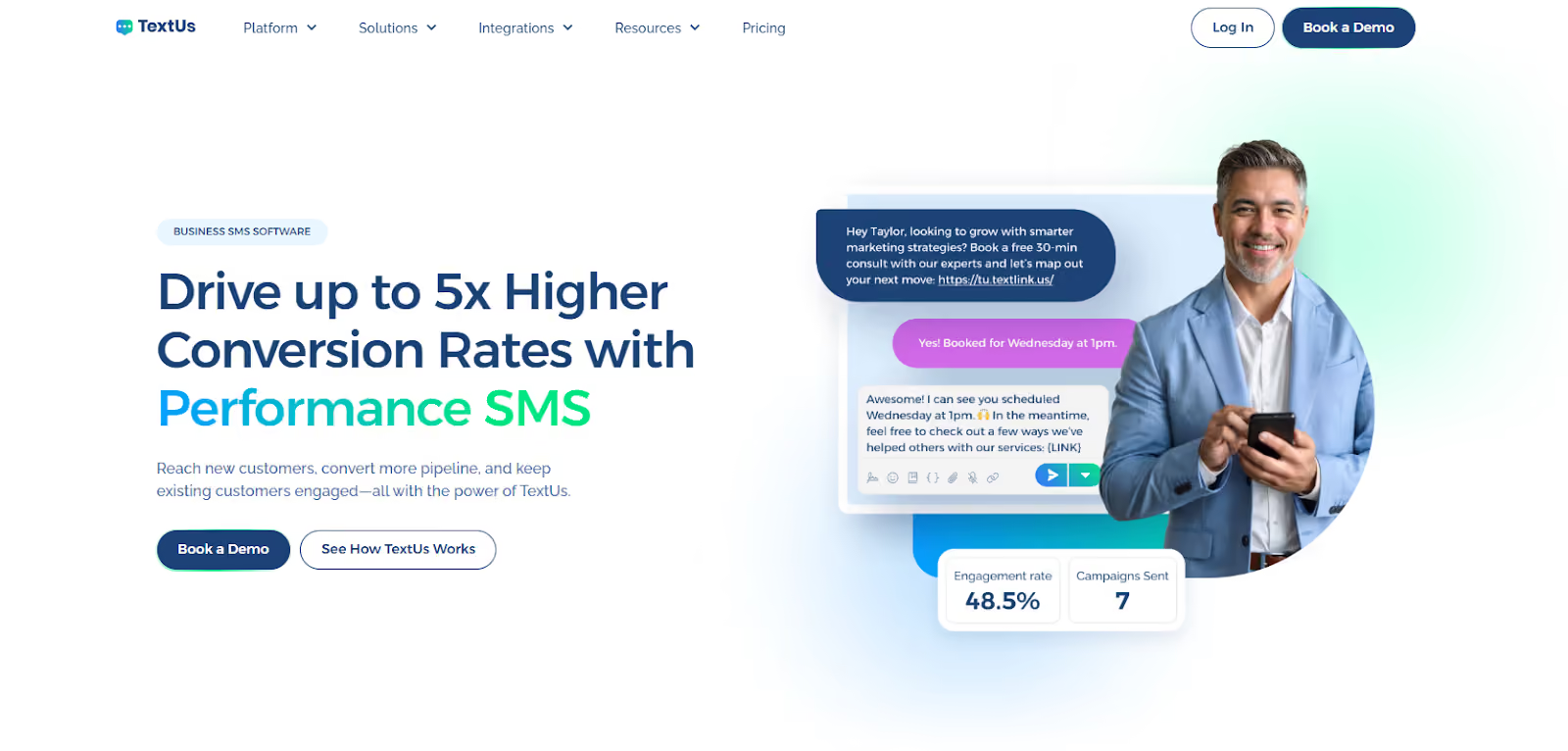
Texts can get responses 10x faster than emails, with reply rates up to 45% in some cases. This makes it ideal for sales teams and recruiters who need to reach people and start conversations in minutes.
Enterprise SMS marketing eliminates slow communication loops, which allows you to reach prospects sooner and move candidates through the pipeline.
Beyond basic texting, TextUs offers powerful SMS automation and integration features tailored for enterprise-scale messaging. Teams can set up automated sequences, schedule messages or follow-ups, and use templates to maintain personalization at scale.
The platform integrates with popular customer relationship management (CRM) platforms and applicant tracking systems (ATS), syncing contacts and logging every text so conversations appear right inside your existing workflows.
These bi-directional integrations make sure that texting becomes a seamless part of your enterprise tool stack, with no data siloed outside your CRM.
TextUs also includes governance controls and compliance features for high-volume messaging. It assists with regulatory needs by automating opt-outs and supporting proper 10DLC registration.
If you want to implement SMS across departments while maintaining performance and compliance, TextUs is a leading platform that pairs speed with secure, scalable safeguards.
Book a demo with TextUs and see how enterprise-grade texting transforms your outreach!
2. Microsoft Teams — Best for Microsoft-Centric Enterprises
Microsoft Teams is a collaboration and messaging app that comes integrated with the Microsoft 365 ecosystem. It serves as a central hub where employees can chat, hold video meetings, share files, and collaborate on Office documents in real time.
The platform offers a sleek user interface for creating multiple channels for projects or departments, engaging in threaded conversations, and switching to voice or video calls.
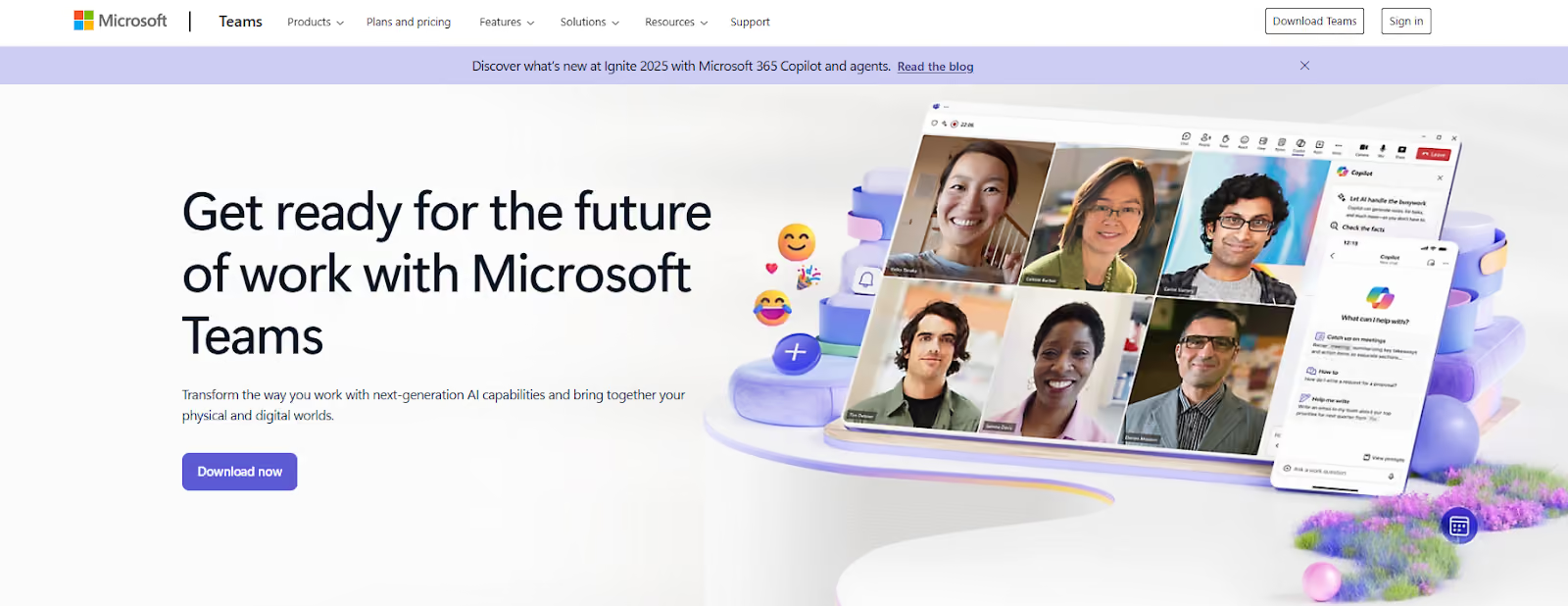
Microsoft Teams supports large video conferences with up to 300 participants in standard plans, and webinars up to 10,000 attendees. Meetings can also run for up to 30 hours, which can be useful for all-hands or lengthy training sessions.
Because Teams is part of the Microsoft 365 platform, you can customize Teams by adding connectors or third-party apps to channels. Microsoft's recent key feature, AI Copilot, can also automate meeting notes or recommend action items.
3. Cisco Webex — Best for Security-Driven Organizations
Cisco Webex is an enterprise messaging platform renowned for its security-first approach. It provides team messaging, video conferencing, calling, and file sharing.
The system is secure by design and private by default, offering end-to-end encryption across messaging, voice, and video meetings. In regulated industries, Webex’s built-in compliance tools help meet requirements like data retention, e-discovery, and user access controls.

You can create spaces for ongoing group chats and projects, with threaded conversations to keep discussions organized. It supports secure file sharing and advanced search filters to find past messages or documents.
Its two-way digital whiteboards allow support teams to brainstorm together, and built-in integrations let you connect with third-party apps or federate with other organizations’ chat systems.
For IT administrators, Cisco Webex offers control and analytics through its Control Hub. You can manage users, devices, and security policies from a single dashboard, with insights into usage and network performance. Webex also supports options like on-premises or hybrid deployment.
4. Zoom Team Chat — Best for Video-Focused Enterprise Teams
Zoom is synonymous with video meetings due to its popularity. Zoom Team Chat app extends that strength into a full-fledged enterprise messaging solution.
Team members can start an ad-hoc video call or schedule a meeting right from a chat conversation, which is ideal for video-focused teams.
You can also create channels organized by projects or departments, send direct 1:1 messages, and share files, images, or code snippets.
Zoom includes presence indicators and status messages so you know who’s available, plus message search to find information quickly. Every Zoom Meeting can generate a related chat thread for follow-up, and you can share chat messages in an ongoing meeting for context.
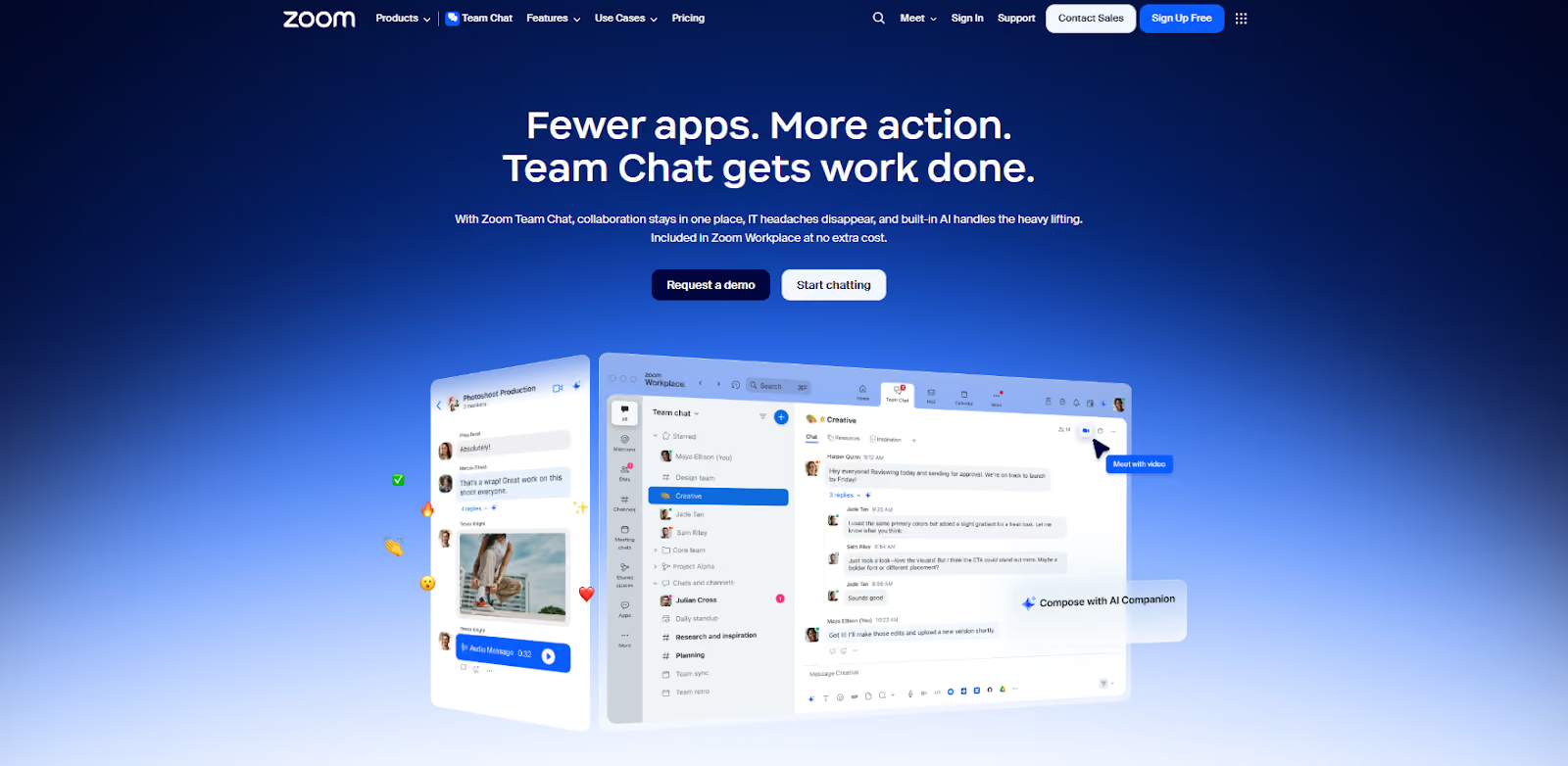
For enterprises, it provides admin features such as single sign-on (SSO), managed domains, and user management to ensure secure deployment. Chats can be configured to comply with retention policies and can be archived for enterprise compliance needs.
Zoom has also been integrating AI Companion features that can summarize chats or help schedule meetings. If your organization already relies on Zoom for meetings, adopting Zoom Team Chat can unify your communications stack.
5. Slack — Best for Integration-Heavy Enterprise Workflows
Slack is one of the pioneering team messaging apps for enterprises that rely on a multitude of other software tools. Its desktop app provides a simplified layout that reduces distractions by showing only one section on the screen.
For integration-heavy workflows, such as DevOps pipelines or sales processes, Slack reduces context-switching by bringing data and alerts from disparate systems into one stream.
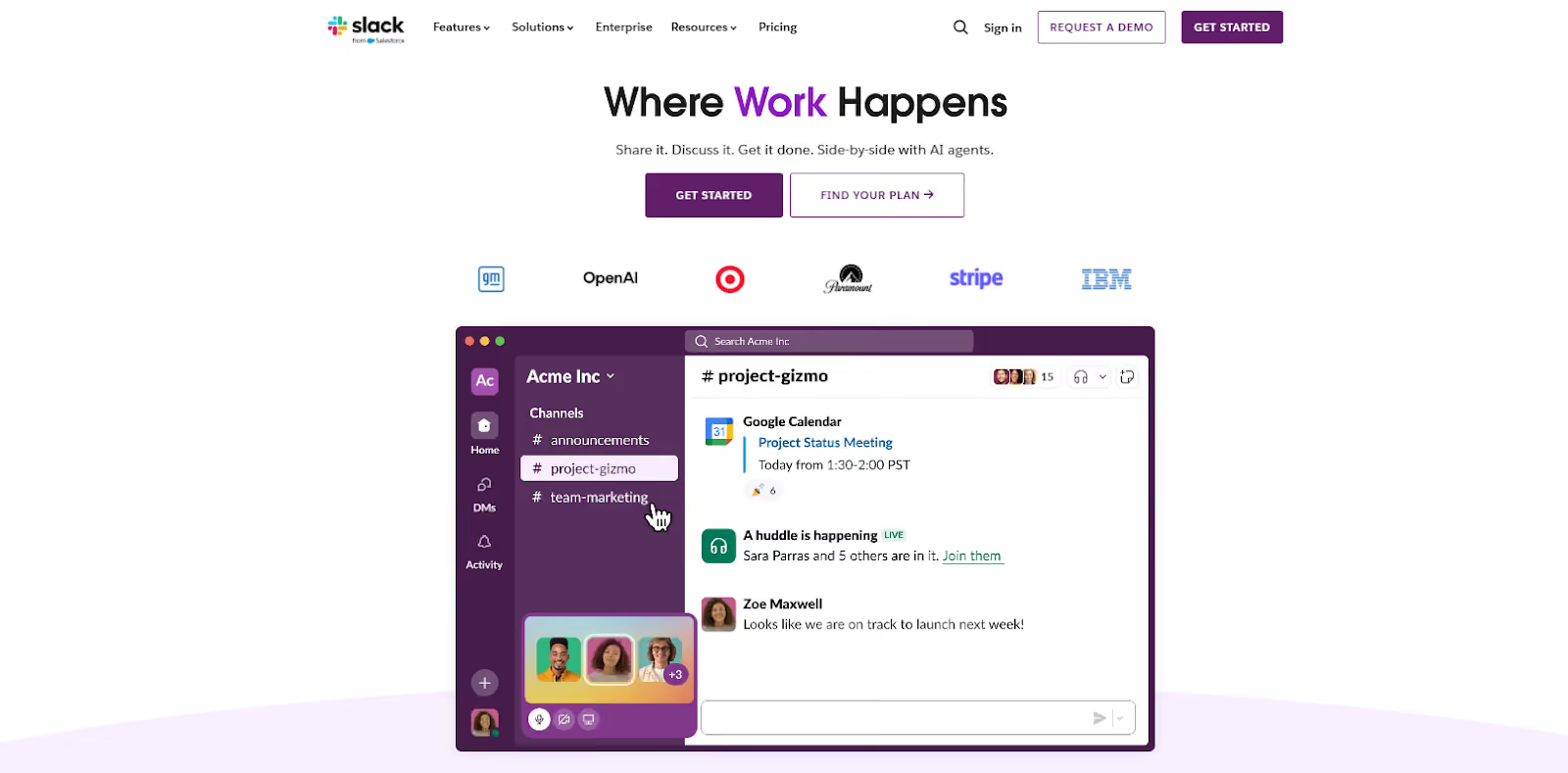
Within Slack, communication is organized into messaging channels that can be open to the whole company, private to specific teams, or shared externally via Slack Connect. Employees use channels to discuss topics, and can search the entire message history.
It also promotes real-time collaboration where messages are sent instantly, and you can tag colleagues, react with emojis, or spin off side threads to keep the main channel tidy. It has built-in audio/video chat calls and screen sharing for quick huddles.
Slack provides enterprise-grade features to maintain control as usage scales. Workflow Builder allows non-technical users to automate multi-step tasks to eliminate the need to switch between other apps.
Moreover, Slack’s Enterprise Grid feature lets you segment workspaces by department or region while still enabling cross-organization search and discovery.
6. Google Chat — Best for Google Workspace-Centered Enterprises
Google Chat is part of the Google Workspace suite that integrates natively with Gmail, Drive, Docs, Meet, and other core productivity apps.
The platform supports direct one-on-one messaging, group conversations, and more structured document collaboration through Spaces.
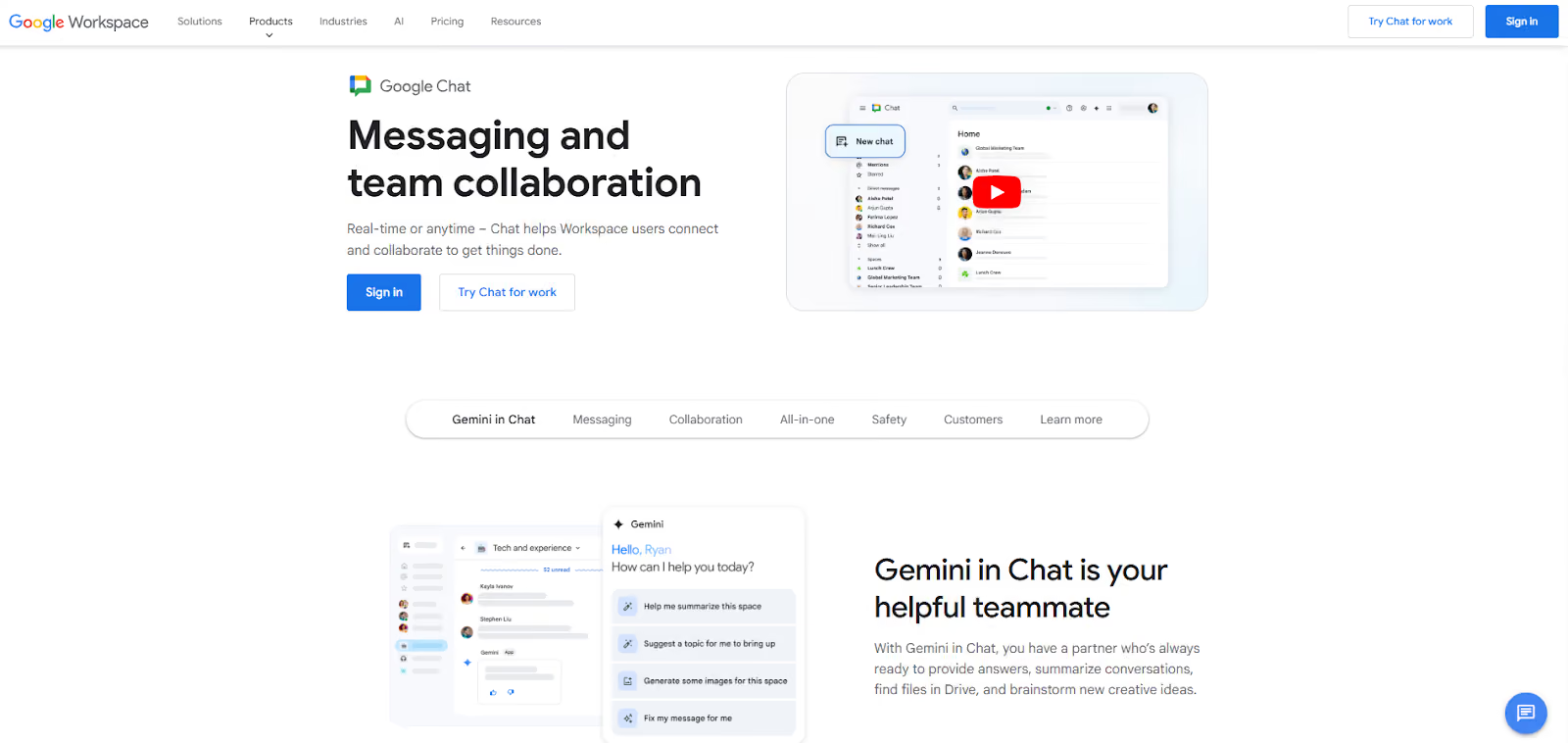
The platform now offers AI-powered assistance through Google’s Gemini for Workspace, which can be accessed in the sidebar of Chat and various Google apps. It can summarize long message threads, highlight important content, and surface relevant documents.
It allows seamless scheduling of calendar events or instant video meetings via Google Meet from a chat for ease of escalation for conversations. Google Workspace users in enterprise tiers get access to advanced security, regulatory compliance, and data management tools.
Google Chat has organization-wide settings such as permissions management, external user controls, chat history, and data policies, which make it fit for enterprises that need oversight and compliance.
7. Rocket.Chat — Best for Customizable Open-Source Environments
Rocket.Chat is another open-source team communication platform that you can extend with your own plugins, integrate with homegrown systems, or white-label it entirely.
The platform offers secure team messaging with support for channels, group chats, and direct messages. It includes all the chat fundamentals, such as file sharing, message search, @mentions, and configurable notifications.

Rocket.Chat provides role-based access control and user permissions. It also has built-in voice and video conferencing features, with LiveChat capabilities that allow you to integrate customer-facing chat widgets.
Its omnichannel support lets you funnel communications from email, SMS, WhatsApp, and other channels. You can deploy Rocket.Chat on your servers, cloud containers, or use their cloud, whichever suits your IT strategy.
8. Mattermost — Best for Self-Hosted Secure Deployments
Mattermost is an open-source team messaging platform that can be deployed on your own servers or private cloud to gain full ownership of data and infrastructure.
For security-conscious sectors like defense, government, or finance, this self-hosted model means no third party is touching your communication data.

The platform offers a set of collaboration features comparable to popular cloud messengers. You get persistent chat channels with searchable message history, file sharing, and one-on-one messaging.
Mattermost has a built-in Playbooks module for incident management or repeatable processes, and Kanban boards for task management. Teams can not only chat about work, but also track the work itself, like assigning tasks and checking off to-dos.
It supports video and voice calls via plugins or its newer Calls feature. Since it’s open source, you can build custom plugins, add integrations, or modify the source to tailor the system to your needs.
9. Chanty — Best for Budget-Friendly Collaboration
Chanty is a team chat and collaboration tool that appeals to organizations looking for a budget-friendly yet capable messaging solution.
The platform's free plan already includes unlimited message history, unlimited public and private conversations, and built-in task management.
Despite its lower cost, Chanty covers the core features needed for enterprise collaboration. You can chat in real time via one-to-one messages or group channels, and use mentions and notifications to loop the right people into discussions.

It also supports voice messaging and has voice/video communication capabilities. Its integrated Task Management lets you turn any message into a task, assign it to team members, set due dates, and track it in a Kanban board view.
While Chanty’s integration library is not as extensible as Slack’s, it does integrate with a number of popular apps. You also get unlimited messaging, robust collaboration tools, and admin features like guest users and role permissions, at a fraction of the cost of big-name competitors.
10. Zoho Cliq — Best for Zoho-Powered Business Ecosystems
Zoho Cliq is an enterprise messaging app that businesses already use with Zoho’s suite of applications. As part of Zoho’s integrated platform, it allows relevant conversations and notifications from your other Zoho apps to live in one place.
Zoho Cliq’s features cover real-time chat, project management, and meetings. Marketing teams can create unlimited channels organized by department or project, and use those for persistent group discussions.
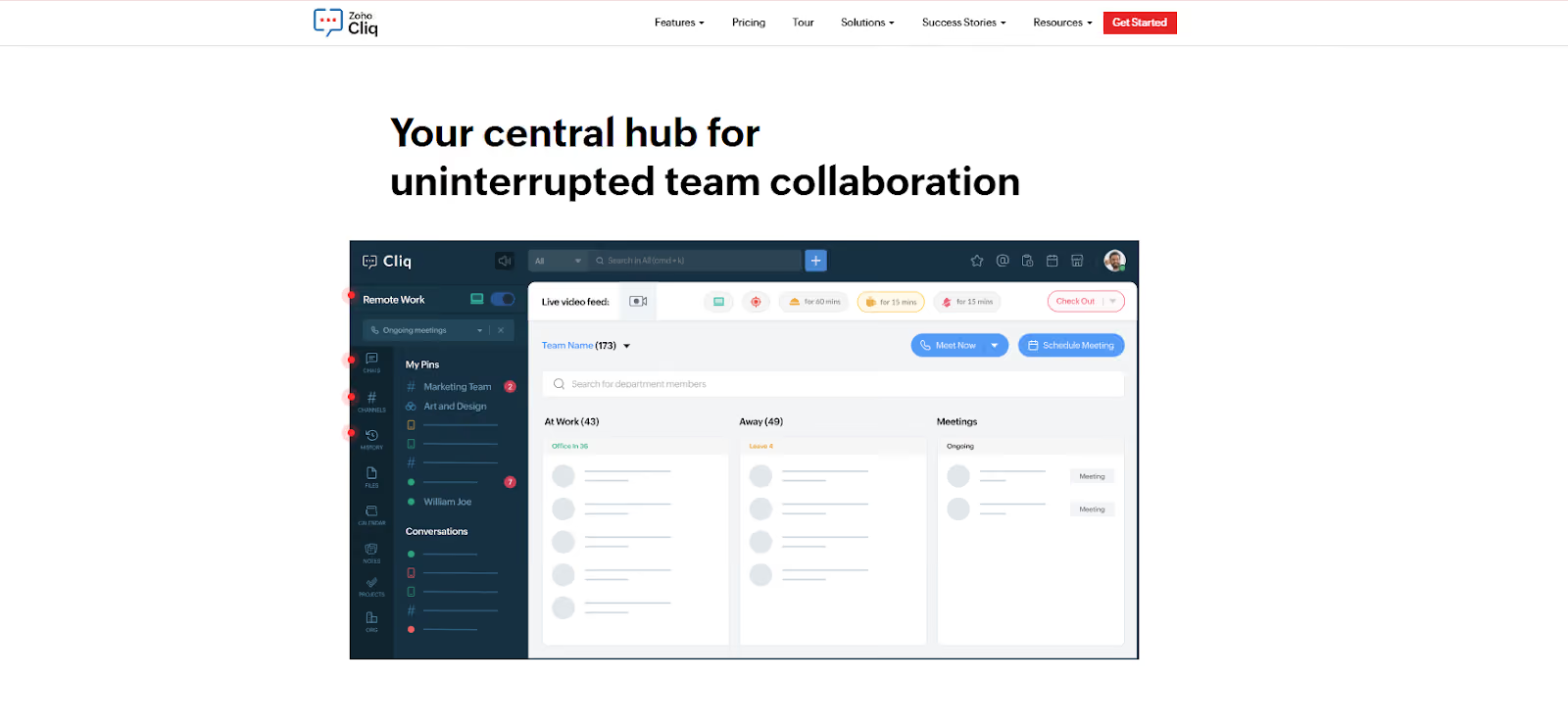
Cliq includes productivity modules like a business calendar and task manager that integrate with Zoho Projects and Zoho Calendar. During Zoho Meeting sessions or calls, you can use collaborative tools like a virtual whiteboard to bring more interactive capabilities.
It comes with enterprise-grade data security and admin controls that allow you to enforce SSO and manage user roles as needed. All sensitive data is encrypted, and if your company has data residency requirements, Zoho can accommodate those within its cloud.
Beyond Zoho’s own apps, Cliq integrates with a range of external services such as Google Workspace, Microsoft 365, Trello, and more. It also supports Zapier and Zoho Flow for workflow automation.
11. RingEX – Best for Enterprises Standardizing Communications
RingEX is a unified enterprise communications platform that brings calling, messaging, video, SMS, and fax together in a single app. Built on RingCentral's voice-first infrastructure, it's designed for teams that need reliable, professional communication whether they work in the office, remotely, or across multiple locations.
One of RingEX's strongest advantages is its AI layer. Calls are automatically summarized, action items are captured, and messages can be translated in real time, reducing manual follow-up without requiring additional tools or integrations.
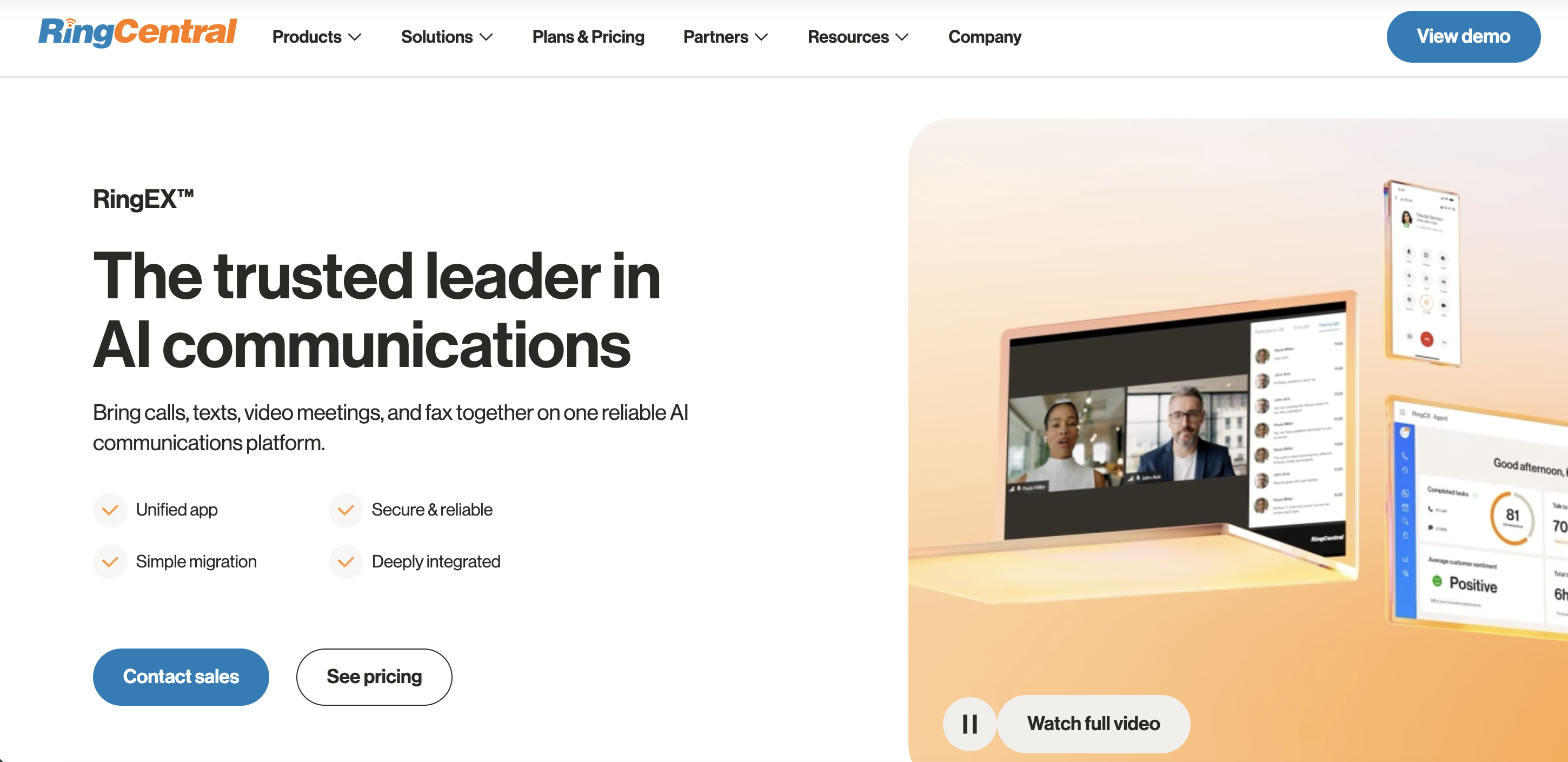
Employees stay connected on any device under one professional number, with team messaging and video meetings built in alongside voice. For organizations moving away from legacy phone systems, RingEX simplifies the migration from on-premises PBX to the cloud without disrupting day-to-day operations.
RingEX integrates natively with CRM and productivity tools including Salesforce, Zendesk, Google Workspace, and Microsoft Teams. It also serves as the foundation for RingCentral's contact center and AI products, making it a practical long-term choice for enterprises that expect their communication needs to grow.
Why Is TextUs the Best Tool for Enterprise Communication?
While traditional messaging platforms focus on internal collaboration, TextUs provides a powerful advantage by strengthening external communication through high-volume, real-time SMS.
Business texting messaging consistently earns higher open and reply rates than email. TextUs prioritizes security while still enabling fast, effective outreach across departments.
Here's why TextUs is an essential addition to any enterprise communication stack that depends on high visibility and measurable results.
Conversational SMS Built for Real-Time Engagement
TextUs enables real-time conversational texting with tools that support 1:1 messaging, shared team inboxes, and controlled bulk text messaging outreach from a single platform.
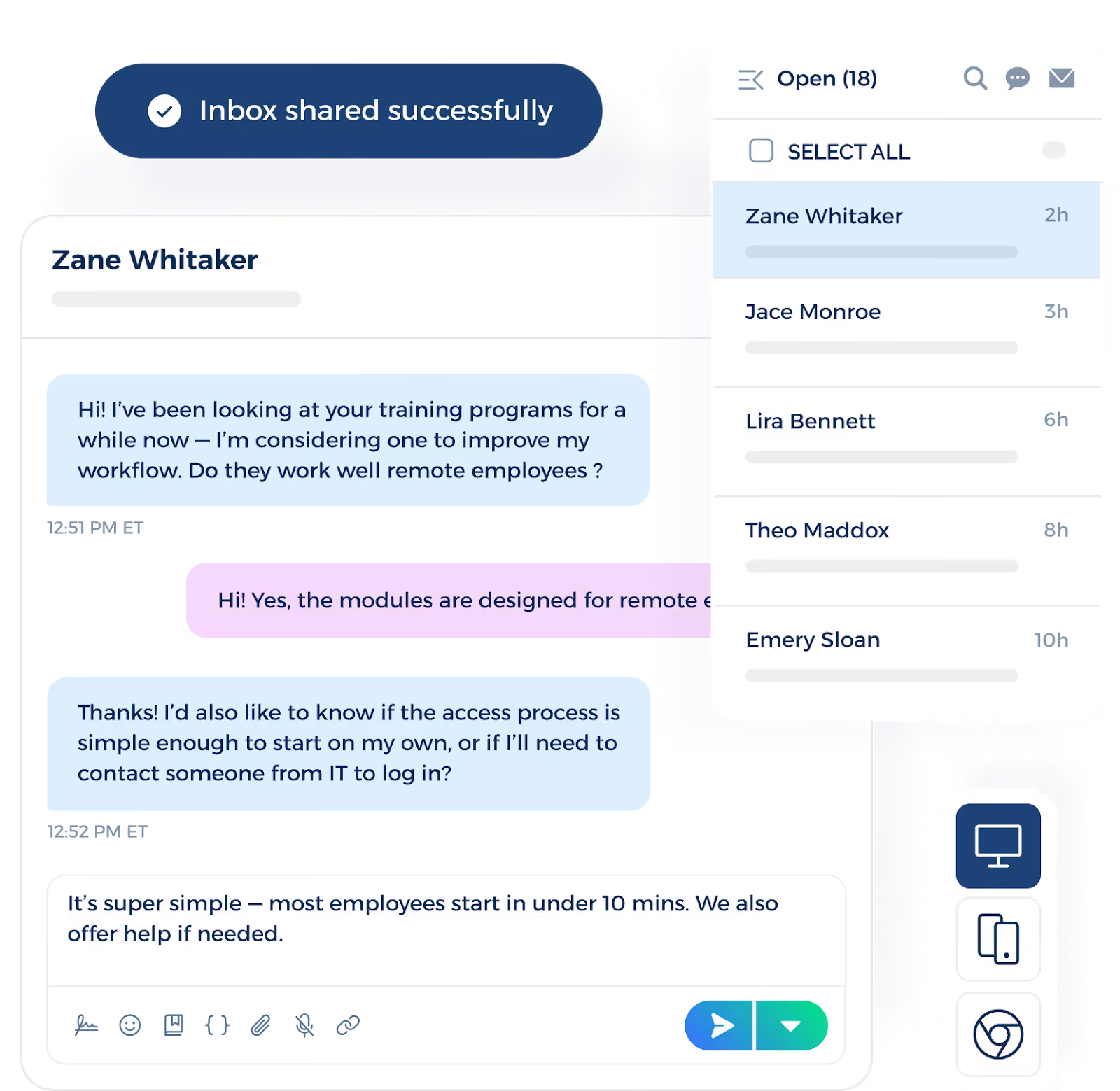
Teams can use SMS templates, personalized fields, and automated drip sequences to keep ongoing conversations active and relevant without sacrificing the human touch.
Text reply rates outpace email by a wide margin, and you can reduce response delays on incoming messages. It also keeps workflows moving, even across distributed teams that rely on rapid engagement.
Seamless CRM and System-Level Integrations
TextUs integrates with enterprise systems such as Salesforce, major ATS and HR information system (HRIS) platforms, and automation tools like Zapier without advanced technical knowledge. It works naturally alongside your existing tools for smoother transitions between platforms.
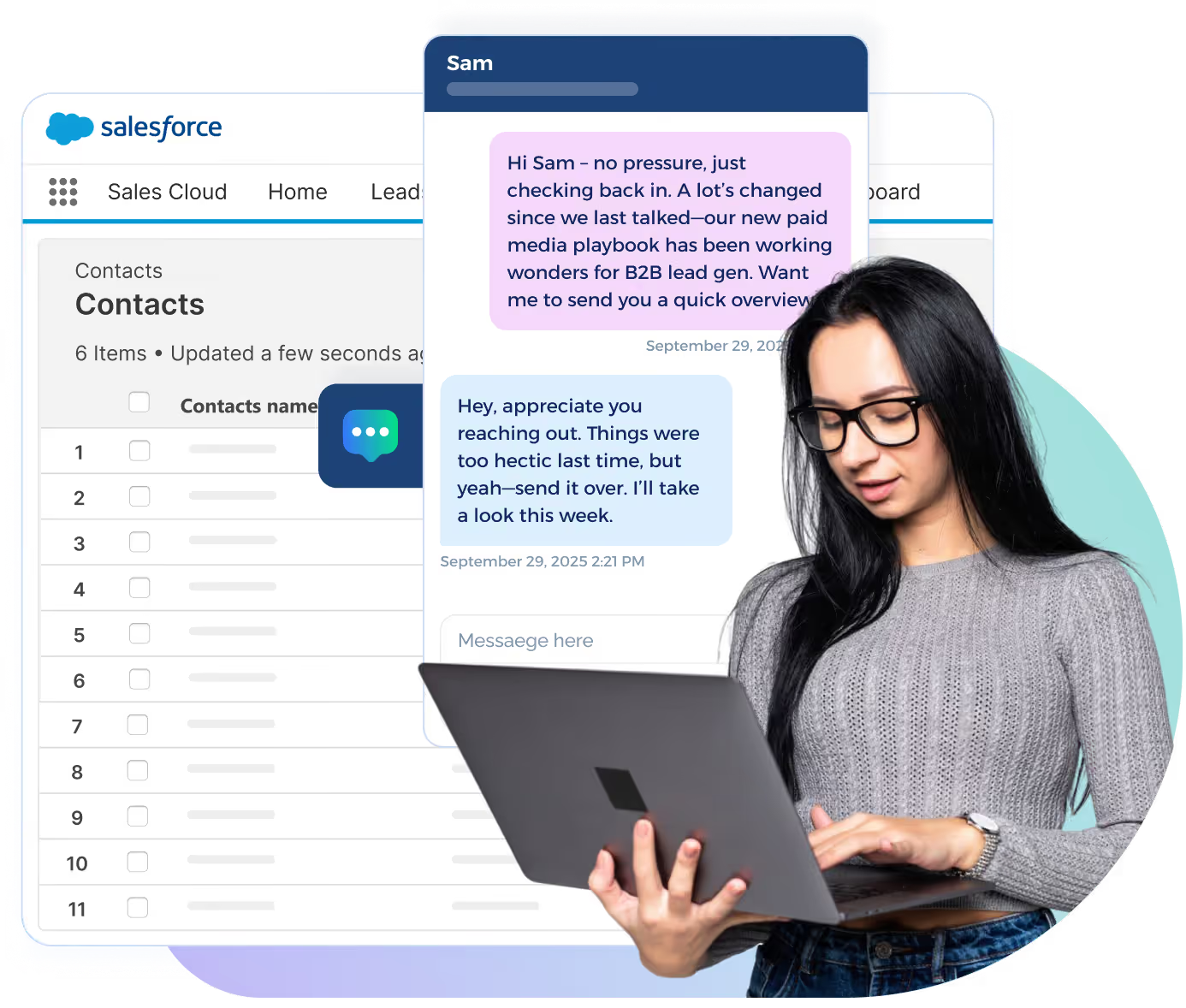
Every message, reply, and performance metric syncs back to contact records. It gives RevOps and leadership full visibility into how texting influences pipeline health, conversion rates, and customer engagement.
These third-party integrations allow teams to organize conversations inside familiar workflows, reducing app switching and improving productivity across the organization.
Enterprise Governance and Compliance
TextUs includes strong governance features that large organizations require. Role-based permissions, audit-ready logs, secure messaging data handling, and enterprise-grade compliance controls help protect sensitive information across departments.

With encryption and structured oversight, TextUs supports organizations working in regulated sectors such as staffing, healthcare, sports, and large global enterprises. This gives you the confidence to expand SMS communication without increasing risk.
Fast Deployment and High User Adoption
A business messaging app is only valuable if your entire team uses it, and TextUs removes that barrier with a design that supports fast, confident adoption.

TextUs combines enterprise-level capabilities with a user-friendly interface that employees can learn in minutes. Front-line teams adopt it easily, which shortens rollout timelines and accelerates the return on investment.
Managers can also deploy TextUs to reduce reliance on email and phone calls, and begin seeing measurable results almost immediately.
Equip Your Teams With a Compliant and Faster Messaging Channel—Try TextUs!
SMS is quickly becoming the dominant channel for business engagement, and TextUs stands out by combining personalized conversational texting. It helps you stay aligned with industry regulations while providing seamless collaboration.
TextUs fits into your existing enterprise workflows and supports stronger momentum across every stage of engagement. It offers two-way conversational SMS, automation, compliance controls, and tight integrations with CRM and ATS platforms.
Marketing, HR, sales, recruiting, customer success, and field operations can each use TextUs to meet their communication goals, while IT and leadership maintain centralized control and visibility.
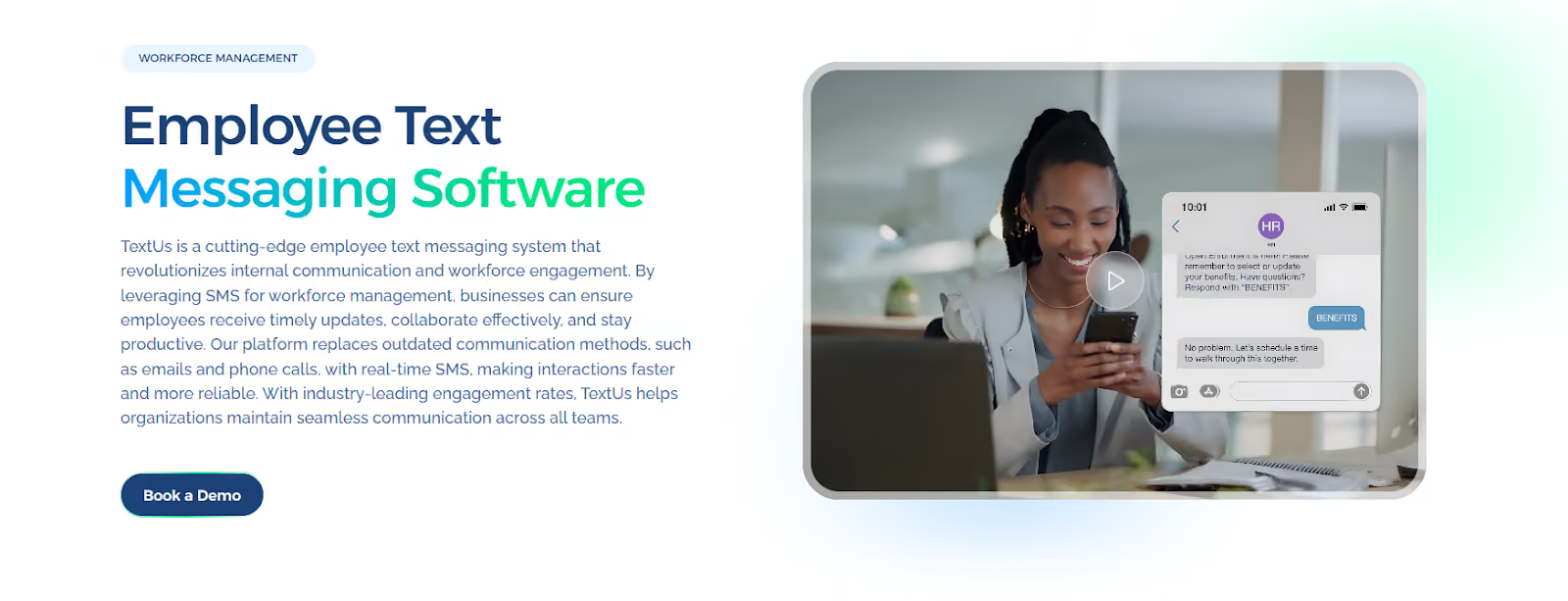
If your organization is ready to move past communication bottlenecks and operate with more responsiveness, TextUs offers a path forward built for modern enterprise demands. Book a demo today!
FAQs About Enterprise Messaging Apps
What is the most popular enterprise instant messaging and group chat tool?
Microsoft Teams and Slack are currently the most adopted enterprise messaging tools for internal communication.
Teams is often the default for organizations using Microsoft 365, while Slack is used among companies that prioritize integration flexibility and real-time workflow collaboration.
However, when it comes to external-facing communication, particularly with candidates, customers, or clients, SMS marketing platforms like TextUs offer higher open rates and faster response times than email or chat apps.
How to tell if someone is using a secret messaging app?
Many enterprises use mobile device management (MDM) tools to restrict which apps run on corporate devices. This allows IT teams to block unauthorized messaging apps and enforce approved, secure communication platforms company-wide.
Enterprise SMS platforms like TextUs reinforce this security posture by keeping communication centralized and auditable. It offers audit trails, opt-out handling, admin controls, and CRM/ATS integrations, which allow organizations to manage high-volume external communication.
What is an enterprise communication platform?
Unlike consumer messaging apps that focus on one-to-one conversations, an enterprise communication platform is built to support secure communication across an entire organization.
It brings together messaging, collaboration, file sharing, and in many cases, voice and video, all within a system that offers visibility and control for IT and leadership.
These platforms are designed to handle the complexity of multiple departments, remote teams, distributed workforces, and high-volume communication needs.
Continue Reading



Frequently Asked Questions
What are the best enterprise messaging apps for large-scale workforces?
The best enterprise messaging apps for large workforces combine internal collaboration, external customer SMS, compliance controls, CRM integration, and scalable team inbox management.
What features are essential in an enterprise messaging app?
Essential enterprise messaging features include high message throughput, shared inboxes, role-based access controls, audit logging, CRM or ATS integration, analytics, and compliance management.
How do enterprise messaging apps scale with organizational growth?
Enterprise messaging platforms scale by supporting increased user counts, higher message volumes, additional team inboxes, and expanded integration requirements without degrading performance or compliance capability.
Business Texting
Built for Results
Create and convert pipeline at scale through industry leading SMS software