
SMS Verification: How It Works and What to Know
SMS verification helps protect signups, logins, and account updates. Learn how it works, key risks, benefits, and best practices.

Written by
Adam Hamdan
Published
June 11, 2026

Companies use text verification to add another layer of protection to signups, password resets, transactions, and profile updates.
It's familiar to most users, easy to complete, and does not require installing another app. That simplicity makes it a practical option for many account security flows.
Still, the benefits of SMS verification are strongest when the process is built for speed, reliability, and a smooth user experience.
In this guide, you will learn how SMS verification works, what risks to consider, and how an SMS marketing platform can support communication after verified contacts give consent to receive texts.
TL;DR
- SMS verification involves sending a code, asking the user to enter it, and checking whether it matches before access continues.
- Its main advantages include added account protection, a familiar user experience, no extra app requirement, lower setup cost, and better contact quality after consent.
- Its main challenges include delayed or blocked codes, temporary phone number issues, security risks, higher costs from fraud, and limited protection for sensitive systems.
- SMS verification is secure enough for many everyday account checks, but it should not be the only protection for admin access, financial activity, or sensitive systems.
- After verification and consent, TextUs helps you continue the conversation through two-way texting, automated follow-ups, campaign messaging, and shared inbox workflows.
What Is SMS Verification?
SMS verification is a security process that confirms a user has access to a mobile phone number.
A website, app, or online system sends a short verification code through text message. Then, it asks the user to enter that code before access or account action can continue.
SMS verification may also be called:
- SMS authentication
- SMS two-factor authentication
- SMS-based 2FA
- SMS one-time password
- SMS OTP
- Text message verification
- Phone number verification
With SMS verification, it's easier to confirm phone access before a user can sign in, update details, or finalize an account action.
This is also commonly seen during account signups, login attempts, password resets, online payments, and profile updates.
How Does SMS Verification Work?
Here are the usual steps in an SMS verification flow:
- You will provide a mobile number during signup, login, checkout, password reset, or profile update.
- The system generates a short verification code for one account action.
- You will receive SMS messages with the code, brand name, expiration window, and a warning not to share it.
- You input the code into the verification screen, or your device may auto-fill it when supported.
- The system checks whether the code matches, has not expired, and has not exceeded attempt limits.
- A correct code lets you continue, while a wrong or expired code stops the process.
Advantages of SMS Verification
SMS verification is easy for most people to use because they already know how to receive and enter a text code. Here are its key advantages:
Added Account Protection
SMS verification adds another checkpoint before account access, password resets, transactions, or profile updates. It helps authenticate users beyond a password alone.
Easy for Users
Most users already know how to receive a text code and enter it on-screen. The process is convenient as it does not require users to learn a new tool.
No Extra App Required
Users do not need to download an authenticator app or switch between multiple channels just to verify their number. They can complete the step from the phone they already use.
Lower Setup Cost
SMS verification can cost less than building a custom verification system from scratch. It provides a simple way to add phone-based verification without a complex setup.
Better Contact Quality
Verified numbers are more useful than unverified form entries. Once consent is collected, those numbers can support follow-up messages, reminders, updates, and customer conversations.
Challenges of SMS Verification
SMS verification is useful, but it should not be the only security layer for sensitive accounts or high-risk actions. Here are the main challenges you need to understand:
Delayed or Blocked Codes
SMS verification codes may arrive late, get blocked, or fail to reach the user. Poor signal, carrier issues, wrong number format, or unsupported number types can stop the code from arriving.
Temporary Phone Number Issues
A temporary phone number can make SMS verification less reliable because it may only be used once or for a short time. These numbers can lead to fake accounts, poor contact records, and account recovery problems later.
Security Risks
Attackers can steal SMS verification codes through phishing pages, SIM swap fraud, stolen devices, or social engineering. Since SMS verification helps confirm the user's identity, you should use stronger protection for high-risk accounts and sensitive actions.
Higher Costs from Fraud
High message volume, bot activity, and SMS pumping can raise verification costs. You can reduce abuse with resend limits, attempt limits, fraud checks, and usage alerts.
Limited Protection for Sensitive Systems
Admin accounts, financial actions, employee systems, and sensitive customer data need more than SMS alone. Stronger methods like authenticator apps, passkeys, or security keys may be safer for high-risk access.
Is SMS Verification Secure?
Text-based verification is only secure when codes are managed with strict controls.
A strong setup should make each code short-lived, single-use, and connected to one specific action, such as a login, password reset, or transaction approval.
It also needs controls behind the scenes. You should limit retries, track unusual code requests, and block repeated attempts before they turn into account risk.
For higher-risk access, SMS verification should act as a step-up check rather than the final security layer.
Sensitive actions need added protection, such as device checks, account alerts, authenticator apps, passkeys, or security keys.
What Happens After SMS Verification?
SMS verification is a one-time security step. Once the code is confirmed, the user moves forward with the next action.
After verification, the next priority is permission. A verified number does not automatically mean someone agreed to receive future texts.
Therefore, you still need consent before sending reminders, updates, campaigns, or follow-up messages.
Once verification and consent are both in place, a texting software like TextUs helps you continue the conversation.
It supports two-way texting, campaign messaging, automation, and shared inbox tools. You can follow up with verified contacts without relying on personal phones or disconnected systems.
For example, after a lead verifies a phone number on a form, TextUs can help send a welcome text, qualify interest, route the lead to sales, or trigger a follow-up sequence.
Make Follow-Up Easier After SMS Verification With TextUs
A verified phone number is only valuable when you have a smart way to continue the conversation.
Once a contact is verified and opted in, you need a texting process that can deliver follow-up without relying on disconnected tools.
With TextUs, you can manage SMS conversations after verification and consent. The platform lets you send messages, sales outreach, and automated text workflows while keeping replies organized and easier to track.
If SMS verification is the checkpoint, an SMS business solution like TextUs is the next step that keeps communication moving.
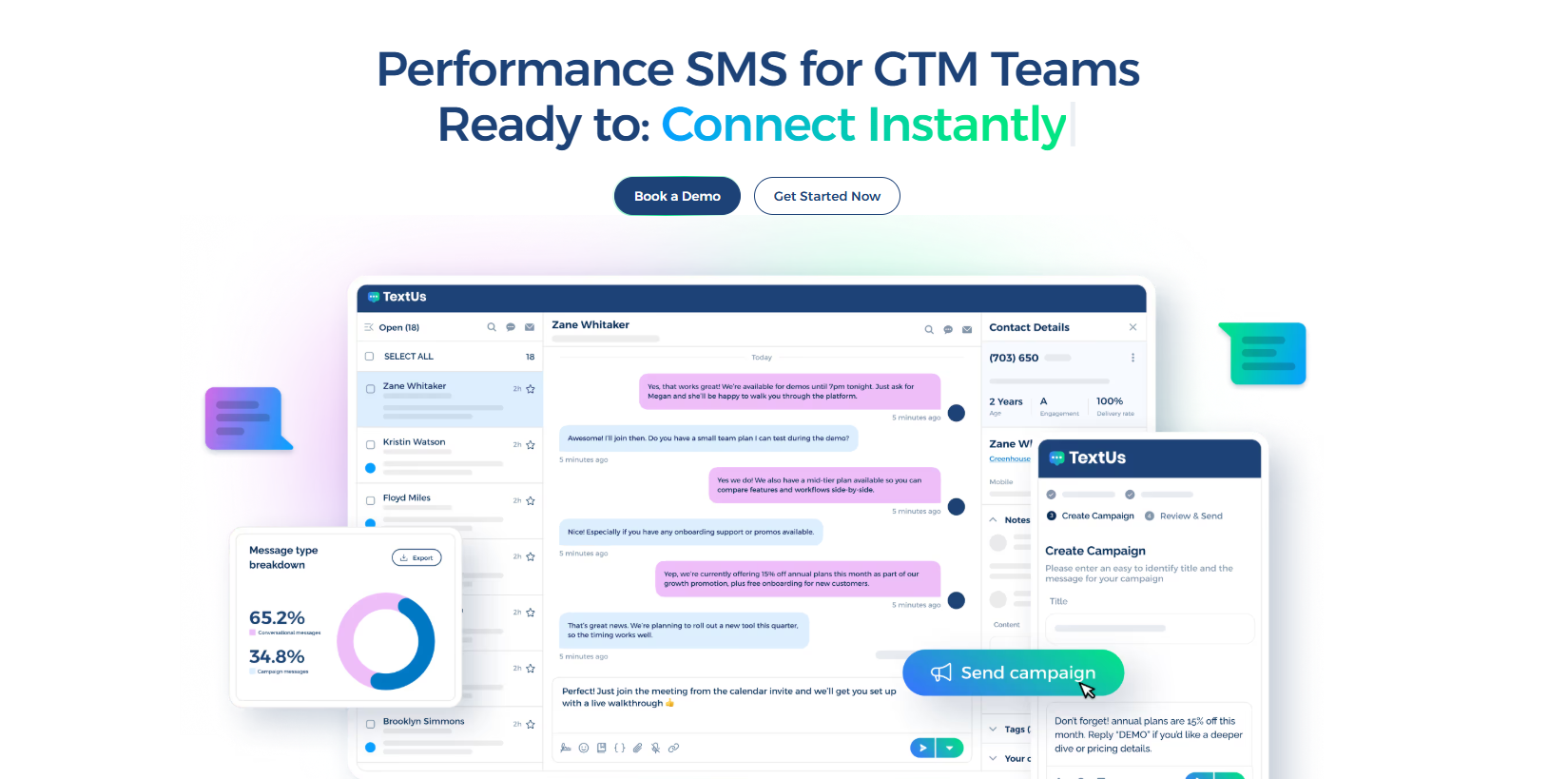
Book a demo with TextUs today to see how your team can turn verified, opted-in contacts into better conversations!
Continue Reading



Frequently Asked Questions
Why am I not receiving my SMS verification code?
You may not receive your SMS verification code because of an incorrect number, weak signal, blocked texts, carrier delays, or routing issues.
Try checking the selected number, wait a few minutes, request a new code, or choose another method if the application offers one.
How long should an SMS verification code last?
An SMS verification code should expire within a few minutes.
Short expiration windows are safer because they reduce the risk of old codes being reused, especially for password resets, payments, and sensitive account changes.
Can businesses use SMS verification internationally?
Yes, you can use SMS verification for users around the world. But delivery can vary based on country rules, carrier support, sender requirements, and routing quality.
If you serve clients worldwide, choose a service that can scale, show delivery results in a clearly displayed dashboard, and support testing before launch.
Business Texting
Built for Results
Create and convert pipeline at scale through industry leading SMS software