
30 Best Recruiting Agency Software Tools in 2026
Compare the 30 best recruiting agency software options for sourcing, engagement, screening, scheduling, and more, and see where TextUs fits.

Written by
Adam Hamdan
Published
September 2, 2026

The software behind your recruiting agency should do more than store resumes and track open roles.
It should help you find candidates faster, keep client requests organized, and move each placement forward without adding more admin work.
The best recruiting agency software depends on where your current process needs the most support.
You may be looking for stronger sourcing, better candidate engagement, faster interview scheduling, easier screening, smoother onboarding, or more useful reporting.
In this article, we’ll compare 30 of the best recruiting agency software options and explain how to choose a platform based on your agency size and existing systems.
TL;DR
Here are the 30 best recruiting agency software options grouped by use case:
- Candidate engagement: TextUs, Sense, Gem
- Candidate sourcing: Juicebox, SeekOut, hireEZ
- Job posting and recruitment marketing: JobAdder, Broadbean, Joveo
- Interview scheduling: GoodTime, Calendly, Paradox
- Candidate screening and matching: Humanly, Harver, Bullhorn
- Video interviewing: HireVue, Willo, Spark Hire
- Background screening: Checkr, Sterling, Accurate Background
- Recruitment analytics and automation: OneUp Sales, Recruiterflow, SourceWhale
- Offer, placement, and onboarding: Avionté, TempWorks, WorkBright
- Candidate submission and client collaboration: Crelate, Loxo, TrackerRMS
The Importance of Choosing the Right Recruiting Software
Candidate details, interview notes, and client requests sit in different places. This makes your entire recruitment process harder to manage as workloads grow.
Recruitment agency software provides one shared view across open roles, candidate activity, and multiple clients.
You spend less time searching for updates, while candidate management becomes easier to maintain from first contact through placement.
That structure also improves client communication because everyone has access to the same information.
Fewer missed follow-ups, less duplicate work, and stronger hiring efficiency give your agency more time to focus on relationships and results.
30 Best Recruiting Agency Software (By Use Case)
Recruiting firms rely on different platforms to source talent, manage candidates, communicate with clients, and move placements forward. Here are 30 of the best recruiting agency software options:
Candidate Engagement
Candidate engagement platforms keep conversations active across outreach, follow-ups, and reminders throughout the recruiting journey.
1. TextUs
Candidate conversations move fast, especially when several recruiters are working across open roles and large talent pools.
TextUs brings two-way texting, SMS marketing campaigns, recurring messages, and multistep sequences into one platform.
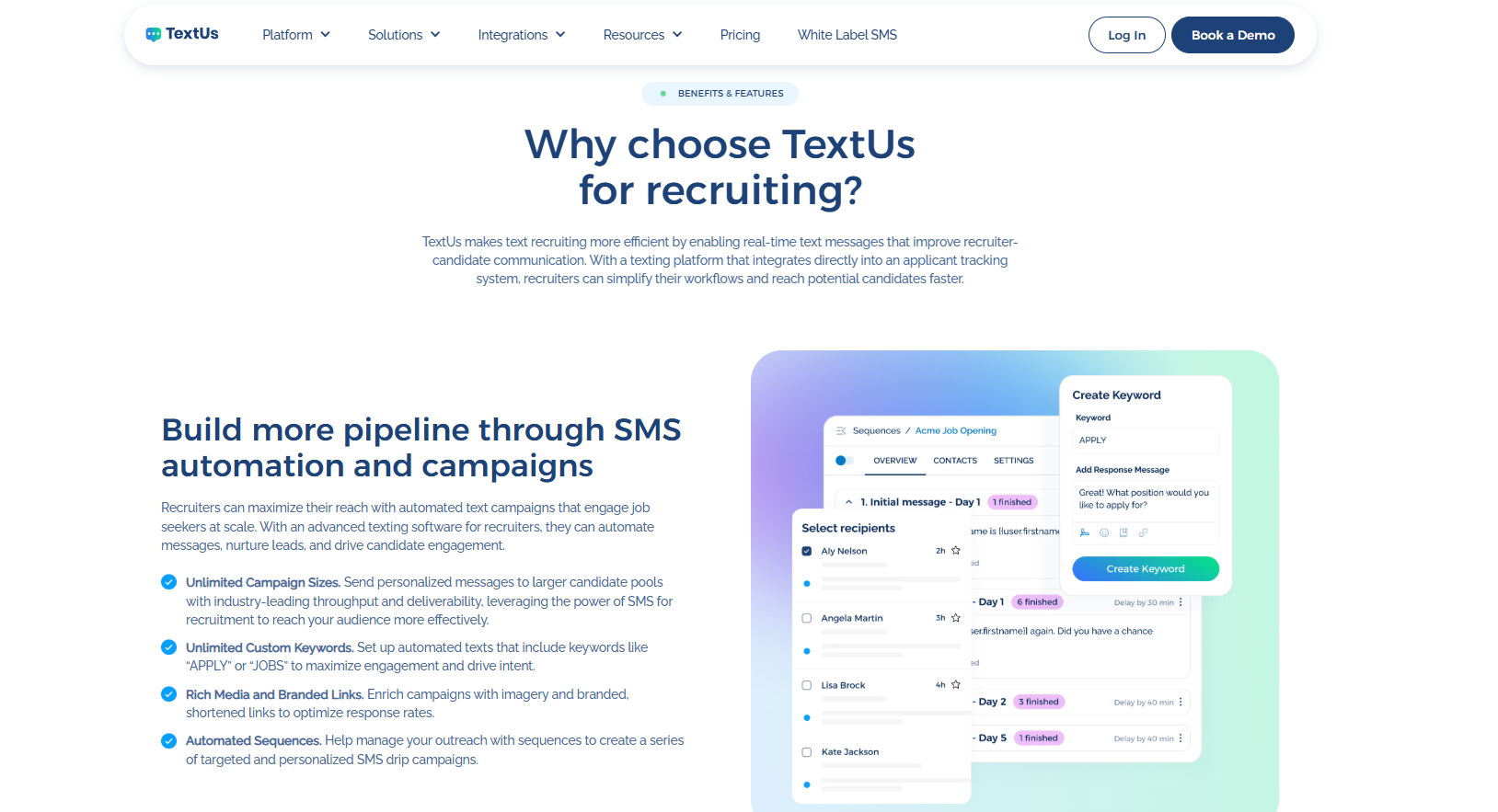
Job alerts, interview reminders, re-engagement messages, hiring event updates, and offer follow-ups all stay connected, while sequences stop once a candidate replies. Sequences can be configured to continue when later follow-up messages are still appropriate.
A shared inbox gives you more visibility than basic ATS texting. Your staff can view replies, assign conversations, and review message history when a candidate changes hands or someone is away.
SMS integrations with Bullhorn, Greenhouse, Workday, Oracle Taleo, JobAdder, JobDiva, HubSpot, Salesforce, and Microsoft Dynamics 365 keep text conversations tied to candidate records.
That connection preserves context across the recruiting lifecycle and reduces the need to copy updates between systems. The web app, mobile app, and Chrome extension also keep conversations within reach throughout the day.
TextUs also pays close attention to message quality and deliverability. Smart Delivery checks drafts for content that may affect carrier filtering or message quality. When MQI flags a draft, Smart AI Rewrite can generate revised versions for the sender to review.
Campaign reports cover delivery, replies, failures, clicks, and A/B test results. Moreover, AI engagement scoring assigns Cold, Warm, or Hot stages based on the conversation and updates the stage when new inbound messages arrive.
If you want to implement text marketing as your communication channel, these features provide a competitive edge without removing the personal side of candidate outreach.
See how TextUs fits into your current recruiting workflow. Book a demo today to explore candidate texting!
2. Sense
Sense is a talent engagement platform that combines messaging, automated outreach, chatbots, job matching, and interview scheduling.
Its candidate relationship management features let you communicate through SMS, WhatsApp, email, and chatbot conversations from one platform.
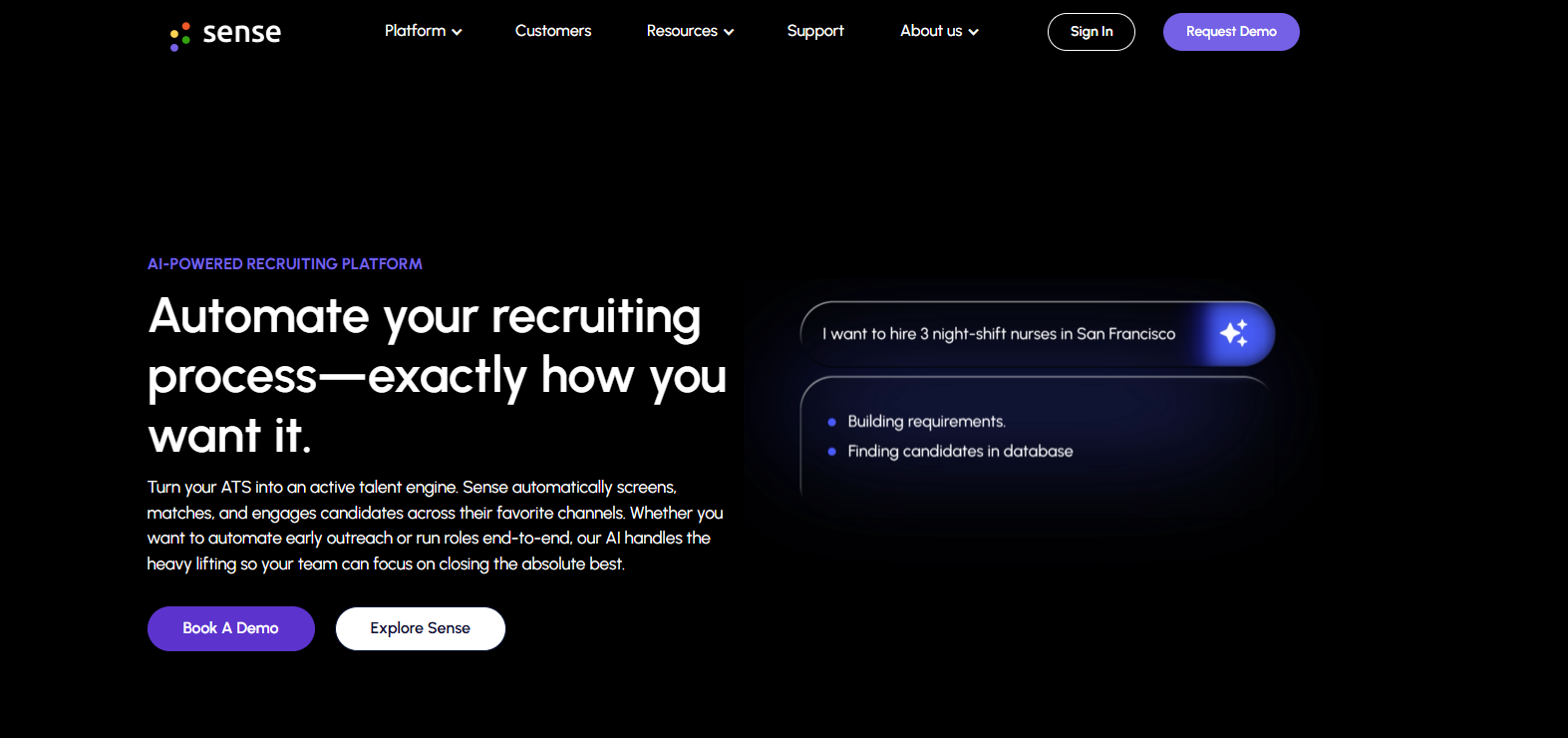
You can build multichannel candidate journeys with a visual editor, audience segments, and event-based triggers. Sense Messaging also includes one-to-one texting, mass texts, customized broadcasts, and automated check-ins.
Its chatbot can answer candidate questions, collect application details, screen applicants, schedule interviews, and pass conversation data back to connected ATS records.
The platform can also collect candidate feedback through NPS surveys and use those results to review points in the talent acquisition process.
3. Gem
Gem combines sourcing, outreach, CRM, applicant tracking, scheduling, and analytics in one recruiting software.
Its management tools keep passive prospects, past applicants, talent community members, and active candidates in shared records, while connected ATS data stays synchronized.
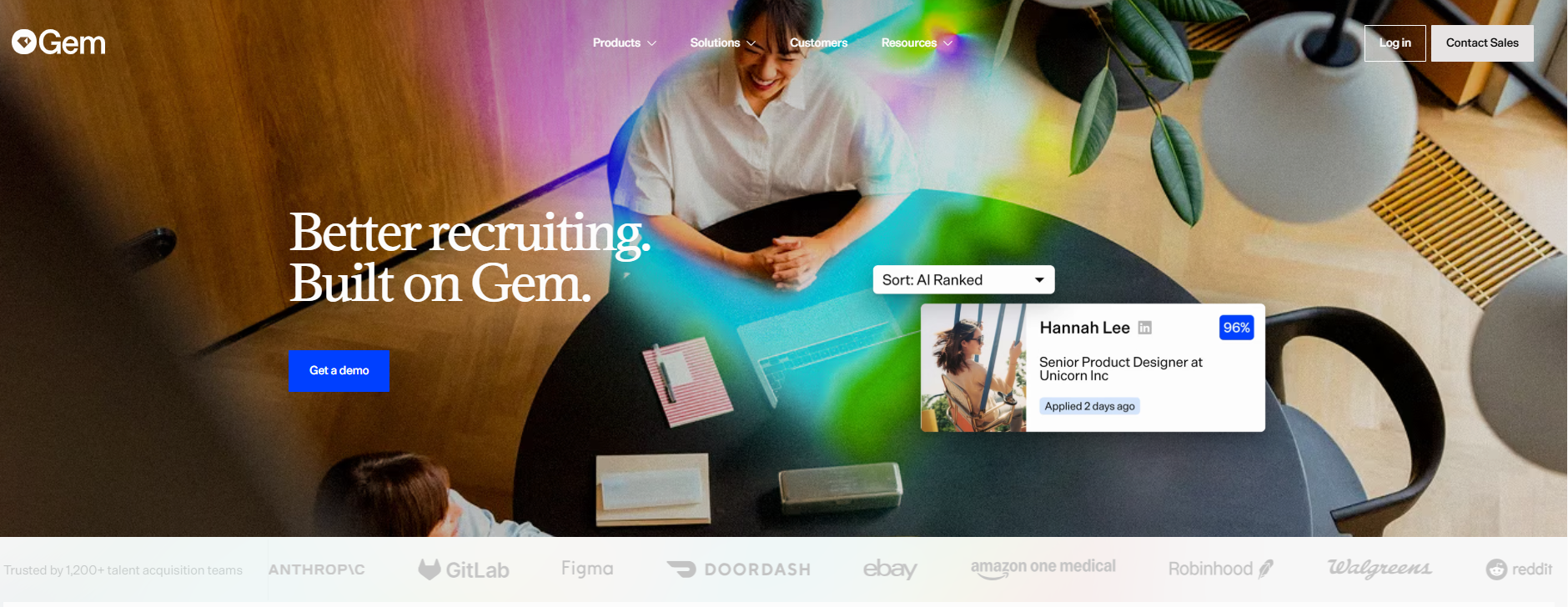
Multistep outreach sequences may include email, SMS, and InMail. Personalization fields, scheduled follow-ups, AI-assisted drafts, and send-on-behalf-of options allow messages to come from recruiters, executives, or hiring managers.
Candidate conversations remain attached to the same profile as prospects move into active searches. You may organize records by client or job requisition, review previous touchpoints, and manage candidate pipelines without losing the context behind each relationship.
Cohort views also compare results across candidate groups, messages, and campaigns, which makes it easier to see where engagement drops or improves.
Candidate Sourcing
Candidate sourcing platforms help you find people beyond standard applicant pools and active job seekers.
4. Juicebox
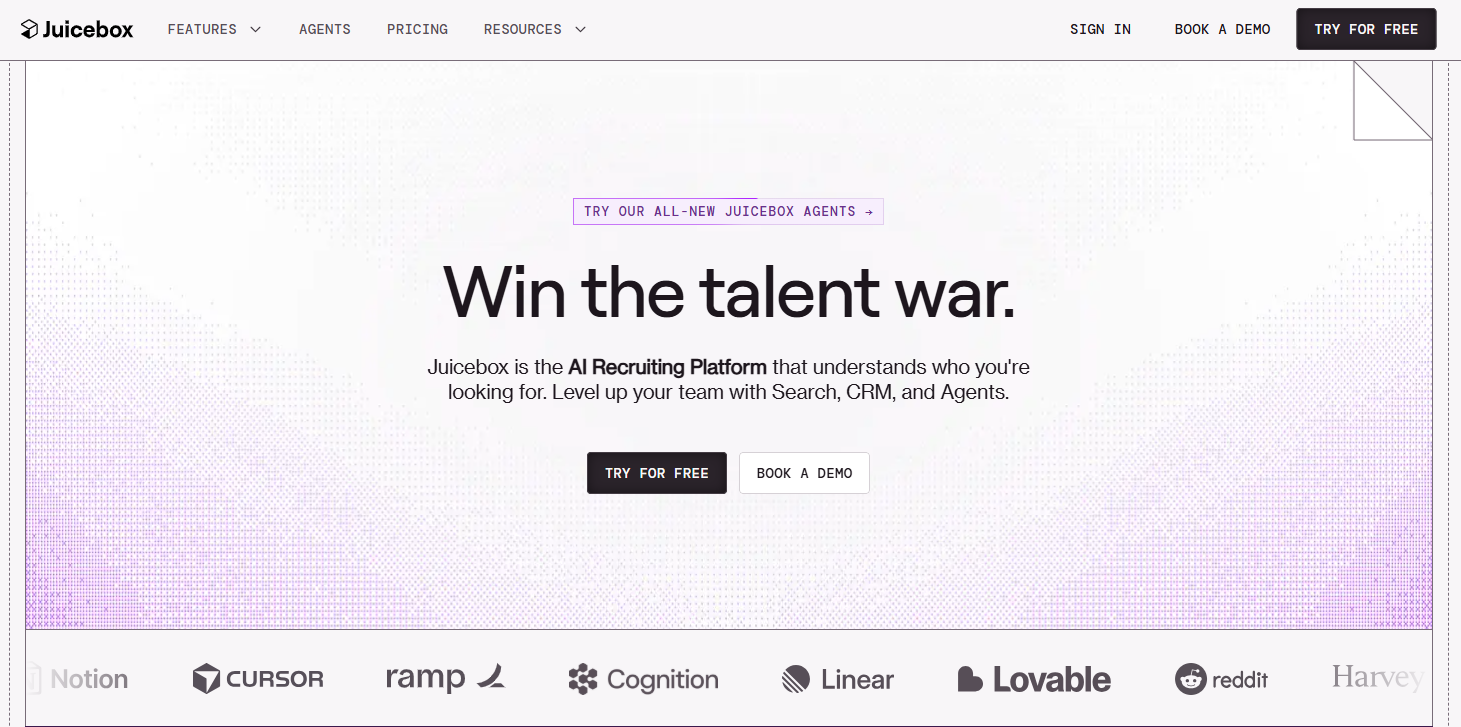
Juicebox is a recruiting platform that combines candidate search, talent insights, outreach, CRM records, and recruiting agents.
This recruitment software has a database that covers more than 800 million profiles across over 30 data sources. Natural-language search lets you describe a role without building Boolean strings.
Searches use details such as job title, location, experience, and skills, along with criteria related to industry background, leadership, work history, and other role requirements.
Juicebox then ranks profiles against those criteria and shows an explanation for each result, which adds context when recruiters review qualified candidates.
Classic and table views provide separate layouts for browsing individual profiles or comparing several people side by side.
It also includes Network Sourcing for Business Plan users. Shared employers, schools, and mutual connections may also be added to outreach as contextual details.
5. SeekOut
SeekOut is an AI recruiting platform that searches more than one billion public and ATS profiles.
Its database includes professional profiles from sources such as LinkedIn and GitHub, with more than 300 filters for skills, experience, location, certifications, education, and other candidate details.
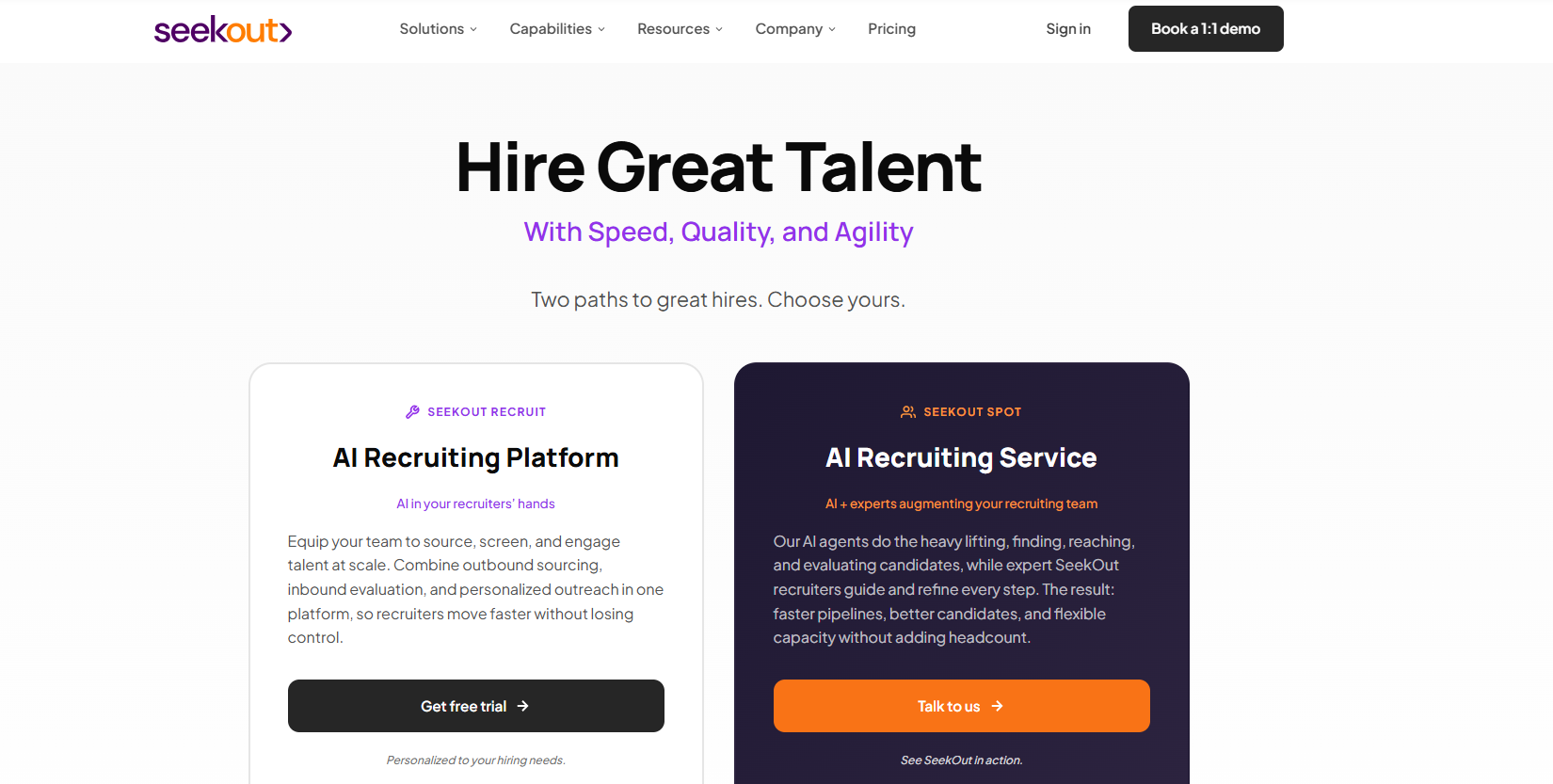
You may search through Smart Match, natural-language prompts, Boolean queries, or structured filters. These advanced search features make it possible to narrow broad talent pools and compare profiles.
Each open role can have its own Workspace, where search criteria, candidate evaluations, shortlists, and outreach stay together. From there, you may review profiles, retrieve available contact information, save selected candidates, and launch personalized email sequences.
SeekOut also offers Talent Rediscovery through supported ATS integrations. This feature combines existing applicant and prospect records with SeekOut data.
6. hireEZ
hireEZ is a recruiting platform that connects sourcing with an organization’s existing ATS.
Its search tools review profiles across the open web, job boards, and internal candidate records, then create candidate lists from a job description or recruiter-entered criteria.
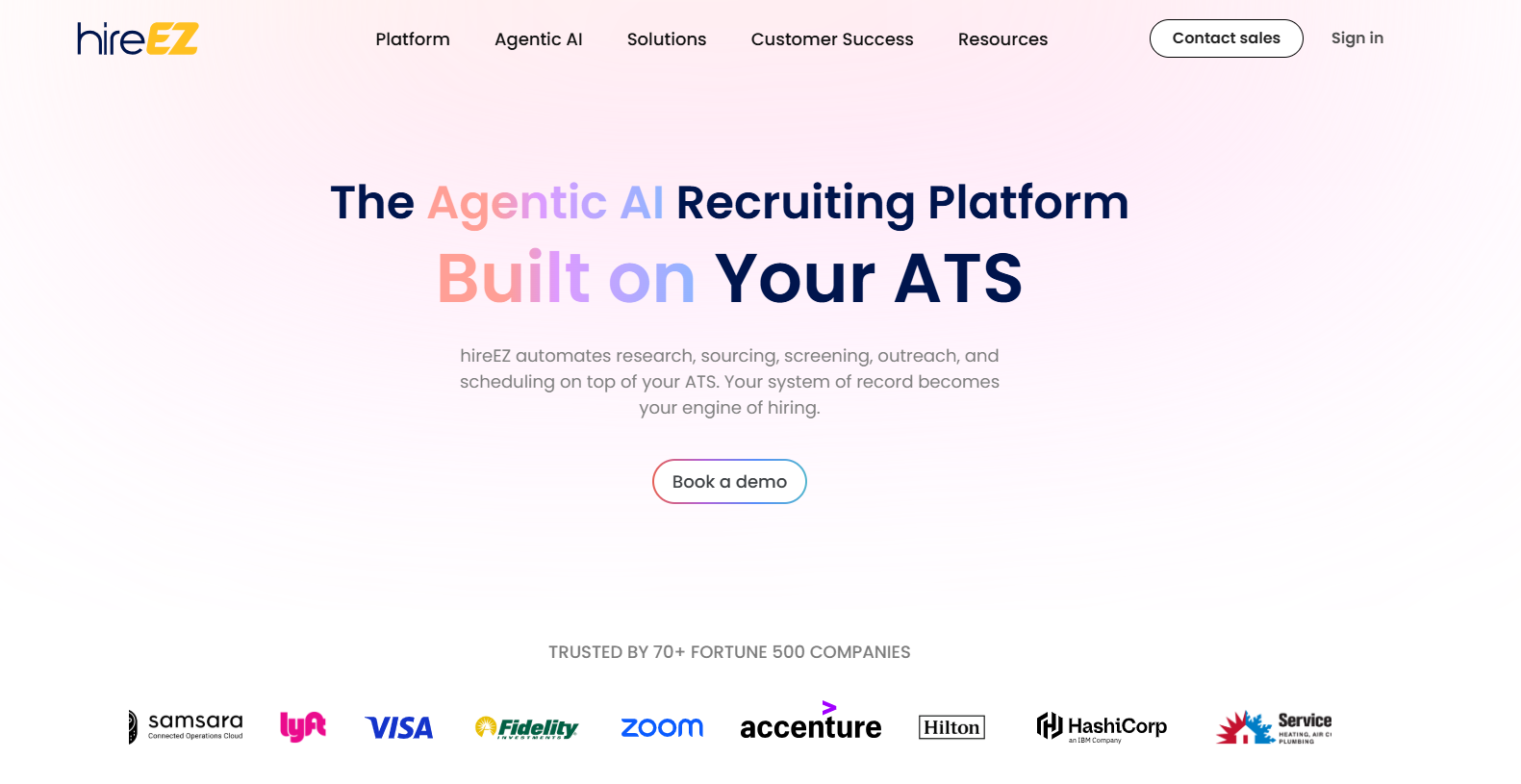
Searches may include job titles, required and preferred skills, locations, experience levels, and keywords. Boolean strings remain available for recruiters who prefer a more controlled search, while AI candidate matching ranks profiles against the role requirements.
Past applicants are also part of the sourcing pool. Talent Rediscovery searches existing ATS records, refreshes profile information, and compares previous candidates with current openings.
EZ Agent extends the recruiting process by handling candidate research, sourcing, and initial evaluation across open roles. You retain review points before candidates move into outreach or later recruitment stages.
Job Posting and Recruitment Marketing
Getting open roles in front of relevant candidates takes more than publishing and waiting for applications. These platforms bring job distribution, campaign reach, and recruitment marketing in one workflow.
7. JobAdder
JobAdder is a cloud-based recruitment platform with native job posting and recruitment marketing tools.
You write an advertisement once, select from hundreds of job boards, career sites, social channels, and company websites, then preview and publish it from the same system.
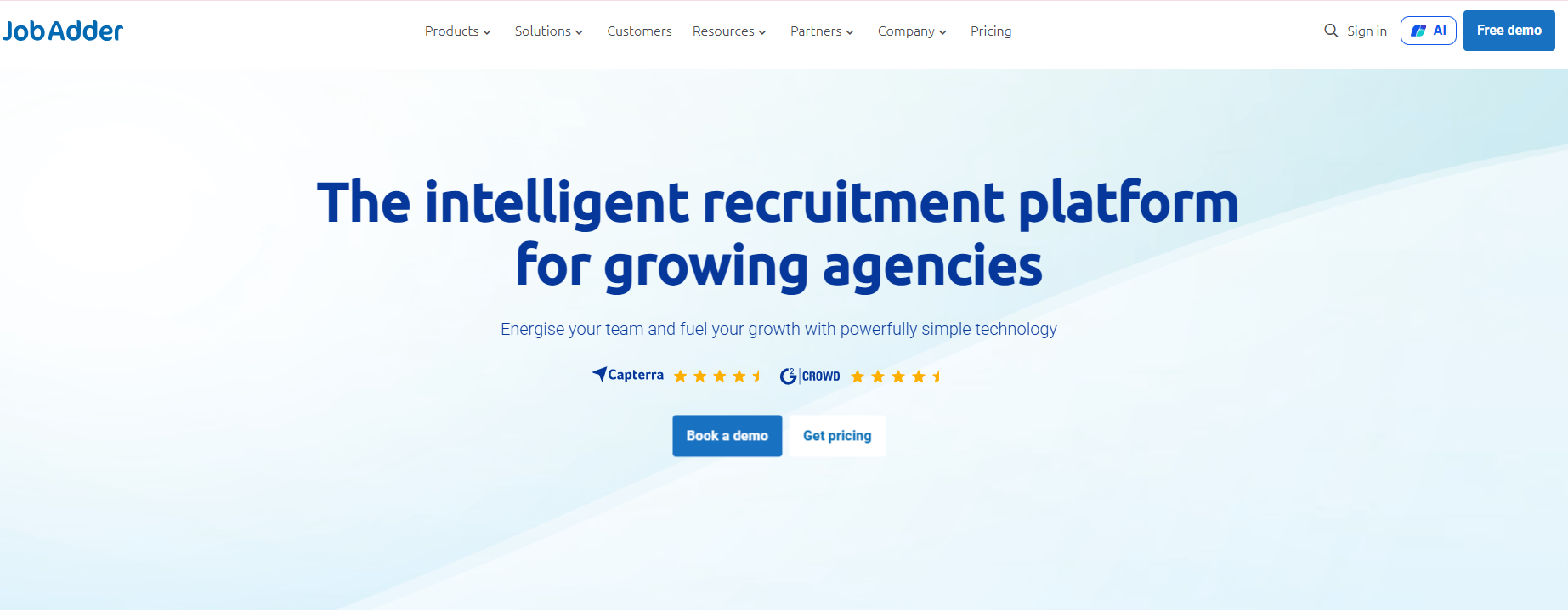
Branding controls cover message templates, job advertisement templates, and standardized application forms. You can keep your visual identity across career pages and candidate applications without rebuilding each campaign from the beginning.
JobAdder records where each applicant came from through automatic source tagging. Its job board integrations include free and paid channels, specialist sites, and social platforms.
Recruitment marketing sits alongside application review, candidate records, reporting, and mobile access. The connection between advertising and applicant data keeps campaign results attached to the wider recruitment workflow.
8. Broadbean
Broadbean is a job distribution and recruitment advertising platform for agencies and in-house recruitment teams.
You'll create an ad once and distribute it across more than 7,000 job boards, social media channels, search engines, and connected career sites. The platform also integrates with ATS products.
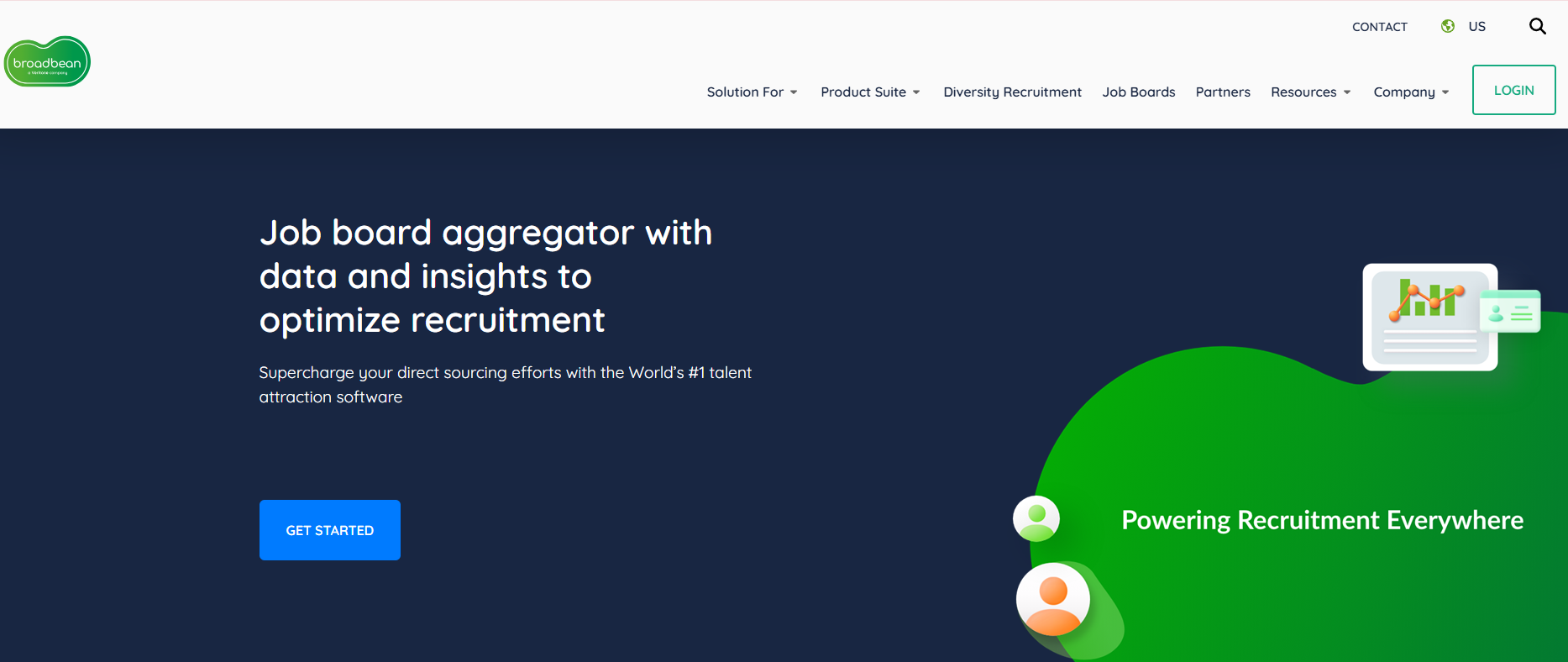
Controls for multi-brand posting and user access let agencies manage advertising across separate teams, regions, or client accounts.
AdApprove adds a review step before vacancies go live, while character counters and spell-check tools catch issues that may affect how an ad appears on different channels.
Programmatic advertising is available for pay-for-duration and pay-for-performance campaigns. It lets you set campaign budgets and review progress through a central dashboard.
9. Joveo
Joveo is a recruitment marketing platform that brings programmatic job advertising, career sites, candidate engagement, and campaign analytics into one system.
Its advertising tools distribute job requisitions across job boards, social media, search engines, and niche channels from a central interface.
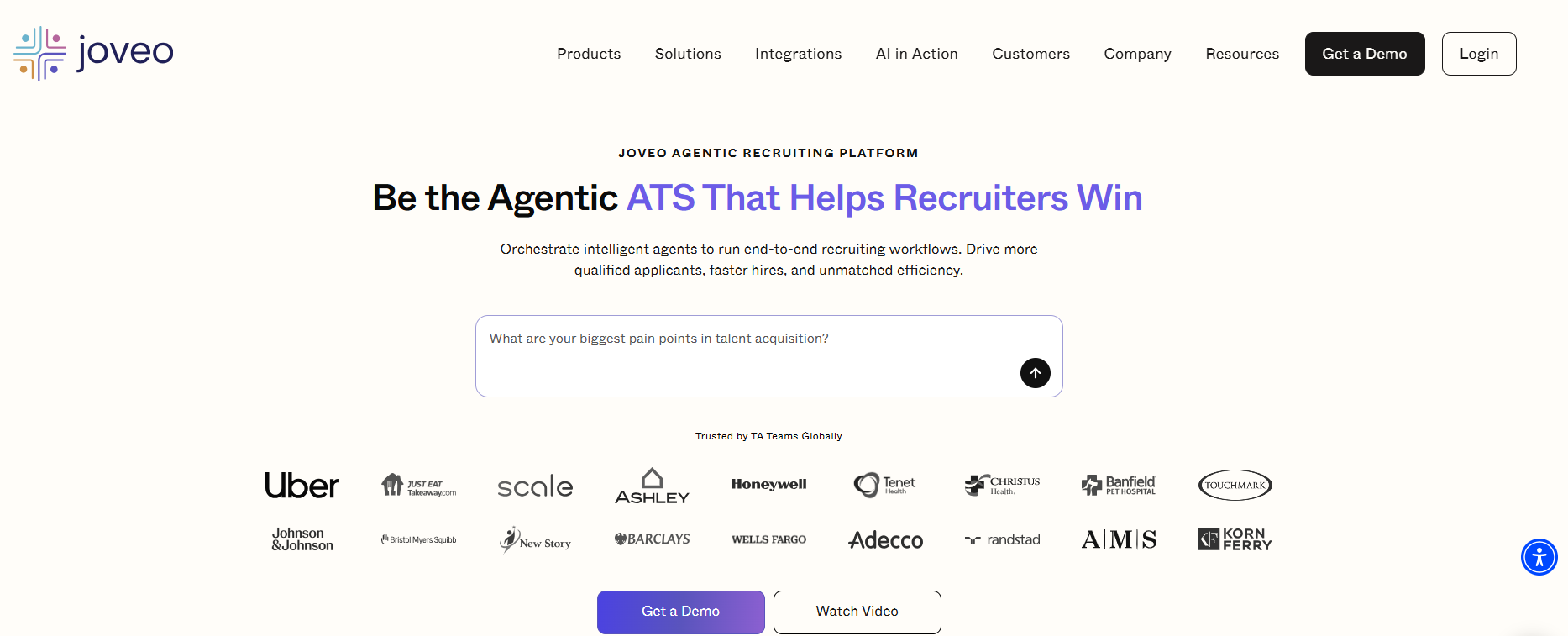
Campaign budgets shift between publishers, roles, and markets in response to performance. Joveo’s prediction engine selects sources and adjusts bids based on campaign goals.
Reporting follows candidates beyond clicks and applications. You may review metrics such as shortlist rate, apply-to-hire rate, cost per hire, and return on advertising spend.
Joveo also connects with ATS platforms so open roles flow into advertising campaigns and candidate information returns to the recruiting record. Social, search, display, and job-board results appear within its analytics environment.
Interview Scheduling
Scheduling tools keep candidate, recruiter, and client calendars aligned without turning every interview into a long email thread.
10. GoodTime
GoodTime is an AI-powered interview management platform that coordinates recruiter screens, panel interviews, multi-day sessions, and hiring events.
The system connects with Google and Microsoft 365 calendars, then checks interviewer availability before presenting suitable times to candidates. Video meeting integrations include Zoom, Microsoft Teams, and Google Meet.
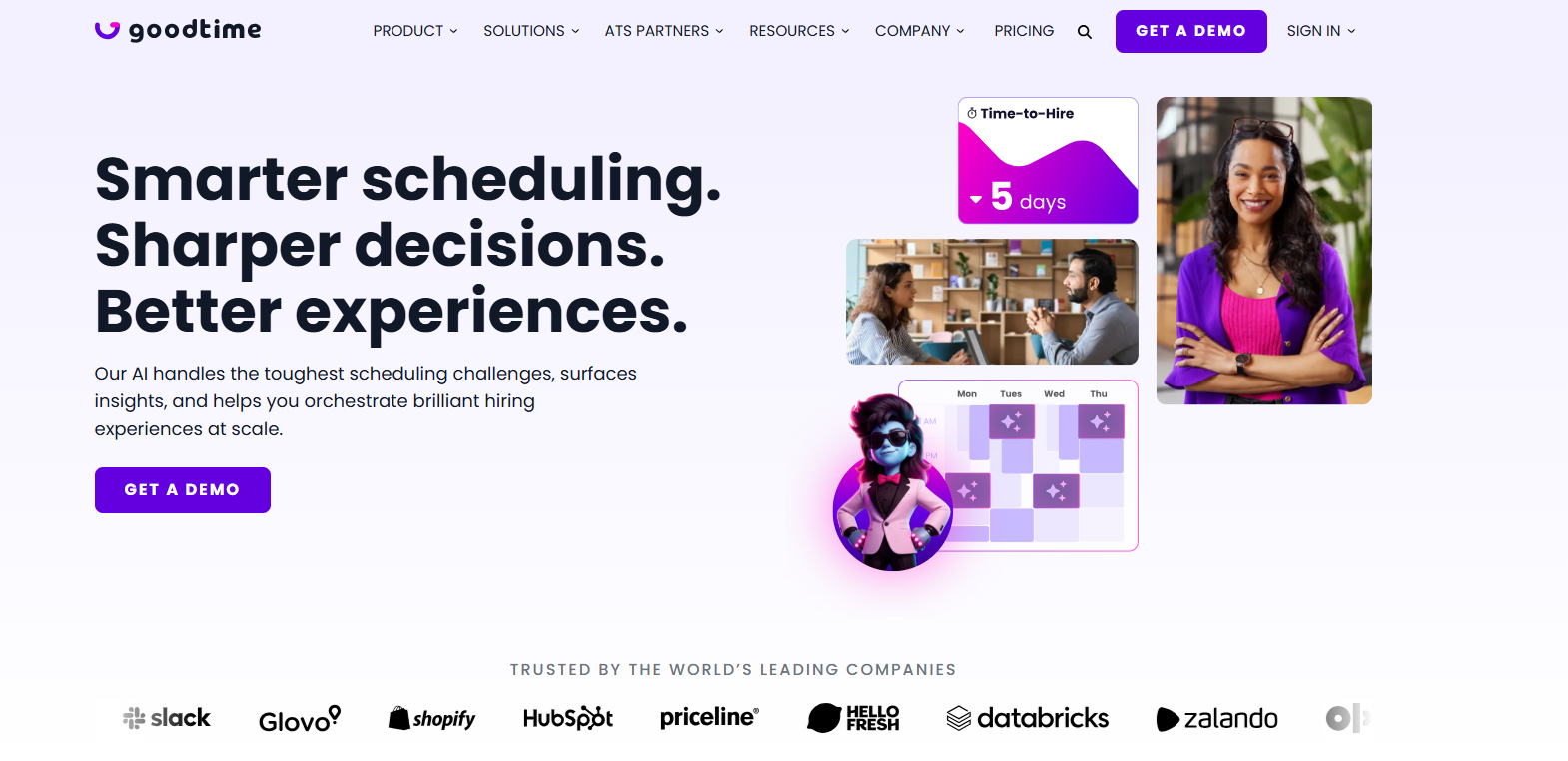
Candidates may select an interview time through a branded self-scheduling page. Self-service rescheduling is also available when that option is enabled.
More complex interviews involve interviewer rules, panel requirements, session lengths, time zones, and availability across several calendars.
Recruiting dashboards track time to hire, scheduling turnaround, cancellations, rescheduling reasons, interviewer activity, and candidate experience scores.
11. Calendly
Calendly is a scheduling automation platform that lets candidates choose interview times from a recruiter’s available calendar.
One-on-one, round-robin, collective, and group event types cover phone screens, recruiter interviews, panel discussions, and meetings with several interviewers.
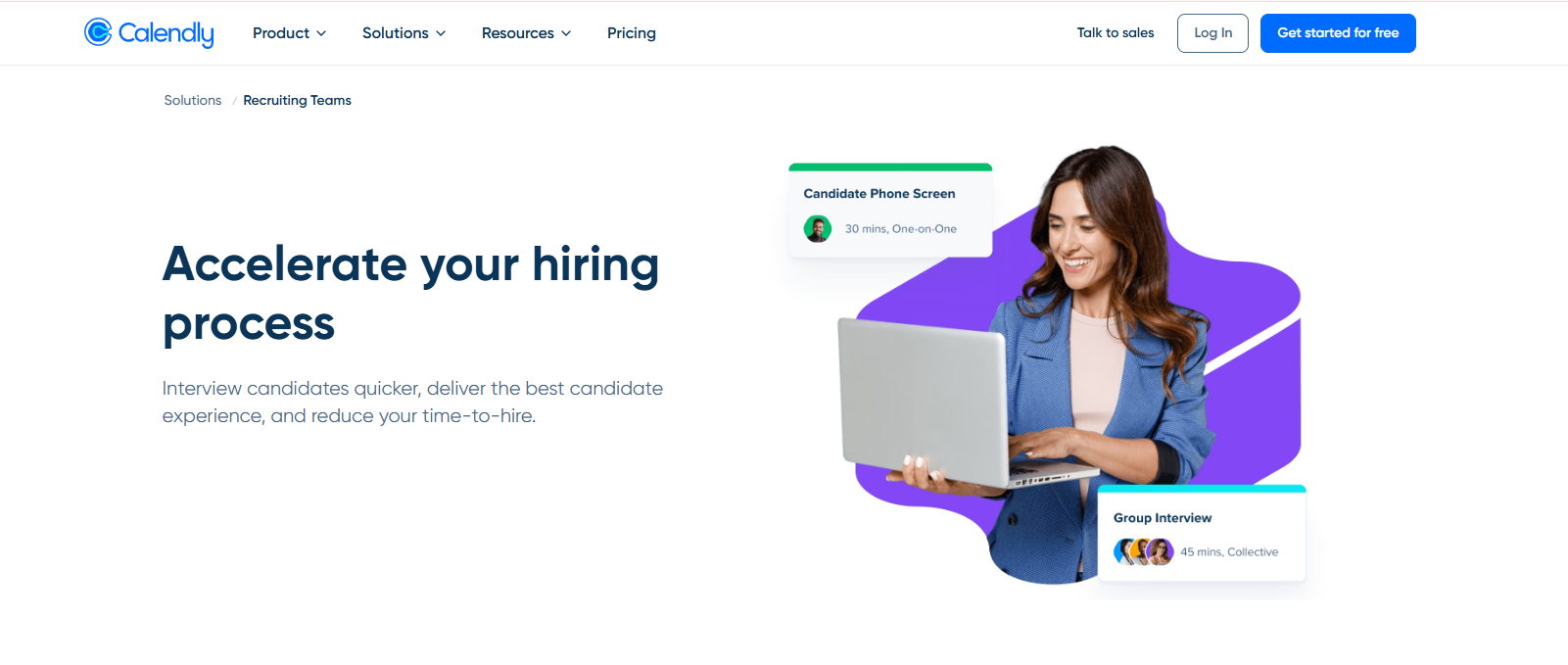
Connected Google, Outlook, Office 365, and Exchange calendars allow Calendly to check for conflicts before displaying available times.
Zoom, Microsoft Teams, and Google Meet links may also be added to confirmed interviews, while Managed Events provide shared templates for structured hiring processes across recruiters and roles.
Calendly Workflows send confirmations, email or text reminders, and post-interview follow-ups, while Routing Forms direct candidates to a specific recruiter or hiring manager based on their responses.
12. Paradox
Paradox is a conversational hiring platform that uses its AI assistant, Olivia, to coordinate interviews after candidates meet preset screening criteria.
Calendar connections let the platform compare availability across recruiters, interviewers, and hiring managers.
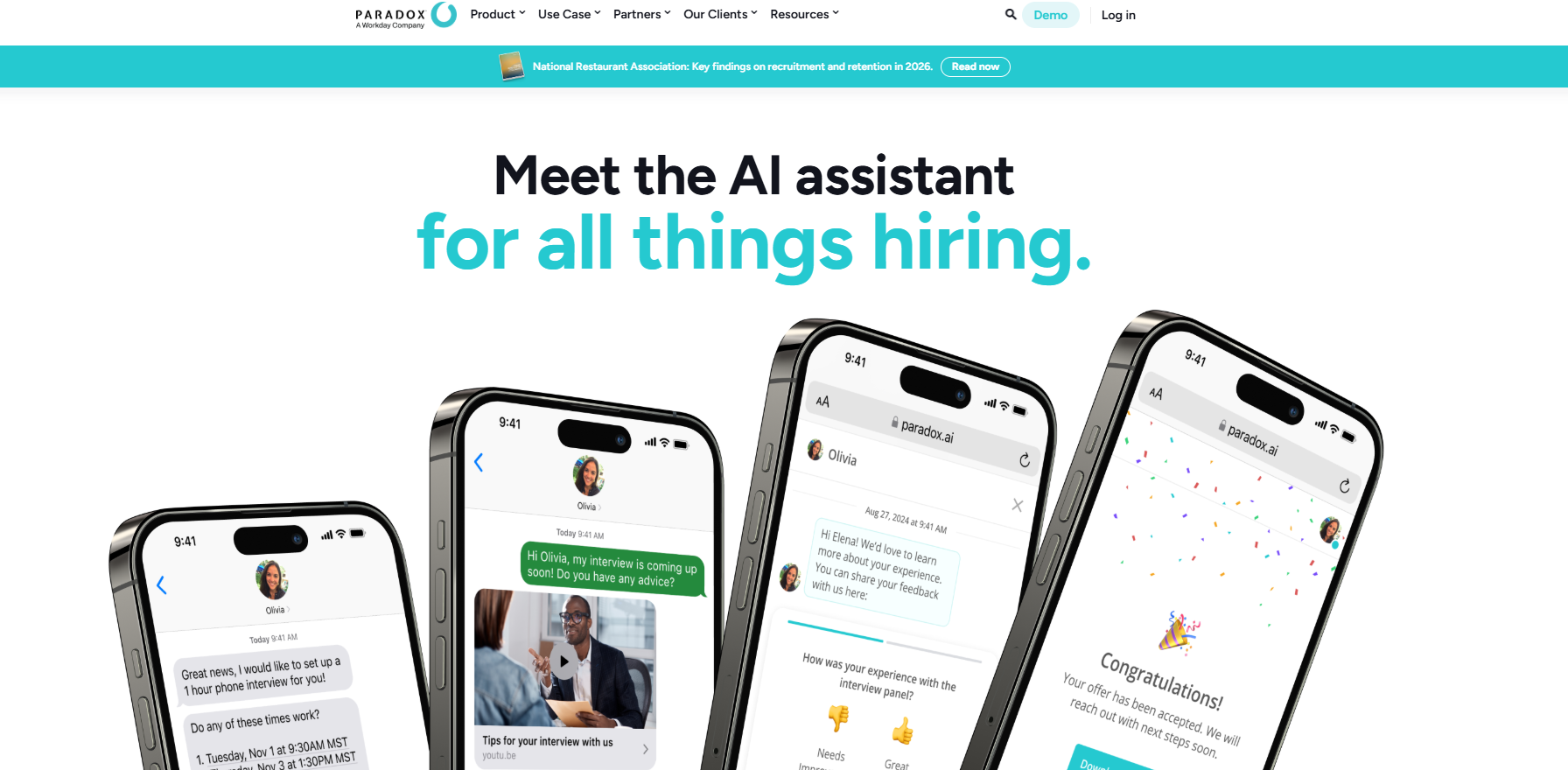
Its scheduling controls cover one-to-one meetings, panels, multiple rooms, different locations, and both virtual and in-person interviews.
Candidates or managers may request a new time through the same conversational interface. Paradox also sends interview reminders and preparation materials, while optional prompts request interviewer feedback once the meeting ends.
Bi-directional ATS integrations move interview details and candidate updates between Paradox and the existing recruiting record. Virtual meetings may take place through the Paradox interview platform or connected services.
Candidate Screening and Matching
Candidate screening and matching tools narrow large applicant pools by comparing skills, experience, and role requirements before you move people into later hiring stages.
13. Humanly
Humanly is an AI hiring tool that screens applicants through chat, phone, voice, and video conversations.
Screening criteria may include availability, location, work authorization, certifications, experience, and role-specific skills, with the same question structure applied across the applicant pool.
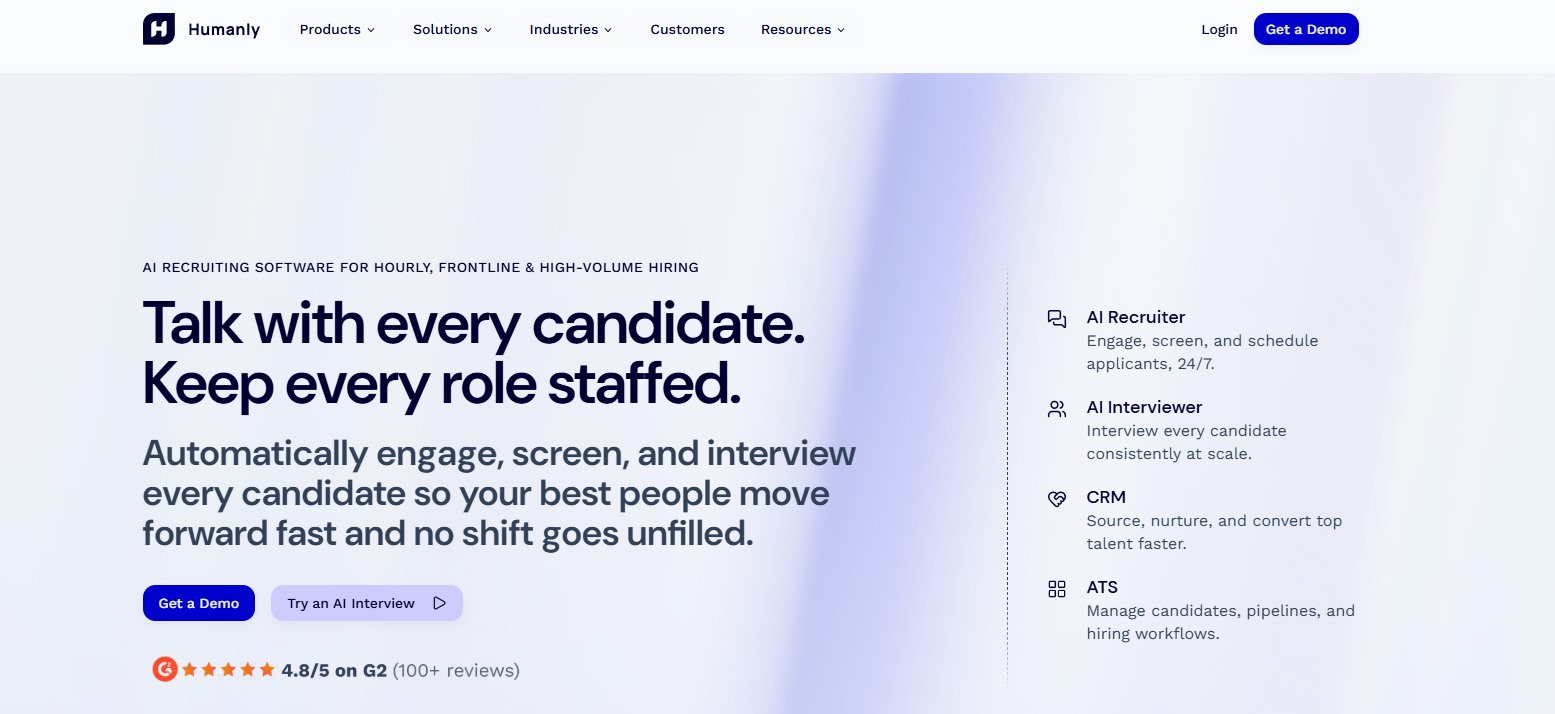
Candidate matching extends beyond resume keywords through Humanly’s Talent Genome. The system reviews more than 200 conversational signals alongside job requirements, historical ATS records, prior hiring data, and candidate responses.
Humanly Workflows connects questionnaires, AI interviews, asynchronous video, and interview scheduling in a defined sequence.
You set the screening steps and score thresholds, while the platform’s automation features move applicants forward based on those requirements.
14. Harver
Harver is a talent assessment platform that screens candidates through job-specific questions and pre-employment assessments.
You can set knockout questions around basic role requirements, using yes-or-no, dropdown, or multiple-choice formats to determine which applicants continue.
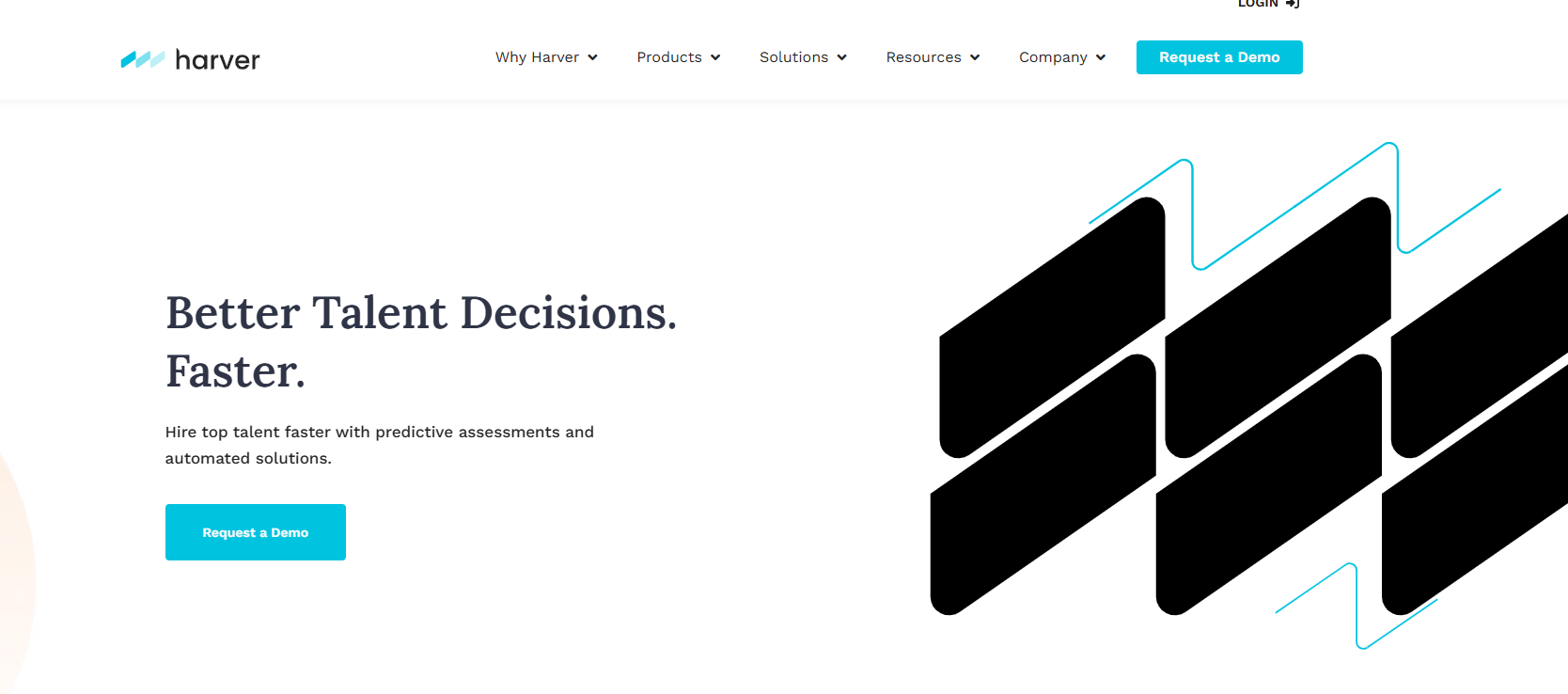
Its assessment library covers cognitive ability, behavioral traits, job knowledge, situational judgment, language skills, and realistic job simulations.
Different assessment combinations may be assigned to each vacancy, so candidate evaluation reflects the requirements of the role rather than a standard test for every opening.
Matching Profiles combine selected assessment components into weighted indicators, such as leadership, agility, or other predictors tied to job performance. Results appear through scores and labels that show how closely each applicant matches the profile configured for the vacancy.
15. Bullhorn
Bullhorn is a recruitment platform for staffing firms that combines an applicant tracking system, CRM, and candidate search tools.
Its Search & Match product reviews profiles across connected recruitment sources and produces a ranked list of candidates for each open role.
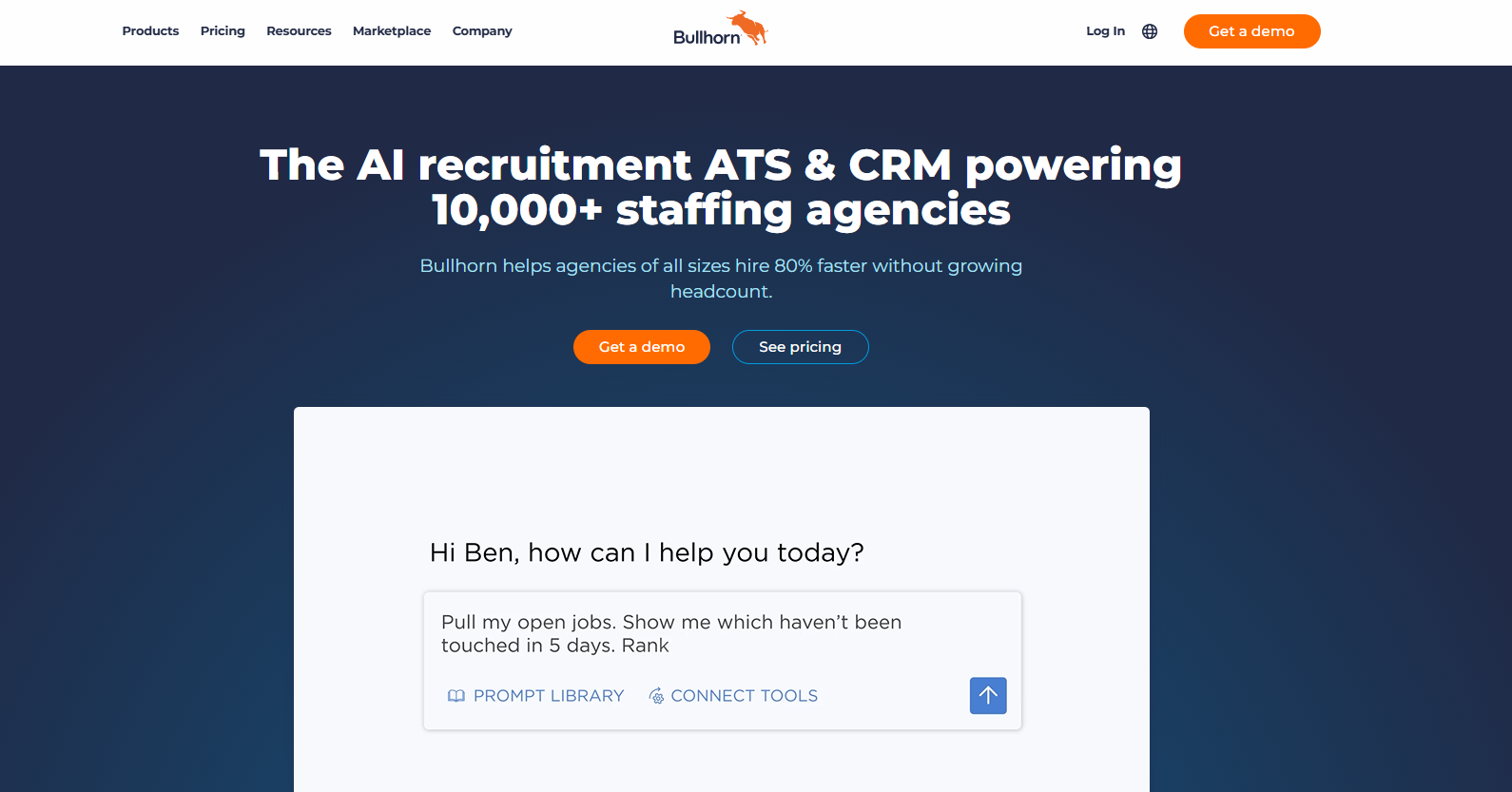
You may begin with a natural-language request or use Autobuild to turn a job description into search criteria.
Keyword Expansion adds related terms, Followed Searches monitors active searches, and external source connections bring additional profiles into the results.
Matching does not depend on exact resume keywords alone. Bullhorn considers details such as job title, location, skills, specialties, and industry.
Bullhorn Amplify also includes an optional screening workflow. You'll set or edit questions for each job, invite candidates to complete the screening, and review results from an initial chat.
Video Interviewing Software
Video interviewing software gives you a more flexible way to screen candidates, review responses, and share interview feedback across locations.
16. HireVue
HireVue is a video interviewing and hiring platform that offers both live and on-demand interviews.
Candidates can record responses on their own schedule or join a live video interview, which gives you more flexibility across early screening and later interview stages.
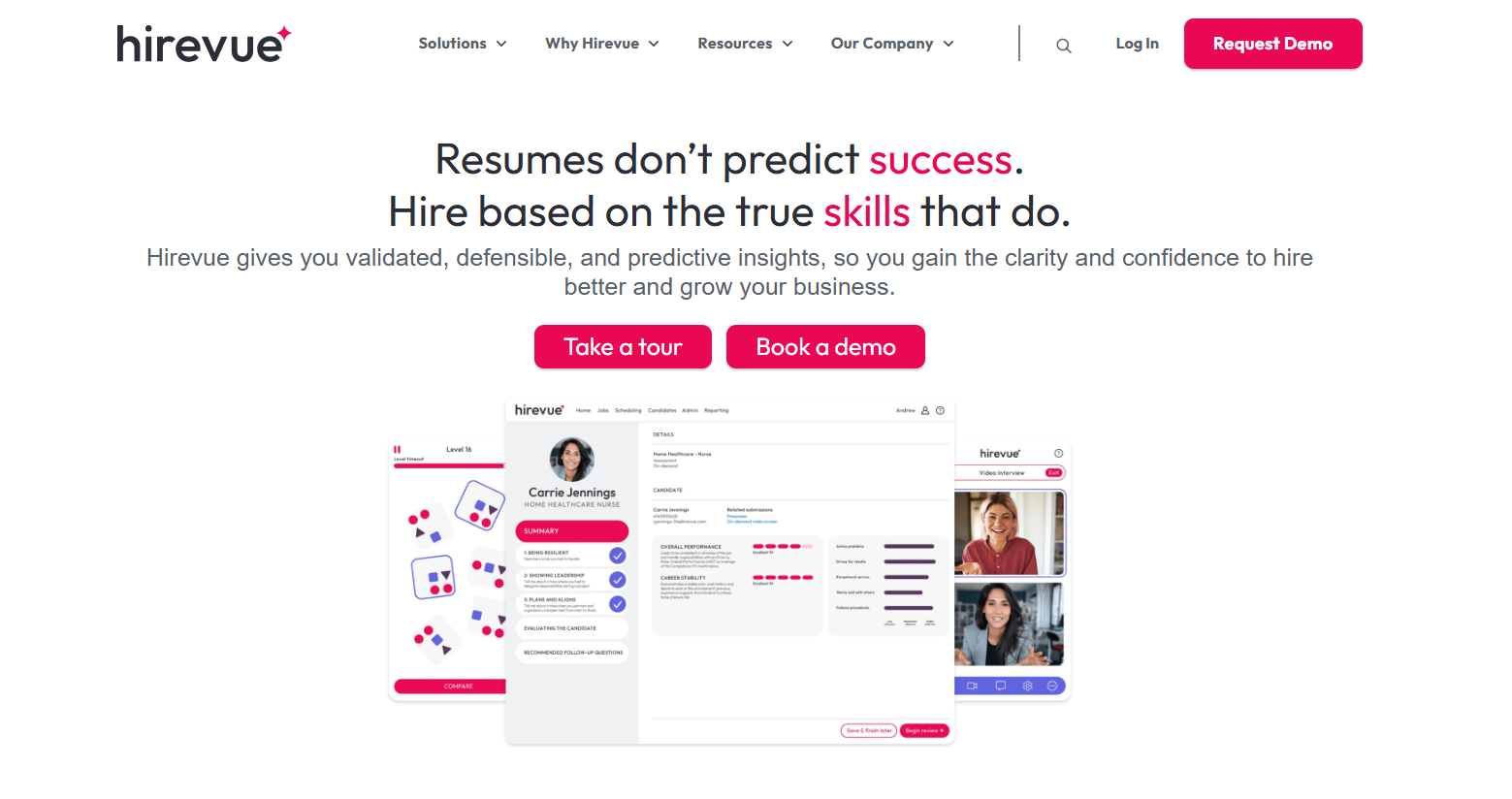
The platform also adds structure to the review process through interview guides, standard rating scales, and shared scorecards. Your staff can watch recordings, evaluate responses against the same criteria, and share interview feedback without relying on separate notes or email threads.
Interview scheduling sits within the same environment, along with automated candidate routing and integrated assessments.
HireVue also offers Interview Insights, which uses AI to identify moments in recorded interviews that relate to job-specific skills.
The platform is geared more toward structured and higher-volume hiring than simple video calls, so it fits agencies that need consistent interview reviews.
17. Willo
Willo is a candidate screening platform built around asynchronous interviews. It lets you create a set of questions, then candidates record their responses at a time that suits them rather than joining a live meeting.
The platform works across mobile devices and computers, including lower-bandwidth connections, while response limits and submission deadlines remain under the recruiter’s control.
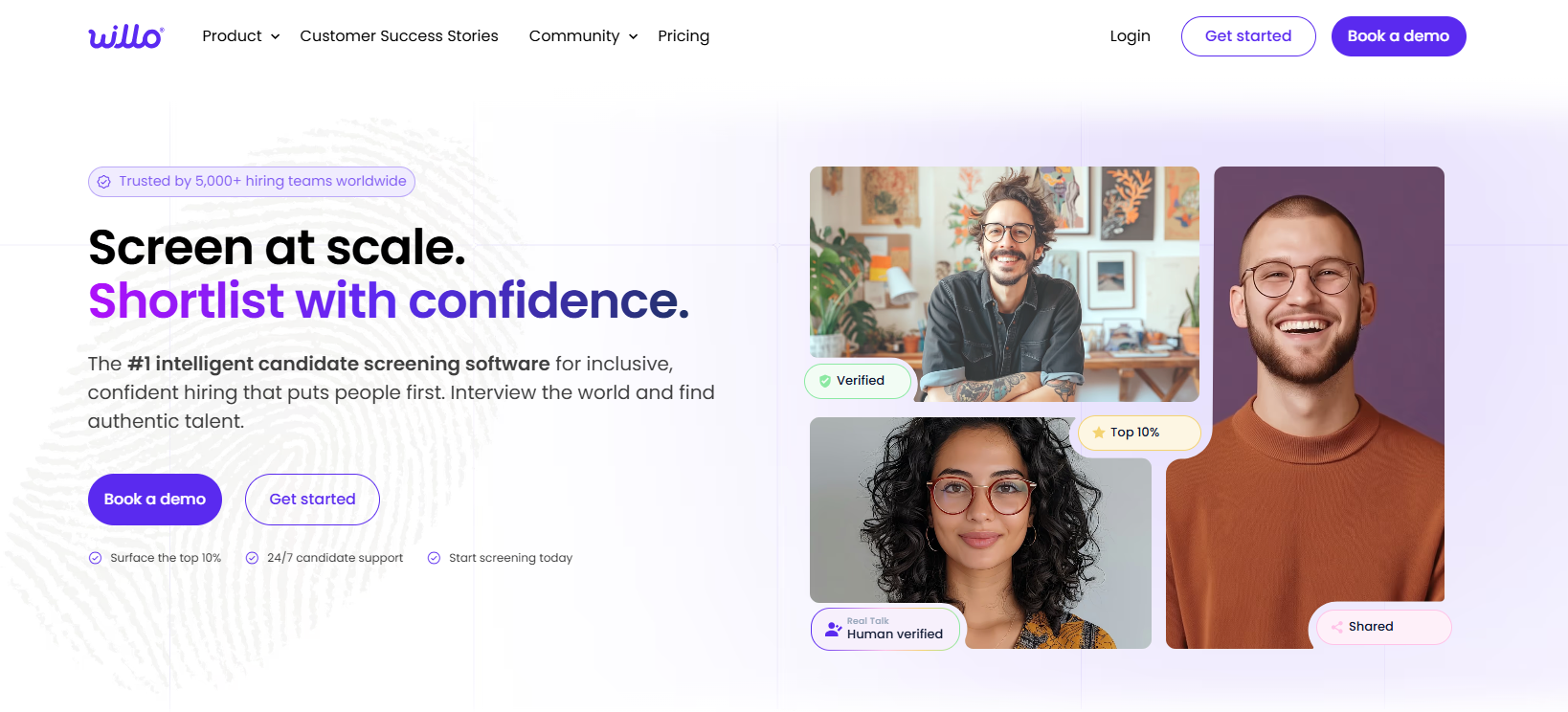
Responses sit in one review area where recruiters may replay answers, apply scorecards, and compare candidates against role-specific criteria.
Willo also offers transcripts, candidate summaries, and interview insights, though hiring decisions remain with the people reviewing the applicants.
Showcase links allow internal colleagues or external clients to view interviews and provide feedback without needing a Willo account.
18. Spark Hire
Spark Hire is a hiring platform with one-way and live video interview options.
One-way interviews let candidates record responses before a set deadline, while live interviews take place through a browser in real time.
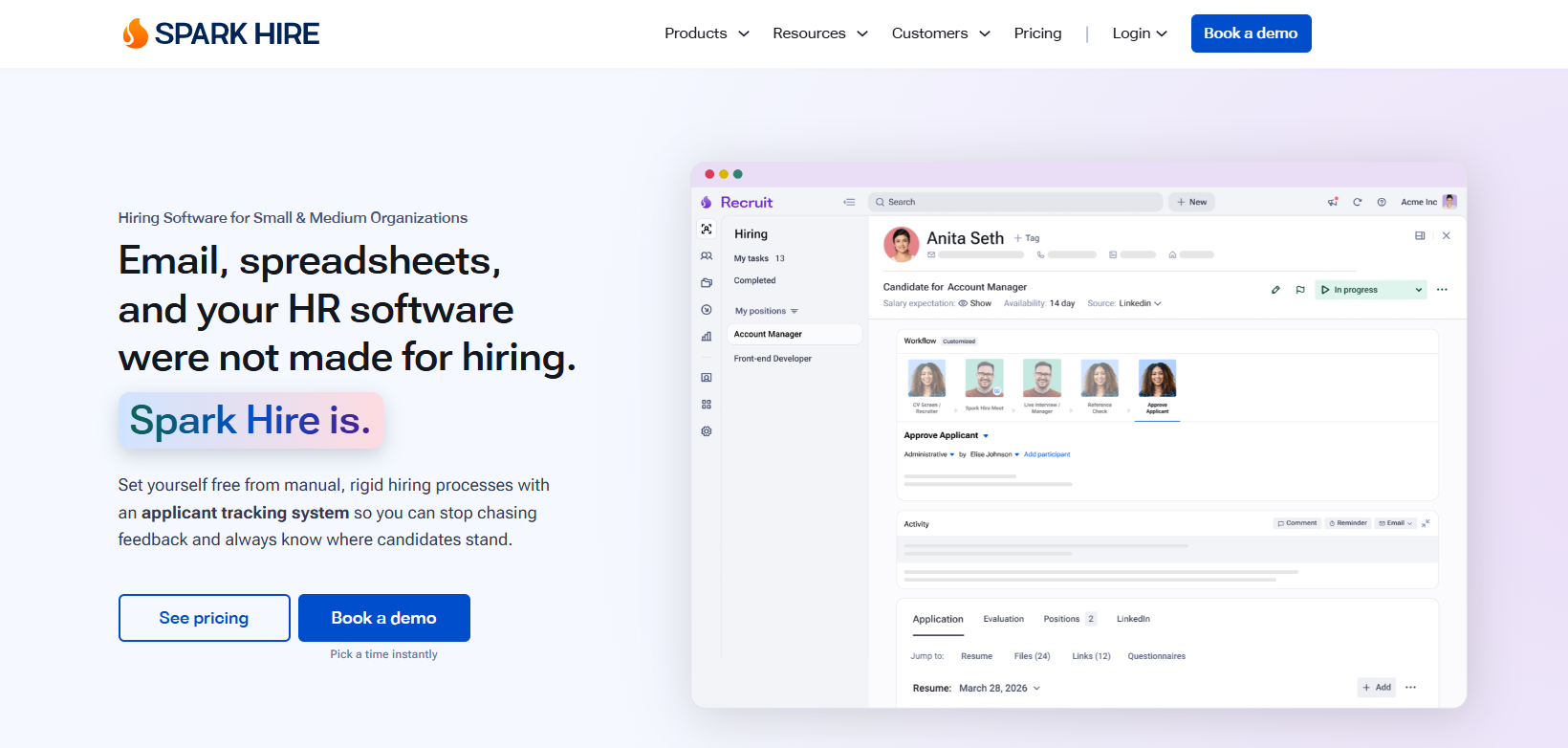
Interview settings include question sets, preparation time, response limits, and the number of recording attempts allowed for each question. Candidates receive a walkthrough before the interview, along with checks for their camera, microphone, and internet connection.
Completed interviews remain available for team review through ratings, comments, tags, and shared shortlists.
You may also send branded interview pages to clients, collect feedback without requiring a login, and receive notifications when someone views or rates a candidate.
Available ATS functions vary by integration, but they may include job syncing, automated invitations, bulk invitations, SMS notifications, interview links, and embedded recordings.
Background Screening
Background screening tools help you verify candidate information, manage compliance tracking, and reduce risk before a placement moves forward.
19. Checkr
Checkr is an employment background screening platform with configurable packages for different roles and client requirements.
Available checks include criminal records, employment and education verification, driving records, professional licenses, drug and health screening, and international searches.
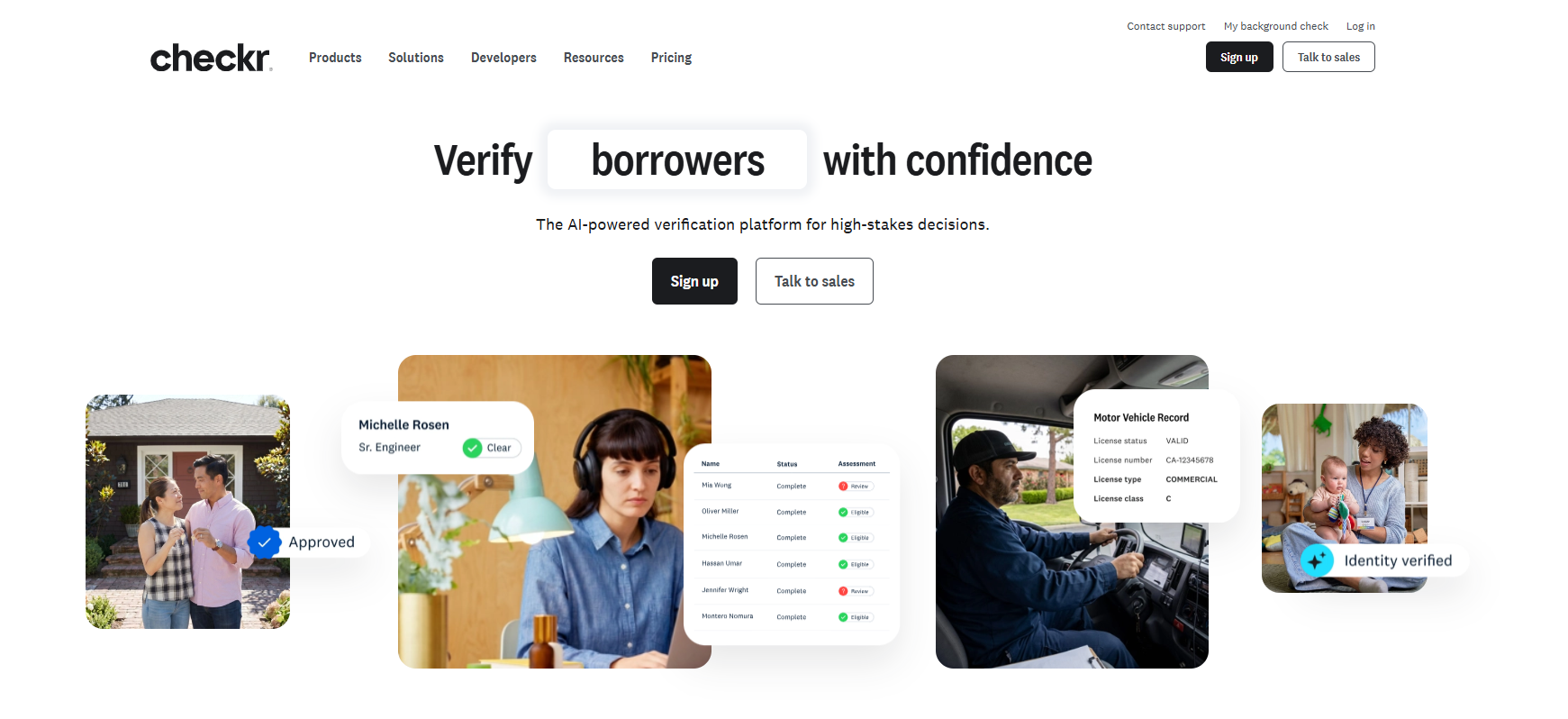
Before screening begins, Identity Verification confirms a candidate through a government-issued ID, live selfie, liveness check, and device or network signals.
A mobile candidate portal handles disclosures, authorizations, form completion, status updates, and disputes. Candidates may track screening progress in real time, while built-in support addresses common questions during the review.
Checkr also connects with more than 200 ATS and HRIS platforms, allowing screening activity and results to remain linked with existing recruiting records.
20. Sterling
Sterling is a background screening provider and now operates as part of the First Advantage company.
Identity checks may take place before the wider background review begins, which confirms that the personal information belongs to the candidate being screened.
Separate verification services examine work history, education, military service, and professional certifications based on the employer’s selected package.
Candidates receive a link to submit the information required for their check and may request updates through Sterling’s status service.
The steps and completion time vary based on the searches ordered, record availability, and the institutions involved in employment or education verification.
API and ATS connections let recruiters order checks and receive status information through existing systems. These extensive integration capabilities sit alongside reporting dashboards for reviewing screening activity, turnaround, and program results.
21. Accurate Background
Accurate Background provides employment screening services for staffing agencies, with configurable packages that can vary by client, role, and hiring requirement.
Available checks include criminal records, employment and education verification, drug testing, professional reference checks, social media screening, and credit checks where applicable.
It creates separate screening packages for hourly, office, or corporate roles, while automated adjudication reduces the amount of manual review required for each result.
Candidates have access to a mobile-optimized portal where they can follow the screening process and receive updates.
Real-time status visibility also lets your staff check where a screening stands without waiting for separate email updates or contacting support for every case.
Its staffing offering also includes progressive screening, which lets you complete checks in stages and continue with additional searches after a candidate clears earlier requirements.
Recruitment Analytics and Automation
Recruitment analytics turn sourcing, outreach, and placement activity into useful reports, while automation tools reduce the repetitive admin work that slows your recruiters down.
22. OneUp Sales
OneUp Sales is a recruitment analytics and performance management platform that brings data from CRM, VoIP, and timesheet systems into one view.
Its integrations consolidate recruiter activity, placements, revenue, interviews, candidate calls, shortlists, and other agency metrics without replacing the systems where those records originate.
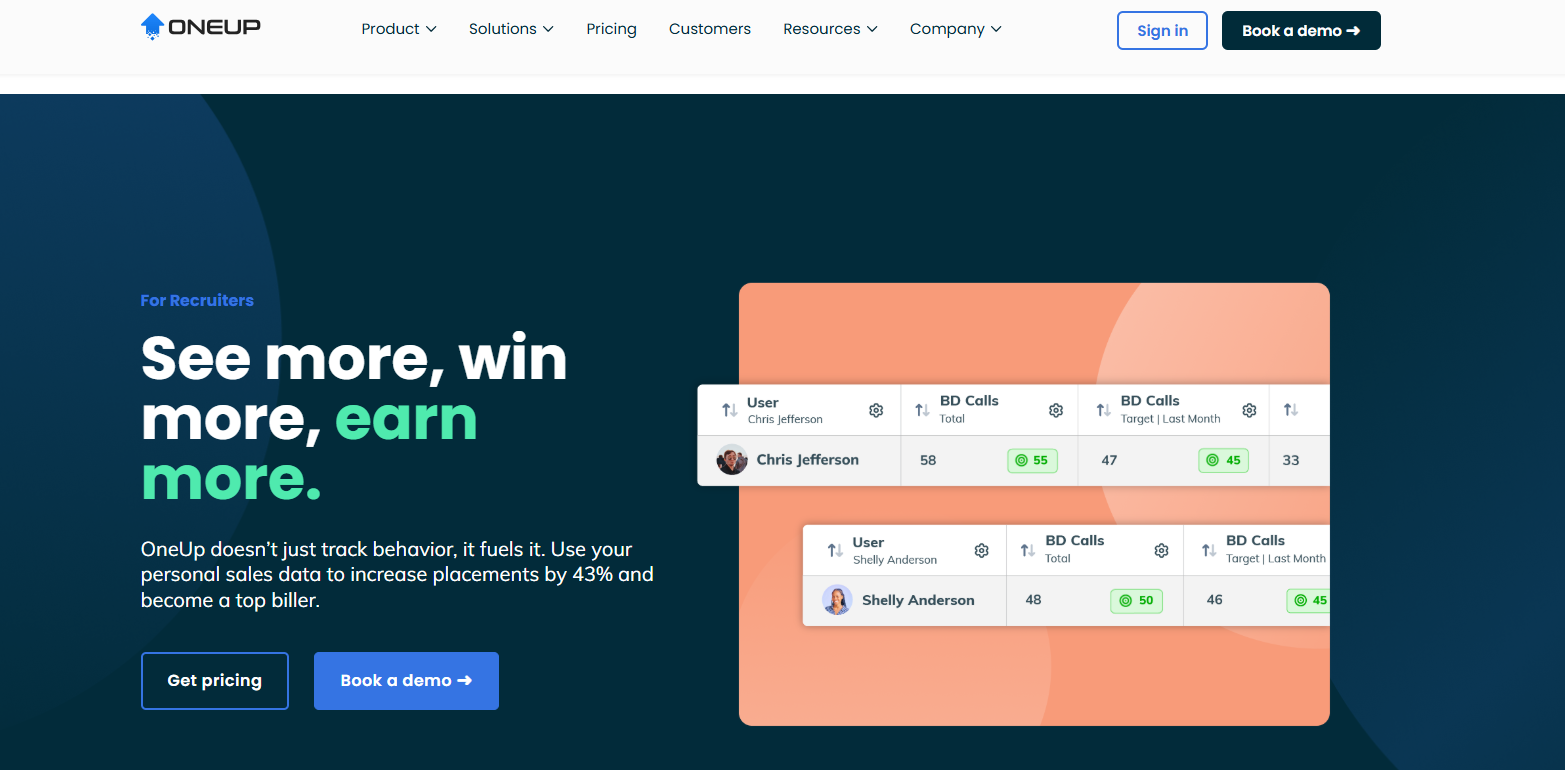
Real-time dashboards may be configured for individual recruiters, teams, managers, or company leaders. Available widgets display targets, activities, ratios, charts, action items, leaderboards, and trends across selected time periods.
Reporting covers job pipelines, client performance, recruiter activity, candidate data, placements, conversion rates, and revenue.
Automation settings let you schedule reports through email or Microsoft Teams, set rules that trigger notifications after a placement, and display selected updates through office dashboards or TV screens.
23. Recruiterflow
Recruiterflow is an ATS and CRM platform for recruitment agencies and executive search firms.
Custom dashboards may show trends across the company, individual teams, or specific recruiters, with drill-down views for reviewing the records behind each metric.
Campaign reporting measures how outreach sequences perform across email, SMS, and social channels. Separate channel reports provide more detail on where conversations begin and which steps produce replies.
Recruiterflow handles repeatable tasks through workflow automation rules called Recipes. Each rule combines a trigger, optional filters, and an action.
These rules keep candidate pipelines updated without requiring you to enter every change by hand. Delayed actions, editable rules, and source or status filters also let you decide when an action should run and which records it should affect.
24. SourceWhale
SourceWhale is a recruitment platform that connects outreach, conversations, analytics, and CRM or ATS records.
Calls, emails, SMS messages, WhatsApp conversations, meetings, and notes flow into one activity history, which reduces the amount of information stored across separate tools.
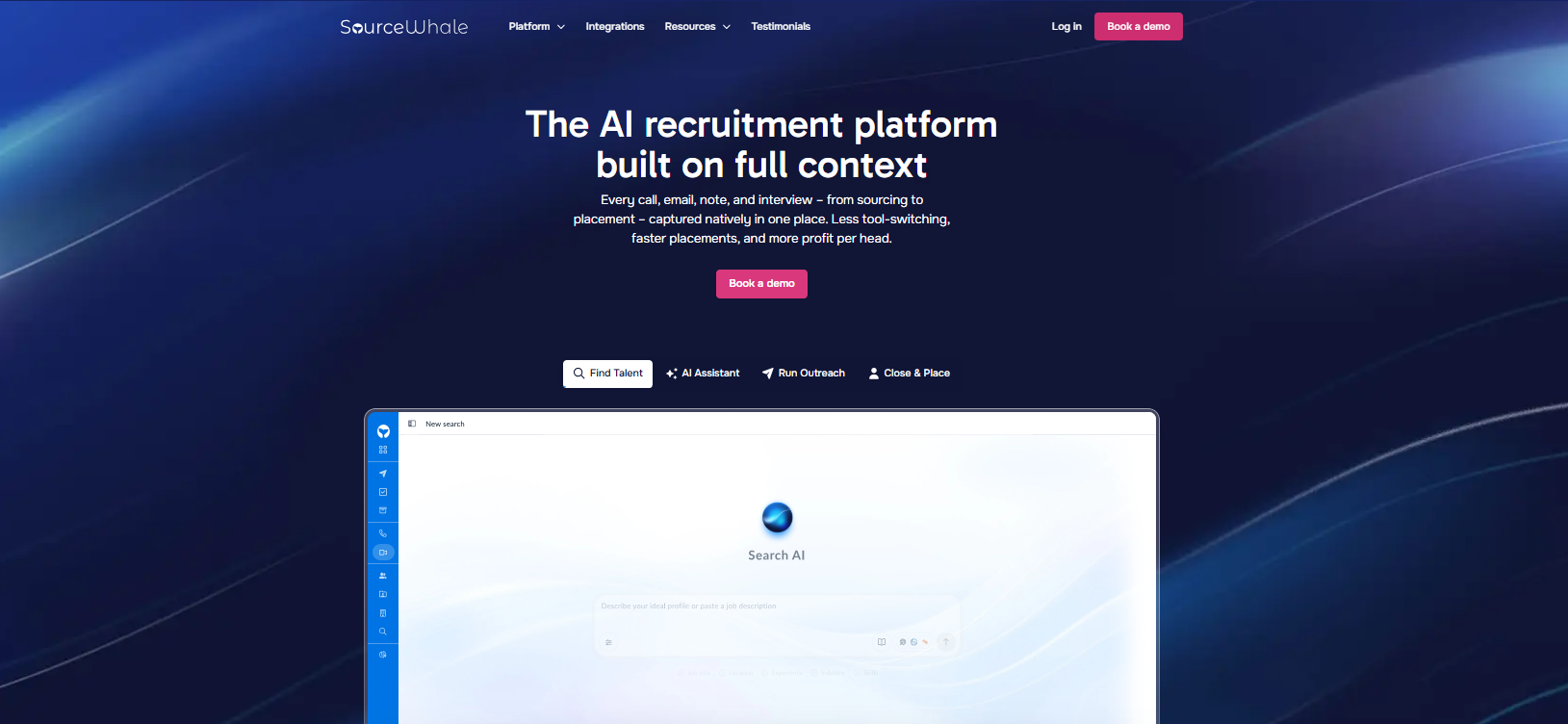
Its dashboard presents funnel activity and team performance in one view. Live Feed and Hotlist features also surface engagement signals, such as opens and responses.
SourceWhale also includes automated to-do creation, meeting notes, inbox reply drafts, data refresh, and activity logging, while recruiters retain control over messages and next steps.
If you have an existing technology stack, SourceWhale provides two-way connections with more than 100 CRM and ATS platforms. These integrations sync contacts, conversations, activities, and pipeline information according to the agency’s selected rules.
Offer, Placement, and Onboarding
Offer, placement, and onboarding platforms keep accepted candidates moving from final approval to their first day without losing documents, deadlines, or handoffs along the way.
25. Avionté
Avionté is a staffing platform that connects recruiting records with placement and onboarding workflows.
Once a candidate accepts an assignment, recruiters may create the placement, record assignment details, and move the worker toward the first shift without transferring information into a separate system.
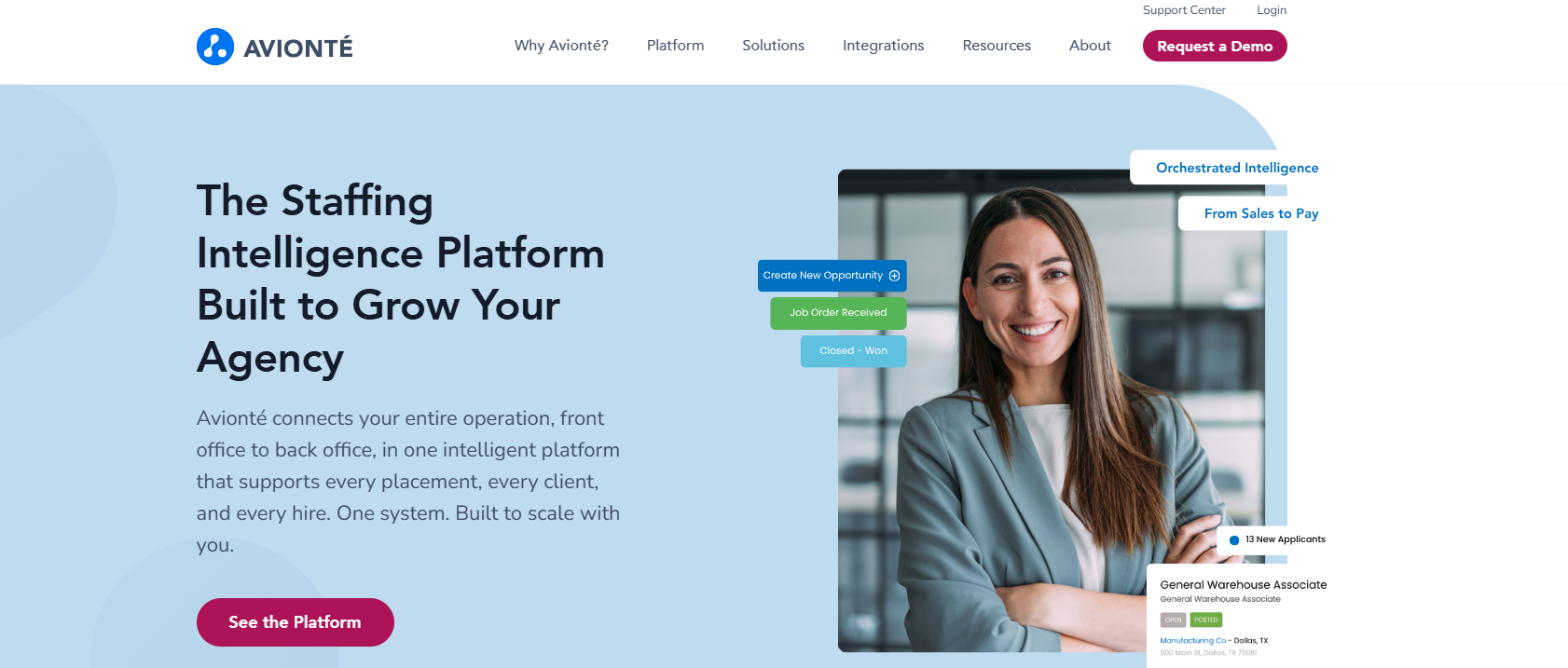
Digital onboarding includes customizable workflows, mobile forms, e-signatures, document uploads, and automated task reminders.
Candidates complete tax forms, provide identification, attach credentials, and sign required documents through the Avionté 24/7 mobile experience.
Compliance steps may include I-9 verification and an E-Verify connection. You can monitor onboarding progress, review completed documents, and set placement requirements.
26. TempWorks
TempWorks is staffing agency software that connects candidate records, job orders, assignments, onboarding, payroll, and billing.
Once a worker accepts a role, recruiters create an assignment tied to the customer order, with details such as the start date, assignment status, pay rate, and bill rate stored in the same record.
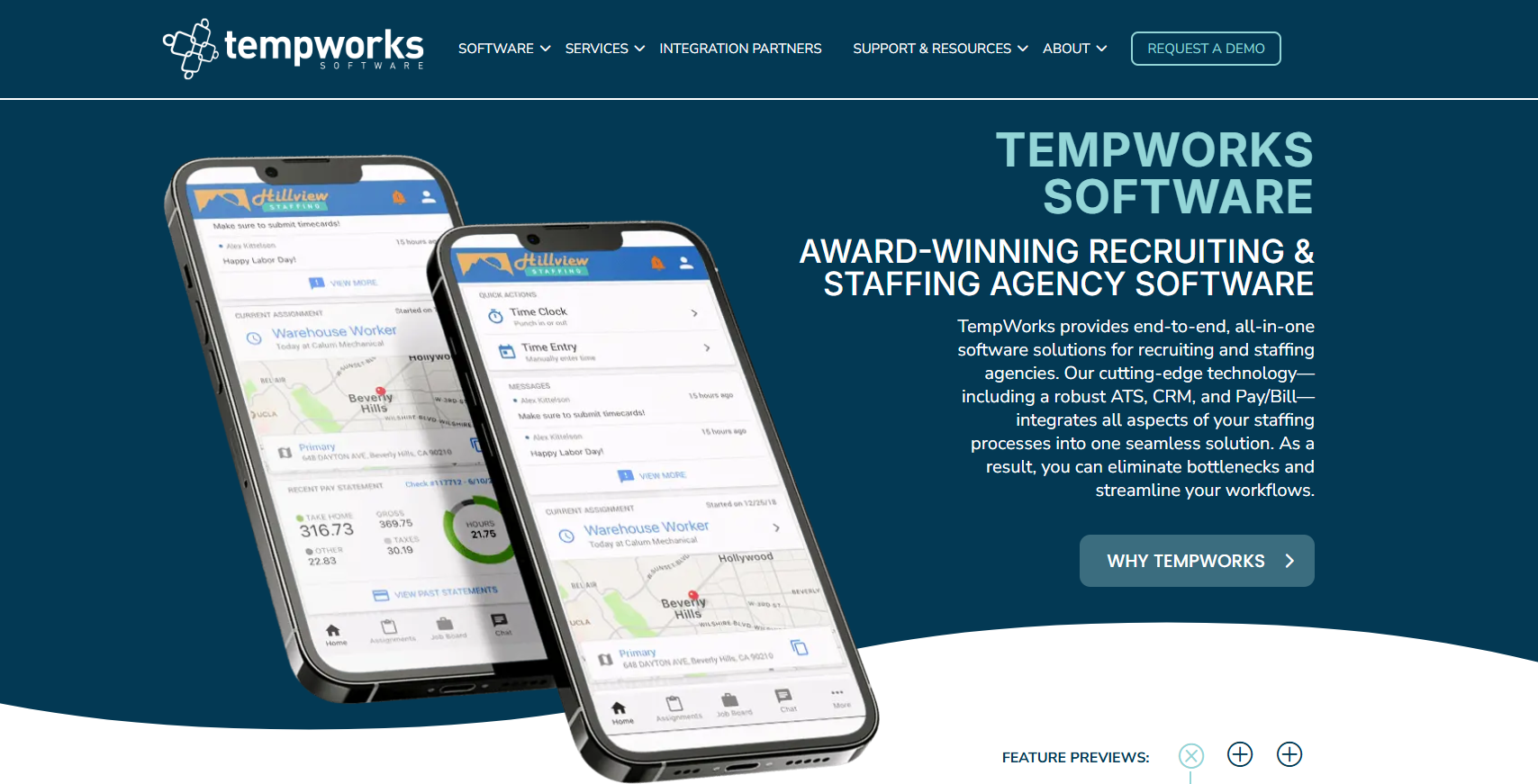
HRCenter manages the onboarding stage through digital forms and configurable workflows. Candidates may answer questions, sign documents, enroll in electronic pay, and complete forms.
The WebCenter employee portal extends access after onboarding. Workers view assignment information, complete requested documents, upload files, submit timecards, and review pay stubs.
Job offers may also be sent through the TempWorks mobile experience for candidates to accept or decline. An accepted offer moves into the assignments area, where you continue to track the worker’s placement, status, time, payroll, and billing information.
27. WorkBright
WorkBright is an HR compliance platform focused on employment forms, Form I-9, and E-Verify.
New hires receive mobile-friendly forms that they can complete before their start date, while submitted records remain available in a central dashboard for review.
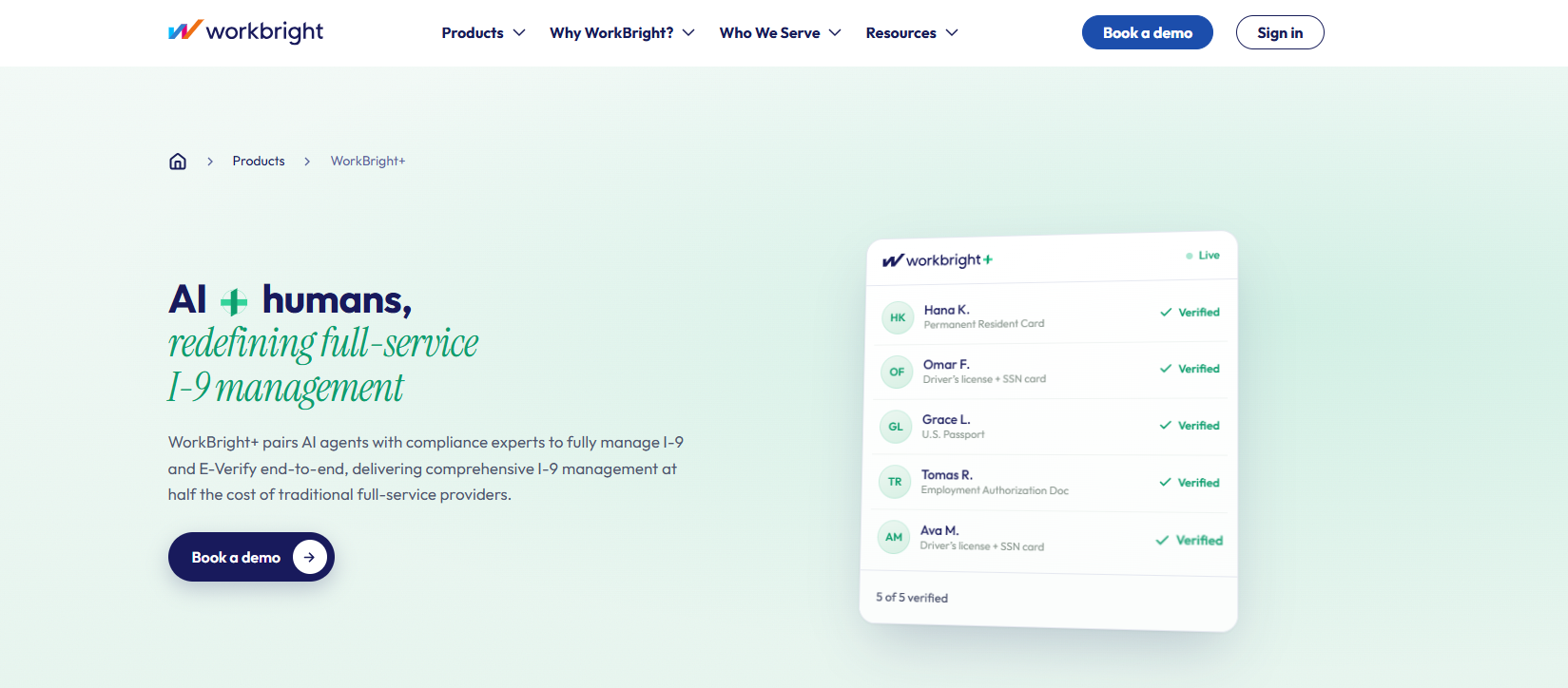
Its automation features include real-time field validation, required-field checks, document transcription, deadline tracking, and more than 150 built-in I-9 compliance checks.
WorkBright handles remote, in-person, and DHS alternative verification procedures. Integrated E-Verify case management lets staff submit cases, review status updates, and address next steps.
Encrypted audit trails, timestamps, verification logs, and centralized document storage also keep employment records organized for internal reviews or audits.
Candidate Submission and Client Collaboration
Candidate submission and client collaboration tools keep shortlists, feedback, and next steps in one shared space.
28. Crelate
Crelate is a recruiting platform with a Client Portal for sharing candidate shortlists outside the agency’s internal database.
You can submit one or several candidates to a job, attach resumes or other documents, and add an executive summary that explains the background behind each submission.
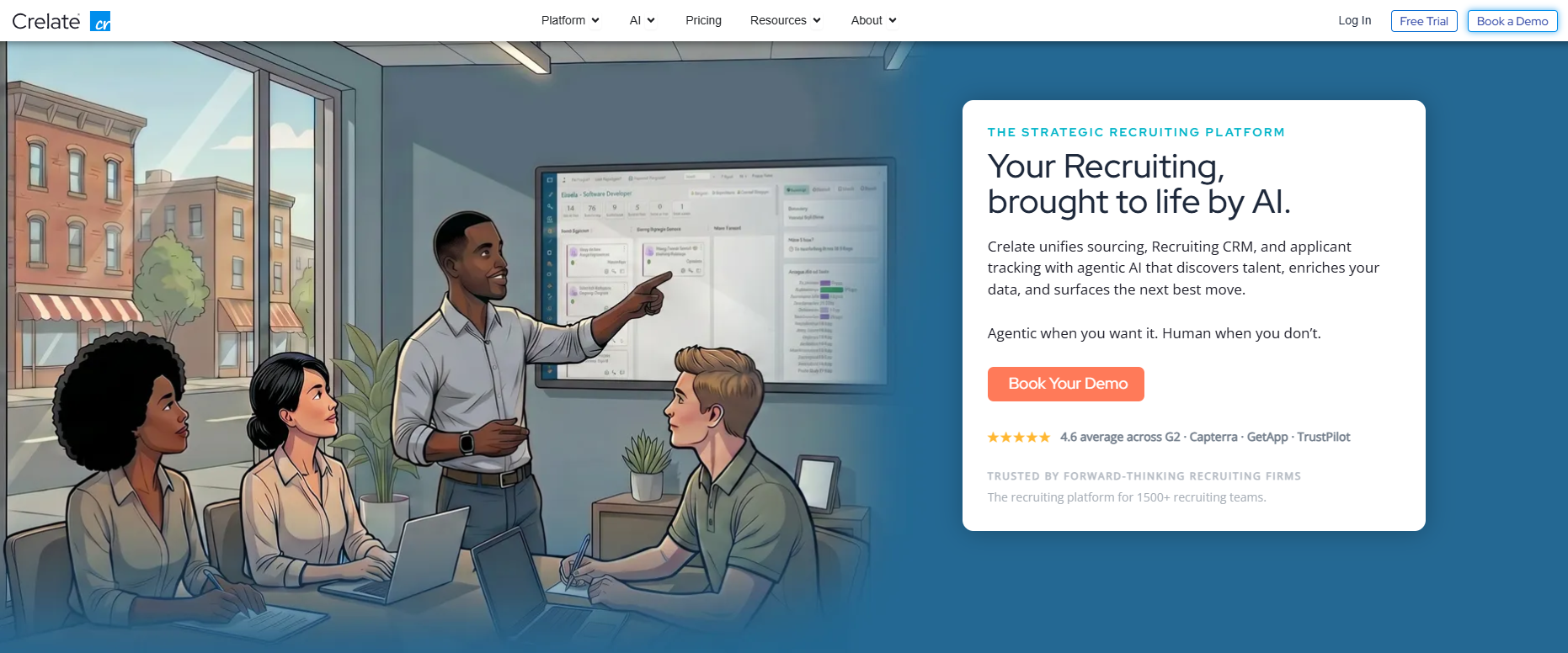
Clients receive an email link that opens the portal without requiring a separate login. From there, they may review candidate information, leave notes, assign ratings, select a disposition, and move between the people submitted for the role.
Feedback returns to the related job and candidate records inside Crelate. Email notifications alert recruiters when a client adds comments, changes a rating, or takes another action.
Portal settings control which jobs, documents, activities, and candidate details each client may view. You may also apply custom branding, adjust access permissions, and create separate portal experiences for different client accounts.
29. Loxo
Loxo is a recruiting solution with digital candidate submission and client collaboration features. It allows you to share a candidate through an individual profile or select several people from a job pipeline.
Clients can review the candidate, leave comments, and complete a scorecard tied to the specific person and job, while the resulting feedback stays connected to the search inside Loxo.
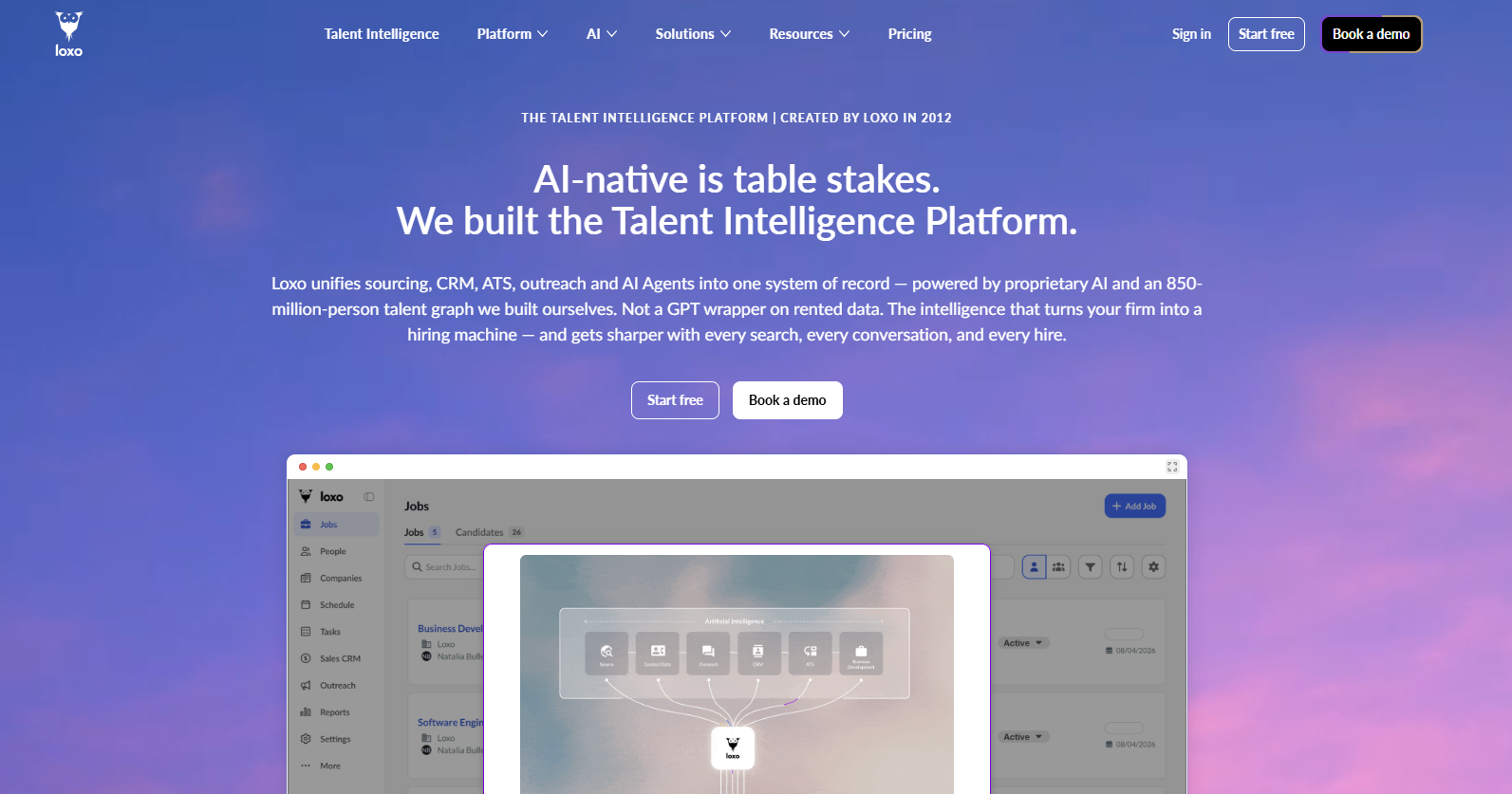
The Hiring Manager Portal provides a live view of one or more shared jobs. Clients see candidates across selected pipeline stages, review work history or education, or view job reports, depending on the permissions set by the agency.
Loxo also includes a Candidate Submittal Agent that drafts editable candidate summaries from profile data, resumes, recruiter notes, and job requirements.
These summaries appear in digital submissions, the client portal, or executive presentations, with recruiters retaining control over the final wording before anything is shared.
30. TrackerRMS
TrackerRMS is an ATS and CRM platform for recruitment and staffing agencies. It builds shortlists, formats agency-branded resumes, and sends individual or bulk candidate submissions to a client.
The Client Portal presents shared jobs and candidate profiles through a branded login page. Agencies decide which resume, video resume, profile details, and job information each client receives.
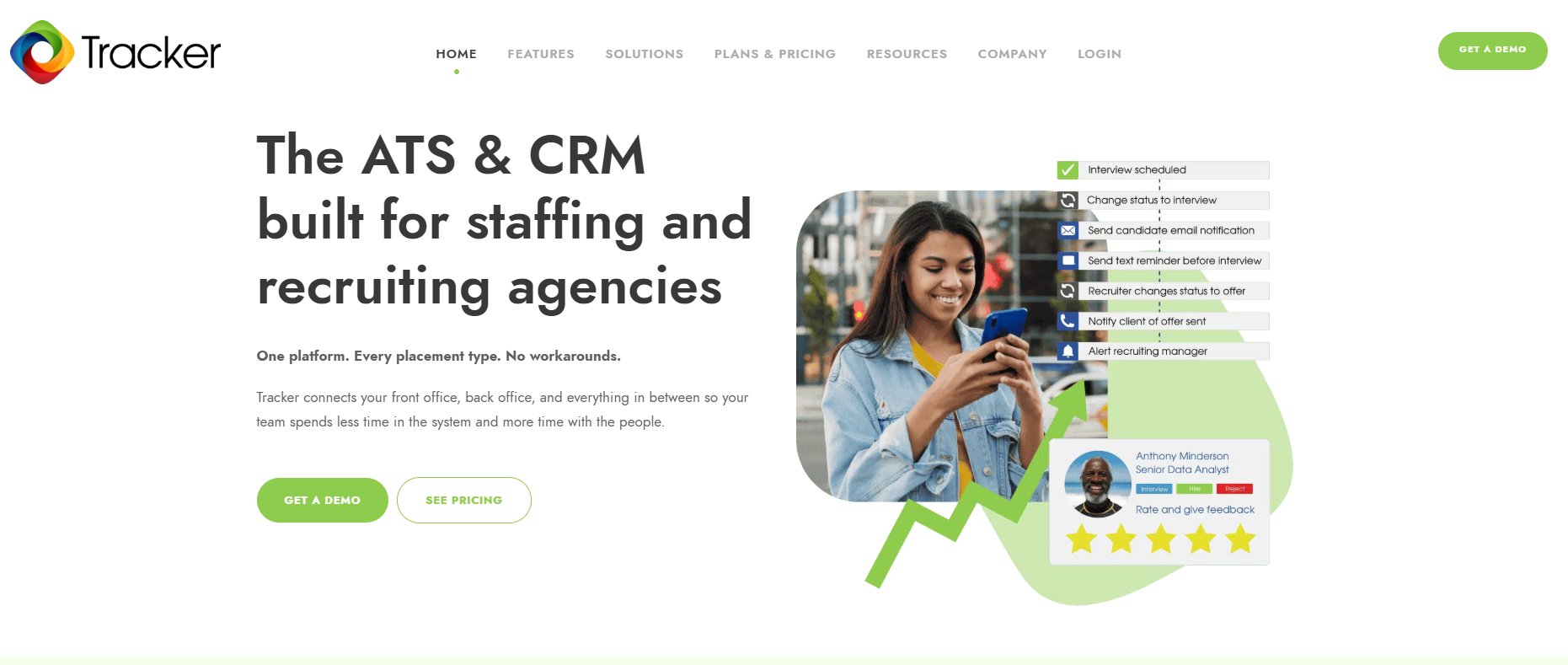
Clients can rate candidates, leave feedback, request an interview, approve a hire, or reject a submission from the portal.
Interview requests collect proposed dates and times, while other decisions create tasks and alerts for the recruiter responsible for the job.
Comments and status changes remain connected to the candidate shortlist and job record. This keeps candidate tracking current as each person moves through client submission, interview, offer, rejection, or placement stages.
How to Choose the Best Recruiting Agency Software
The best recruiting software should fit your agency’s workflow, team size, client needs, and existing technology. Here are the main factors to review before you compare platforms or commit to a long-term contract.
Step #1: Decide Between All-in-One Platform and a Connected Stack
A single system could reduce vendor management. But its broader feature set does not always provide enough depth for every part of the recruitment process.
A connected stack takes a different approach. The ATS or CRM remains the central source of candidate and client data, while specialized tools handle areas such as assessments and background checks.
Candidate communication is one area where a dedicated platform may add value.
Email inboxes, phone calls, and basic ATS messaging may not provide the shared visibility or follow-up structure needed when several recruiters contact large candidate pools.
Text recruiting software adds a faster channel for job alerts, availability checks, interview reminders, application updates, and re-engagement campaigns.
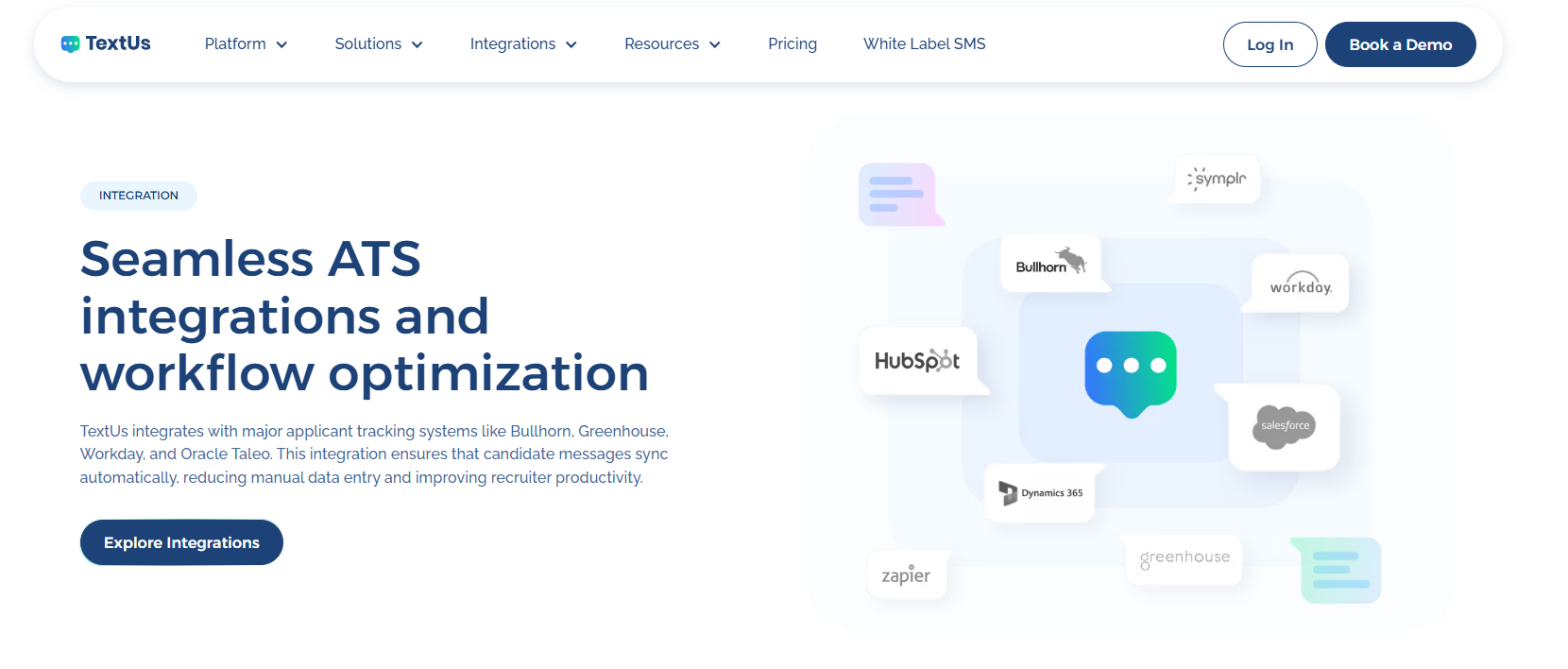
ATS and CRM connections also keep message history attached to candidate records, while reporting shows delivery, reply, and campaign activity.
TextUs provides these SMS capabilities for recruiting and staffing workflows. It includes one-to-one texting, smart AI automation, shared inboxes, ATS-connected messaging, and message-quality tools.
Book a demo with TextUs today to see how dedicated SMS fits beside your current recruiting stack!
Step #2: Identify Workflows You Need to Improve
Your current recruitment process should guide the software decision.
Areas such as sourcing, candidate communication, interview scheduling, client submissions, onboarding, and reporting may require different features or separate platforms.
A workflow review will show where recruiters lose time, repeat work, or miss follow-ups. Those gaps should shape the shortlist instead of choosing a platform because it includes the longest feature list.
Step #3: Match the Software to Your Agency Model
Permanent placement, executive search, contract recruitment, and temporary staffing follow different operating models.
A platform designed for the broader staffing industry may include payroll, timekeeping, and workforce management, while a search firm may place more value on sourcing and long-term relationship records.
The platform should also reflect how you manage clients, submit candidates, collect feedback, and track placements. A mismatch between the software and the agency model adds more steps to the hiring workflow.
Step #4: Consider Your Agency Size and Growth Plans
Small agencies and lean teams may prefer software with a fast setup, simple pricing, and fewer administrative controls.
Mid-sized agencies and larger recruiting teams need detailed permissions, custom reporting, separate business units, and more control over data access.
Growth plans deserve attention before a contract is signed. A platform that handles ten users today may become expensive or difficult to manage once you add recruiters, clients, and high-volume hiring programs.
Step #5: Review the Essential Features
The most useful essential recruiting features depend on the problems your agency needs to solve.
Common requirements include resume parsing, candidate search, pipeline views, email and SMS, interview coordination, reporting, document collection, and placement tracking.
Some platforms also support posting jobs across several channels, managing internal job boards, and tracking employee referrals. These functions reduce the need for separate systems when your recruitment activity expands.
A shorter list of relevant recruiting tools is more useful than paying for features that staff rarely use.
Step #6: Examine ATS and CRM Integrations
Data should move between the ATS, CRM, communication tools, calendars, job boards, screening services, and reporting systems without repeated manual entry.
Integration reviews should cover contact syncing, activity logging, duplicate management, custom fields, permission controls, and update frequency.
Platforms such as Recruit CRM and Zoho Recruit connect with outside applications, but the depth of each connection may vary.
Your agency should confirm whether the integration only transfers contact details or also keeps messages, stages, tasks, and client management records aligned.
Step #7: Check Security, Privacy, and Compliance
Recruitment databases contain resumes, contact details, identification documents, salary information, and other sensitive records.
Security reviews should cover encryption, access permissions, audit logs, single sign-on, data retention, backups, and breach-response procedures.
Privacy controls should also show how candidate consent, deletion requests, data exports, and regional requirements are handled.
You should understand where information is stored, who owns it, and what happens to the records after the contract ends.
Step #8: Measure Results After Implementation
Software performance should connect with business outcomes such as response rates, time to submit, interview attendance, placements, recruiter activity, and revenue.
These measurements support data-driven decision-making and show where adoption or configuration changes may be needed.
Regular reviews also reveal whether the platform improves recruiting efficiency or only moves existing tasks into a new interface.
Insights come from consistent records, practical reports, and metrics that reflect how your agency operates.
Bring SMS Engagement Into Your Recruiting Stack With TextUs
In recruiting, timing is part of the pitch. A strong candidate may be interested now, but that attention can fade after a missed follow-up or a slow interview update.
SMS marketing provides a direct way to send job alerts, confirm interviews, answer quick questions, and keep people informed without adding another long email thread.
TextUs brings that communication into your existing recruitment stack. Two-way texting, automated sequences, shared inboxes, and message history keep outreach organized while staff stays close to each conversation.
Candidate replies don't disappear into personal phones or separate inboxes, and context stays available when someone else needs to step in.
Your ATS or CRM remains the system of record, while TextUs adds the texting layer that keeps interaction moving.
Book a demo with TextUs today and see how SMS can turn faster follow-ups into more active candidate conversations!
Continue Reading



Frequently Asked Questions
Does recruiting agency software include SMS?
Some platforms include basic texting, but features vary.
Text automation software such as TextUs adds shared inboxes, campaigns, automated follow-ups, reply routing, and reporting while keeping messages connected to candidate records.
What integrations should recruiting agency software support?
Look for connections with your ATS, CRM, calendars, email, job boards, assessment tools, background screening services, payroll systems, and communication platforms.
If you're a mid-sized staffing agency, you should also confirm that integrations support two-way sync, custom fields, permissions, and activity history.
How long does it take to switch recruiting software?
The timeline depends on your database size, integrations, custom fields, and training needs. Data cleanup, field mapping, testing, and a phased rollout also make the transition smoother.
Business Texting
Built for Results
Create and convert pipeline at scale through industry leading SMS software