
Top 5 Customer Notification System Tools in 2026
Top 5 Customer Notification System Tools in 2026: 1. TextUs, 2. DialMyCalls, 3. Text-Em-All, 4. EZ Texting, 5. OneSignal.

Written by
Adam Hamdan
Published
August 7, 2026

Missed messages cost money. When a customer misses an appointment reminder, a payment notice, or a service update, the result is lost revenue and extra work for your team.
A customer notification system solves this by sending timely communication through the channels people actually check, with text messaging leading the way at a 98% open rate.
The right platform depends on how you communicate. Some teams need two-way conversations with customers. Others need to push one message to thousands of recipients at once.
The five tools below cover both use cases. This guide breaks down what each one does well and where it may fit.
TL;DR
Here are the five best customer notification platforms in 2026:
- TextUs
- DialMyCalls
- Text-Em-All
- EZ Texting
- OneSignal
What Is a Customer Notification System?
A customer notification system is software designed to send automated messages to customers through various channels, including text messaging, email, voice calls, and push notifications.
Instead of an employee manually calling or emailing each person, the system handles message delivery based on triggers you define, such as an upcoming appointment, a shipped order, or a billing date.
These platforms handle routine notifications like reminders and status updates, but the better ones also support proactive communication.
A renewal date approaches, so the customer gets a heads-up before they have to ask. A delivery window changes, so the affected customers hear about it first.
Most systems let you segment your audience so messages only reach the intended recipients. A promotion for one location goes to customers in that area, not your entire list, and nobody ends up receiving alerts that have nothing to do with them.
Many also support two-way communication, which turns a one-way alert into a conversation. A customer can reply to an appointment reminder to confirm or reschedule, and your team picks up the thread from a shared inbox.
The result is fewer missed connections, less manual work, and customers who stay informed without chasing your team for answers.
Customer Notification Systems vs. Mass Notification Systems
The two categories overlap, but they solve different problems.
A mass notification system is designed to send one message to a large audience quickly. Organizations use it to send emergency alerts about critical events like severe weather, evacuations, or security incidents.
The priority is employee safety and situational awareness, and the audience targeted by mass notification systems is usually internal: staff, students, or residents.
Depending on the platform, messages can be sent through SMS, voice calls, email, mobile alerts, sirens, or digital signage.
Emergency mass notification systems support business continuity by reaching everyone at once when seconds matter in critical events, often through sirens, digital signage, and desktop alerts alongside phones (texts and mobile app notifications).
A customer notification platform focuses on service and commercial communication. The audience is your customer base, and the goal is revenue and service quality rather than emergency communication. Appointment reminders, payment notices, promotions, and order updates make up the bulk of the traffic.
Some tools sit in both camps. DialMyCalls and Text-Em-All handle emergency notifications for employee safety, schools, and community groups while also serving business messaging needs.
If your main concern is keeping customers informed rather than managing crises, a purpose-built customer platform will fit better day to day.
Top 5 Customer Notification Tools Compared
Each tool below is a standalone option with its own strengths. Here is how they compare on channels, automation, and day-to-day use.
1. TextUs
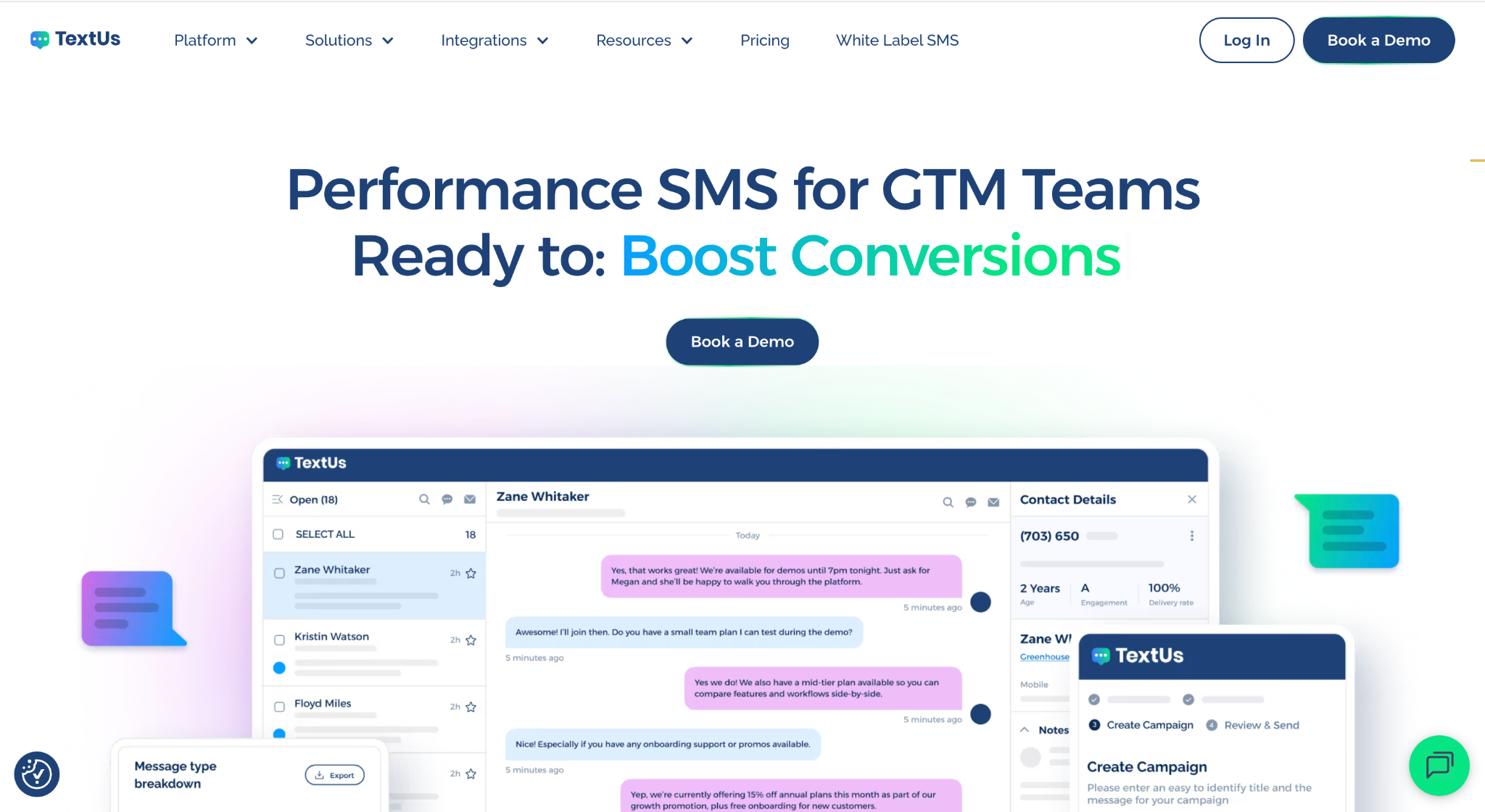
TextUs is a business texting platform built for teams that treat customer notifications as conversations, not broadcasts.
Campaigns handle bulk and segmented SMS or MMS sends with reusable templates, rich media attachments, and A/B testing built in, so you can test which reminder or promotion gets more responses.
Scheduled sends, recurring texts, and drip sequences cover the automation layer for routine notifications.
When a customer replies, the message lands in a shared team Inbox with real-time push notifications, conversation assignment, and full searchable history. Nobody double-texts a lead, and no reply goes unanswered.
Two features stand out for notification-heavy teams. Keywords give customers an instant auto-reply when they text a word like INFO, and QR codes can trigger the same response when scanned, which makes opt-in list building simple.
Smart Delivery monitors opt-out rates in real time and pauses campaigns that risk carrier blocking, while the Message Quality Indicator flags spam-risk language before you hit send.
Native two-way integrations with Salesforce, HubSpot, Bullhorn, and other CRM and ATS platforms keep notifications tied to customer records, and analytics track delivery, clicks, and response rates on every send.
Book a demo and check how TextUs can fit your business texting needs.
2. DialMyCalls
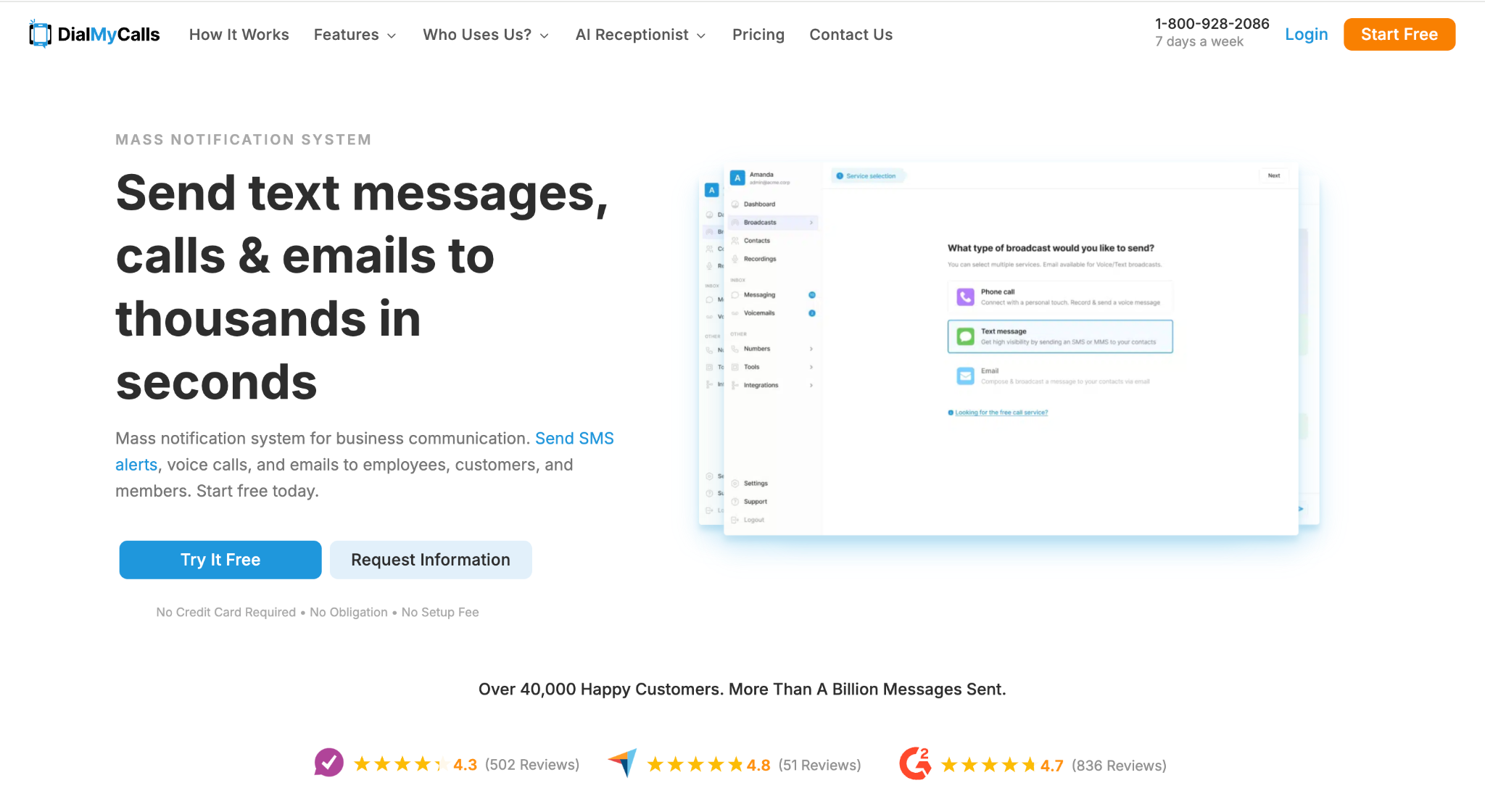
DialMyCalls is a mass notification platform that sends bulk text messages, automated phone calls, and emails from one account. Organizations use it to reach a full contact list at once, which makes it suitable for announcements, closures, reminders, and emergency notifications.
Voice broadcasting is the core of the platform. Users record a message in their own voice or use text-to-speech, then send it as an automated call to a group of contacts. Recipients can press buttons to hear the message again, leave a reply, or opt out.
Two-way texting is available as well, so customers can respond to an alert and get a real answer.
Contact management supports sorting recipients into smaller lists by location, account type, or other criteria, so every alert reaches the right people.
A mobile app for iPhone and Android lets users send broadcasts from anywhere, and an API supports connecting the platform to other applications.
The customer base skews toward schools, churches, nonprofits, property managers, and community organizations, though businesses use it for customer alerts too. It may do well for teams that need simple group broadcasts through calls, texts, and email.
3. Text-Em-All
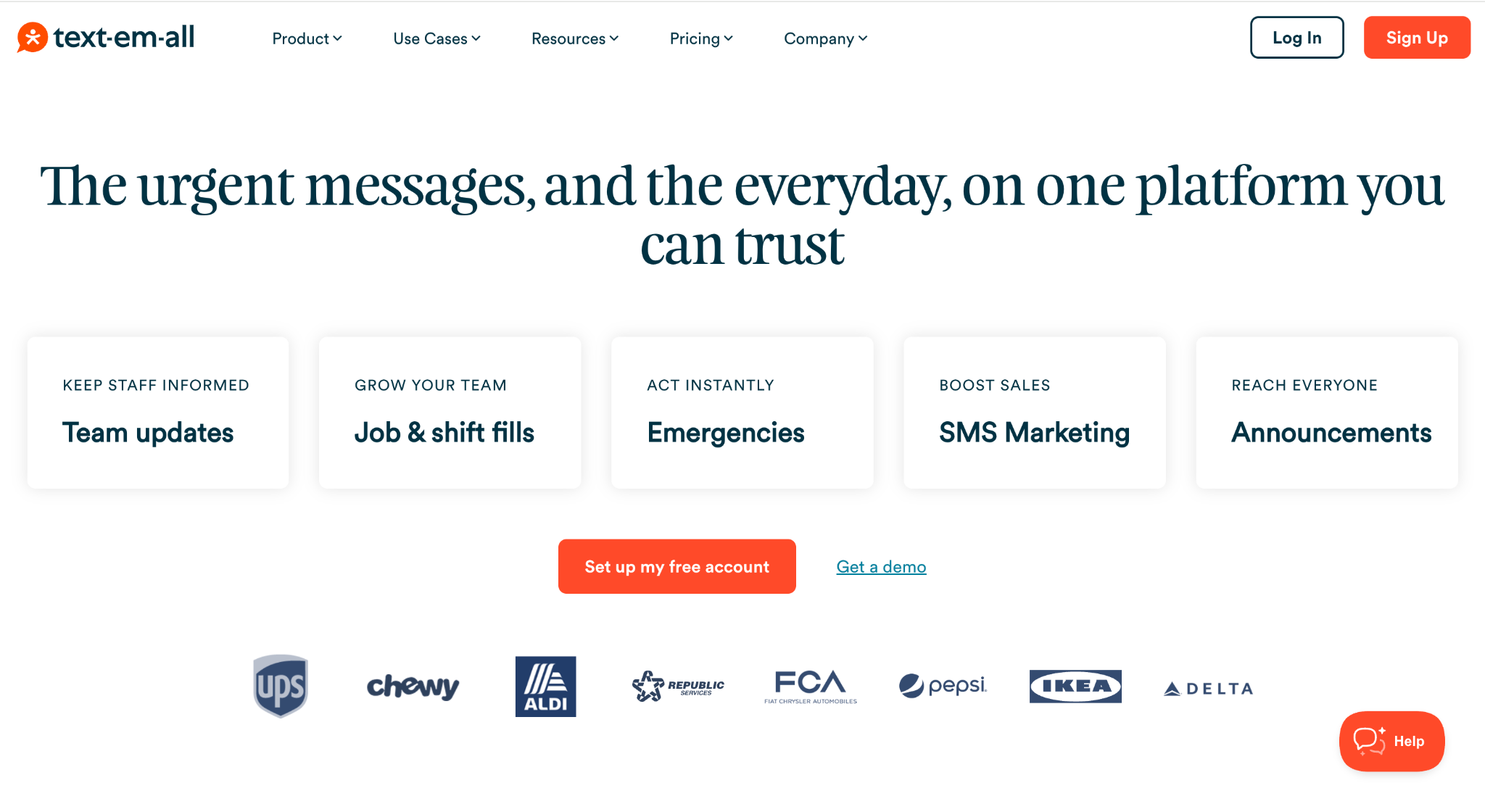
Text-Em-All is a mass texting and voice messaging platform for organizations that need to reach large groups at once.
Each mass text arrives as a private, individual message rather than a group chat, and voice broadcasts reach mobile phones, landlines, and VoIP lines at the same time, with automatic voicemail detection.
A combo broadcast option uses multiple channels in one send: the text version goes out first, then a voice message automatically follows to any number that cannot receive texts. This is useful when a contact list includes landlines or when a message needs to be heard.
The platform takes a consent-first approach. Every recipient must be opted in; cold texting is not supported, and standard opt-out keywords like STOP are handled automatically without manual list cleanup.
Text-Em-All also registers each account for 10DLC carrier compliance at no charge, which keeps messages from being filtered or blocked.
Automation covers scheduled and recurring broadcasts, keyword-based auto-replies, and message templates, with real-time delivery reports showing what landed and what failed.
Healthcare teams, schools, staffing agencies, and religious organizations make up much of the customer base.
It is a suitable pick for straightforward group notifications through text and voice.
4. EZ Texting
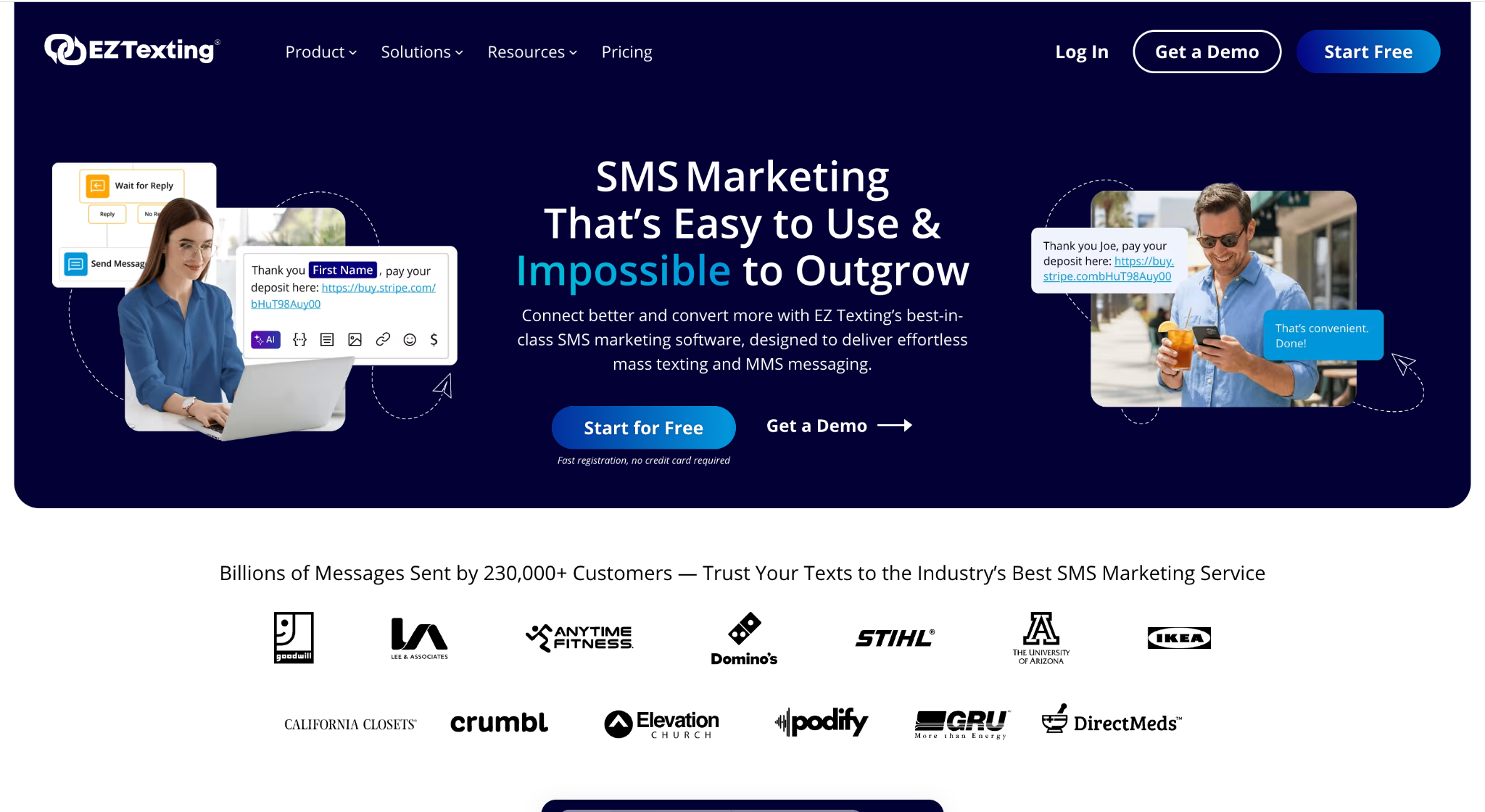
EZ Texting is a text marketing platform aimed at businesses that want to run SMS and MMS campaigns without technical setup.
The platform covers bulk texting, two-way messaging, and multimedia messages, with a built-in MMS image editor for preparing visual content before sending.
Contact tools handle importing, customizing, and segmenting lists, so a message about one product line or location reaches only the relevant subscribers. List growth features help capture new leads and grow an opted-in audience over time.
On the composition side, templates and AI writing tools speed up drafting, and automated campaigns keep recurring notifications and follow-ups running without manual work.
Compliance is built into the sending process. The platform captures opt-in consent, includes one-tap STOP links in messages, and aligns with CTIA guidelines and carrier 10DLC registration so campaigns reach recipients reliably.
Reporting shows real-time delivery and engagement data, which helps teams adjust their messaging strategy based on results. Businesses can choose from different number types depending on their sending needs.
EZ Texting is a suitable option for marketing-led teams that want a simple way to run text campaigns and promotional alerts.
5. OneSignal
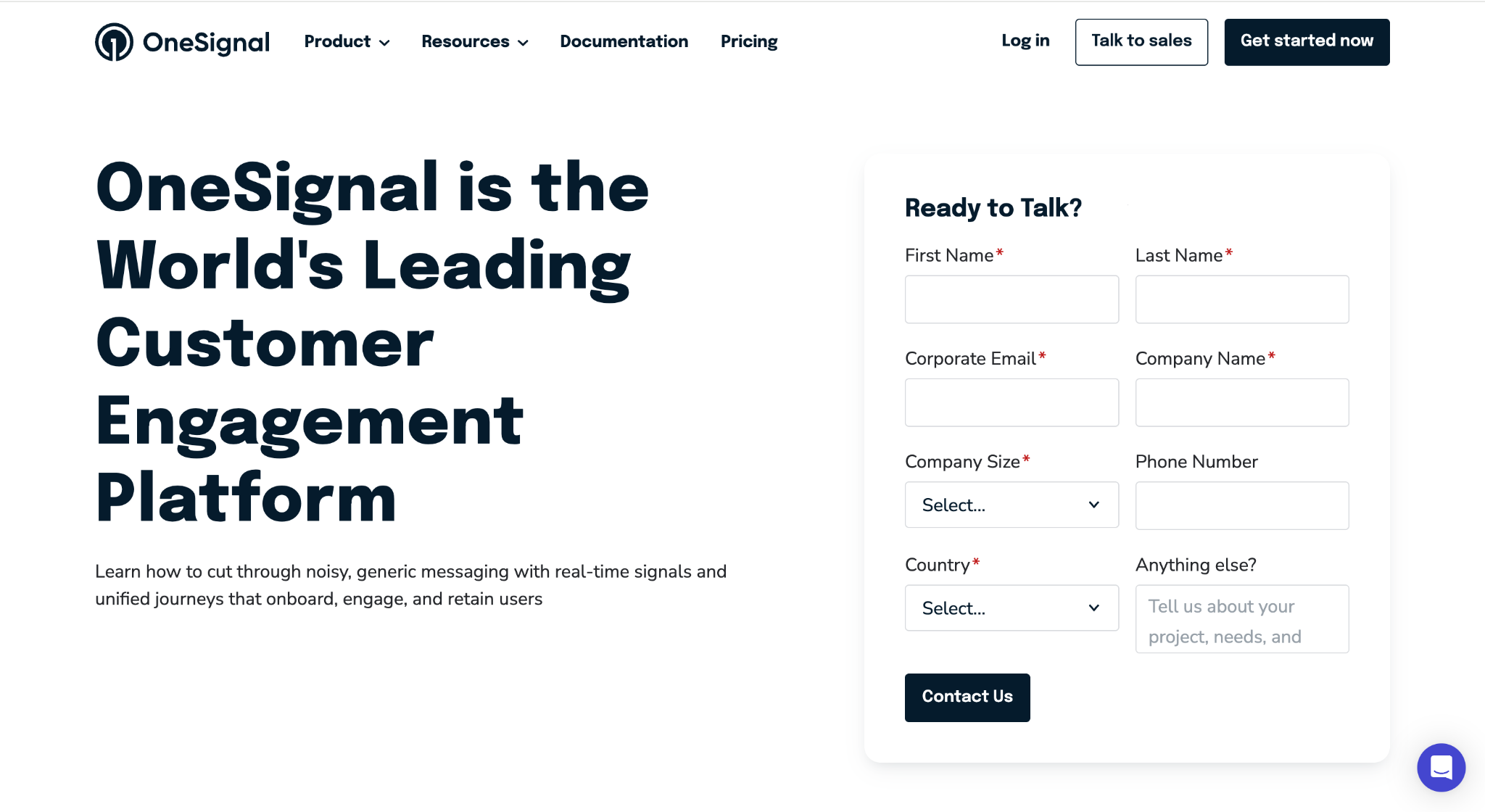
OneSignal is a customer engagement platform centered on push notifications for websites and mobile apps.
It covers a different layer than SMS platforms. Messages arrive as web and mobile push alerts rather than text messages, which makes it a fit for businesses with an app or a content-heavy site.
Push support runs wide. OneSignal delivers to iOS, Android, Huawei, and Amazon devices, plus Chrome, Firefox, Safari, and Edge browsers, along with macOS and Windows.
Messages can be sent from a dashboard with no technical experience required, or programmatically through a REST API, with targeting, personalization, and scheduling on both paths.
Beyond push, the platform supports in-app messages, email, and SMS, so teams can coordinate several message types from one place. Common use cases include announcing new content or features, running limited-time promotions, and sending transactional updates.
Analytics are built into the dashboard, with delivery, open rate, and click-through reporting per message. Teams that want deeper analysis can stream message events to a data warehouse or BI tool in real time.
OneSignal is a suitable choice for product and marketing teams that reach customers primarily through apps and browsers rather than phone numbers.
How to Choose the Right Customer Notification Platform
Start with your audience and how they stay connected. If customers read texts, an SMS-first platform makes sense. If they live inside your app, notifications on their mobile devices will reach them faster.
Teams with mixed audiences should look for multiple communication channels in one tool, since juggling separate platforms for each channel creates operational disruptions of its own.
Then look at how the alert system fits your existing systems. A platform that connects to your CRM or ATS pulls contact data automatically, which removes manual processes like exporting lists and reduces the human error that comes with copying data between tools.
If you serve a multilingual customer base, check whether messages can go out in each recipient's preferred language.
A few more capabilities worth checking:
- Two-way messaging, so customers can reply instead of hitting a dead end.
- Real-time alerts and scheduled sends for time-sensitive updates.
- Compliance features like opt-in capture and automatic opt-out handling.
- Segmentation, so that critical information reaches the relevant stakeholders and nobody else.
- Reporting that shows delivery and response rates per message.
The right pick improves operational efficiency on both sides. Your team spends less time on message creation, customers get clear answers, and consistent messaging helps with minimizing confusion when something changes.
Many teams also end up using the same platform for internal communication, sending shift reminders and updates to staff through the ability to text employee lists the same way.
Keep Customer Communication Organized With TextUs
Every unanswered notification is a customer who books elsewhere, misses a payment, or shows up on the wrong day.
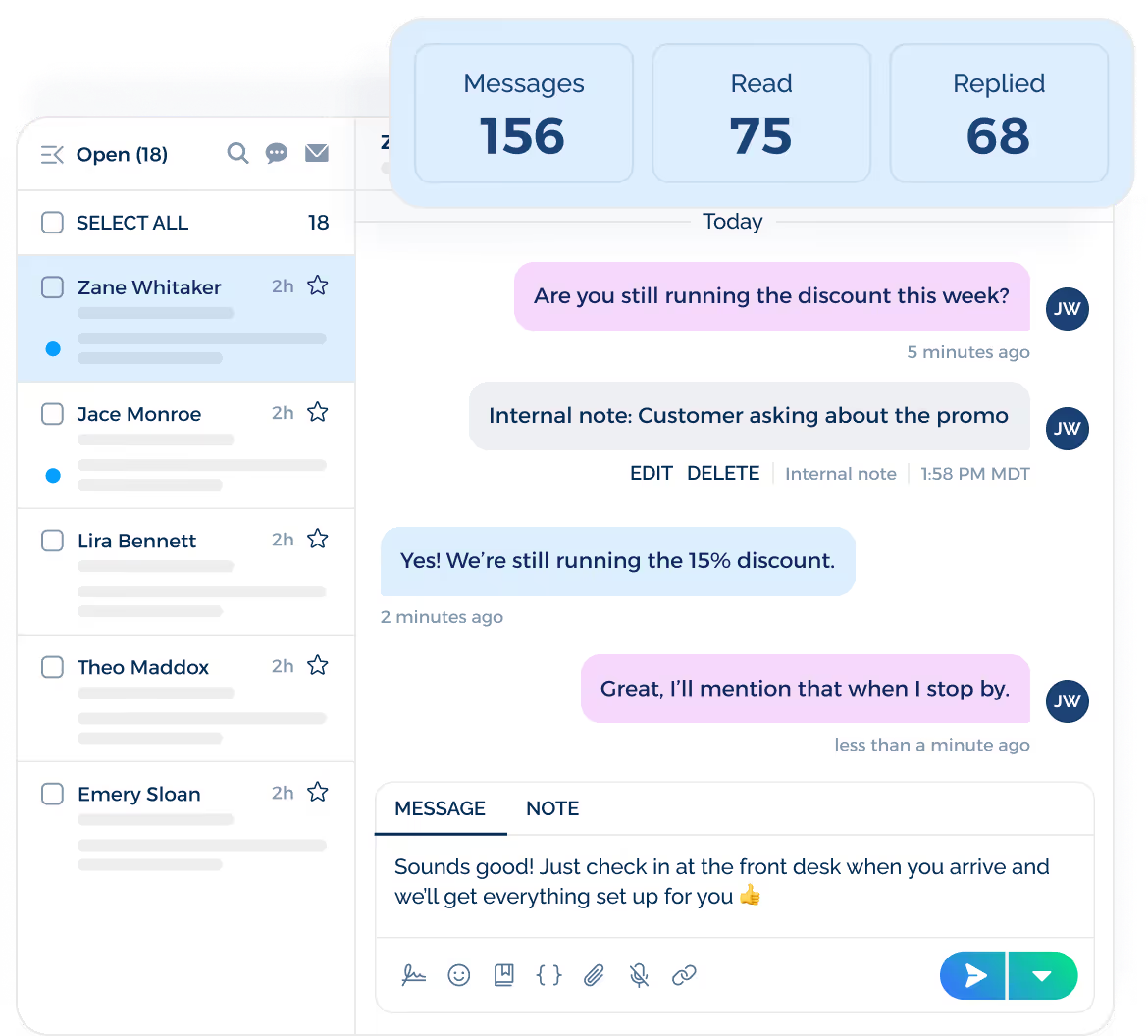
TextUs fixes the delivery problem first. Text messages get a 98% open rate, and Smart Delivery monitors every campaign in real time, pausing sends that risk carrier blocking so your reminders actually land.
Then it fixes the follow-up problem. When a customer replies to an appointment reminder or a service update, the message hits a shared team inbox with conversation assignment, so a real person answers and nobody double-texts the same customer.
Campaigns handle the volume side, sending bulk reminders and updates that still read as personal, with templates and A/B testing to sharpen what works.
Your contact data stays clean too. Native two-way integrations with Salesforce, HubSpot, Bullhorn, and other CRM and ATS platforms sync conversations back to the customer record automatically, so notifications never run from an outdated list.
Built-in compliance captures opt-ins through Keywords and QR codes and handles every opt-out on its own.
Book a demo with TextUs and see how much revenue better notifications bring back.
Continue Reading



Frequently Asked Questions
What is customer notification?
Customer notification is the practice of sending customers timely updates about things that affect them: appointments, orders, payments, service changes, and promotions.
Businesses automate this with notification systems that deliver messages through text, voice calls, email, and push, then confirm delivery.
What are the six types of notification system messages?
Most notification traffic falls into six categories: transactional updates like order and payment confirmations, appointment reminders, promotional messages, emergency alerts covering critical events, internal communication such as shift updates, and feedback requests.
TextUs covers all the business-facing types from one platform, so teams do not need separate tools for reminders, promotions, and staff messages.
Was the Emergency Broadcast System ever activated?
The Emergency Broadcast System (EBS) was a United States alert system that ran from 1963 to 1997.
This mass notification system was never activated for a national emergency, though state and local authorities used it many times for severe weather and other local emergency situations.
Business Texting
Built for Results
Create and convert pipeline at scale through industry leading SMS software