
App for Mass Texting: A Complete Guide for High-Volume Outreach
Learn how an app for mass texting supports high-volume outreach and why TextUs is built for personalized campaigns, replies, automation, and reporting.

Written by
Adam Hamdan
Published
November 13, 2026

Reaching a large audience by text doesn't mean sacrificing personalization, organization, or control.
An app for mass texting lets you contact many people at once while keeping messages targeted, replies separate, and campaigns easier to manage.
The right platform can support everything from one-time broadcasts to scheduled outreach, two-way conversations, reporting, and compliance-focused messaging.
This guide covers how businesses use mass texting apps, which features matter, what factors affect pricing, and how to choose the right platform for your business needs.
TL;DR
- Mass texting apps help you reach large audiences for recruiting, sales, appointments, promotions, updates, workforce communication, events, and feedback while keeping replies private.
- An app for mass texting should combine audience management, personalization, automation, two-way messaging, reporting, integrations, mobile access, compliance controls, and transparent usage limits.
- Mass texting app costs vary by pricing model, message volume, user seats, added numbers, carrier fees, and access to advanced automation or integrations.
- You need to choose a mass texting app based on your communication goals, messaging volume, user access needs, onboarding support, and how well the platform fits your actual workflow.
- TextUs combines personalized mass texting, two-way conversations, shared inboxes, automation, reporting, and compliance-focused tools for everyday business communication.
How Businesses Use Mass Texting Apps
You may see terms like “mass texting,” “broadcast texting,” and “group texting” used in similar ways, but they refer to different types of messaging.
Group texting places everyone in one shared conversation, while mass SMS marketing sends separate messages to each recipient and keeps replies private.
What makes bulk text messaging better is that it supports a wide range of business communication needs. Below are some common ways businesses use a mass texting app in day-to-day operations:
Recruiting and Staffing
With SMS recruiting, you need to reach multiple contacts within a short period.
A mass texting app supports outreach for job openings, interview reminders, credential requests, shift availability, and other time-sensitive updates.
You may also send personalized texts based on candidate status, location, role, or previous conversations. This keeps your outreach more specific without writing every message from scratch.
Sales and Lead Follow-Up
SMS for sales teams can support follow-up after form submissions, calls, meetings, or events. It helps you reconnect with clients, share appointment details, or ask whether a prospect wants to continue the conversation.
Each reply stays tied to the individual contact instead of appearing in a shared thread. This makes it easier to continue one-to-one conversations after the initial outreach.
Appointment Reminders and Scheduling
If your business relies on appointments, mass texting supports confirmations, reminders, rescheduling notices, and cancellation updates.
When you need to send messages to many customers with similar appointment details, dynamic fields let you include information tied to each recipient's booking.
Customer Updates and Notifications
Service notices, location changes, order updates, event information, and account reminders are also common mass texting use cases.
A short text lets you communicate time-sensitive information without depending on customers to check email or log in to another platform.
Marketing and Promotional Campaigns
Product launches, sales announcements, event promotions, loyalty offers, and limited-time campaigns may all be supported through mass texting.
Depending on the campaign, you may include links, images, or short calls to action that guide recipients toward the next step. Promotional messaging still requires proper consent and opt-out handling.
Employee and Workforce Communication
Mass texting also supports workforce management with employees, contractors, and field staff.
You may share shift changes, weather alerts, office closures, schedule updates, or urgent notices with a large group while keeping replies separate.
Events and Community Communication
You can send mass texts using an event text messaging service for registration reminders, check-in instructions, venue changes, and last-minute announcements.
The same approach also fits associations, schools, nonprofit groups, and other organizations that need to update members.
Customer Feedback and Surveys
A mass texting app also supports short surveys, review requests, and post-service feedback.
Customers can rate an experience, answer a short question, or follow a link to a longer survey. This creates a simple way to collect feedback after a purchase, appointment, event, or service interaction.
Key Features to Look for in an App for Mass Texting
The right mass texting app should support both high-volume outreach and the conversations that follow. Here are the main features to look for when you compare platforms for business use.
Contact Management and Segmentation
A mass texting app should let you create groups based on customer type, location, status, interests, or other criteria.
SMS segmentation lets you target each audience instead of sending the same message to your full contact list.
You need to look for tools that let you import records through a CSV file or sync existing contact info from another system. This reduces repetitive data entry and keeps audience lists organized.
Message Personalization
Personalization allows you to tailor messages with details such as names, appointment dates, locations, or account information.
The bulk SMS software should also let you customize templates for different campaigns while keeping the main message consistent. It makes high-volume outreach feel more specific to each recipient.
Scheduling and Automation
Campaign scheduling features let you prepare campaigns in advance and choose when they go out. This is valuable for reminders, follow-ups, recurring notices, and planned promotions.
SMS marketing automation should also support triggers and sequences based on customer actions or workflow stages. Look for the ability to pause follow-ups once someone responds.
Two-Way Messaging
Mass texting doesn't have to stop after the first campaign. Text automation software should let you send text messages at scale while keeping individual replies open for continued conversation.
Unlike a group message, each response stays between your business and the recipient. This is important for recruiting, appointment reminders, sales follow-up, and customer service.
Shared Inbox and Conversation Management
A shared inbox allows several users to view and manage incoming conversations from business phone numbers.
Assignment tools, message history, internal notes, and conversation ownership controls help staff figure out who it belongs to when a new reply arrives. It also reduces duplicate responses when several employees use the same account.
MMS Support
Multimedia Messaging Service (MMS) support allows you to include visual attachments when plain text isn't enough. It fits product photos, promotional graphics, event flyers, branded creatives, and other messages that benefit from a visual element.
This added format also makes campaigns more flexible when recipients need to see the information, not just read it.
Campaign Reporting
Reporting lets you see what happened after a campaign was sent. Useful metrics include response rates, SMS opt-outs, link activity, and delivery rate.
You have to look for campaign statistics that match your goals rather than focusing only on message volume. For example, a recruiting text message may focus on responses, while an alert may focus on successful delivery.
Compliance and Security Controls
A mass texting platform needs built-in controls that support responsible business text messaging.
This includes consent tracking, opt-out handling, suppression lists, and tools related to messaging registration requirements.
Data protection is another factor to review, especially when several employees use the same account. Check for role-based access, user permissions, account protections, and measures that safeguard customer and company information stored on the platform's servers.
CRM and Business Software Integrations
A mass texting app connects with the systems your business already relies on, such as a CRM, ATS, scheduling platform, or customer database.
These integrations reduce repeated data entry and keep texting activity connected to existing workflows. SMS APIs and webhooks also support custom connections when built-in integrations do not meet your requirements.
Desktop and Mobile Access
A web dashboard provides more space for building campaigns, reviewing contact lists, and checking reports. Mobile access lets you respond to conversations and monitor account activity when you are away from your desk.
If your staff uses an iPhone or another device running iOS or Android, review what the mobile version supports. Check whether users can search contacts and filter conversations, since some providers offer different capabilities on desktop and mobile.
If your staff uses iOS or other mobile devices, review what the mobile version supports before choosing a platform. Some providers offer different capabilities between desktop and mobile access.
Transparent Usage and Account Limits
Mass texting platforms set limits based on message volume, number of users, or SMS credits. You need to review how each provider counts messages and what happens when your account exceeds its included allowance.
Pricing may be monthly, usage-based, or linked to specific account features. Understanding these limits upfront makes it easier to estimate costs as your texting volume increases.
Understanding the Cost of Mass Texting Apps
The cost of a mass texting app depends on message volume, account features, and how many people need access. Here are the main pricing models and added costs to review before you compare options.
Subscription-Based Pricing
Many mass texting platforms offer recurring plans based on message allowances, users, or account features.
Depending on the provider, higher-priced plans include more message credits, additional users, or access to advanced tools.
Review what comes with each tier before you subscribe. Some providers include most platform features with every paid plan, while others reserve certain capabilities for higher tiers.
Usage-Based Pricing
Some providers charge according to the number of messages you send instead of relying only on a fixed monthly allowance. This model suits businesses whose texting volume changes throughout the year.
SMS and MMS also carry different rates. Some platforms charge more for MMS or count each multimedia message as several message credits.
Per-User Pricing
Business texting platforms may include a limited number of user seats with each plan and charge extra when more employees need access.
Factor those costs into your comparison if several people will manage campaigns, conversations, or reporting from the same account.
Additional Number and Carrier Fees
The advertised plan price doesn't always represent the full cost of business texting. Additional phone numbers, carrier surcharges, registration fees, and message overages may appear as separate charges.
Review the full pricing terms before choosing a plan, so you know which expenses are included and which are billed separately.
Automation and Integration Costs
Access to advanced automation, CRM integrations, custom workflows, or premium integrations varies by provider and plan.
Some platforms include these capabilities in standard subscriptions, while others reserve certain tools for higher tiers or custom packages. You have to compare these features against your actual workflows before upgrading.
How to Choose the Right App for Mass Texting
A good mass texting app should fit the way your business communicates. Here's how you can narrow your options and compare platforms with more purpose.
Start With Your Main Texting Goals
Recruiting, appointment reminders, sales follow-up, promotions, employee communication, and customer engagement each place different demands on a texting platform.
TextUs supports several of these workflows. Recruiting teams can text candidates about open roles, while sales teams may follow up with prospects.
Marketing teams also share promotions, while customer-facing staff may send reminders or service updates.
This makes TextUs a fit for businesses that want bulk texting to support several departments instead of limiting the channel to one type of outreach.
Estimate Your Messaging Volume
You need to consider how many people you expect to reach during a typical marketing campaign and how often you plan to text them.
TextUs supports high-volume SMS and MMS campaigns, along with segmentation, personalization, reporting, and scheduled messages.
This allows you to prepare outreach in advance while still tracking campaign activity as your volume grows.
If you're a small business, your current volume and expected growth are both worth considering. The right plan should fit what you send today without becoming too restrictive as your SMS program expands.
Assess User Roles and Access
The number of people using the platform affects how account access should be set up. Marketing, sales, recruiting, or customer service staff each need different levels of access based on their responsibilities.
TextUs offers a shared inbox where assigned users can view conversations, respond to contacts, and see past messages within the same thread.
Conversations can also be assigned to specific users, so ownership stays visible and staff know who is responsible for the next response.
Real-time notifications also alert users to new activity instantly. Separate conversation views make it easier to see which messages are assigned to you or another user.
Review the Setup and Onboarding Process
Not every provider will guide you through each part of that process. Some leave more of the setup, registration, and troubleshooting to your staff.
TextUs provides onboarding resources for new users and admins, including guidance for account setup, contacts, groups, campaigns, and organization settings.
Its extensive knowledge base also covers the steps businesses need when they first start using the platform.
It also supports the 10DLC registration process, where you submit the required business and messaging information, and its team sends the registration to The Campaign Registry on your behalf.
A TextUs representative can also assist if the registration requires more information.
Test the Platform Before You Commit
A demo or trial lets your staff see how the platform handles the tasks they will use most often. You need to test campaign creation, replies, navigation, reporting, and how easy it is to edit content before sending.
Input from the people who will use the system is also valuable. Their suggestions can help you confirm whether the platform fits your workflow before you commit to a longer plan.
With TextUs, you can book a demo to see how mass texting fits your actual workflow.
TextUs Helps You Send Personalized Bulk Text Messages
Mass texting is more effective when the message still sounds personal. TextUs lets you reach large audiences with messages tailored to each recipient.
You can segment audiences, schedule campaigns, personalize outreach, manage replies through a shared inbox, and track results from the same platform.
TextUs also supports SMS and MMS, automation, templates, reporting, and integrations with popular CRM and ATS platforms, so your bulk texting strategy fits into existing systems.
SMS compliance doesn't need to slow down your bulk SMS outreach. TextUs also includes built-in tools for consent management, opt-out handling, messaging registration, and customer data protection.
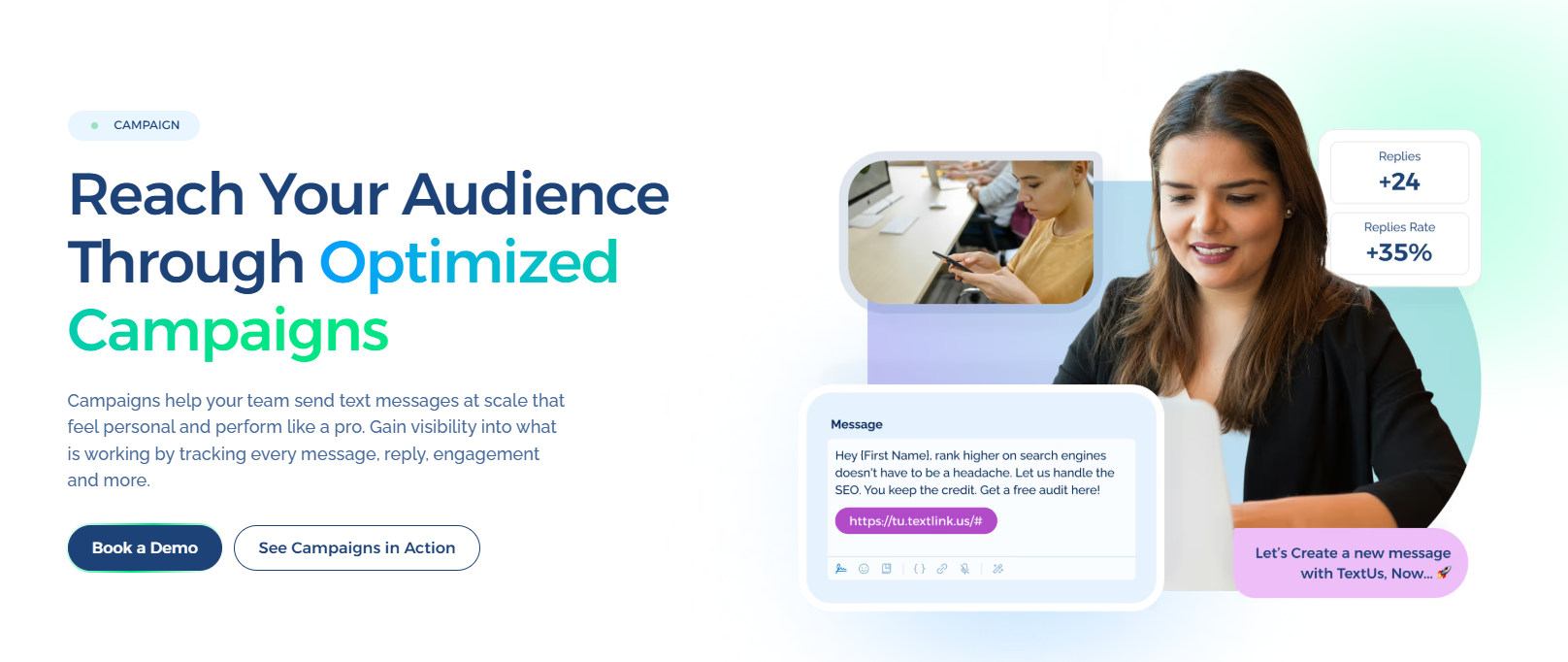
Book a demo with TextUs today to see how mass texting can support personalized outreach, faster follow-up, and stronger campaign management!
FAQs About Apps for Mass Texting
How do I send 100 texts at once?
A mass texting app lets you upload or tag contacts, select the audience, and send one campaign to 100 recipients without creating group texts.
Using a mass texting service like TextUs is also more practical than trying to send large campaigns through personal phones, which are designed around individual and group chat conversations.
What is the best free app for sending bulk text messages?
Free bulk texting apps may be enough for occasional sends or small contact lists. The tradeoff is that free plans often come with limits on message volume, automation, or team access.
If texting is part of your regular customer, recruiting, sales, or marketing workflow, a dedicated texting software such as TextUs offers more room to grow.
It supports high-volume campaigns, two-way messaging, shared inboxes, automation, reporting, and compliance-focused tools.
Is mass texting illegal?
No. Mass texting itself is not illegal, but businesses must follow applicable consent, opt-out, and messaging rules.
CTIA guidance calls for non-consumer senders to obtain consent before texting and provide a way to opt out, while FCC rules also address consent and revocation for covered robotexts.
Can I send out mass text messages?
Yes. SMS marketing software lets you send one campaign to many recipients while keeping each conversation separate.
For business outreach, make sure recipients have the required consent and that your messages include an appropriate opt-out method when applicable.
Continue Reading



Frequently Asked Questions
Business Texting
Built for Results
Create and convert pipeline at scale through industry leading SMS software