
10 Best SMS Call Center Software Options in 2026
Discover the best SMS call center software, compare customer communication features, and learn how to choose the right solution for your business.

Written by
Adam Hamdan
Published
November 25, 2026

Customer service no longer happens through a single communication channel. A customer might call about a service issue, text additional details, and follow up the next day.
Agents need access to these interactions to respond without asking customers to repeat the same information.
SMS call center software brings text messaging into customer support operations through features such as automated responses, conversation routing, and agent assignments.
However, not every solution offers the same capabilities. Some tools combine SMS with contact center operations, while others specialize in business texting that complements other systems.
In this guide, we will explore the best SMS call center software and how each handles customer communication. You'll also learn what to consider when choosing a solution for your business.
TL;DR
Here are the ten best SMS call center software options worth exploring in 2026:
- TextUs: Best for text-first customer support
- Genesys Cloud CX: Best for enterprise SMS routing
- NiCE CXone: Best for enterprise customer service operations
- Five9: Best for inbound and outbound call centers
- Talkdesk: Best for SMS and voice customer support
- Twilio Flex: Best for custom SMS call center workflows
- 8x8 Contact Center: Best for SMS queue management
- UJET: Best for mobile-focused customer service
- RingCentral RingCX: Best for unified phone and digital support
- Dialpad Support: Best for AI-assisted SMS customer support
How Call Center Texting Improves Customer Satisfaction
When every customer inquiry comes through a phone call, even simple requests can add to long queues and agent workloads.
Long wait times remain a major concern for customer service operations. A 2026 Gradient Labs study found that 75% of consumers consider long waiting times a frequent customer service frustration.
SMS call center software provides another way to handle customer conversations, especially when a quick text response is enough to resolve an issue.
Here are the main benefits of using SMS call center software:
- Reduced call volume: Routine inquiries and status requests can be resolved through SMS instead of phone calls
- Faster customer responses: Agents can answer simple questions without requiring a separate live conversation for each request
- Improved agent capacity: Representatives can manage multiple text conversations while reserving calls for more complex requests
- Better customer convenience: Customers can send questions, receive updates, and reply without staying on hold
- Consistent follow-ups: Automated notifications and reminders reduce the need for repeated outbound calls
- Greater conversation visibility: Shared histories and message assignments allow representatives to review previous interactions and coordinate responses
- More informed service decisions: Messaging reports provide insight into incoming requests, agent activity, and conversation outcomes
Instead of managing every request through a live call, representatives can review incoming texts, respond to multiple conversations, and access previous interactions before replying.
10 Best SMS Call Center Software Platforms in 2026
The right SMS software depends on your call center communication needs and existing systems. Here are ten platforms to consider as you compare your options.
1. TextUs: Best for Text-First Customer Support
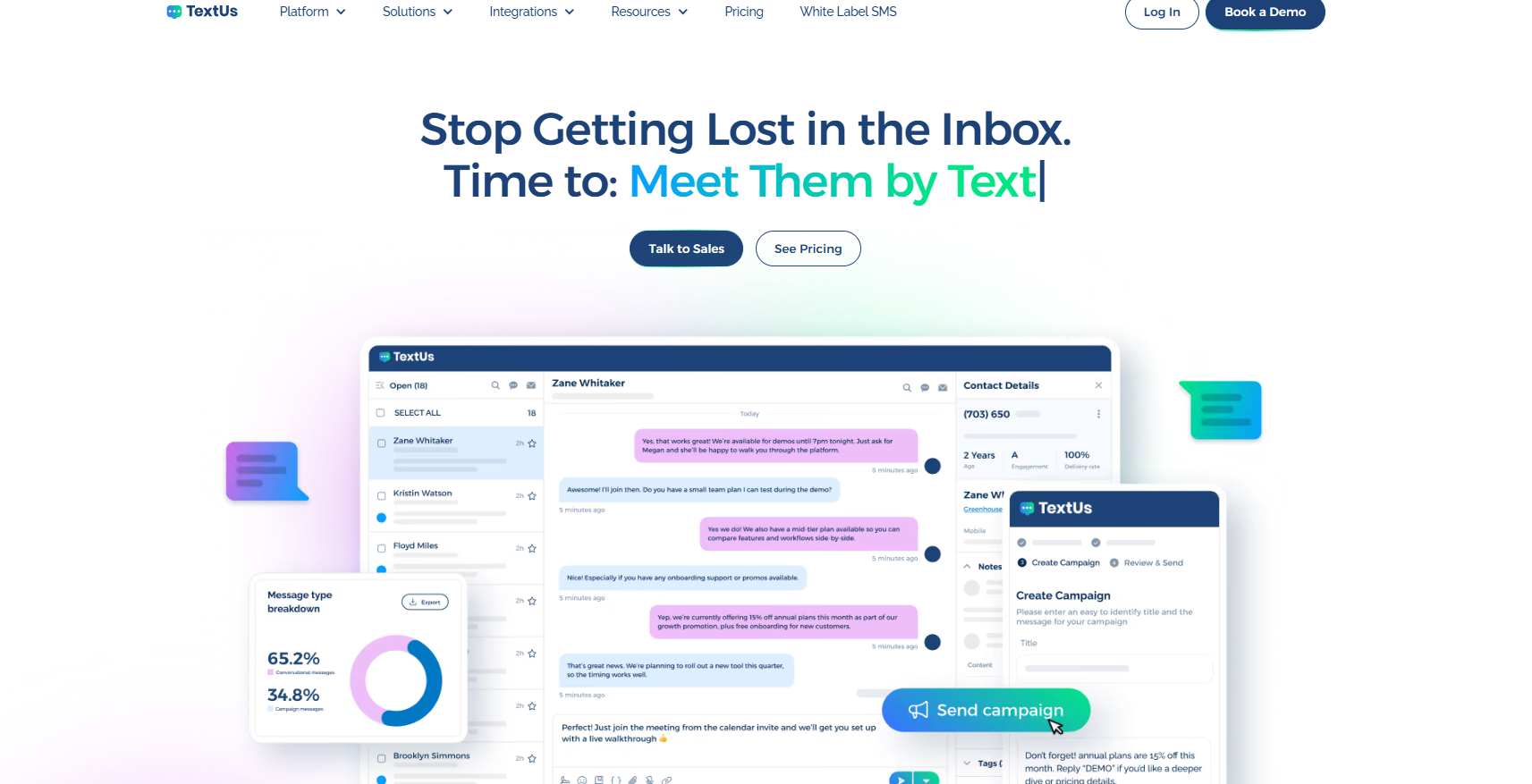
TextUs is a customer service texting software for businesses that manage customer inquiries, service updates, and follow-ups through SMS.
Unlike full contact center software, which combines voice operations with digital channels, TextUs specializes in text-based customer communication.
Incoming replies appear in a shared inbox, where representatives can assign conversations, add internal notes, and review previous exchanges.
Message tags and searchable histories provide visibility into ongoing requests, while reusable templates let agents respond to common inquiries without drafting every reply from scratch.
For outbound communication, TextUs allows you to send personalized SMS and MMS messages to selected customer groups.
Its SMS marketing automation features include campaign scheduling, keyword-triggered responses, and multi-step sequences that deliver follow-ups at configured intervals.
Integrations with Salesforce, HubSpot, and other supported systems connect text conversations with existing business records. This allows you to access customer information and coordinate SMS communication alongside your current service processes.
Book a demo with TextUs today to see how you can expand your call center's SMS capabilities without replacing your current phone system!
2. Genesys Cloud CX: Best for Enterprise SMS Routing
Genesys Cloud CX is enterprise contact center software that brings inbound and outbound SMS, voice calls, email, and digital messaging into customer service operations.
Its SMS routing uses Genesys Architect and skills-based routing to process incoming texts and direct them to the appropriate queues. The system can analyze message content, identify keywords, and retrieve customer information to determine routing rules.
Genesys Cloud CX also offers direct routing, where incoming SMS inquiries can reach designated agents without waiting in a standard queue. Administrators configure backup agents or queues when the assigned representative is unavailable.
Agents manage SMS conversations through the platform's user interface, where they can review message histories and use canned responses to answer inquiries. It also supports conversation continuity when customers send follow-up texts.
Genesys Cloud CX provides real-time dashboards that track SMS queue activity, handling times, response times, and agent performance.
Its reporting features also show routing results and conversation outcomes, while quality evaluators can review completed SMS interactions for assessment.
3. NiCE CXone: Best for Enterprise Customer Service Operations
NiCE CXone is a customer experience management platform that offers SMS, voice support, digital engagement, workforce management, and service quality monitoring.
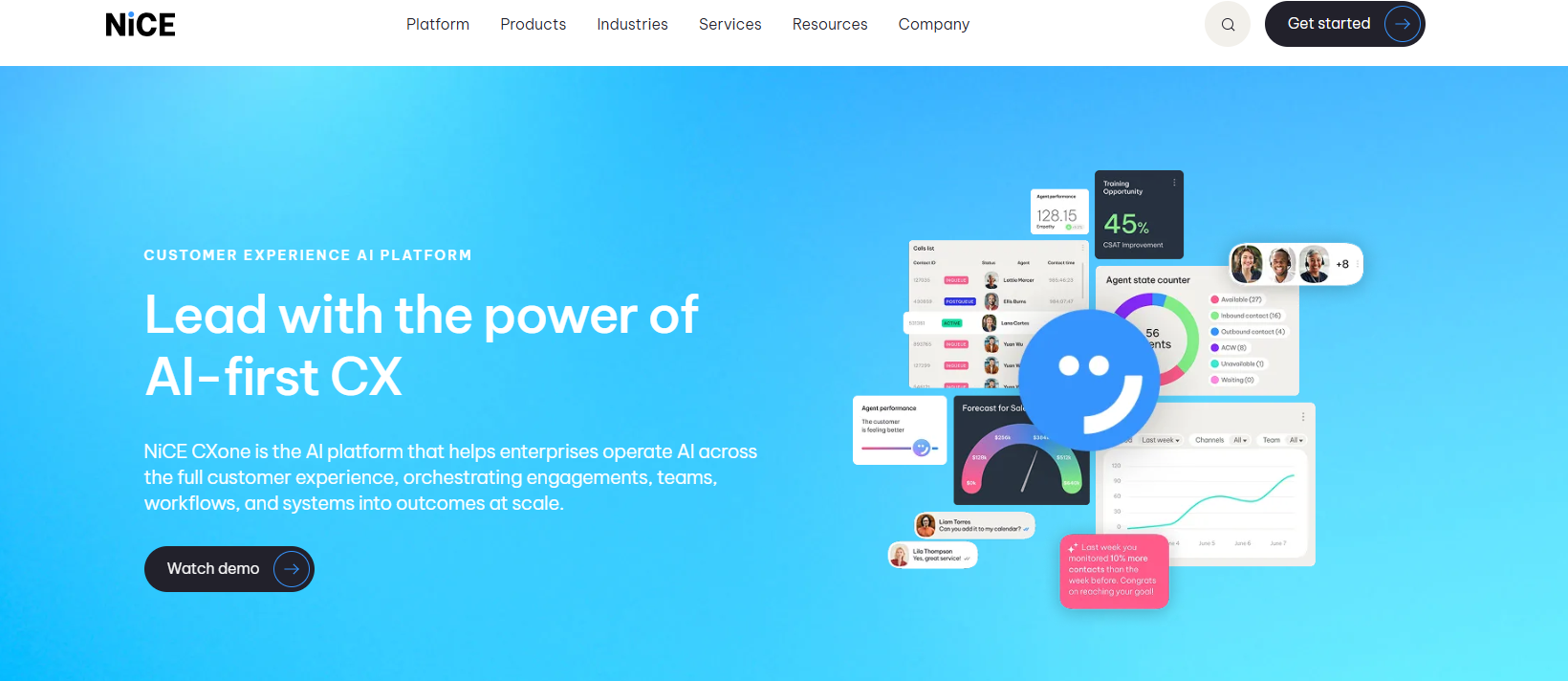
The Digital Experience feature allows enterprises to manage incoming and outgoing text conversations alongside other customer interactions.
The platform uses automatic call distribution (ACD) to route SMS inquiries based on agent skills, availability, customer priority, and configured business rules.
Administrators set routing workflows that direct incoming texts to specific departments or representatives based on the type of request.
NiCE CXone also provides a shared agent workspace where support teams handle SMS conversations and phone calls. Agents can access conversation histories, respond to customer inquiries, and manage multiple digital interactions from the application.
It also includes optional quality management and performance monitoring capabilities. Supervisors can evaluate customer interactions, review AI-generated assessment summaries, and assess agent productivity.
4. Five9: Best for Inbound and Outbound Call Centers
Five9 is a contact center solution designed for inbound and outbound customer communication, with capabilities for voice calls, SMS, email, automated dialing, and digital support.
Its blended contact center capabilities allow agents to switch between incoming calls and outbound calls based on call traffic and configured business rules.
For inbound operations, Five9 provides automatic call distribution and interactive voice response (IVR) to route inquiries and offer self-service options.
Agents can access customer information through screen pops, while Five9 Agent Assist provides real-time guidance, checklists, and call transcriptions.
For outbound operations, Five9 offers predictive, progressive, preview, and power dialer options. Its campaign management features allow you to organize calling lists, configure dialing rules, and schedule messages.
The platform includes customer relationship management (CRM) integrations that attach SMS interactions to customer records. Supervisors can access real-time and historical reports to review queue activity, campaign results, and service operations.
5. Talkdesk: Best for SMS and Voice Customer Support
Talkdesk is an omnichannel customer service platform that offers voice calls, SMS, email, live chat, and social messaging.

The Digital Engagement product allows agents to handle customer interactions through Talkdesk Agent Workspace. They can access conversation histories and contact information on the same platform.
Talkdesk allows agents to receive incoming texts, initiate outbound conversations, and review previous messages. It supports two-way conversations, where you can address customer issues, transfer conversations to another agent or queue, and close resolved requests.
It also offers three routing options: dedicated agent assignments, simplified queue routing, and customizable Studio flows. These settings determine which agents or departments receive incoming SMS inquiries.
Talkdesk includes reporting through Talkdesk Explore, which tracks digital customer interactions and service activity. It also supports integrations with existing tools to trigger actions based on conversation events.
6. Twilio Flex: Best for Custom SMS Call Center Workflows
Twilio Flex is a programmable contact center solution that provides customizable workflows for voice calls, SMS, MMS, WhatsApp, and web chat.
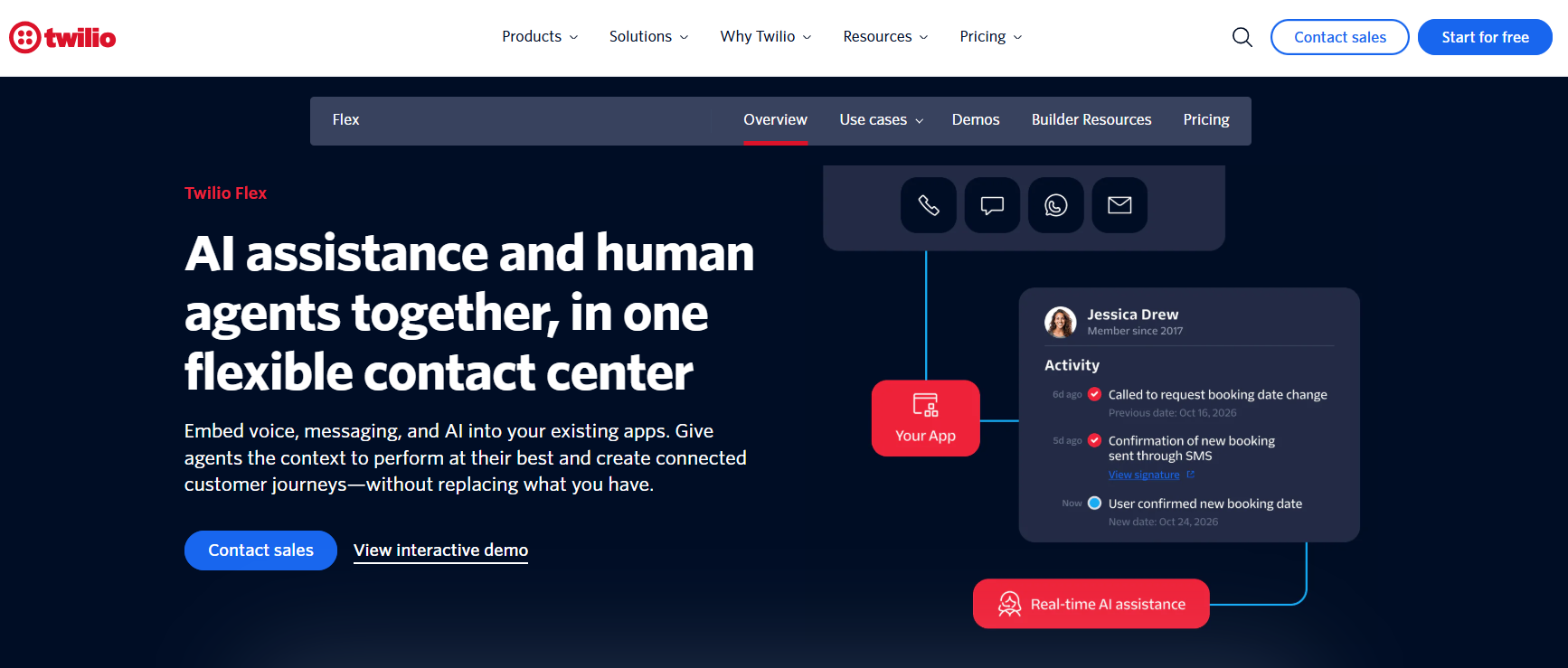
An incoming text appears through Flex Conversations, where agents review replies and send messages from their desktop. Outbound SMS conversations also begin through the Interactions API, such as when a customer completes an action in a connected CRM system.
For automated messaging, Twilio Studio provides a visual workflow builder that enables businesses to create responses and define what happens after a customer replies.
SMS routing operates through Twilio TaskRouter, which distributes incoming interactions according to agent availability, assigned skills, and task priorities.
Administrators determine how many messaging conversations each agent can handle at a time, with separate settings for different task types.
Beyond its standard functions, Twilio Flex allows developers to modify the agent desktop through plugins and integrations with systems such as Salesforce and Zendesk.
7. 8x8 Contact Center: Best for SMS Queue Management
8x8 Contact Center is a cloud-based communication platform that handles inbound SMS through a dedicated text channel and chat queues.
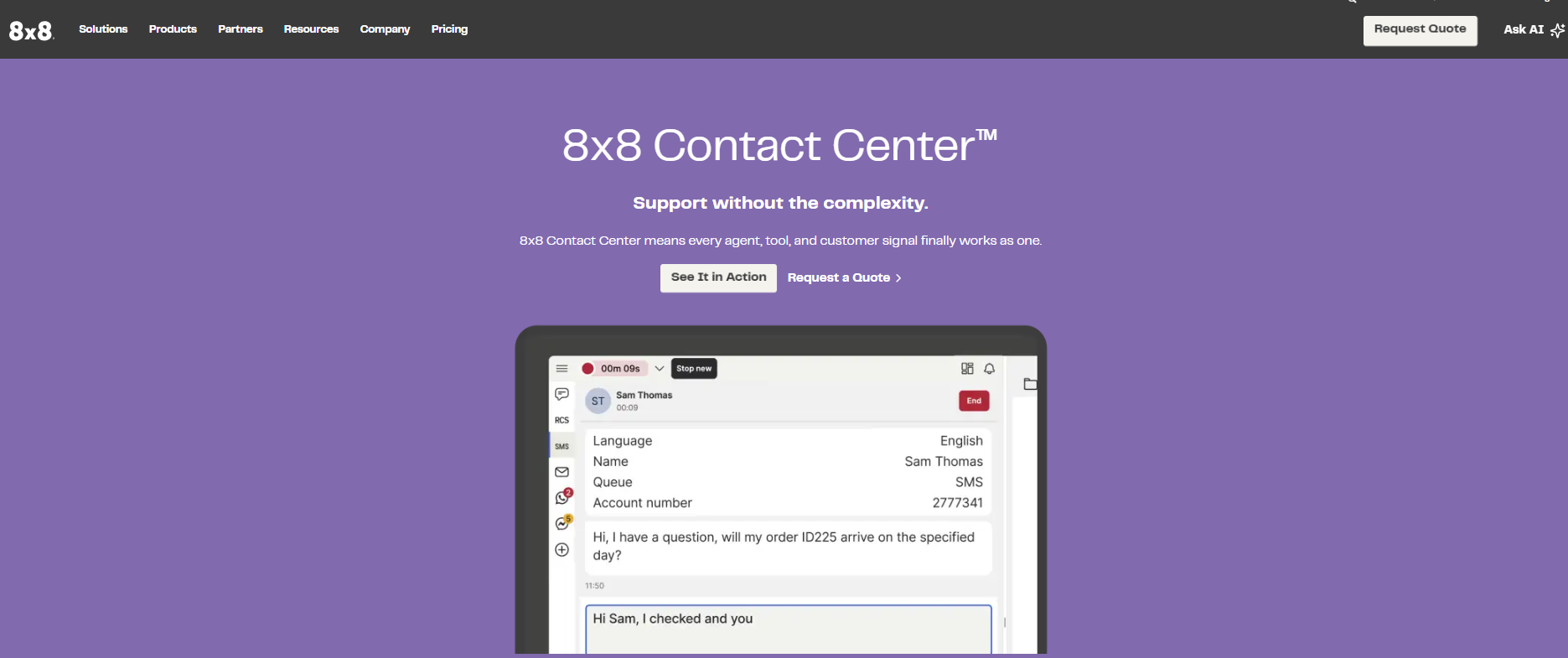
Administrators configure SMS workflows through the platform's Configuration Manager. Routing conditions also account for queue availability before assigning a conversation.
Once an SMS reaches an agent, 8x8 Agent Workspace displays a notification and the customer's record, including previous cases and interaction history.
After an interaction ends, agents can save the text thread as a case linked to the customer's record. The software also allows agents to initiate outbound SMS during calls or other interactions.
Historical reports provide details about SMS activity by queue and agent. SMS functionality is available to qualifying X7 and X8 customers, with text-only messaging and no MMS support.
8. UJET: Best for Mobile-Focused Customer Service
UJET is a mobile-focused contact center solution that provides voice support, SMS/MMS, and in-app messaging with integrated customer service features.
Through its Visual IVR feature, customers can select their preferred contact method, view estimated wait times, or request a callback.
UJET also uses customer information, such as purchase history, account status, and previous sentiment scores, to route inquiries to the appropriate agents or departments.
A customer waiting on a call can share additional details through SMS before speaking with a representative. UJET's SmartActions feature allows agents to request photos, videos, screenshots, and text information from a smartphone.
UJET uses existing smartphone security methods, including PINs, fingerprints, and facial recognition. Its mobile SDK also captures information such as device type, app version, and recent in-app activity.
Remote and field agents can use the UJET Agent Mobile App on iOS or Android to receive calls and access customer records. Supervisors also have access to messaging reports and satisfaction surveys that collect customer feedback after interactions.
9. RingCentral RingCX: Best for Unified Phone and Digital Support
RingCentral RingCX is a contact center platform that combines voice calls, SMS, email, live chat, and more than 20 digital channels.
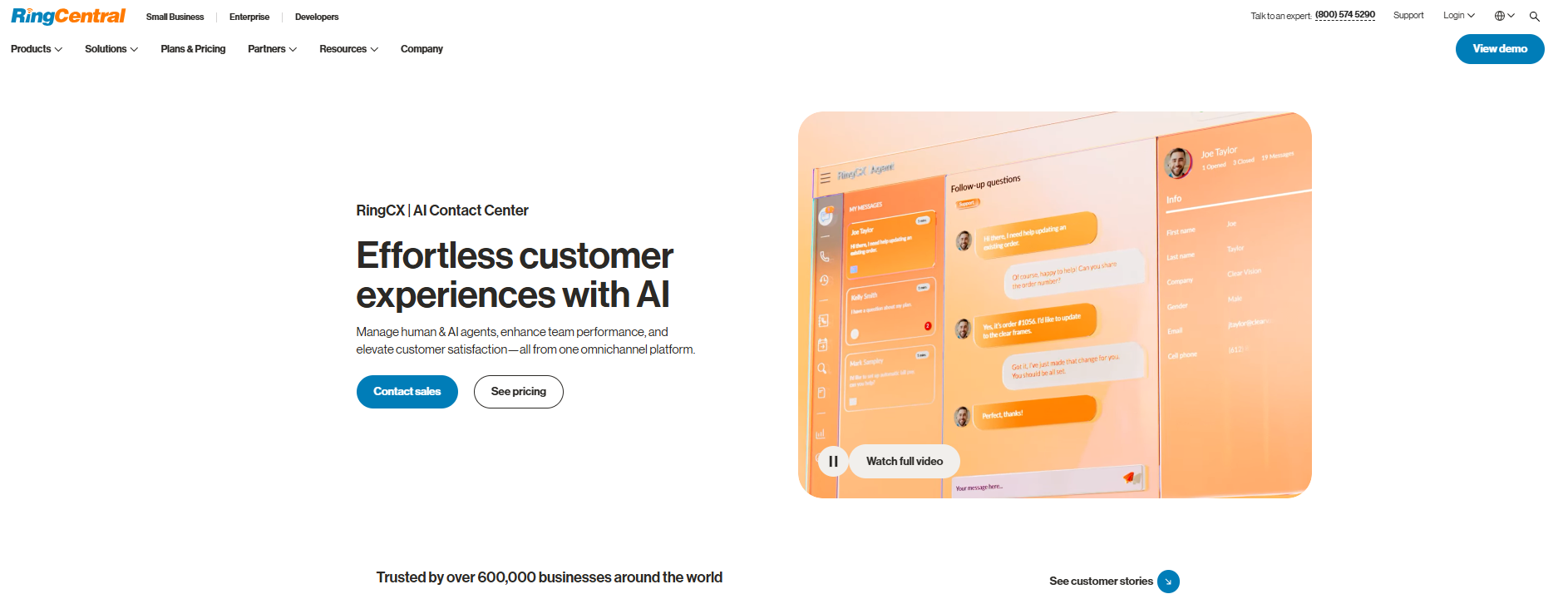
Customer service agents access these interactions through a shared workspace, where they can manage phone conversations and respond to inquiries from other channels.
RingCX allows agents to handle incoming SMS inquiries and initiate outbound messages. Administrators may configure SMS/MMS channels and assign contact center routing numbers for high-volume messaging.
Voice operations include inbound call routing, call transfers, callbacks, and outbound dialing. RingCX also integrates with RingCentral RingEX for team collaboration.
The platform's integrated softphone provides access to a searchable contact list synchronized with RingEX. It also offers real-time dashboards and historical reports covering call activity, queue performance, and digital interactions.
10. Dialpad Support: Best for AI-Assisted SMS Customer Support
Dialpad Support is an AI-powered contact center solution that offers voice calls, SMS, email, digital messaging, and automated customer support features.
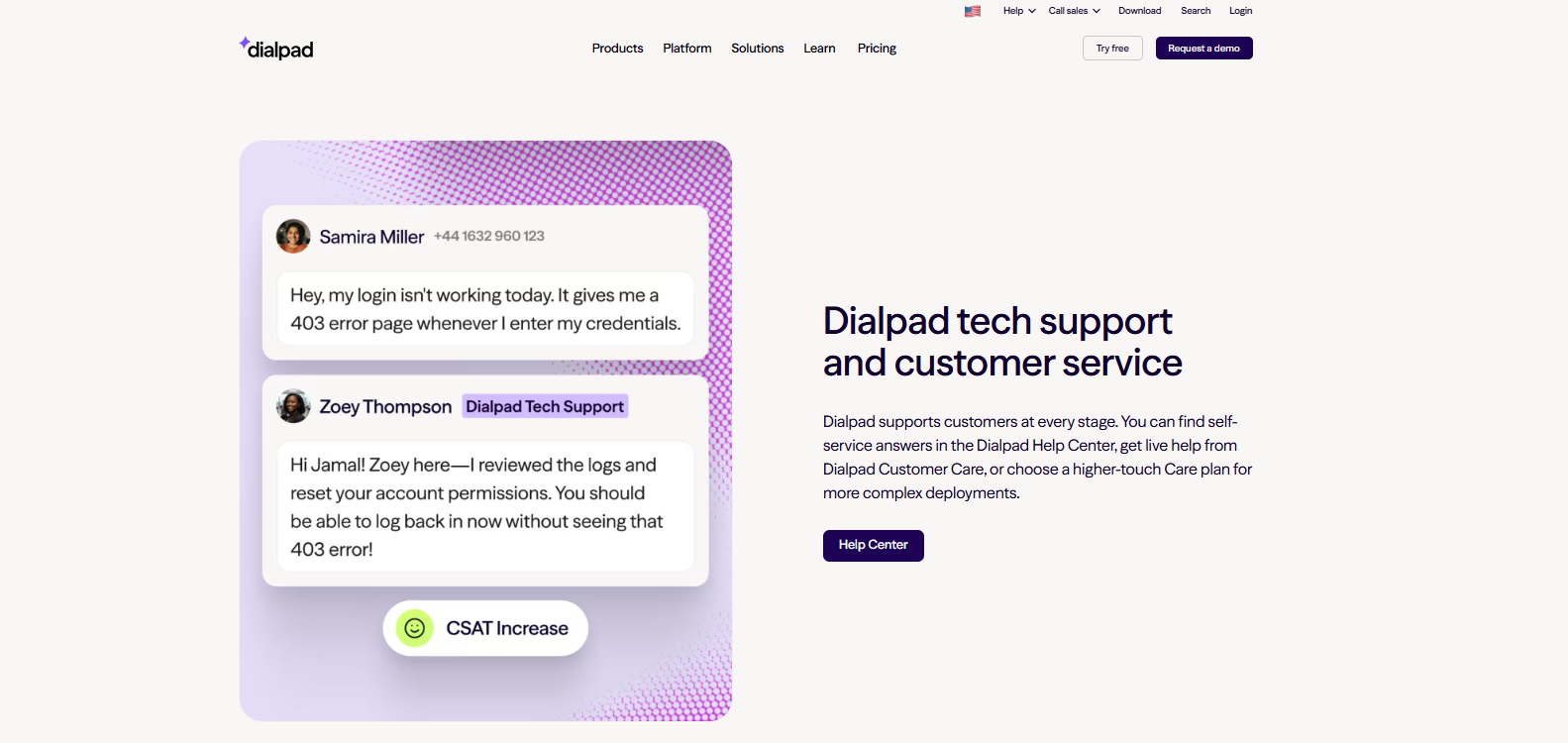
Through Digital Engagement, agents handle customer messages from an SMS channel, respond to incoming inquiries, and access previous interactions without leaving the Dialpad application.
Administrators can configure automated greetings, waiting messages, and after-hours responses for SMS customer service.
Digital Workflows also collect customer information before an inquiry reaches an agent, while routing rules determine how conversations enter the appropriate contact center queue.
Dialpad's AI Agent provides automated assistance for routine service requests through supported digital channels. It uses connected information sources to answer questions and can escalate conversations to human representatives when necessary.
Another feature is Dialpad AI Assistant, which uses advanced AI to retrieve information from a connected knowledge base when representatives need answers during customer interactions.
How to Choose the Right SMS Call Center Software
The right SMS call center software depends on how your business handles customer conversations and manages daily operations.
Here are the steps to evaluate your options and prepare for implementation.
Identify Your Call Center Communication Needs
Review how customers interact with your call center and the most common reasons they reach out. Are they asking for order updates, requesting callbacks, scheduling appointments, or following up on unresolved inquiries?
These patterns reveal gaps in the customer experience and show whether inbound support, outbound messaging, or both need improvement.
You need to look at your daily call traffic, missed calls, peak service hours, and expected message volume. The number of agents who need access also matters, especially if several representatives handle customer conversations at once.
Determine if You Need a Full Platform or SMS Add-On
If your current setup already handles voice routing, call queues, and agent assignments, a customer service texting software may provide the additional messaging capabilities you need.
A full SMS call center platform combines voice and digital support, while a dedicated texting software focuses on two-way SMS, conversation assignments, and automated follow-ups.
TextUs provides SMS capabilities that complement your existing call center operations.
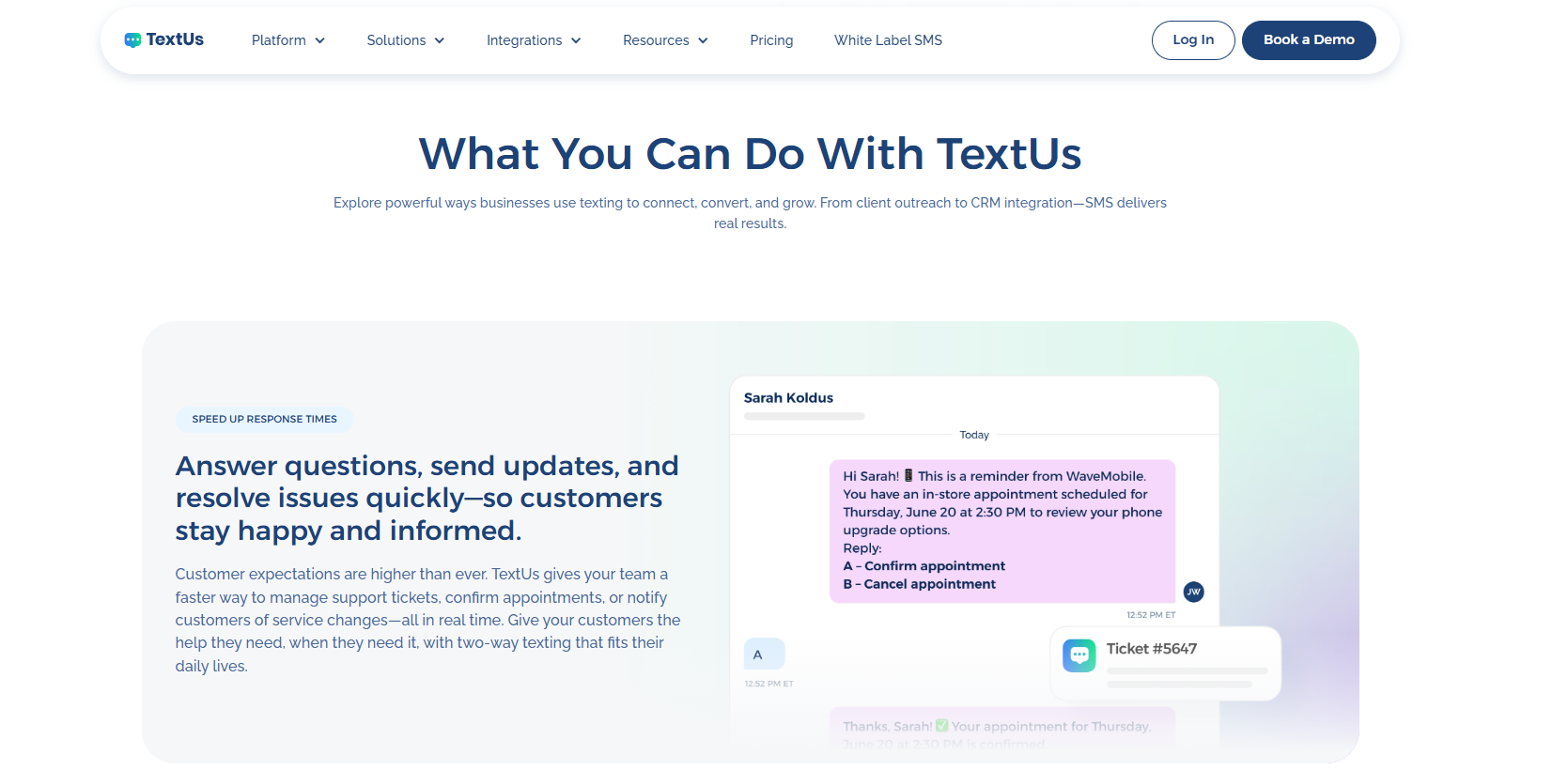
Its shared inbox, campaign automation, and CRM integrations allow you to expand customer texting while retaining your current phone systems.
This makes it a strong option to consider when your priority is improving SMS communication rather than replacing your entire contact center.
Before choosing either option, consider how the software connects with your CRM and help desk. Customer records, conversation histories, and agent access are important when text inquiries require further assistance.
Evaluate SMS Features and Agent Workflows
Consider how agents will use the software throughout their shifts.
The key features to examine include two-way messaging, conversation assignments, shared inboxes, response templates, and automated workflows.
Some platforms also offer advanced tools for priority routing, AI assistance, and conversation analysis.
For example, when a customer replies to an automated service notification, does the system assign the conversation to an available representative? Can agents review previous interactions before responding?
Also, distinguish repetitive tasks that automation can handle from situations that require human agents, such as billing disputes, account problems, or complex service complaints.
Check Compatibility With Your Existing Systems
CRM software, help desk, and phone system need to work with the texting solution you choose. Otherwise, agents may have to switch between separate tools to review customer records or find previous conversations.
Before purchasing, you need to confirm whether the software offers native integrations, API connections, or third-party connectors. Check whether CRM data, support tickets, and message histories synchronize between systems.
Another consideration is how SMS-to-voice escalation works. You can ask the provider to demonstrate what happens when an agent transfers a text conversation to a phone call and whether the customer history remains accessible.
Review SMS Compliance and Data Security
Business text messaging comes with consent, privacy, and carrier requirements.
You need to review the Telephone Consumer Protection Act (TCPA) and applicable FCC rules before launching SMS campaigns.
If you use long-code numbers for application-to-person messaging, you also need 10DLC registration. Toll-free numbers have separate verification requirements.
Your software also needs SMS opt-out controls, contact suppression, and accessible message records. Customers who request to stop receiving messages must have their preferences honored according to applicable requirements.
If you're in the healthcare, financial services, or other regulated industries, review how the platform protects sensitive customer data.
Compare Software Pricing and Total Costs
The advertised subscription price doesn't always reflect what your call center will spend.
Some providers charge per agent, while others base their SMS pricing on text usage, contact center features, or a combination of these factors.
Review message credits, overage charges, phone number fees, carrier costs, and registration expenses. Advanced automation, reporting, integrations, and implementation services may also come with separate fees.
Before committing, request an itemized estimate based on your expected monthly traffic and busiest service periods. This gives you a more accurate picture of the total cost as your call center's communication needs change.
Expand Your Call Center's SMS Capabilities With TextUs
A customer who needs a quick update shouldn't have to wait in a phone queue for a simple answer.
With the right SMS platform, you can address customer questions, send reminders, and maintain two-way communication beyond the initial service call.
TextUs brings the SMS side of customer service into one platform, where agents can track incoming requests, identify conversation owners, and access previous exchanges.
With automated messaging, you can send reminders and service follow-ups, while conversation assignments keep incoming replies connected to the appropriate representative.
Built-in analytics provide insight into messaging activity, delivery rates, and customer response patterns. With these reports, you can evaluate how text conversations contribute to service operations alongside your existing voice channels.
Book a demo with TextUs today to see how you can manage customer interactions and coordinate agent responses!
FAQs About SMS Call Center Software
Which CRM is best for SMS messaging?
Salesforce offers SMS capabilities through Service Cloud, while HubSpot provides messaging integrations that may suit small businesses.
The right CRM depends on your business communication needs, existing systems, and required automation features.
What software do most call centers use?
Common contact center platforms include TextUs, Genesys Cloud CX, Five9, Talkdesk, NiCE CXone, and Vonage Contact Center, although no single provider dominates every market.
Since their capabilities vary, you need to compare SMS routing, sentiment analysis, and voice features such as unlimited calling before choosing.
What is replacing SMS?
Rich Communication Services (RCS) and messaging apps like WhatsApp are expanding business messaging with branded conversations, multimedia content, and interactive features.
However, SMS marketing remains in use because it reaches mobile devices without requiring a separate messaging app.
Does SMS fall under CRM?
SMS is a communication channel rather than a CRM feature by definition. But many CRM systems offer native texting or third-party messaging integrations.
These connections store message histories alongside customer records and save time when agents need to review previous interactions.
Continue Reading


Frequently Asked Questions
Business Texting
Built for Results
Create and convert pipeline at scale through industry leading SMS software