
5 Ways to Use Texting in Salesforce to Boost Your Sales
Learn how to use Salesforce texting to boost your sales. Discover how TextUs can integrate with Salesforce to improve your conversions.

Written by
Adam Hamdan
Published
March 18, 2026
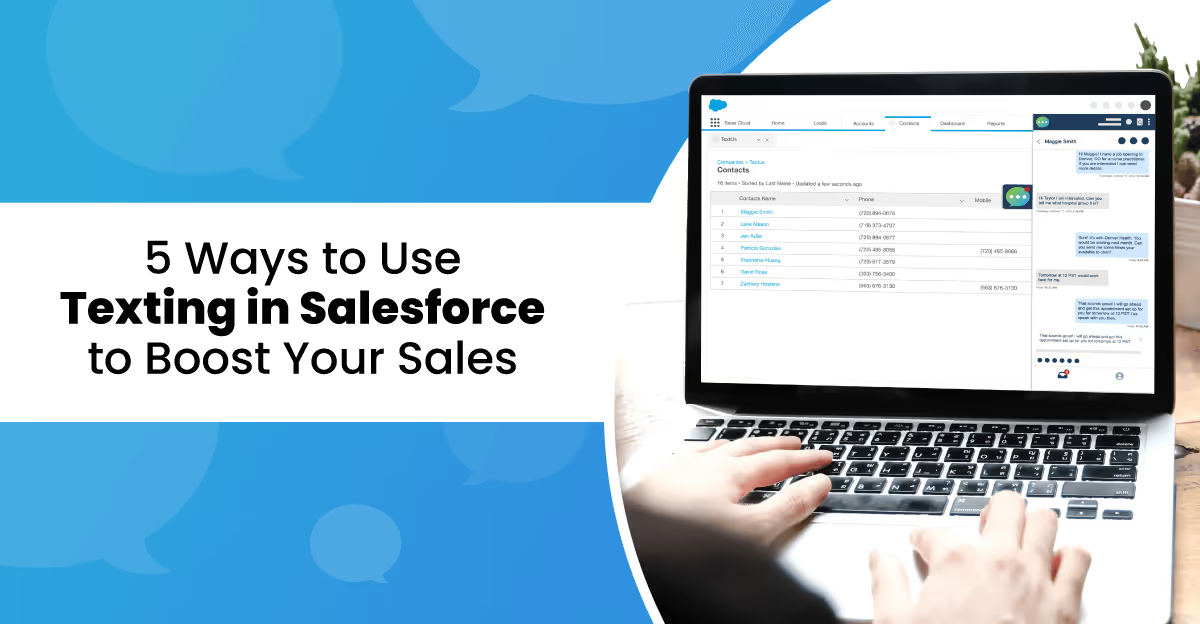
Customers expect quick answers, but email and phone calls do not always deliver the speed modern communication demands.
Salesforce texting creates a more natural way for sales reps to stay in contact with prospects and customers.
Rather than switching between email tools, phone apps, and messaging platforms, reps send and receive texts inside Salesforce. Every message stays connected to the lead or contact record.
In this article, you'll learn how texting works within Salesforce, how SMS can be integrated into your customer relationship management (CRM) system, and practical ways texting can support stronger sales performance.
TL;DR
- Salesforce texting helps you respond faster and keep conversations organized inside your CRM.
- Several methods support Salesforce texting, including third-party SMS platforms, AppExchange messaging apps, and Salesforce Digital Engagement.
- Sales teams use texting in Salesforce to support key activities, such as sending appointment reminders, following up after meetings, running SMS campaigns, sharing MMS content, and answering customer questions.
- TextUs integrates with Salesforce to automate follow-ups, manage campaigns, and keep every message connected to your CRM data.
How Texting Improves Communication in Salesforce
Email inboxes fill quickly, and phone calls often go unanswered. This slows down conversations and causes delayed follow-ups.
SMS marketing introduces a faster way for teams to connect with people while keeping every interaction recorded within Salesforce.
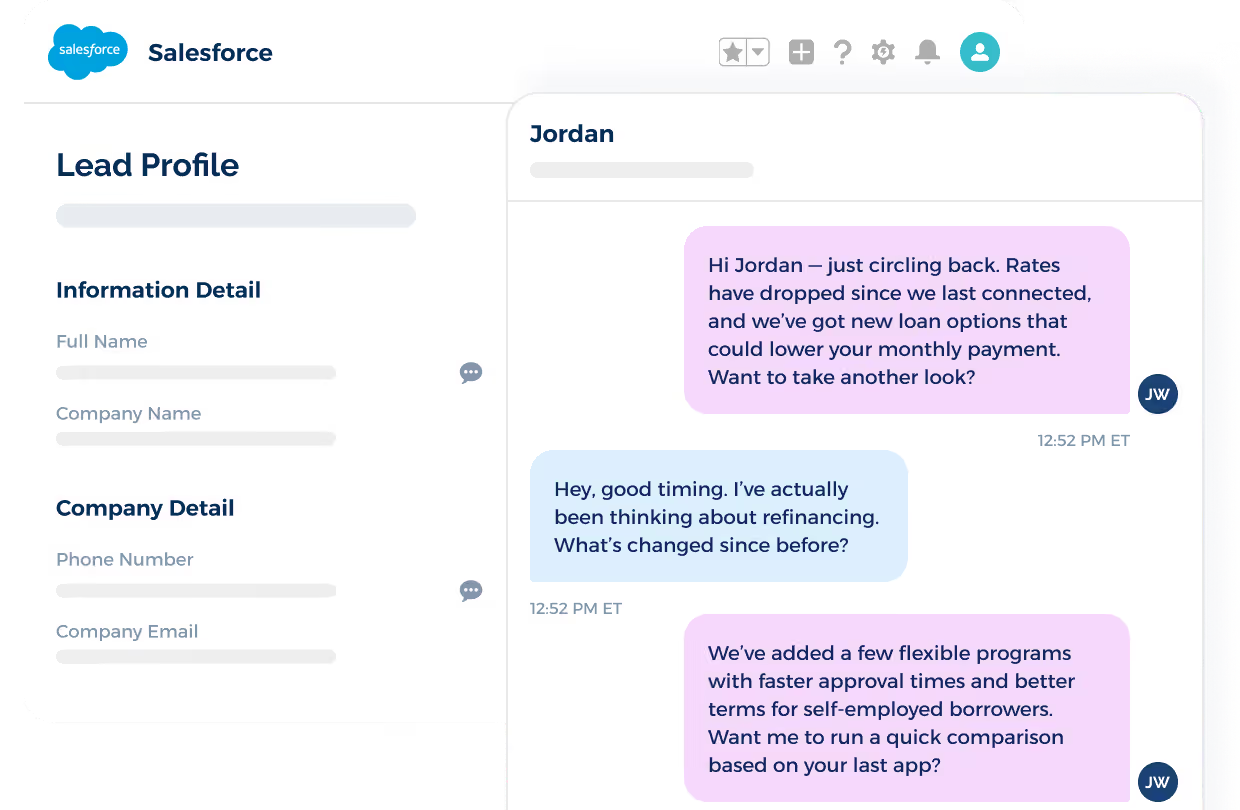
Every message stays linked to the contact or account record, which allows teams to review past conversations before responding.
Text messages also encourage quicker responses since most people read a text soon after it arrives. Faster replies keep momentum in the sales process and prevent long gaps in communication.
5 Ways to Use Salesforce Texting to Drive Conversions
Text messaging gives sales reps a fast way to stay in touch with prospects and clients. Here’s how texting improves communication during your sales process.
1. Send Appointment Reminders
Missed meetings waste time and slow deals. A short reminder text before a scheduled call or demo helps prospects remember the meeting.
Sales reps send reminder messages through Salesforce, so prospects receive a quick nudge about the time and meeting link. More people show up for meetings when they receive a text reminder.
2. Send Follow-Up Messages
Follow-up plays a big part in closing deals. After a call or meeting, sales reps send a quick text to thank the prospect or share next steps.
A text message keeps the conversation active and shows attention to the prospect. Reps also send product links or helpful details through text.
3. Run SMS Campaigns
SMS marketing campaigns allow sales reps to reach many contacts with one message. Reps promote events, product updates, or special offers through bulk text messages.
Most SMS marketing platforms connected to Salesforce include sales text templates. Reps create a message once and send it to a selected group of contacts.
4. Share Visual Content With MMS
MMS messages allow images or videos inside a text message. Sales reps send product photos, demo clips, or short guides to prospects.
Visual content helps prospects understand what a product does. A short video or image can explain features faster than a long message.
5. Provide Customer Support Through Text
Clients sometimes have questions after a purchase. Text messaging allows them to send a quick message for help.
Sales reps or support staff reply through Salesforce to ensure every conversation stays connected to the contact record. Fast replies through text create a better experience for clients.
How to Send Text Messages From Salesforce
Many companies rely on Salesforce tools to manage leads, track deals, and organize customer communication. Text messaging can extend that communication strategy and create faster interactions with prospects and customers.
Here are several methods that allow you to send text messages from Salesforce:
Method #1: Third-Party SMS Platforms
If you want to send text messages from Salesforce while keeping conversations tied to your CRM data, an enterprise-grade SMS platform is the most practical option.
Third-party SMS platforms synchronize with Salesforce data to make sure contacts, conversations, and messaging activity remain connected to CRM records.
You can also connect messaging workflows with marketing automation tools.
For example, you can insert SMS steps into Salesforce Journey Builder to make text messages part of automated customer journeys. Messages can trigger during onboarding sequences, lead nurturing campaigns, or appointment reminders.
If your organization relies on Salesforce tools, TextUs allows you to combine CRM data with conversational texting. Teams can view the entire conversation history next to the customer profile to make sure they understand previous interactions before responding.
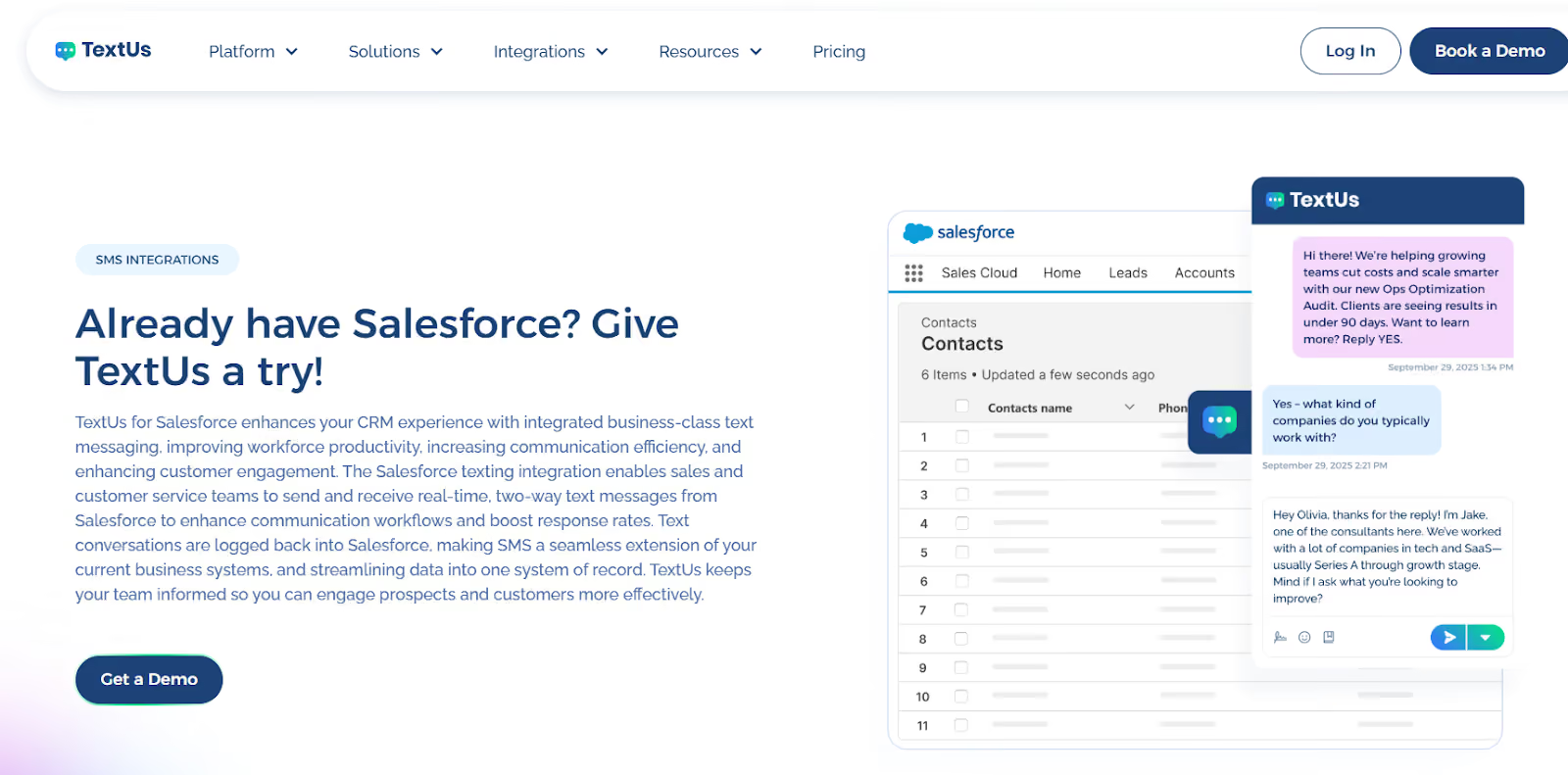
Automation features inside TextUs allow you to schedule follow-up messages, send reminders, and trigger messages based on CRM activity. Campaign messages can introduce announcements or promotions while interested prospects move into personalized one-to-one conversations.
Book a demo with TextUs today and see how your team can combine CRM data with business texting!
Method #2: SMS Apps From AppExchange
The most common way to add SMS to Salesforce is to install an SMS app from the Salesforce AppExchange.
These applications connect Salesforce with an SMS provider so you can send and receive text messages from your CRM records.
After installation, you can open a lead, contact, or opportunity record, write a message, and send it through the integrated SMS service. The messaging platform manages delivery while Salesforce stores conversation details within the CRM.
Installation normally involves connecting the SMS provider account and configuring user permissions. Once the application is active, sales and service teams gain access to texting tools within the CRM interface.
Method #3: Messaging Through Service Cloud and Digital Engagement
Salesforce also supports messaging through Service Cloud, particularly with the Digital Engagement add-on.
This solution expands the communication channels available to customer support teams by allowing agents to interact with customers through messaging platforms.
Digital Engagement connects Salesforce with an SMS messaging provider. Support teams can send and receive SMS messages inside the Service Console.
When a customer sends a message, the conversation appears next to the customer record or support case. Agents respond directly from the console while Salesforce records the interaction history.
This setup allows support teams to manage SMS conversations alongside other service channels such as chat or email. Because the messages stay connected to case records and customer profiles, agents can review past interactions before responding.
Make Your Salesforce Conversations Faster With TextUs
Strong customer relationships depend on fast, convenient communication.
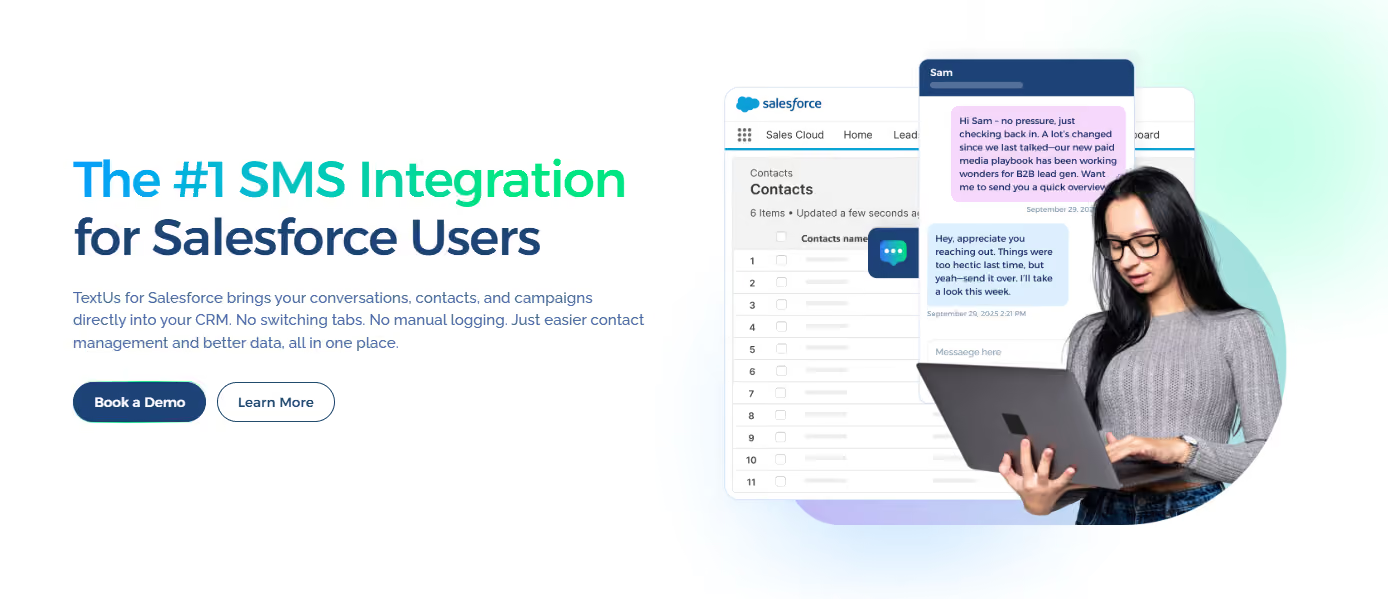
TextUs integrates with Salesforce to help you manage conversations, respond to prospects, and follow up with customers without switching between platforms.
TextUs keeps every text conversation connected to Salesforce records. Sales and support teams can review past interactions, understand customer context, and respond with confidence.
Automation tools support scheduled follow-ups, reminders, and messages triggered by CRM activity. Communication stays consistent throughout the customer journey.
Book a demo with TextUs today and strengthen how your team communicates with prospects and customers!
FAQs About Salesforce Texting
What is the best way to send SMS from Salesforce?
The best way to send SMS from Salesforce is through SMS marketing software designed to integrate with the CRM. These platforms add texting features inside Salesforce to ensure reps can send messages from lead or contact records.
What role does a cookie consent manager play with lead forms?
A cookie consent manager records whether visitors allow certain cookies when they visit a website. It manages cookie preferences and helps websites follow privacy regulations.
While it does not give permission to send messages, it documents how visitor data is collected before lead form information is stored in systems such as Salesforce.
Why do websites include a checkbox label on contact forms?
Many lead forms include a checkbox label asking visitors to confirm they agree to privacy policies or communication terms. This checkbox collects permission before you can send follow-up messages.
Recording this consent helps you stay compliant with communication and data privacy rules.
Continue Reading



Frequently Asked Questions
How does Salesforce texting improve sales performance?
Salesforce texting allows sales reps to reach prospects instantly without leaving their CRM, log all text conversations automatically, and trigger SMS follow-up sequences from workflow rules. The result is faster outreach, more consistent follow-up, and better visibility into all communication activity.
What are the best ways to use texting in a Salesforce workflow?
Top Salesforce texting use cases include automated follow-up on new leads, SMS reminders before scheduled calls, post-meeting check-ins, deal stage notification texts, and contract renewal alerts. Each integrates text communication directly into the sales process.
Does texting in Salesforce require coding or technical setup?
No coding is needed with purpose-built SMS integrations like TextUs for Salesforce, which install from the AppExchange and configure through the Salesforce admin interface. Basic texting workflows can be set up in hours without developer involvement.
Business Texting
Built for Results
Create and convert pipeline at scale through industry leading SMS software