
What Is SMS: How It Works and Why It Still Matters
What is SMS? Read our guide to learn how SMS works and why it still matters. Discover how TextUs can help with business texting.

Written by
Adam Hamdan
Published
January 23, 2026

Billions of text messages are sent every day, helping people stay connected through quick updates, reminders, and casual conversations. Texting has become one of the most common ways to share information, ask questions, and stay in touch in real time.
With SMS remaining a core part of how people communicate, understanding how it works and the different ways it can be used is increasingly important.
In this article, we’ll explain how SMS works and why it continues to matter. You’ll also learn about the types of text messages and how the best SMS marketing software can help you manage texting in a more organized and scalable way.
TL;DR
- SMS is a universal messaging system that delivers short text messages using a mobile network.
- Text messages are delivered within seconds by passing through mobile carriers and message centers before reaching the recipient’s phone.
- SMS remains safe for non-sensitive communication when you avoid personal data and follow opt-in and compliance rules.
- SMS supports a wide range of business use cases, including appointment reminders, delivery updates, event alerts, customer support, internal communication, and sales follow-ups.
- You can send concise messages from mobile devices for simple outreach or use SMS platforms for bulk messaging, personalization, scheduling, and contact management.
- TextUs brings structure and scale to SMS by offering a full-featured business platform with two-way messaging, automation, CRM integration, analytics, and compliance tools.
How Does SMS Work?
SMS stands for Short Message Service. It's a text messaging service component used by mobile networks to send and receive text messages.
Unlike instant messaging apps that rely on an internet connection, it works over a mobile phone’s cellular network.
When an SMS is sent from a phone, it doesn’t travel directly to the recipient. Instead, it follows a series of steps through the mobile network. The message is first composed and sent using the phone’s built-in messaging app. It is then handed off to the sender’s mobile carrier, where it is temporarily stored.
From there, the carrier routes the message through its Short Message Service Center (SMSC), which identifies the correct destination. Once the routing is complete, the carrier delivers the message to the recipient’s mobile device.
If the phone is turned off or outside network coverage, the message is held by the carrier and delivered once the device becomes reachable. This process usually happens within a few seconds.
SMS marketing does not require a data connection. This is one reason why it's still used today. It works on nearly every phone and doesn't depend on third-party apps or services.
Is SMS Secure for Business Communication?
According to Decision Telecom’s State of SMS Marketing 2025 report, around 65% of businesses are planning to grow their SMS budgets.
Also, nearly 70% feel confident about the channel’s long-term role in their mobile communication strategy. This shows that SMS remains a core part of how you drive customer satisfaction.
While it delivers messages quickly across all mobile devices, it’s important to understand the potential risks of SMS, especially when used at scale.
The most common risks in business SMS come from threats like spoofing and phishing.
SMS spoofing allows bad actors to send messages that appear to come from a trusted number or brand. These messages may trick recipients into replying, clicking malicious links, or sharing personal information.
Phishing over SMS, often called smishing, involves deceptive messages that aim to steal sensitive data by directing users to fake websites or prompting them to take risky actions.
Because SMS lacks encryption, messages are not protected from visibility within the mobile carrier network. This doesn’t mean messages are easily intercepted, but it does highlight why you should avoid including private data in text messages.
You can reduce risk by adjusting how you use SMS. Avoiding sensitive information like passwords or account numbers is a key step.
Messages should also focus on confirmations, updates, reminders, and notifications. These situations are where SMS adds value without needing to carry private data.
Business Use Cases for SMS
Thanks to broad compatibility across various mobile networks, SMS lets you reach customers directly on devices without requiring app installs or login credentials.
Here are some of the most valuable ways your business can use SMS:
Appointment Reminders and Confirmations
Missed appointments cost time and revenue. SMS helps reduce no-shows by sending reminders that reach the recipient's phone number within seconds.
These reminders are timely and can include links to confirm or reschedule, all within the limits of standard SMS functionality. Unlike waiting for voice calls, SMS gives customers a faster, low-pressure way to respond.
Order and Delivery Notifications
Customers want real-time updates on their purchases. SMS supports that by delivering concise messages instantly, even when customers are on the go or without reliable mobile data.
Messages can be delivered to any Android phone or cell phone, making them more reliable than email for time-sensitive order updates.
Two-Way Customer Support
SMS is not just for alerts but also allows you to exchange short text messages. You can answer customer questions, gather quick feedback, and handle service requests all through text.
This asynchronous approach in customer service feels more casual and convenient, especially for global or mobile-first users relying on international texting.
Internal Team Communication
You can use SMS for internal communication to notify staff about shift changes, schedule updates, or urgent notices.
It’s helpful for reaching frontline teams or remote workers who may not be checking email frequently. Quick updates keep everyone aligned without requiring them to log in to a system.
Event and Promotion Alerts
When you run promotional messages or host an event, SMS campaigns help get the word out quickly to recipients' devices. You can send early access codes, last-minute ticket info, or location updates to boost turnout and drive engagement.
Payment and Account Notifications
SMS is a helpful tool for sending billing reminders, payment confirmations, or account updates. These quick prompts reduce late payments and improve the customer experience. You keep communication clear and timely without relying on printed mail or missed emails.
Lead Nurturing and Follow-Ups
For sales teams, texting is a great way to follow up after a call, confirm a meeting, or send helpful links. It keeps the conversation warm without being intrusive. When used with automation tools, you can schedule follow-ups via SMS based on behavior or lead stage.
How to Send SMS Messages
The way you send texts can vary depending on your needs. What matters most is choosing a setup that matches how your team communicates and how your customers prefer to receive SMS messages.
Sending From a Mobile Device
If you're just starting or working with a small number of contacts, sending your first SMS message from a mobile phone may seem like the simplest approach. It uses the phone’s built-in messaging app and requires no extra setup.
But for business use, this method has limits. There's no way to manage message history across a team, monitor incoming message status, or stay aligned on compliance.
You also can’t manage mass text messages, schedule follow-ups, or personalize outreach across departments.
That said, personal communication from a phone might still serve a purpose in specific use cases.
For example, a field rep confirming an appointment, a technician updating a customer, or a small business owner managing a few clients can use personal texting in low-volume settings.
Sending Through an SMS Platform
As your business grows, so does the need for a smarter way to manage messaging.
Instead of working from individual phones, you can use a text messaging service that supports organized messaging, contact management, team access, and measurable results.
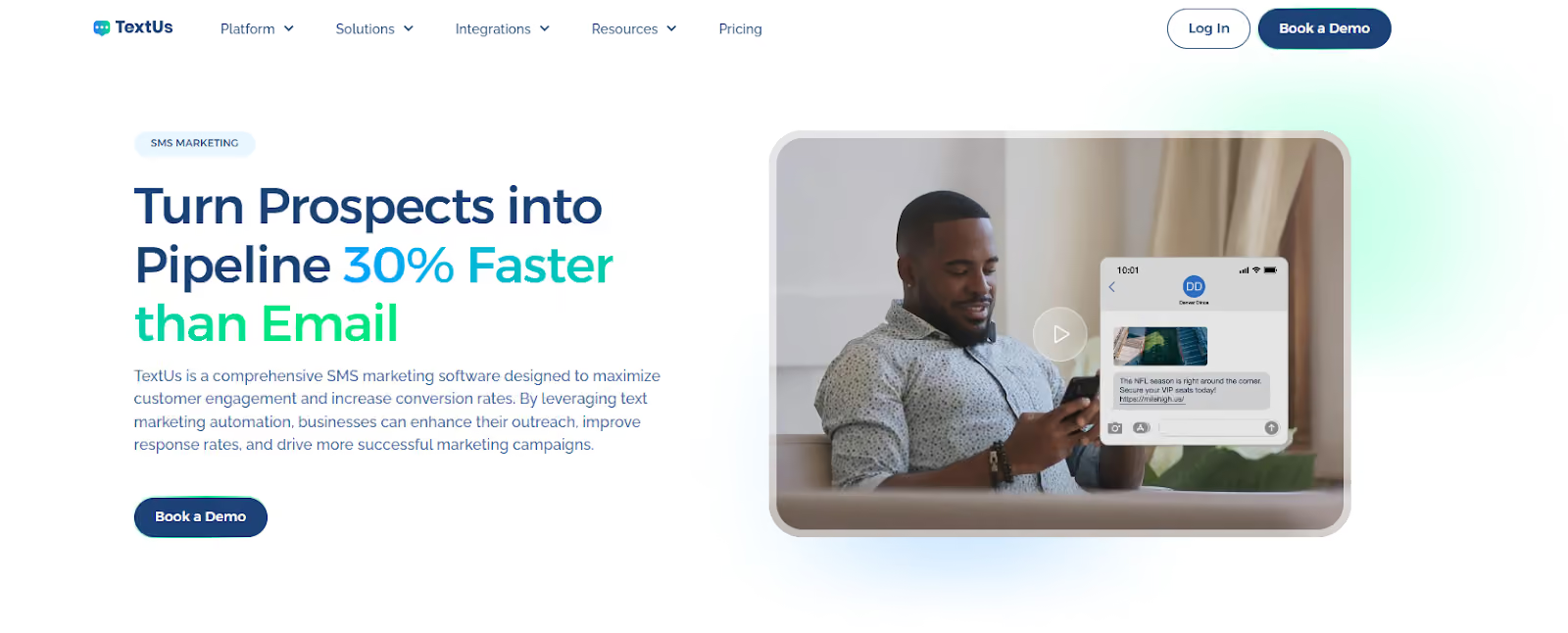
TextUs is an SMS platform that helps you manage every part of your SMS communication from one dashboard. You can message customers directly, follow up with leads, send updates in bulk, and track message delivery without switching between apps or devices.
Here's what you can do with an SMS service like TextUs:
- Send and receive two‑way SMS messages so contacts can reply, and your team can respond in real time
- Create bulk messaging campaigns to reach large groups of contacts at once
- Segment your contacts and targeted messages based on tags, behavior, or fields
- Schedule texts to go out at specific times for reminders, promotions, or follow‑ups
- Automate follow‑ups and sequences so contacts receive the right message
- Use templates and SMS keyword triggers to speed up messaging and standardize responses
- Integrate with CRM and ATS systems like Salesforce, HubSpot, and Bullhorn for synced communication
- View analytics and reporting on delivery, response, and engagement metrics
- Manage team communication with shared inboxes and assignment tools
- Support Multimedia Messaging Service (MMS) and rich media messaging
- Stay compliant with SMS opt‑in tracking and messaging regulations.
Using a platform like TextUs turns SMS into a managed communication channel that fits into your broader strategy. You keep the speed and personal tone of texting, but with tools that support scale, reporting, and professional service.
Business Texting Built for Privacy and Scale—Try TextUs!
If your team is still relying on personal devices or disconnected tools to manage customer conversations, it’s time to move forward with a better way to use SMS technology.
TextUs turns traditional texting into a complete business messaging solution. You're not limited to sending mass text messages one at a time or manually checking every phone number.
You get access to smart tools that support everything from segmentation to scheduling and contact management.
Whether you're in sales, support, recruiting, or operations, TextUs helps you start more conversations, speed up replies, and stay on top of every interaction through a channel your contacts already trust.
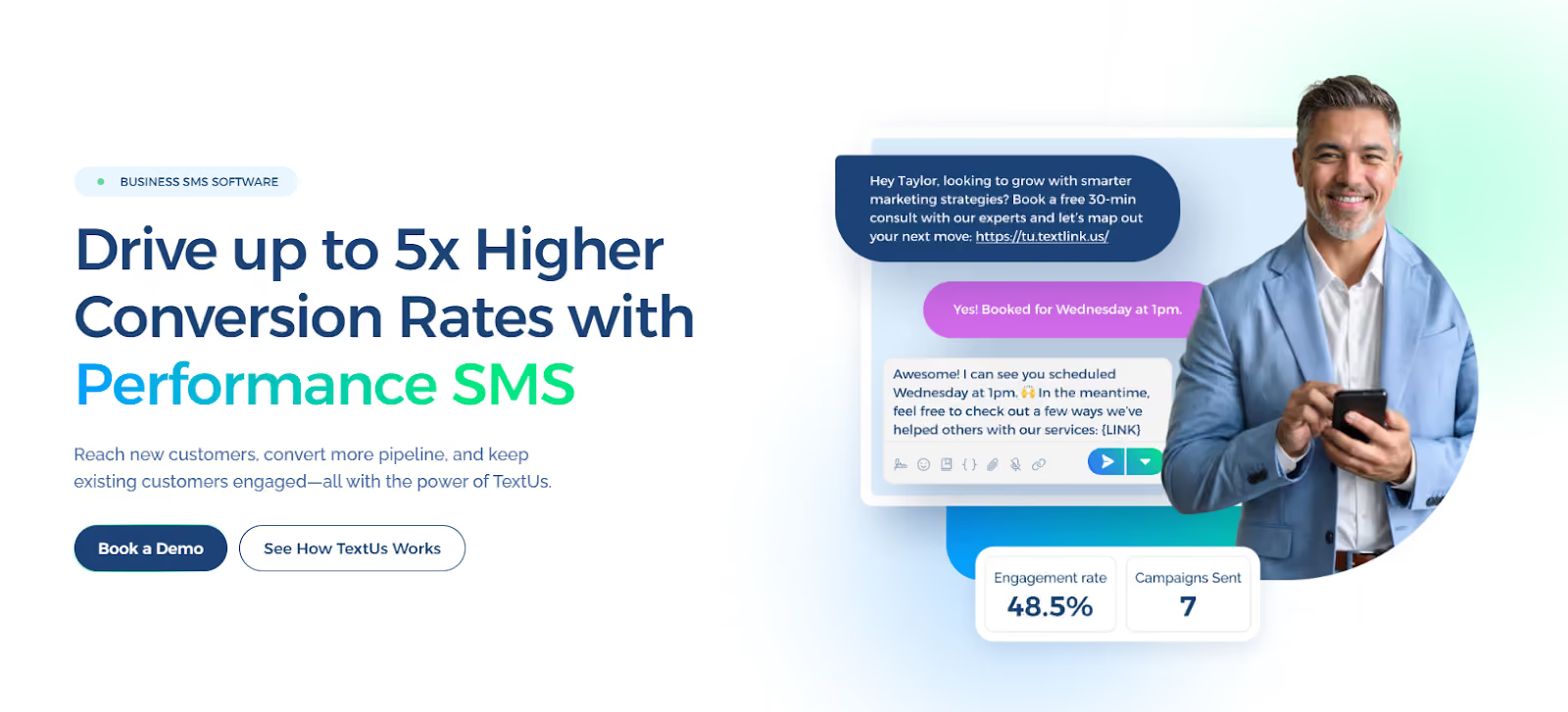
Book a demo with TextUs today and see how simple and impactful business texting can be!
FAQs About What Is SMS
What is the difference between a text message and an SMS message?
The term “text message” is often used broadly, but SMS refers to the original standard for sending short, plain-text messages using the gsm system over a recipient’s mobile network.
Because of how the SMS protocol works, it has a 160-character limit and doesn’t support media. Meanwhile, MMS messages can include images, audio clips, and longer content. This is the key difference between SMS and other text-based formats.
Why are my texts sending as SMS?
Your phone sends messages as SMS when there's no Wi-Fi or data plan available, or when the recipient isn't using the same messaging app as you.
For instance, if you're using iMessage and the recipient has an Android device, the message defaults to SMS to ensure it’s delivered over the global system of mobile carriers.
This fallback ensures delivery across different platforms, especially in areas where not all messaging apps support features like advanced mobile location.
Should I use SMS or MMS?
If you're comparing SMS and MMS, SMS offers broader support and faster delivery. You can use SMS for short updates like alerts or reminders. MMS is better when you need visuals or longer text.
Many mobile plans come with unlimited texting, but this usually applies to SMS only. MMS may be billed separately and uses more data, depending on your phone plan.
What is an SMS on my phone?
An SMS is a basic text message sent through your phone’s default messaging app. It's delivered via the centralized server responsible for routing messages across mobile networks.
Unlike SMS, chat apps like Facebook Messenger or RCS messaging depend on internet access and compatible platforms. Therefore, SMS is still a preferred method for personal communication, from appointment reminders to two-factor authentication codes.
Continue Reading



Frequently Asked Questions
What is SMS and how does it work?
SMS (Short Message Service) is a text messaging standard that allows mobile phones to exchange short text messages through cellular networks. Messages are transmitted through carrier infrastructure without requiring internet connectivity, making SMS universally accessible on any mobile device.
Why does SMS still matter for business in 2026?
SMS remains the most universally accessible and reliably read mobile communication channel. With open rates above 95% and universal carrier delivery to any phone without requiring app installation, SMS maintains advantages that newer messaging platforms cannot replicate.
What is the difference between SMS and other messaging platforms?
SMS works natively on every phone through cellular networks without apps or internet. Messaging apps like WhatsApp, iMessage, and Slack require installation and internet access, limiting their reach. SMS's universal accessibility is its primary advantage over app-based alternatives.
Business Texting
Built for Results
Create and convert pipeline at scale through industry leading SMS software