
10 Best Textline Alternatives in 2026
Top 10 Textline alternatives: 1. TextUs 2. Salesmsg 3. Heymarket 4. Avochato 5. SimpleTexting 6. Sakari 7. MessageDesk 8. Podium 9. Textedly 10. Twilio

Written by
Adam Hamdan
Published
November 23, 2026
Textline is a texting platform that supports two-way SMS messaging, shared inboxes, automation, and customer communication. Its text messaging features allow you to manage customer inquiries, send announcements, and coordinate conversations between teams.
However, subscription costs, messaging limits, advanced campaign requirements, and integration preferences may lead you to explore other options.
Some platforms offer more flexibility for large-scale outreach, automated follow-ups, and customer engagement.
In this guide, we'll explore Textline alternatives, compare their messaging capabilities, and see which platform is worth considering for your business.
TL;DR
Here are ten Textline alternatives to explore before choosing your next business texting solution.
- TextUs
- Salesmsg
- Heymarket
- Avochato
- SimpleTexting
- Sakari
- MessageDesk
- Podium
- Textedly
- Twilio
Overview of Textline Key Features
Textline is a business texting platform that supports SMS, MMS, and webchat for sales, customer service, marketing, and operations.
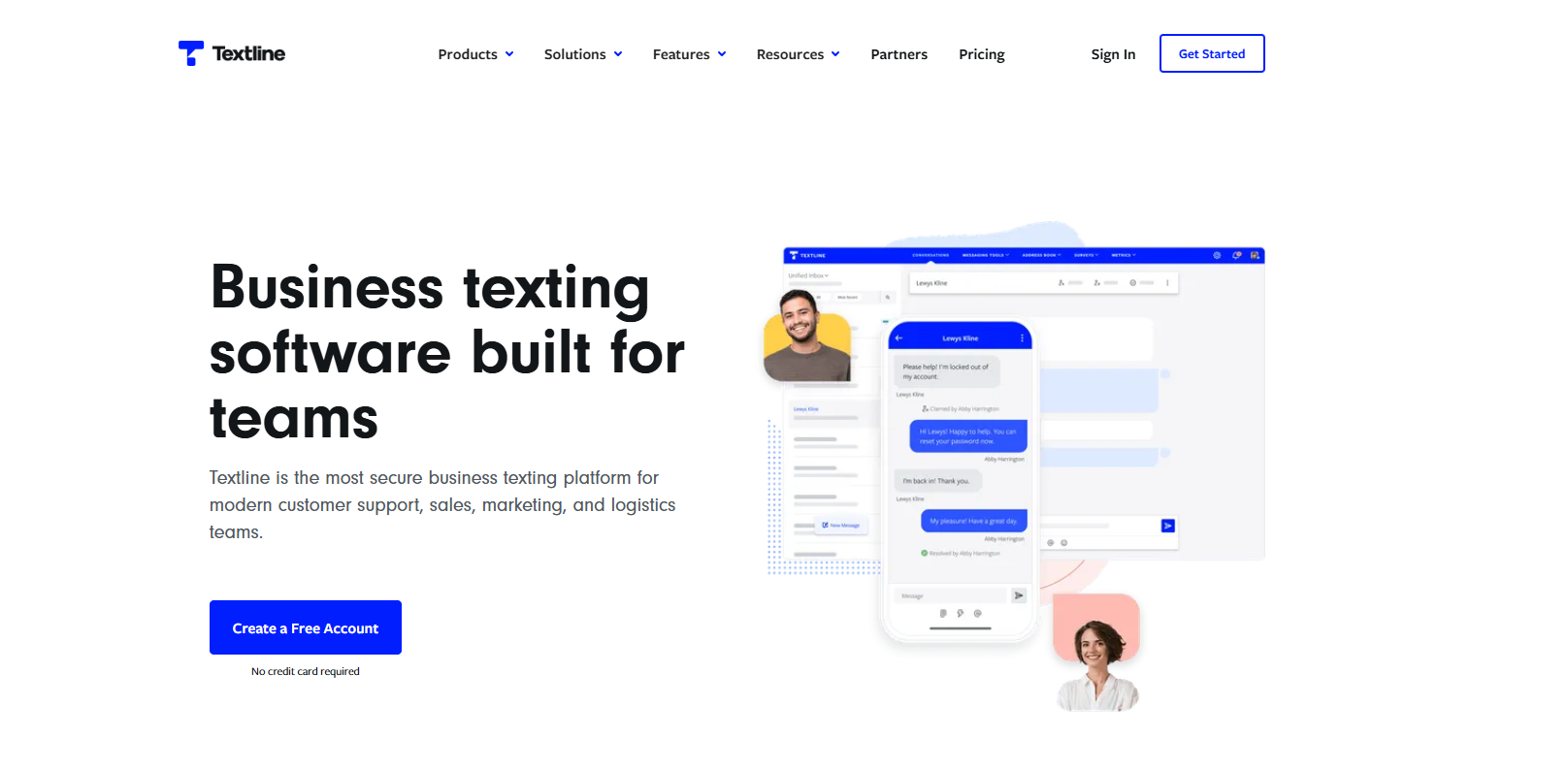
Its SMS capabilities cover individual conversations, mass announcements, automated responses, shared inbox management, and customer feedback collection.
Key features include:
- Two-way SMS and MMS for individual conversations, with support for images, PDFs, videos, and other supported attachments.
- Mass texting through announcements to send promotions, automated reminders, alerts, and updates to contact lists, with individual replies from recipients.
- Group texting for conversations where multiple participants can view and respond within the same message thread.
- Scheduled messages and announcements that allow you to prepare texts in advance and deliver them at a selected date and time.
- Unified inbox that brings SMS, webchat, Facebook Messenger, and Instagram messages together, with access to multiple business numbers and departments.
- Conversation management tools such as claiming, transfers, automatic routing, and team collaboration features for private discussions between team members.
- SMS automation with rules based on incoming messages, keywords, agent availability, or time conditions to trigger replies and assign conversations.
- Contact management with CSV imports, unlimited contact records, tags, custom fields, and saved searches for targeted outreach.
- Customer feedback surveys with built-in CSAT and NPS options, custom surveys, and reporting on responses.
- Performance reporting for message activity, response times, resolution times, conversation outcomes, and individual agent performance.
- CRM and third-party integrations with Salesforce, HubSpot, Zendesk, Slack, Zapier, and other applications, plus API and webhook support.
- Security and access controls such as user permissions, multi-factor authentication, and separate specific plans for organizations with HIPAA compliance requirements.
Common Limitations of Textline
Textline uses subscription-based pricing with included message credits. Unused credits included in a subscription also expire at the end of the billing cycle.
Message volume also affects your expenses. Essentials includes at least 600 monthly message credits, while Pro includes at least 2,000.
Additional credits cost $0.03 each when purchased in advance, while backup credits cost $0.04 each. Textline also charges a $15 monthly campaign registration fee for 10DLC numbers.
Some advanced features require higher-tier subscriptions. Essentials includes three agents and retains three years of conversation history. Pro includes five agents, unlimited history, custom surveys, time-based automations, Salesforce integration, and priority support.
10 Best Textline Alternatives in 2026
Different business texting platforms offer varying features for customer conversations, automated outreach, and team communication.
Here are ten Textline alternatives worth considering as you compare your options.
1. TextUs
TextUs is an SMS marketing platform built for recruiting, sales outreach, and two-way business communication.
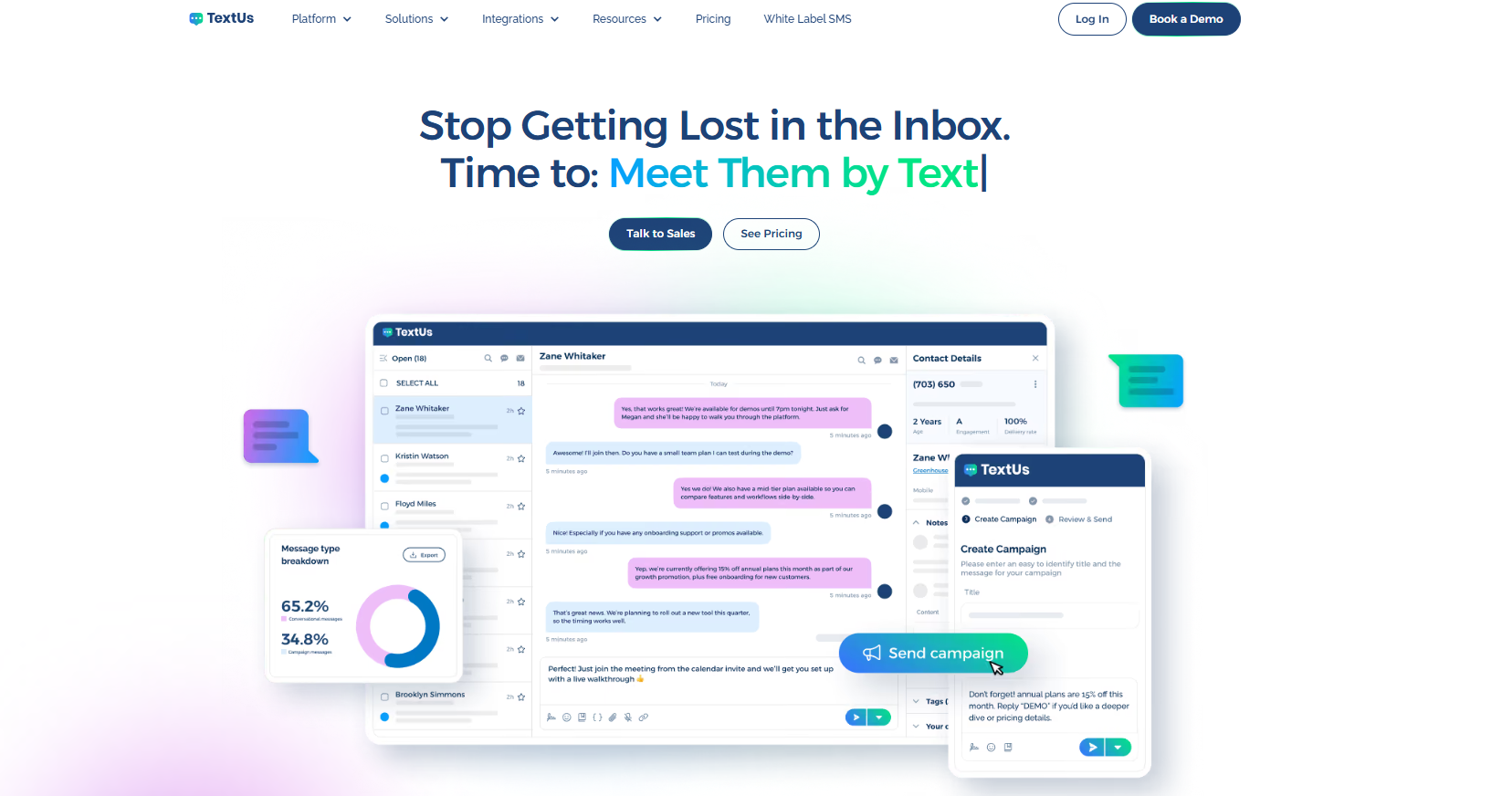
One of its biggest advantages is how texting connects with your existing systems. TextUs integrates with Salesforce, HubSpot, Microsoft Dynamics, Bullhorn, and Greenhouse, among others.
You can text candidates and customers from supported CRM records, trigger messages based on workflow activities, and sync conversations back to contact profiles. This keeps business communication connected to your sales pipeline, customer records, and recruiting workflows.
TextUs also provides greater control over how you reach large contact lists. Its Campaigns feature supports personalized, scheduled, and recurring texts, while Campaigns Pro adds A/B testing with up to three message variations.
You can include branded short links, track clicks, and compare response rates to understand which marketing campaigns generate interest. Rather than judging performance by delivery numbers alone, you get more information about how recipients interact with your messages.
TextUs Sequences supports multi-step follow-ups with defined intervals or dates. SMS keywords let customers or prospects join contact lists and enter automated sequences.
TextUs offers additional messaging features that focus on engagement and SMS delivery quality. Contact Intelligence categorizes contacts, so you can prioritize prospects who have shown interest.
If you want more control over SMS outreach, book a demo with TextUs today!
2. Salesmsg
Salesmsg is a business texting and calling platform that lets you send SMS and MMS from local, toll-free, or existing business landline numbers.
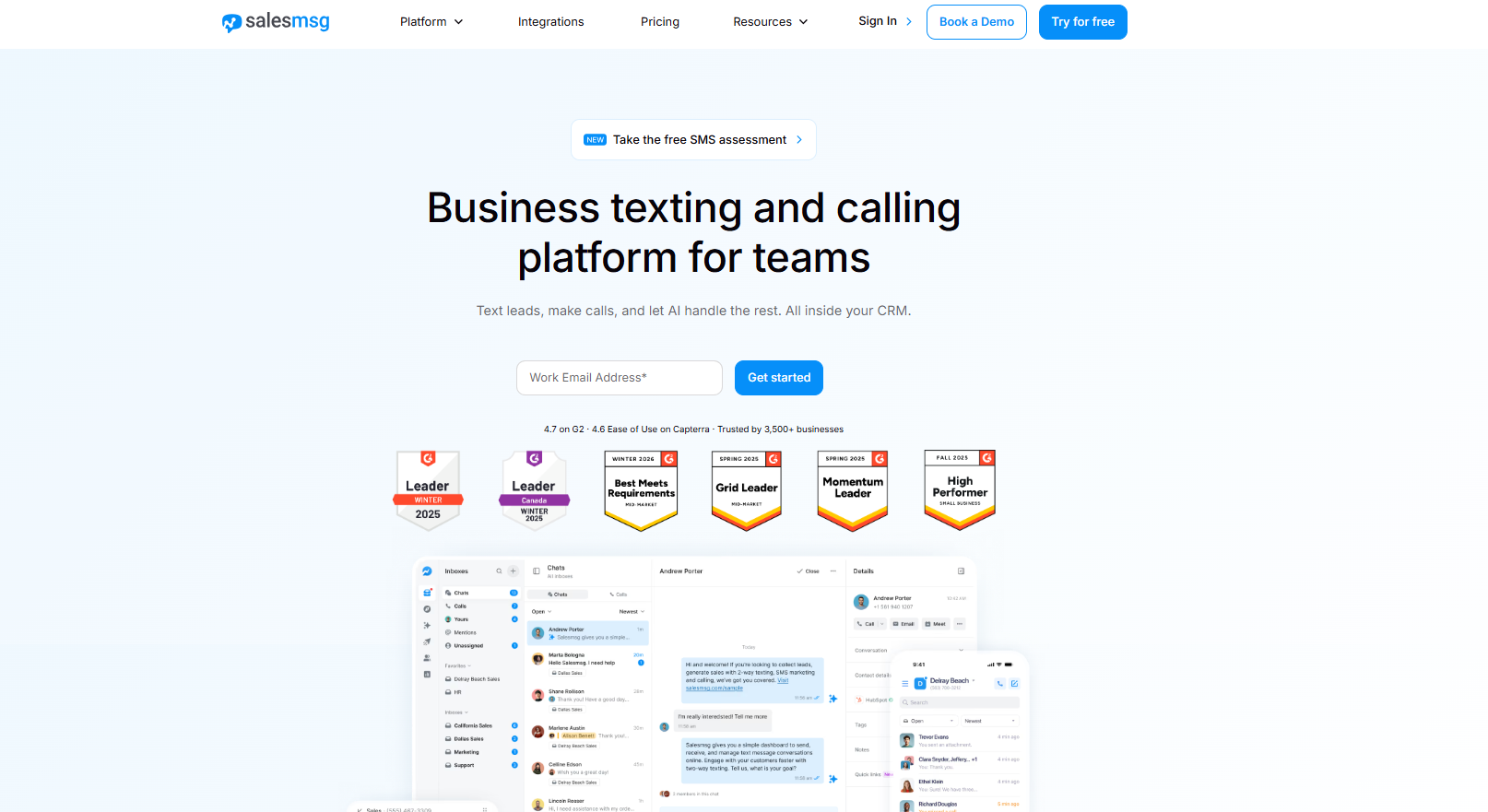
Its landline texting feature allows you to communicate with customers from a number already associated with your organization. Messages can include images, videos, and file attachments, with access through the web app, mobile app, or Chrome extension.
One of its more specific features is the option to send broadcasts from each contact owner's inbox. Rather than using one number for an entire campaign, Salesmsg sends texts from the number assigned to each contact's owner.
You can also filter recipients using tags, custom fields, or HubSpot lists, exclude certain contacts, and use merge fields for personalized messages. Broadcasts also support recipient-based time zones and defined sending hours.
Salesmsg Campaigns support multi-step SMS sequences with fixed delays or dates tied to contact records. It also has an automatic unenrollment setting that stops remaining campaign messages once a recipient replies.
Salesmsg connects with HubSpot and Salesforce for CRM-based texting. The integration also logs conversation activity and synchronizes opt-out status.
3. Heymarket
Heymarket is a business texting platform that allows customers to initiate conversations by texting a keyword to your business number.
The workflow can also update their contact status, add them to a contact list, and send a follow-up after a set period.
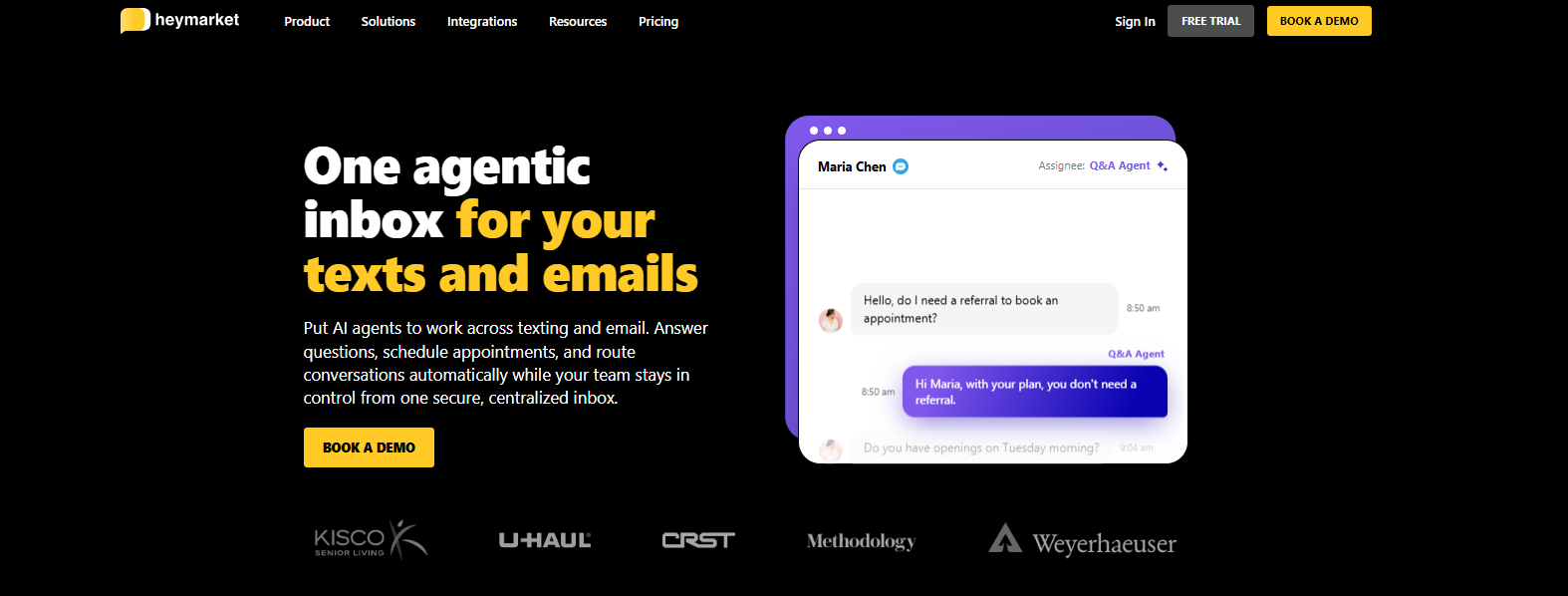
It uses list broadcasts to send individual texts to selected contacts. Broadcasts can go out immediately or at a scheduled time, while recipients receive separate conversations.
The platform's campaign builder supports SMS sequences based on specific dates or intervals between messages. An optional setting removes contacts from an active campaign once they reply, so they stop receiving the remaining scheduled texts.
Its unified inbox lets you assign incoming conversations to individual team members. Employees can also see when another person is viewing a conversation or typing a response.
Heymarket also supports campaigns that combine SMS and email steps when email is enabled. Its HubSpot integration allows you to trigger texts from form submissions, contact property changes, or workflow events.
4. Avochato
Avochato is texting software that supports SMS, MMS, and two-way messaging through its web and mobile apps.
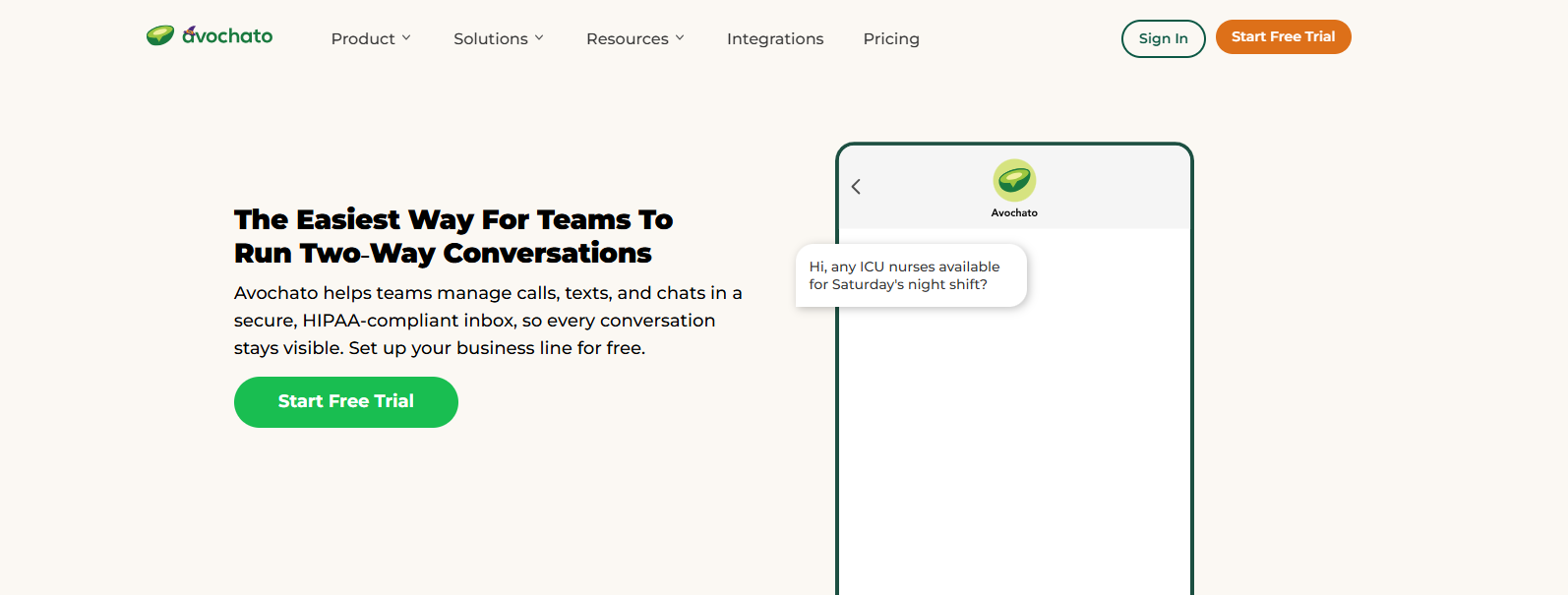
Its shared inbox provides a view of conversation histories, allows you to assign messages, and lets you leave private comments for other team members.
The platform offers contact management features such as tags, custom fields, and audience segmentation. You can personalize SMS broadcasts to selected contacts, schedule delivery times, and receive individual replies from recipients.
It also supports automated SMS campaigns with customizable messages and time intervals. Keyword-triggered replies and text-based surveys allow you to collect customer information and feedback.
Avochato integrates with Slack, Microsoft Teams, and Zapier. Its Salesforce integration lets you send texts from CRM records, log conversations, and trigger messages through Salesforce Flow.
5. SimpleTexting
SimpleTexting is a business messaging platform that lets you collect customer opt-ins through SMS keywords and online signup forms.
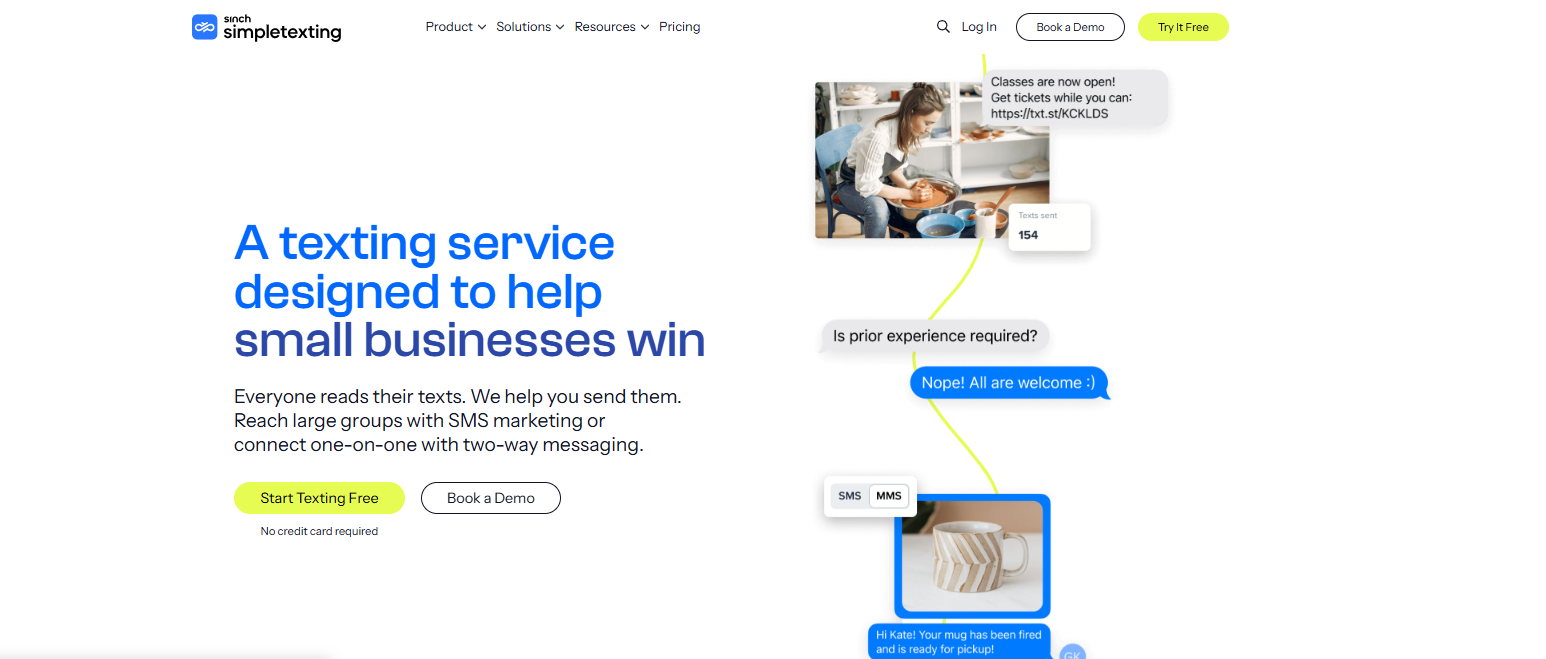
When someone texts a keyword to your business number, the platform adds them to a designated contact list and sends an automated response with relevant information.
Its Data Collection feature allows you to ask customers questions through a series of text messages. Their responses are saved in custom fields, which you can use to organize contacts into separate lists for future outreach.
SimpleTexting also supports audience segmentation based on how contacts joined your list, their area code, and whether they clicked a specific link. You may then create separate follow-up campaigns for each group instead of sending the same reminder to everyone.
For recurring customer updates and promotions, SimpleTexting offers message scheduling with hourly, daily, weekly, monthly, and yearly options. Its autoresponders also support delays ranging from minutes to months.
6. Sakari
Sakari is a business texting platform that connects SMS and MMS messaging with CRM tools. Its HubSpot integration lets you send texts directly from contact, deal, and ticket records.
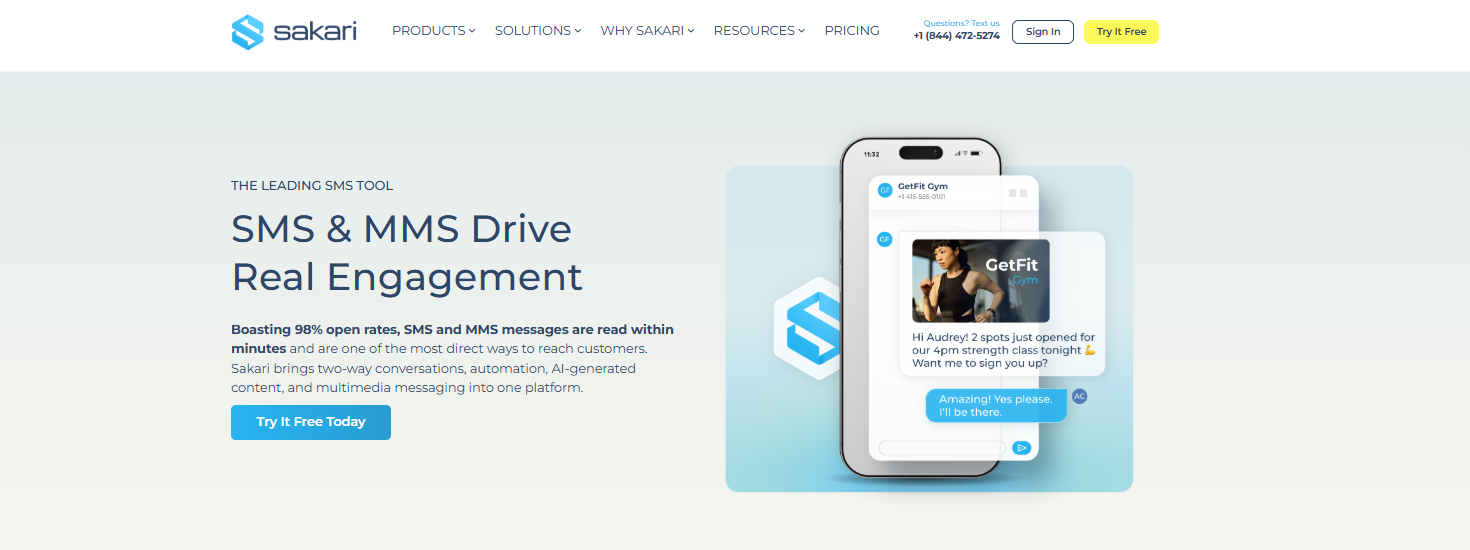
Incoming messages appear on contact timelines, while texts from unknown numbers can trigger the creation of new contact records.
With HubSpot workflows, you can trigger texts after a customer submits a form, books an appointment, or reaches a particular CRM stage. Sakari also supports workflow enrollment based on incoming SMS replies, link clicks, and delivery events.
The platform also provides keyword-based autoresponders that you configure for specific phone number groups. Its autoresponder settings include in-office, out-of-office, always-on, and custom time windows so that you can acknowledge customer inquiries outside business hours.
Sakari lets you build contact lists through CSV imports, keyword enrollment, or connected workflows. It also supports international SMS through local numbers.
7. MessageDesk
MessageDesk is a business texting platform that lets you add SMS to existing office landlines, VoIP numbers, and toll-free numbers without changing your voice provider.
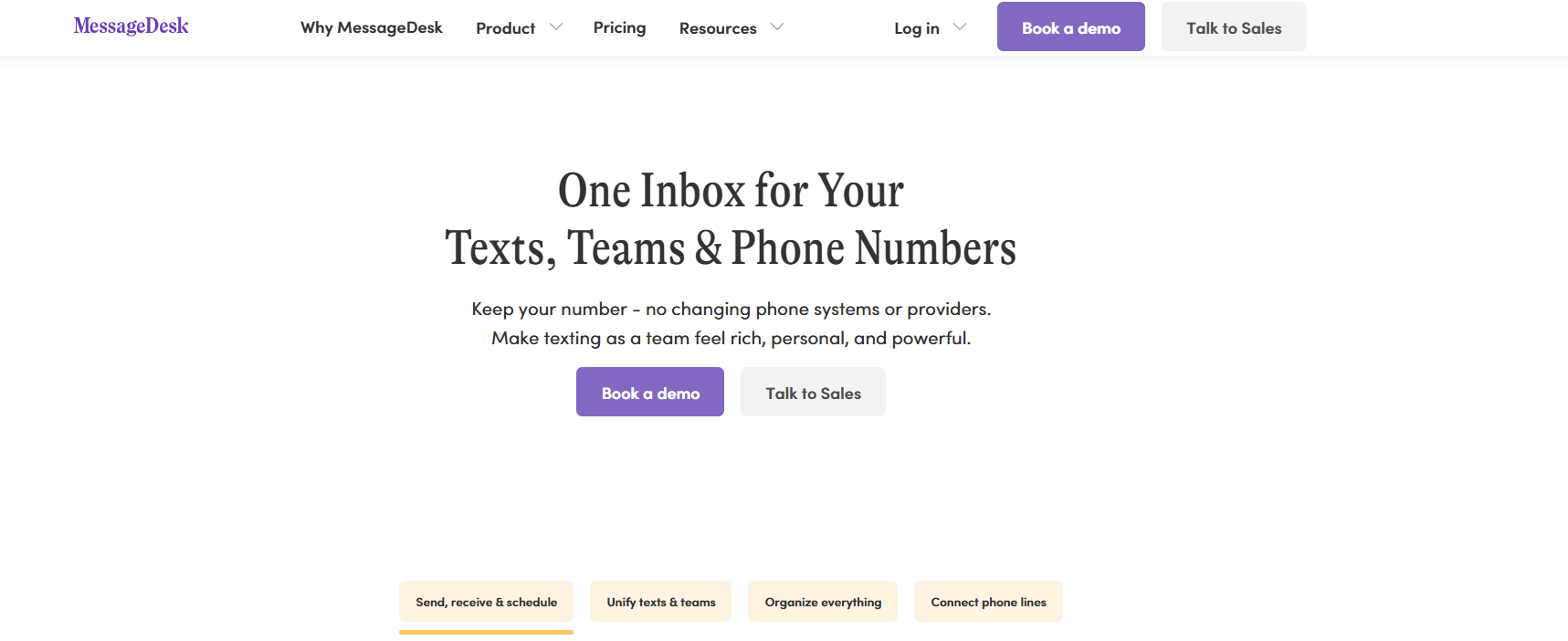
It also supports Twilio-connected numbers so that you can manage customer conversations through your organization's existing phone system.
Broadcasts reach up to 100 recipients per send, but each reply returns as a private thread. You can use broadcasts to share promotions, service updates, or announcements with customers without exposing their responses to others.
MessageDesk provides shared inbox views such as "Waiting Longest" and "Unread" to prioritize incoming replies. Its team collaboration tools also include private comments, @mentions, and reactions for discussing customer inquiries without sending those messages to recipients.
Its Relays feature automates inbox actions based on incoming messages, keywords, phone numbers, or time conditions. It also supports after-hours responses and requests for contact information from unknown senders.
8. Podium
With Podium, local businesses can manage customer communication, appointments, and service requests.
One of its features is web chat, which collects a visitor's contact information and transfers the conversation to SMS. Podium also records website click-path activity, so you can see which pages visitors viewed before contacting you.
Podium Phones connects calling and texting through the same business number. When someone calls and no one answers, the system can send an automatic text to continue the conversation.
Incoming callers also have the option to switch from a phone call to SMS through a recorded prompt. The platform provides call recordings, AI-generated summaries, and voicemail transcription for reviewing previous exchanges.
For inbox management, Podium brings texts, calls, and social messages into a shared conversation history. Podium's AI Employee can respond to common inquiries outside business hours, categorize messages based on intent, and follow up on unanswered conversations.
9. Textedly
Textedly is a business texting platform that supports mass texting, individual conversations, and automated SMS outreach.

Its keyword feature lets you create separate subscriber lists for different promotions, services, or events. Customers can join by texting a designated word to your number or scanning a QR code that opens a prefilled text.
The software supports unlimited contacts and collects subscriber details such as state, city, and ZIP code. Its contact filters let you select specific subscribers within a keyword group before sending a campaign.
Textedly's drip campaigns send a series of texts based on how long someone has been subscribed to a keyword. Its Just Once feature prevents subscribers from receiving the same automated keyword welcome message repeatedly.
It also offers Text Voting, which lets you create SMS polls and collect responses. You could use this feature to ask customers about their preferences, service experiences, or upcoming events.
10. Twilio
Twilio is a cloud communications platform that provides APIs for sending and receiving SMS and MMS. Its Programmable Messaging API lets you build SMS functions into your existing business software or custom applications.
One of Twilio's key features is Messaging Services, which manages multiple phone numbers through a shared sender pool. Its Sticky Sender function assigns the same outgoing number to a recipient for future messages.
Twilio Studio provides a visual workflow builder with drag-and-drop components. Its Send & Wait For Reply widget captures customer responses and routes them to different workflow steps based on your configured conditions.
Twilio's Programmable Messaging API also supports scheduled SMS delivery between 15 minutes and 35 days in advance. The MMS Converter changes multimedia messages into standard SMS with a shortened link when the receiving carrier does not support MMS.
The platform also provides advanced opt-out controls for customizing unsubscribe keywords and confirmation messages by country or language. It uses a pay-as-you-go pricing model, with charges based on message segments, phone numbers, carrier fees, and selected services.
How to Choose the Best Textline Alternative
The right alternative depends on your communication needs, recruitment workflows, and the features you use most. Here are the factors to consider when comparing platforms.
Identify Your SMS Marketing Needs
Think about the messages you send during a typical week.
Are you contacting hundreds of customers about promotions, confirming appointments, or following up with prospects who haven't responded?
Your requirements will depend on the type of business you operate.
For example, online retailers may prioritize order updates and promotional texts. Service businesses may need appointment reminders and support for voice calls.
If you communicate through multiple channels, consider how those interactions connect. Some businesses need individual conversations, while others require group messaging or large-scale broadcasts to reach their audience.
Review Team Communication Features
When several employees share a texting number, you need to know who handles each conversation and who takes over when someone is unavailable.
This is important for customer support teams that receive inquiries throughout the day.
Features such as private notes, mentions, conversation assignments, and team messaging allow employees to coordinate responses without involving customers in internal discussions.
During a demo, test how the platform handles two employees who open the same conversation. It needs to show who owns the reply, alert teammates to overlapping responses, and preserve previous exchanges.
Some providers also offer unlimited conversation history, which is worth considering if your employees need access to older customer interactions.
Check CRM and ATS Integrations
Your CRM or ATS already contains contact profiles, activity records, and other customer data.
Before choosing texting software, confirm that it connects with your existing systems and allows you to send messages directly from contact records.
A basic integration may only transfer contact information. More advanced options support lead capture, conversation logging, contact updates, and automated follow-ups based on CRM activities.
For example, a customer who submits a website inquiry could receive a text confirmation while their information enters your CRM.
The integration also needs to support your existing outreach process. If your business uses email or direct mail alongside SMS, consider how those activities appear in your contact records.
Compare Automation and Messaging Options
A customer responds to your promotional offer. But your text automation software sends another follow-up two days later.
Situations like this show why SMS marketing automation needs to respond to customer activity rather than follow a fixed schedule.
The platform's messaging capabilities need to support SMS segmentation, campaign scheduling, and reusable message templates. These allow you to contact specific groups without sending the same message to everyone.
Businesses that collect customer feedback may also need automated review requests or integrations with review management tools.
If you use automated sequences, find out what happens when someone responds midway through a campaign. The platform needs options to pause, cancel, or adjust future messages based on your workflow.
Review Security and Compliance Requirements
Before choosing a provider, you need to understand how it protects contact information and message histories. Encryption, role-based permissions, and audit logs are among the security features worth evaluating.
Business text messaging also involves consent requirements, opt-out requests, and 10DLC registration. These requirements apply to relevant SMS activities, regardless of the other communication channels your business uses.
Healthcare organizations have additional responsibilities when messages contain protected health information. A platform marketed as HIPAA-compliant still requires further evaluation of its safeguards, business associate agreements, and permitted uses of patient information.
Compare Subscription Costs and Message Limits
A low monthly subscription might look affordable until your business starts sending thousands of promotional texts, reminders, and customer updates.
The costs can be significant for small businesses that send frequent messages but have limited budgets. Your estimated expenses need to account for SMS credits, user access, multimedia messages, and carrier registration fees.
Some entry-level plans also have limited features, with advanced automation, integrations, or reporting reserved for higher subscriptions.
Request pricing details based on your expected message volume and required functions. You also need to know what happens when you exceed your monthly allowance and if unused credits roll over.
Evaluate Customer Support and Technical Assistance
A failed campaign or inaccessible inbox can interrupt customer conversations and delay follow-ups.
Check how the provider handles delivery failures, phone number registration issues, and account restrictions.
Look for recurring signs of poor customer support in recent G2 and Capterra reviews, including unresolved tickets and slow responses
The provider's support hours, contact options, and customer satisfaction ratings offer additional information about its service experience.
Technical assistance also extends to onboarding and platform setup. You may need guidance with phone number transfers, CRM integrations, and messaging registration.
Switch to TextUs for a More Complete Business Texting Experience
Every customer inquiry, sales follow-up, and unanswered message represents an opportunity to build a relationship. But as your contact list grows, maintaining personal communication gets challenging.
Marketing teams need to reach large audiences, while customer-facing teams need to respond to inquiries, follow up with interested contacts, and maintain personal relationships.
TextUs brings these activities into one platform, with bulk messaging capabilities that support two-way texting, automated sequences, and shared inboxes.
Campaign A/B testing and reporting provide insight into message performance, while Contact Intelligence identifies engagement patterns in customer conversations. Its CRM and ATS integrations also connect texting with the records your business already uses.
TextUs goes further with Message Quality Indicator and Smart Delivery, which address potential delivery risks before and during campaigns. These features support seamless communication between large-scale outreach and individual follow-ups.
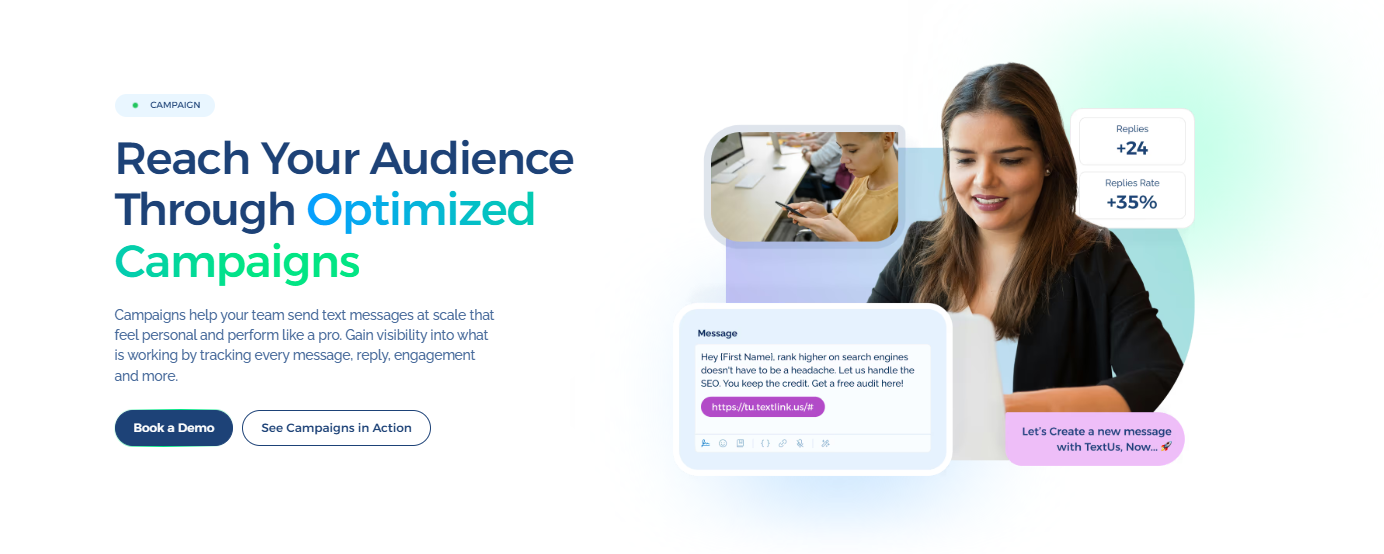
Ready to see what TextUs offers beyond your current texting setup? Book a demo with TextUs today to compare your existing Textline workflows with its automation and campaign features!
FAQs About Textline Alternatives
Is there anything better than TextNow?
TextNow offers free, ad-supported calling and texting for personal communication.
SMS marketing software tools such as TextUs, Heymarket, and Salesmsg offer additional functions, including broadcast messaging, shared inboxes, and internal notes for multiple users.
How much is a Textline subscription?
Textline offers Essentials, Pro, and Enterprise plans, but it doesn't publish fixed monthly subscription rates. Its pricing plans depend on message credits, user limits, registration fees, and optional add-ons.
TextUs offers more transparent pricing, with its Pro plan starting at $299 per month for 5,000 messages and five phone numbers. This includes SMS/MMS campaigns, smart automation, and CRM integrations, without additional setup or implementation fees.
What is the best free SMS message app?
TextNow offers free, ad-supported calling and texting in North America, while Google Voice provides free SMS to supported U.S., Canadian, and Puerto Rican numbers.
But if your priority is secure texting, automated campaigns, and CRM integrations, a dedicated and paid solution such as TextUs is a better option.
Which SMS API is the best?
Twilio is an option for developers who need programmable SMS, delivery tracking, and custom integrations, enabling businesses to build messaging into existing applications.
If you prefer ready-to-use texting software with an API, CRM integrations, and campaign automation, TextUs is another option worth considering.
Continue Reading



Frequently Asked Questions
Business Texting
Built for Results
Create and convert pipeline at scale through industry leading SMS software