
Two-Way Texting for Recruiters: A Guide to Better Conversations
Learn how two-way texting for recruiters supports faster replies and hiring communication, and see how TextUs keeps candidate conversations organized.

Written by
Adam Hamdan
Published
October 16, 2026

Candidate interest disappears fast when communication is slow or one-sided. If they have to wait for a call or search through email threads, even simple hiring questions can create delays.
Text messaging creates a faster path to candidates. But sending a message is only half of the conversation.
Two-way texting gives candidates a way to reply, ask questions, confirm details, reschedule interviews, and stay connected from their phones.
In this article, you’ll learn why two-way texting matters, how to use it throughout hiring, and how to build a stronger strategy with the best text recruiting software.
TL;DR
- Two-way texting lets you reach candidates without repeated calls, get faster answers, improve communication, reduce interview scheduling delays, and keep conversations organized.
- Conversational texting supports sourcing, application follow-up, pre-screening, interview scheduling and reminders, candidate questions, post-interview updates, preboarding, re-engagement, and high-volume staffing communication.
- A strong two-way texting strategy covers consent, clear introductions, simple reply paths, personalization, response expectations, automation, human follow-up, team visibility, ATS or CRM integration, and protection of sensitive candidate information.
- TextUs turns candidate outreach into real conversations with conversational SMS, intelligent automation, shared inboxes, and ATS integrations.
Benefits of Two-Way Texting for Recruiters
Two-way texting creates a more direct connection between recruiters and candidates throughout the recruitment process.
Here are the key reasons it supports faster, more responsive hiring.
Create More Responsive Candidate Communication
There's a difference between sending information to candidates and giving them a direct way to respond.
Two-way conversations allow candidates to ask about job requirements, interview details, schedules, locations, application status, or next steps.
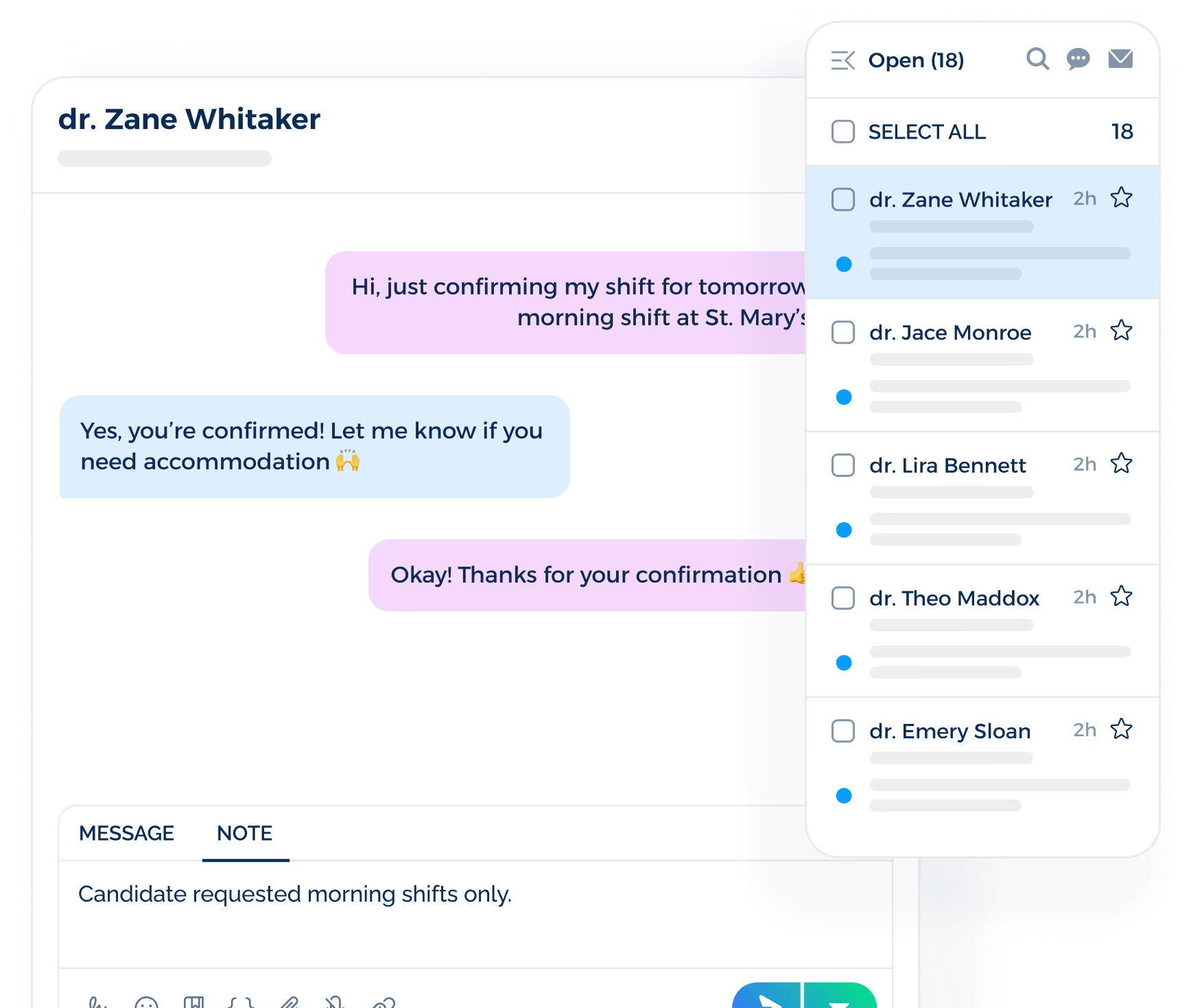
This creates a more responsive candidate experience because candidates don't have to search through emails or wait for another call.
Reach Candidates Without Repeated Phone Calls
Many job seekers cannot answer recruiter calls during work hours, meetings, or shifts.
A text gives them the option to respond from a mobile device. You spend less time making repeated calls or leaving voicemail just to confirm basic details.
Get Faster Answers to Recruiting Questions
Many recruiting questions only need a short response. Two-way SMS messaging lets you ask whether someone is still interested, available for a shift, or open to learning more about the role.
That speed becomes valuable when you need to confirm availability or next steps before a role moves forward.
Reduce Interview Scheduling Delays
Interview scheduling may require several exchanges before both sides confirm a time. You may need to discuss availability, offer another time slot, share a meeting link, or address a last-minute change.
Texting keeps these exchanges short and direct. Candidates confirm a time or request another option.
Keep Recruiting Conversations Organized
Personal phones become difficult to manage when several people work with the same candidate pool.
Messages stay with one person, disappear from view when they are absent, or lead to duplicate outreach.
A business texting tool gives recruiting teams shared visibility into message history, conversation ownership, handoffs, and previous candidate responses.
How to Use Two-Way Texting Throughout the Hiring Process
Conversational texting supports communication during several recruitment stages. Here are practical ways you can use it throughout your hiring workflow.
Candidate Sourcing and Initial Outreach
Initial outreach may involve active applicants or passive qualified candidates who have agreed to receive messages. Each message should explain why the recruiter is contacting them.
Examples
- “Hi Anna, this is Mark from ABC Staffing. We have a customer service role that may match your experience. Are you open to hearing more?”
- “Hi James, this is Barry from Best Buy. I’m reaching out about a warehouse position in Dallas. Would you like me to send the job details?”
- “Hi Mia, this is Sarah from BrightCo. We’re hiring for an accounting role and thought your background may be a fit. Are you interested in learning more?”
Application Follow-Up
Texting creates a direct contact point after the application and reduces uncertainty while candidates wait for your review. You can also invite questions about timelines, requirements, or next steps.
Examples
- “Hi Alex, we received your application for the Sales Associate position. We’ll review it shortly. Feel free to reply if you have any questions.”
- “Thanks for applying for our Medical Assistant role, Jamie. We expect to complete our initial review by Friday and will keep you updated.”
- “Hi Chris, your application is now under review. Is there anything you’d like to ask about the position or hiring timeline?”
Candidate Pre-Screening
Texting works well for short screening questions about availability, location, certifications, shift preferences, and basic role requirements.
Automation may handle simple questions, while you take over when a response requires more context.
Examples
- “Hi Taylor, are you available to work Monday through Friday from 8 AM to 5 PM?”
- “This position requires a valid CNA certification. Do you currently have one?”
- “The role is based in Tampa and requires three days onsite each week. Does that schedule work for you?”
Interview Scheduling
Two-way texting lets you discuss availability, confirm interview times, share scheduling links, and handle changes. This reduces delays before an interview is confirmed.
Examples
- “Hi Jordan, we’d like to schedule your interview. Are you available Tuesday at 2 PM or Wednesday at 10 AM?”
- “Your interview is set for Thursday at 11 AM. Please reply YES to confirm or let me know if you need another time.”
- “Hi Casey, we need to move your interview. Would Friday at 1 PM or 3 PM work for you?”
Interview Reminders and Day-Of Coordination
Interview reminders become more useful when candidates have a direct way to respond. You can confirm attendance, share directions, provide meeting details, or address last-minute changes before the interview.
Examples
- “Reminder: Your interview is tomorrow at 10 AM. Please reply YES to confirm you’re still available.”
- “Hi Morgan, here is your Zoom link for today’s 2 PM interview. Reply here if you have trouble joining.”
- “Your interviewer is running about 15 minutes behind. Please let me know if the updated timing causes any issues.”
Candidate Questions During the Hiring Process
Candidates will have questions about responsibilities, work arrangements, interview formats, timelines, or next steps. A direct texting channel provides access to answers without searching through several emails.
Examples
- “Hi Sam, feel free to reply here if you have any questions about the schedule, location, or next steps.”
- “The position follows a hybrid schedule with three days in the office. Let me know if you’d like more details.”
- “We expect to make a decision early next week. I’ll update you as soon as we have more information.”
Post-Interview Follow-Up
Two-way texting is a direct channel for maintaining contact after an interview. You may confirm continued interest, arrange another interview, or invite candidates to speak with another decision-maker.
Examples
- “Hi Riley, thanks for meeting with us today. Are you still interested in moving forward with the position?”
- “We’d like to invite you to a second interview with the department manager. Are you available Thursday afternoon?”
- “Hi Avery, we’re still completing interviews this week. I wanted to let you know that you remain under consideration.”
Offer and Preboarding Communication
Text messaging supports preboarding communication without replacing formal documents or secure systems.
It lets you confirm that documents were sent, provide start-date updates, and remind candidates about required steps.
Examples
- “Hi Cameron, your offer letter has been sent to your email. Please let me know once you receive it.”
- “We have your start date confirmed for September 15. Does that date still work for you?”
- “Reminder: Please complete your onboarding documents before Friday. Reply here if you have questions about the next step.”
Candidate Re-Engagement
Past applicants, previous placements, and strong finalists may be relevant when another position becomes available. Your outreach should reflect their previous connection instead of sending generic job postings.
Examples
- “Hi Lauren, we spoke with you earlier this year about a marketing role. A similar position just opened. Would you like the details?”
- “Hi Daniel, we have a new contract opportunity that matches your previous placement with us. Are you currently available?”
- “Hi Priya, you were a strong finalist for our previous analyst opening. We have another role available and wanted to see if you’re interested.”
High-Volume and Staffing Recruitment
Two-way texting supports staffing firms and organizations with high-volume hiring needs. Each response becomes a separate conversation where you discuss qualifications, availability, and next steps.
Examples
- “We have several warehouse shifts available this week in Phoenix. Reply DAY or NIGHT to tell us which schedule you prefer.”
- “We’re hiring seasonal associates for multiple locations. Reply with your ZIP code so we can share the closest opening.”
- “New healthcare assignments are available this month. Reply YES if you’d like to hear about current openings in your area.”
How to Build an Effective Two-Way Recruiting Texting Strategy
In SMS recruiting, it takes more than sending messages whenever a candidate reaches a new hiring stage. Here are the key practices that make your conversations consistent and useful for candidates.
Get Candidate Permission Before Texting
Candidate consent should be part of your texting process before outreach begins. Permission may come through application forms, career-site forms, keyword opt-ins, or other recruiting touchpoints.
Your opt-in language also has to explain what candidates are agreeing to receive and how they can stop future messages.
CTIA guidance recommends consent before business text messaging and an SMS opt-out method, while specific legal requirements may vary by messaging program.
Identify Your Firm in the First Message
Candidates receive messages from several employers or recruiters at once. A detailed introduction makes it easy for candidates to understand who is contacting them and why.
Your name, company, and the role or reason for outreach give the message enough context to feel legitimate from the start.
Give Candidates a Simple Way to Respond
Recruiting text messages work better when candidates know what kind of response you need. A simple question removes guesswork from the next step, such as:
- “Are you still interested in moving forward with this role?”
- “Would you like to schedule a quick call to discuss the position?”
- “Does this shift and location work for you?”
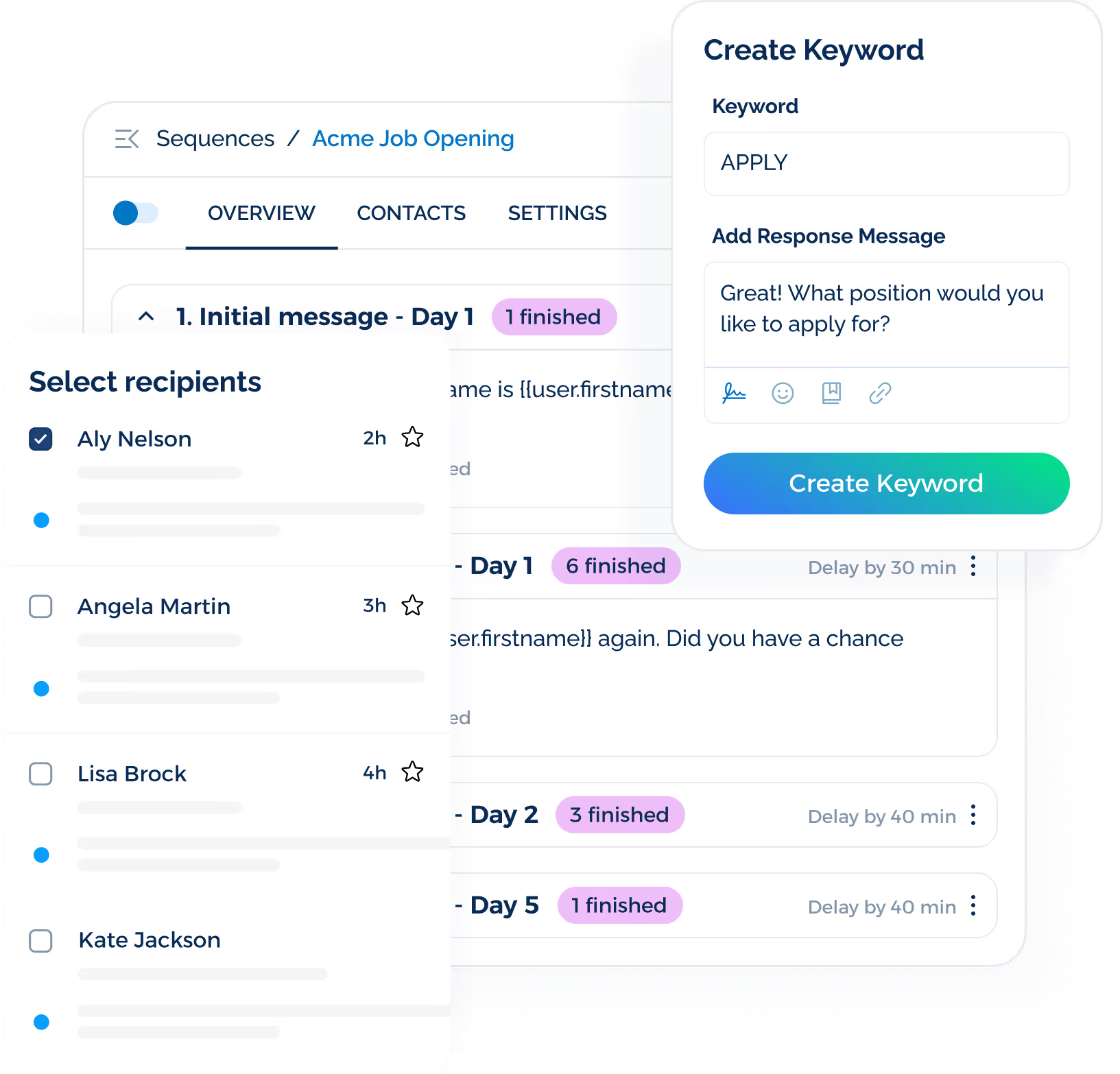
SMS keywords do more than start a conversation. With TextUs, you can build keyword-based flows that guide candidates through different paths based on how they respond.
Set Expectations Around Response Times
A two-way texting channel creates an expectation that candidate replies will receive a timely response.
Long gaps make the conversation feel one-sided, especially when someone is waiting for interview details or a hiring update.
Your internal response standards should define how quickly active candidates receive follow-up during business hours. Clear ownership also prevents messages from sitting unanswered.
TextUs Inbox supports faster response management by keeping conversations visible. Your team can route conversations, assign messages, and track replies to reduce the risk of candidate questions being missed.
Personalize Messages With Relevant Context
Your recruiting message may reference the role, location, hiring stage, previous conversation, or information already connected to the candidate profile.
TextUs also lets you merge contact names into message templates, so you can personalize outreach without rewriting every message from scratch.
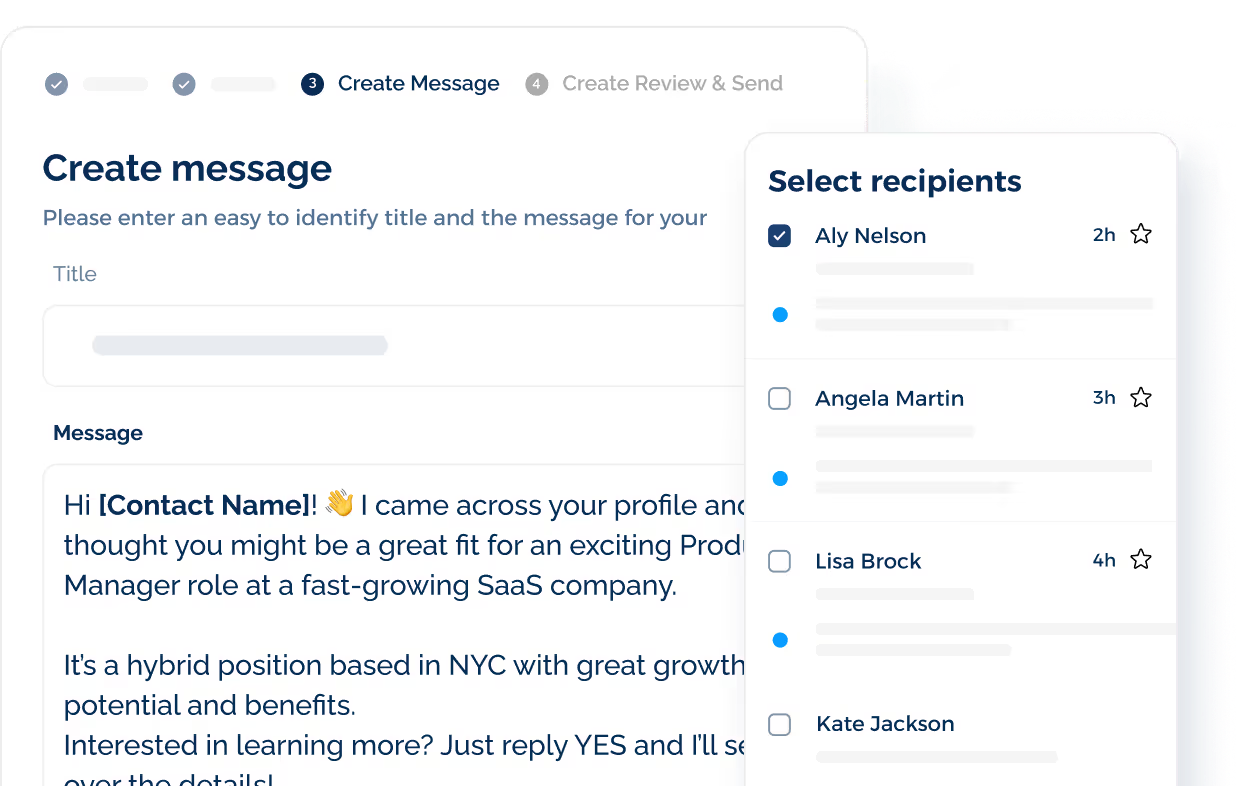
This lets you create consistent messaging for larger candidate groups while still making each text directed to the individual.
Use Automation for Routine Messages
Routine recruiting messages are a good fit for SMS automation because they follow predictable steps and often require the same information each time.
Application confirmations, interview reminders, scheduling prompts, common FAQs, and opt-out confirmations can all run without manual follow-up for every candidate.
TextUs intelligent automation lets you build message sequences that respond to timing, candidate actions, and replies.
You save time on repetitive outreach while keeping your attention on conversations that need a personal response.
Use Human Follow-Up for Complex Questions
Unexpected questions, scheduling conflicts, role-specific concerns, offer discussions, and sensitive topics are better handled by a person who understands the situation.
A smooth handoff from automation to human follow-up keeps the conversation connected.
When a candidate raises a question outside the automated path, you should be able to review the conversation history and respond without making them repeat information.
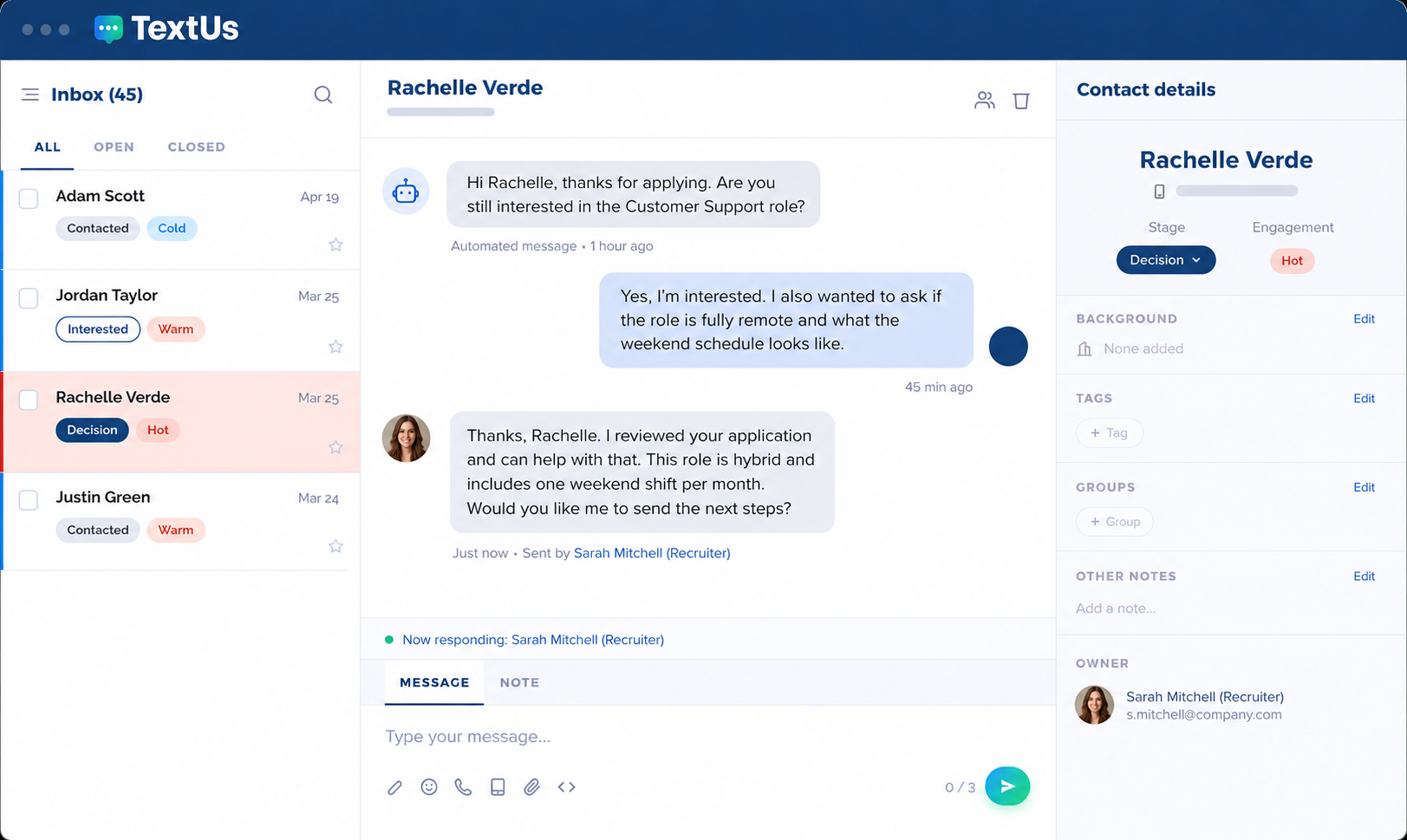
TextUs Contact Intelligence feature scores each contact as Cold, Warm, or Hot based on engagement.
AI in recruitment texting shows which contacts are most active in the conversation without requiring manual tags or constant review.
Keep Conversations Visible Across Your Team
Candidate conversations can get lost when messages are divided among when messages sit in separate inboxes or on personal phones separate channels, inboxes, or personal phones.
Assignments also make ownership specific when several recruiters work from the same platform.
You can route a conversation to the right person, which reduces duplicate responses and prevents candidate messages from getting overlooked.
TextUs lets you assign messages to one person or multiple users. Tags also make it simple to filter messages, group candidates by priority or stage, and keep the inbox organized as volume grows.
Connect Texting to Your ATS or CRM
Text conversations are more valuable when they connect with the systems you already use to manage hiring.
An integration with your ATS platforms or CRM keeps contact details, message history, hiring stages, and recent activity tied to the correct candidate.
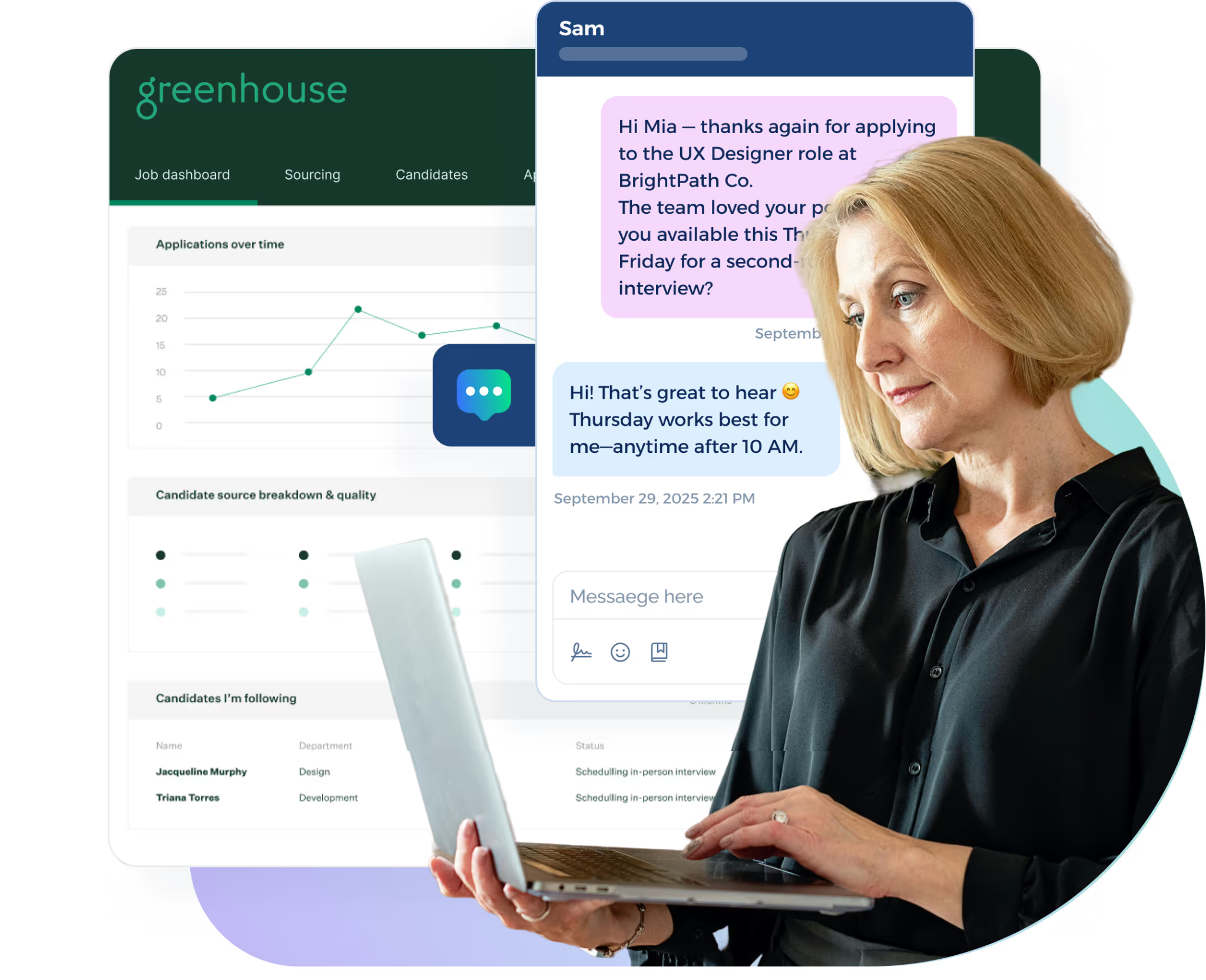
You can review past conversations, see where someone stands in the recruiting process, and avoid asking for information they have already provided.
Automatic syncing also reduces manual logging between systems. Candidate activity stays part of the broader hiring record, so your team has a more complete view of each interaction.
This technology can give recruiters more context before they respond and reduce the need to copy communication details manually.
Protect Sensitive Candidate Information
Text messaging is best suited for short recruiting conversations.
Information such as Social Security numbers, background check details, banking information, or other private candidate data belongs in secure systems built for that purpose.
Your texting workflow may direct candidates to an approved portal or protected form when sensitive information is required.
This keeps SMS focused on communication while reducing the risk of private details sitting in message threads.
Turn Candidate Replies Into Recruiting Conversations With TextUs
Recruiting conversations shouldn't stop the moment a candidate replies. TextUs turns two-way text messaging into a connected workflow.
This SMS tool brings campaigns, shared inboxes, assignments, templates, automated sequences, and real-time replies into one platform.
Its advanced SMS features also include opt-out risk tracking, contact syncing, ATS and CRM integrations, conversation history, and campaign reporting.
Your talent acquisition team can communicate with more candidates from desktop, mobile, or the Chrome extension while keeping each interaction connected.
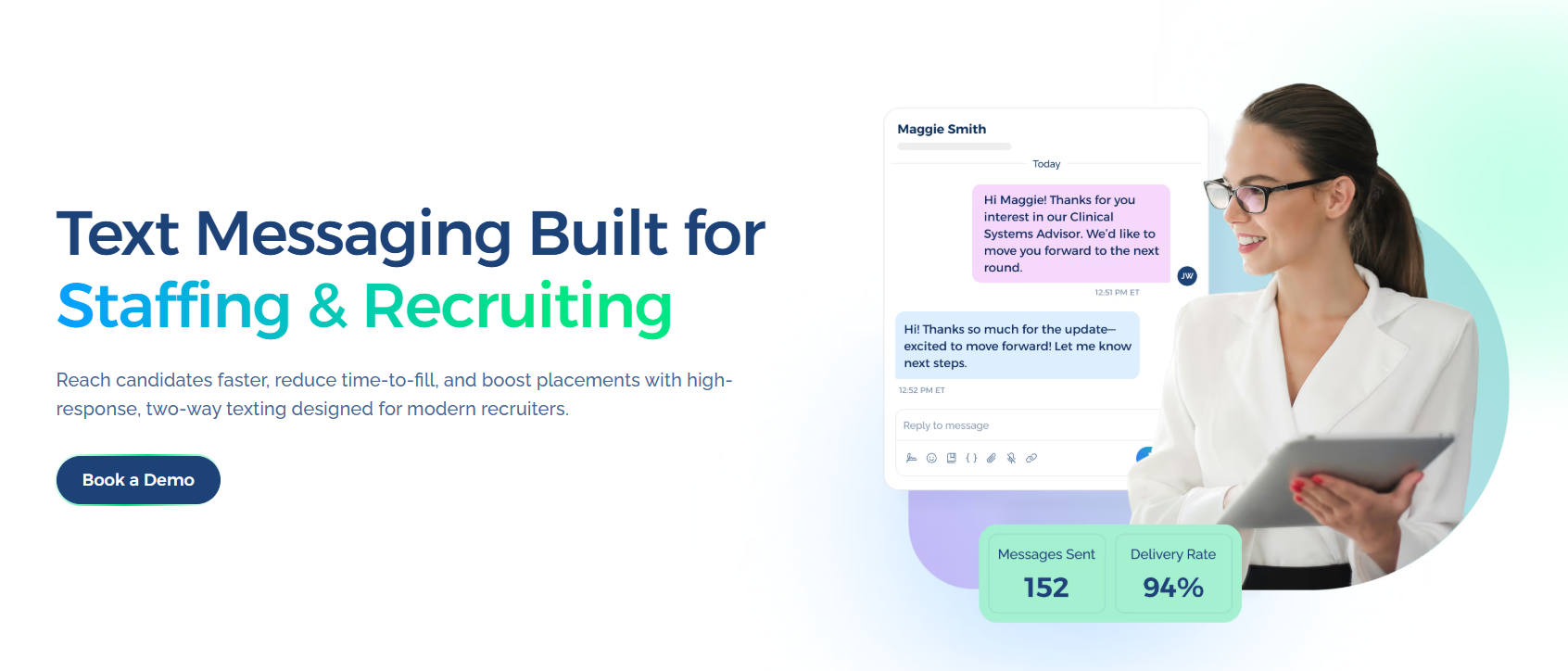
Book a demo with TextUs today and see how this candidate texting app fits into your current hiring workflow!
FAQs About Two-Way Texting for Recruiters
What is two-way texting?
Two-way texting allows you and your candidates to send and receive SMS messages within the same conversation.
Unlike one-way alerts, this method creates space for questions, confirmations, scheduling updates, and other direct exchanges.
Is it legal for recruiters to text candidates?
Recruiter texting is subject to applicable consent, privacy, and messaging requirements. CTIA guidance calls for businesses to obtain consent before texting consumers and provide a way to opt out.
Candidates also need a reasonable way to withdraw consent. FCC rules recognize reply texts as a common method for revoking consent, while other reasonable methods may apply depending on the messaging setup.
Can you provide some examples of recruiting text messages?
Common messages include interview scheduling, application updates, screening questions, and re-engagement outreach.
Your response rate will show which messages generate stronger engagement across roles and industries.
What is the difference between two-way texting and text-to-apply?
Text-to-apply gives candidates a way to start the application process by texting a keyword or responding to a campaign.
Two-way texting covers the broader conversation that follows and keeps communication connected to the candidate record as you work to fill open roles.
Continue Reading


Frequently Asked Questions
Business Texting
Built for Results
Create and convert pipeline at scale through industry leading SMS software