
10 Best Temporary Recruitment Software Tools for 2026
Explore the ten best temporary recruitment software tools for 2026. Discover why TextUs stands out for text-based candidate communication.

Written by
Adam Hamdan
Published
November 3, 2026

Speed matters when you're filling open shifts, checking candidate availability, handling onboarding, and responding to client requests at the same time.
The right temporary recruitment software goes beyond applicant tracking. It should also support scheduling, worker records, compliance, payroll, billing, and candidate outreach within the same process.
In this article, we will learn the advantages of using temporary recruitment software and compare several tools built for different staffing needs.
You’ll also find how SMS marketing software can support faster candidate outreach and worker coordination within your existing hiring tools.
TL;DR
Here are the ten best temporary staffing software tools organized by use case:
- TextUs: Best for text-based candidate communication
- Bullhorn: Best for staffing ATS and CRM
- Avionté: Best for integrated staffing payroll and billing
- Tempworks: Best for staffing back-office management
- JobDiva: Best for high-volume staffing
- Access Vincere Evo: Best for contract recruitment
- hireEZ: Best for AI-powered candidate sourcing
- JobAdder: Best for recruitment workflow automation
- Zoho Workerly: Best for temporary worker scheduling
- Gem: Best for candidate nurture and re-engagement
Why Temporary Recruitment Agencies Need Specialized Software
Temporary recruitment can get busy fast. One minute you're filling a shift. The next you're checking availability, chasing documents, and keeping up with multiple candidates at once.
Basic recruiting software helps you track applicants. But in temp recruitment, you will also need to manage shift schedules, worker availability, repeat placements, timesheets, payroll details, and communication after someone accepts a role.
The same worker may even come back for several assignments. Having their placement history and credentials in one place makes it faster to decide who to contact when a new job comes in.
That's where specialized software takes care of administrative tasks such as reminders, record updates, and scheduling. This can save time when you have several open roles and deadlines to manage.
If you're a staffing firm that handles high-volume or shift-based hiring, this kind of setup also improves efficiency. You spend less time moving between spreadsheets, inboxes, and separate tools just to piece together the information you need.
10 Best Temporary Recruitment Software by Use Case
Temporary recruitment software covers different parts of the staffing process. Here are the ten best platforms by use case to help you find the right choice that matches what you need to manage.
1. TextUs: Best for Text-Based Candidate Communication
Temporary recruitment moves on short timelines, from filling open shifts to checking worker availability and confirming last-minute changes.
TextUs is text recruiting software that supports quick conversations through SMS.
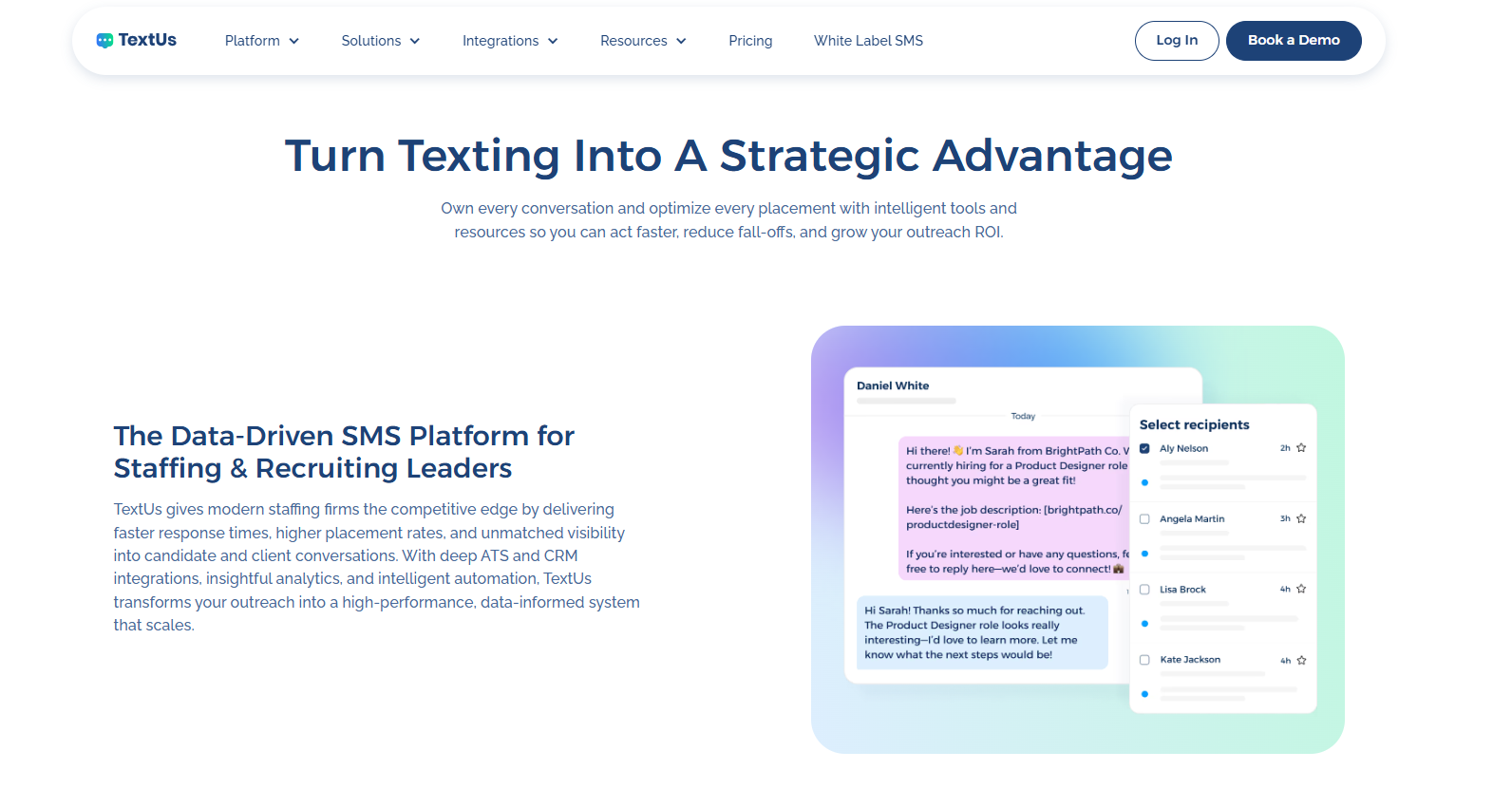
Speed matters in temporary recruitment. SMS recruiting puts hiring updates in a channel candidates check throughout the day.
TextUs also supports bulk text messaging by letting you reach groups of candidates without turning every message into the same generic blast.
You can use merge fields, templates, scheduled sends, MMS, and SMS URLs to tailor outreach around different roles, locations, or candidate groups.
Sequences also support follow-up after the first message, while SMS keywords create a next step for candidates who want to respond. Replies stay inside a shared inbox, where you can see active conversations and assign ownership.
TextUs fits into staffing systems. It allows you to text candidates, contacts, and leads, import phone numbers, sync selected contact details, and log conversations back to ATS records.
Beyond one-on-one texting, TextUs includes campaign reporting, response tracking, opt-out handling, AI automation, and message quality tools. That makes SMS a part of your repeatable recruiting process.
Book a demo with TextUs today to see how business texting fits into your temporary recruitment process!
2. Bullhorn: Best for Staffing ATS and CRM
Bullhorn is an AI-recruitment platform that combines an applicant tracking system and recruitment CRM. Its CRM stores client and prospect information alongside job orders and recruiting records.
The ATS supports resume parsing, candidate profiles, database search, shortlists, submissions, offers, placements, compliance information, and start dates.
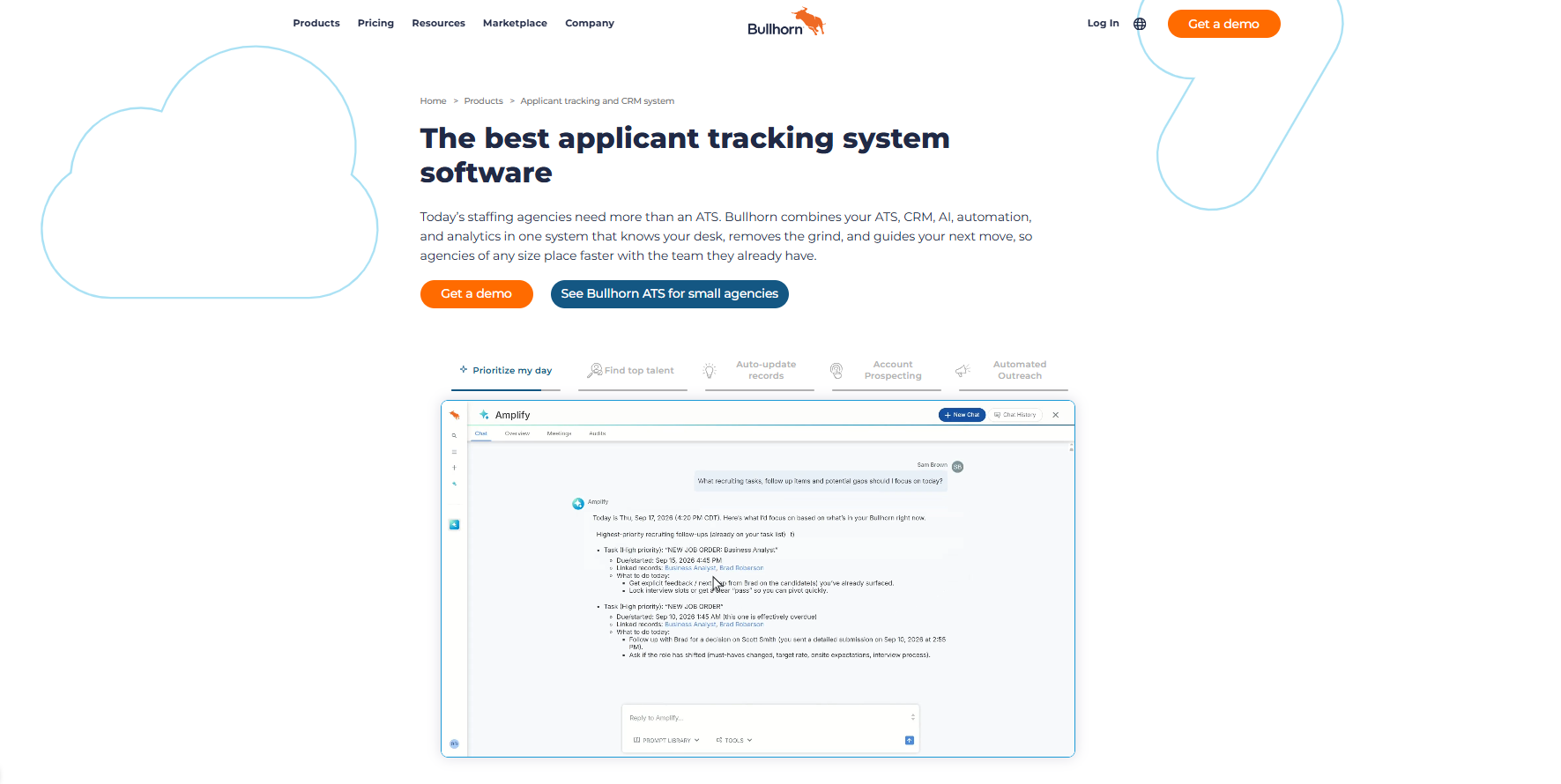
You can search existing records by keyword, skill, or location, while Bullhorn's Search & Match tools can create searches from job descriptions and rank candidates against open roles.
On the CRM side, Bullhorn tracks leads, client interactions, sales pipelines, open positions, previous placements, and communication history. It also connects with Gmail and Outlook to parse resumes, add notes, create tasks, review records, and log email activity from their inbox.
Search and matching features extend the ATS with AI-assisted candidate recommendations. It creates searches from job descriptions and ranks candidates from an existing database.
Its Amplify features also support profile summaries, job-post drafts, interview questions, and searches based on information already stored in Bullhorn.
3. Avionté: Best for Integrated Staffing Payroll and Billing
Avionté is an all-in-one, cloud-based software platform that includes ATS, CRM, workforce management, payroll, billing, and reporting functions.
Placement and assignment data can flow into payroll and billing workflows so that you can manage the pay-to-bill process within the same system.
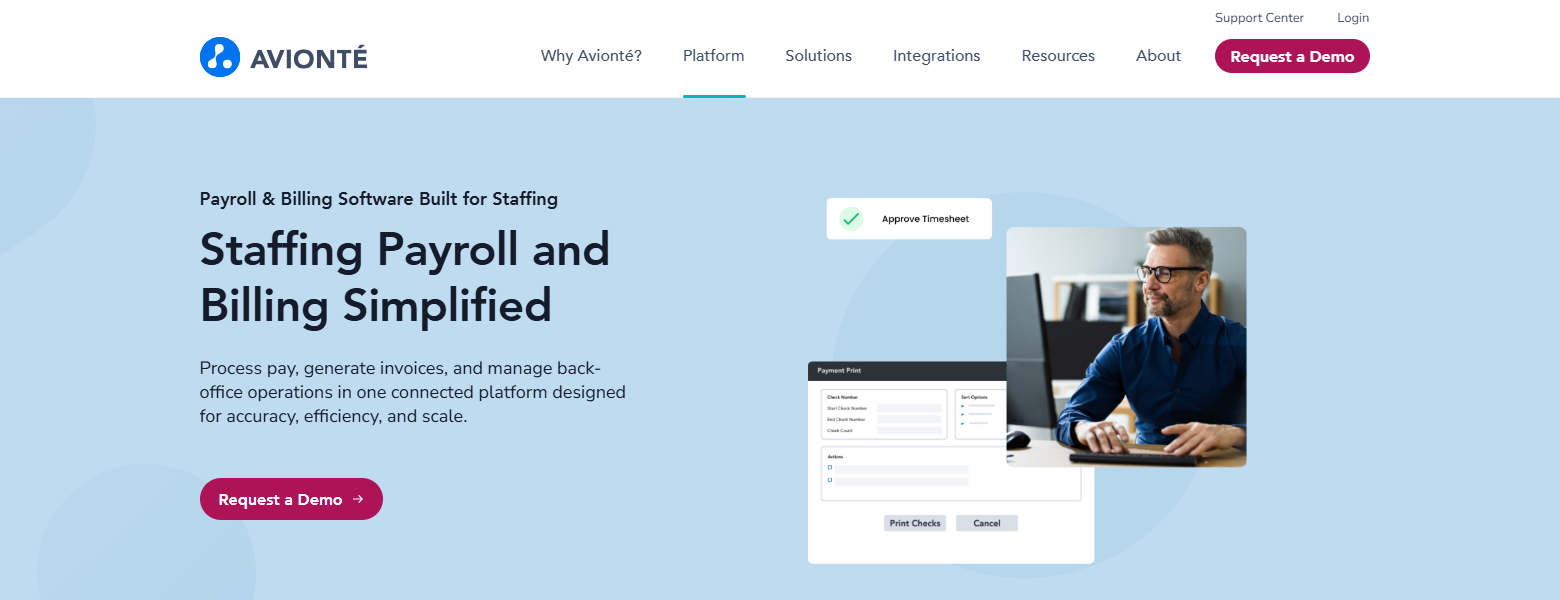
It supports time and attendance tracking before payroll processing. It lets you view and edit time transactions, attach timecards, create bill-only or one-time transactions, and run validation checks before payroll and billing.
Payroll features support hourly, salaried, temporary, contract, shift-based, and blended-rate pay structures. It also supports multi-assignment payroll calculations and connects time records with pay rates assigned to each placement.
Its current payroll offering includes tax calculations and filings for agencies that operate in multiple states and local jurisdictions. For client billing, Avionté can generate invoices from approved time, billing rates, and client-specific billing rules.
4. TempWorks: Best for Staffing Back-Office Management
TempWorks is a staffing software platform that covers front-office recruiting and back-office operations for staffing agencies.
Its back-office tools include payroll, billing, timekeeping, invoicing, and accounts receivable, with employee, customer, order, and assignment records feeding into those processes.
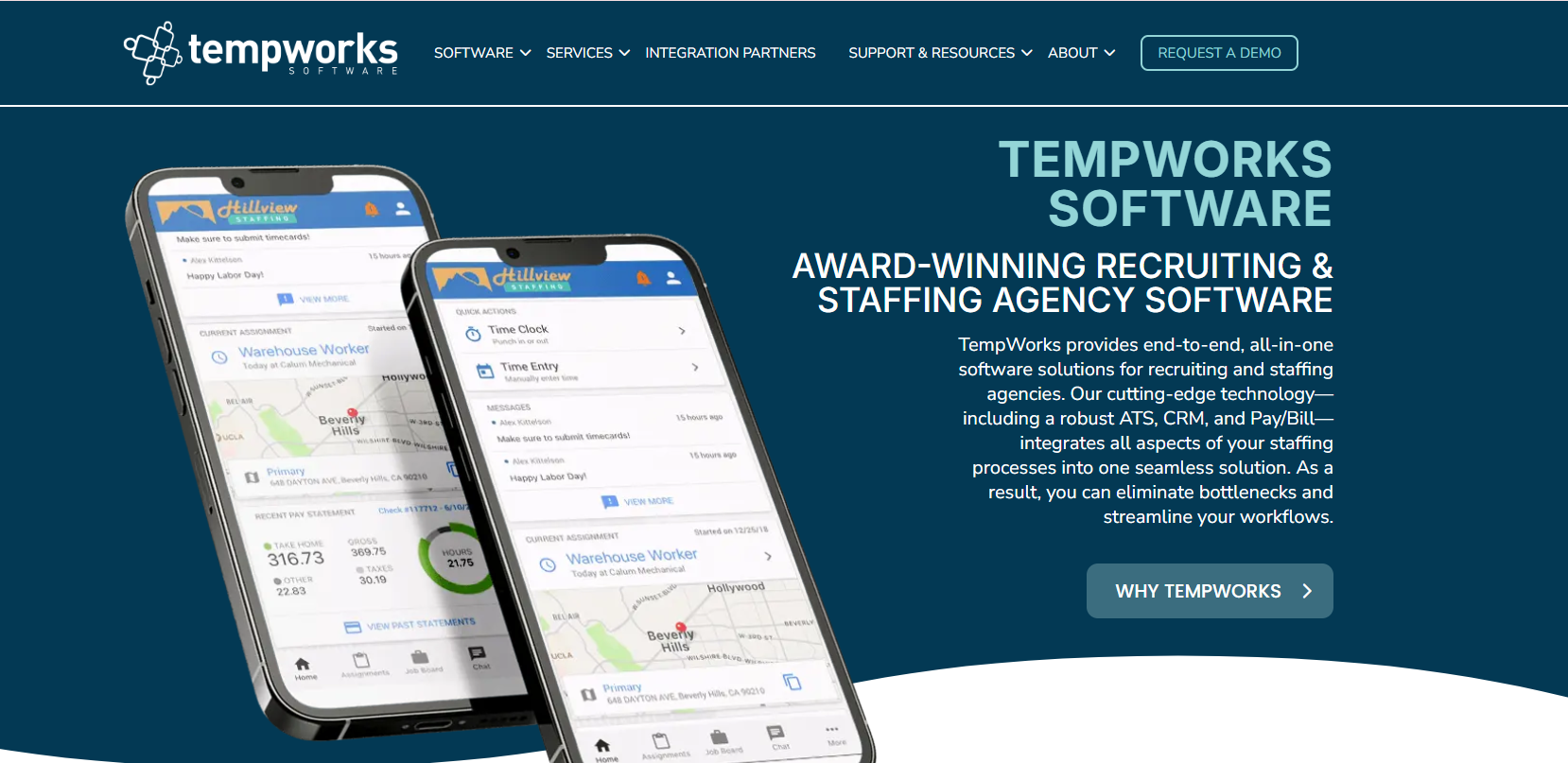
Payroll and billing functions cover time entry, payroll calculations, invoicing, accounts receivable, and compliance checks. It also offers payroll processing services that include tax processing, W-2 management, garnishment support, invoice calculations, and collections support.
Time and attendance records feed into payroll and billing workflows. Workers can clock in through supported time clocks or mobile options, while staff and clients can review timecard information through TempWorks.
WebCenter gives employees and clients access to selected back-office functions. Employees can submit timecards, review assignment details, access pay history, locate paychecks, and view W-2 information.
Administrative controls also support payroll and billing workflows. TempWorks Enterprise includes processes for time entry, proofing, payroll, invoice setup, invoicing, and accounts receivable.
5. JobDiva: Best for High-Volume Staffing
JobDiva is a cloud-based ATS and CRM platform that also supports job management, candidate sourcing, onboarding, VMS synchronization, timekeeping, billing, and reporting.
Its technology is designed around staffing workflows where you manage large numbers of candidates, requisitions, submissions, and active workers.
JobDiva maintains talent pools through resume harvesting from job boards and incoming applicants. Its search tools can rank candidates against job requirements and search through millions of resumes.
Resume information and requisition data are also refreshed as new records enter the system, so talent pools stay automatically updated as recruiting activity continues.
VMS synchronization supports agencies that receive large volumes of requisitions from vendor management systems. It can bring VMS jobs into the recruiting workflow and keep job information synchronized.
JobDiva supports paperless onboarding, encrypted document sharing, electronic signatures, I-9 documentation, E-Verify integration, and connections with background screening providers.
6. Access Vincere Evo: Best for Contract Recruitment
Access Vincere Evo is a recruitment software platform for permanent, temporary, and contract staffing agencies.
Its contract recruitment tools cover contractor search and matching, availability tracking, compliance, timesheets, renewals, invoicing, and payroll workflows. You can also view contract end dates and placement history when reviewing workers for upcoming assignments.
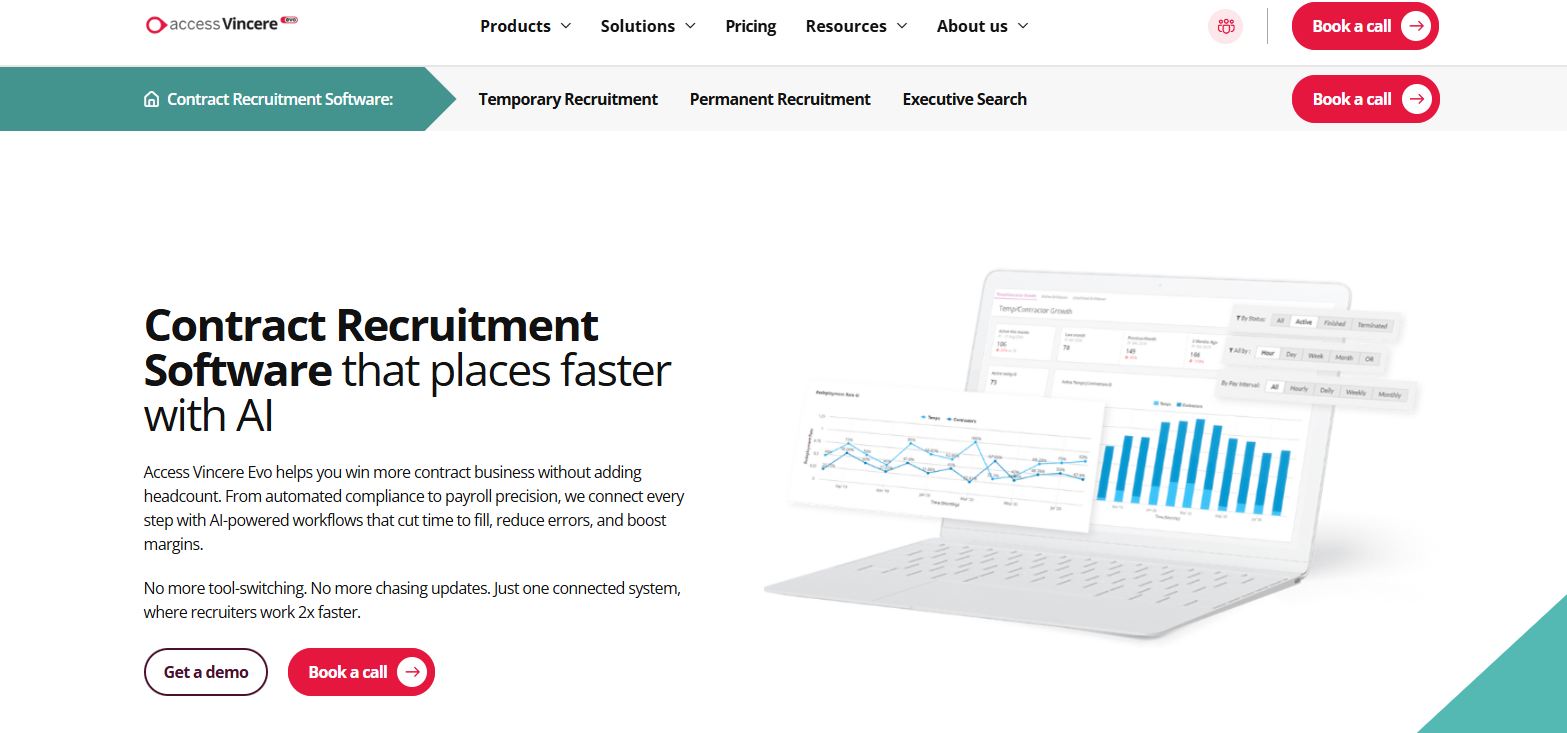
Contractor search uses information such as availability, skills, location, qualifications, compliance status, visa status, and previous placements. It matches contractors against open roles and lets you filter the database based on these criteria.
You can also use availability and contract end dates to identify workers approaching the end of an assignment who may be available for redeployment.
You can manage compliance and onboarding through a candidate portal. It lets you create document packs for different jobs or industries, request forms and identification documents, set access permissions, and configure reminders.
TimeTemp handles time, attendance, leave, and expense records for temporary and contract placements. Once a timesheet receives approval, the system generates an invoice from the recorded time and configured pay and bill rules.
7. hireEZ: Best for AI-Powered Candidate Sourcing
hireEZ is an AI recruiting platform that supports candidate sourcing, screening, CRM, applicant matching, scheduling, and recruiting analytics.
Its sourcing suite searches the open web, existing ATS records, Deep Search, and partner networks across more than 45 platforms.
AI candidate review evaluates profiles against the requirements of an open role. The system ranks candidates based on fit and highlights parts of each profile that influenced the match.
hireEZ also searches talent already stored in an employer's ATS through its Rediscovery feature. Existing candidate profiles receive updated information before they return to search results.
After identifying candidates, you can launch personalized campaigns, while the broader platform supports email, SMS, and InMail communication. This links candidate discovery with the first stages of engagement.
Sourcing analytics track searches, pipeline movement, outreach performance, time to fill, and compensation benchmarks. It also includes market salary data that you can review when setting compensation expectations for an open position.
8. JobAdder: Best for Recruitment Workflow Automation
JobAdder is a recruitment management platform that combines applicant tracking, recruitment CRM, placement management, job advertising, candidate communication, and reporting.
Its workflow tools support permanent, contract, and temporary recruitment, with custom job workflows that let agencies define stages and processes around different types of placements.
It supports automated job posting, interview scheduling, background checks, onboarding steps, and candidate communications. You can also create templates and custom application forms to collect information at different stages of an application.
JobAdder supports email, SMS, and WhatsApp communication, while Email Sync records messages sent through the platform and captures replies against the appropriate contact records.
It also includes AI and skill matching, which can surface candidates from an existing database against open roles. Its Adder Intelligence features can summarize applications, create candidate overviews, generate job ad drafts, and prompt you when candidate records need updates.
Reporting tools track jobs, applications, candidates, placements, activities, and recruiter performance. It lets you review how long jobs remain at different recruitment stages and create reports by team, consultant, or company.
9. Zoho Workerly: Best for Temporary Worker Scheduling
Zoho Workerly is a temporary staffing platform that helps manage temp workers, client requirements, job schedules, timesheets, and invoicing.
Its scheduling tools organize temps, jobs, and clients within the same interface, with dashboards that show open assignments and available workers.
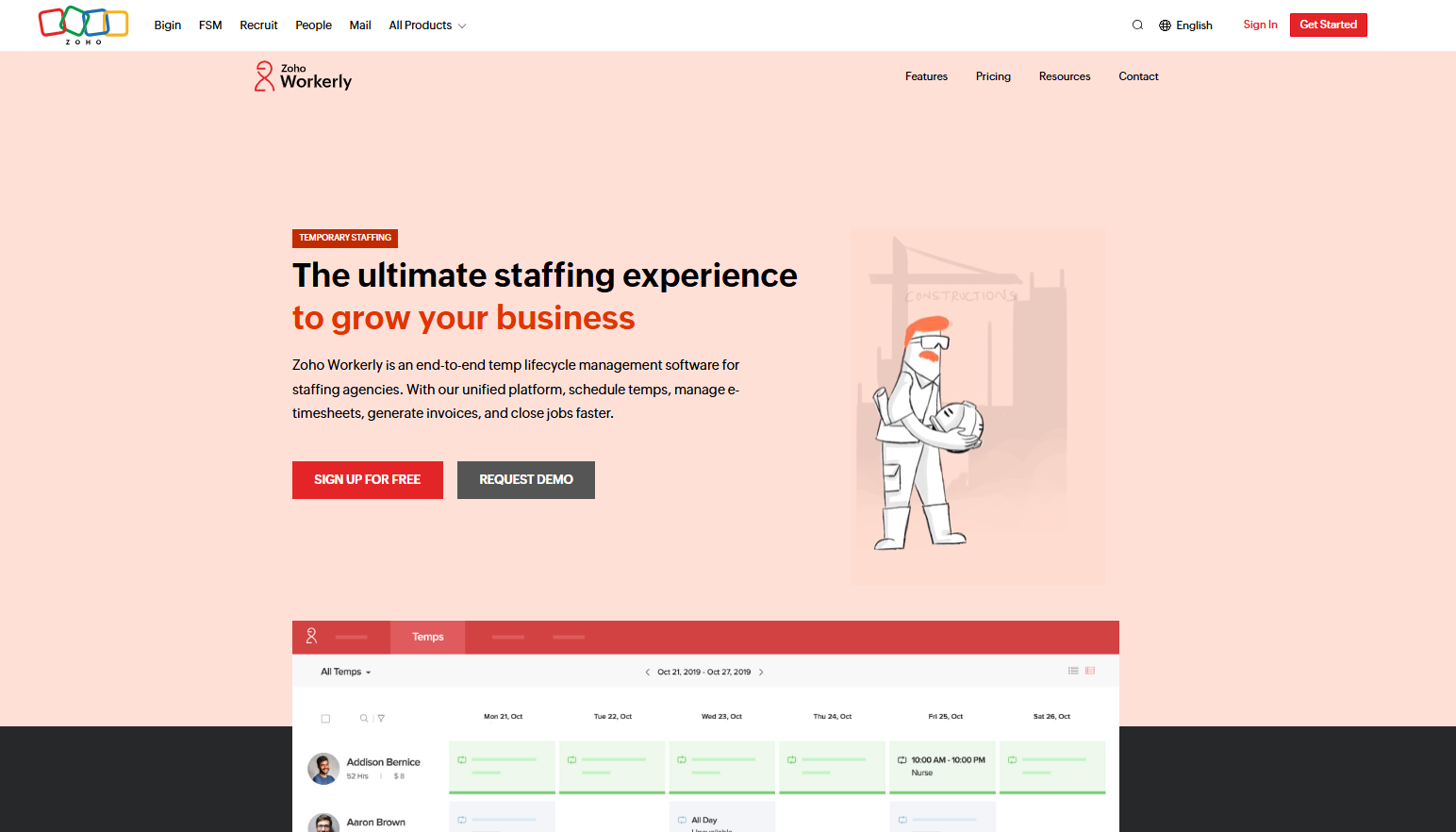
Roster View provides a scheduling board for assigning temps to jobs and reviewing existing shifts. The same view also shows working hours, base pay, and total scheduled hours for the week.
The scheduling process incorporates worker availability. Temps can mark their availability through the Workerly portal or mobile app, and those updates appear in the agency account.
The platform also supports check-in and check-out reminders through app and portal notifications. These reminders give workers notice around upcoming shifts and provide agencies with another way to coordinate attendance.
Scheduling also links with time tracking after a shift is completed. Temps or agency staff can create timesheets using hours worked or start and end times, then submit them for agency or client approval.
10. Gem: Best for Candidate Nurture and Re-engagement
Gem is a talent acquisition and recruitment platform that provides CRM, sourcing, outreach, talent marketing, applicant tracking, and analytics capabilities.
Its CRM keeps candidate profiles, previous interactions, outreach history, interview activity, and ATS information together. It also updates candidate profiles as their careers change, including new employers, roles, and contact information.
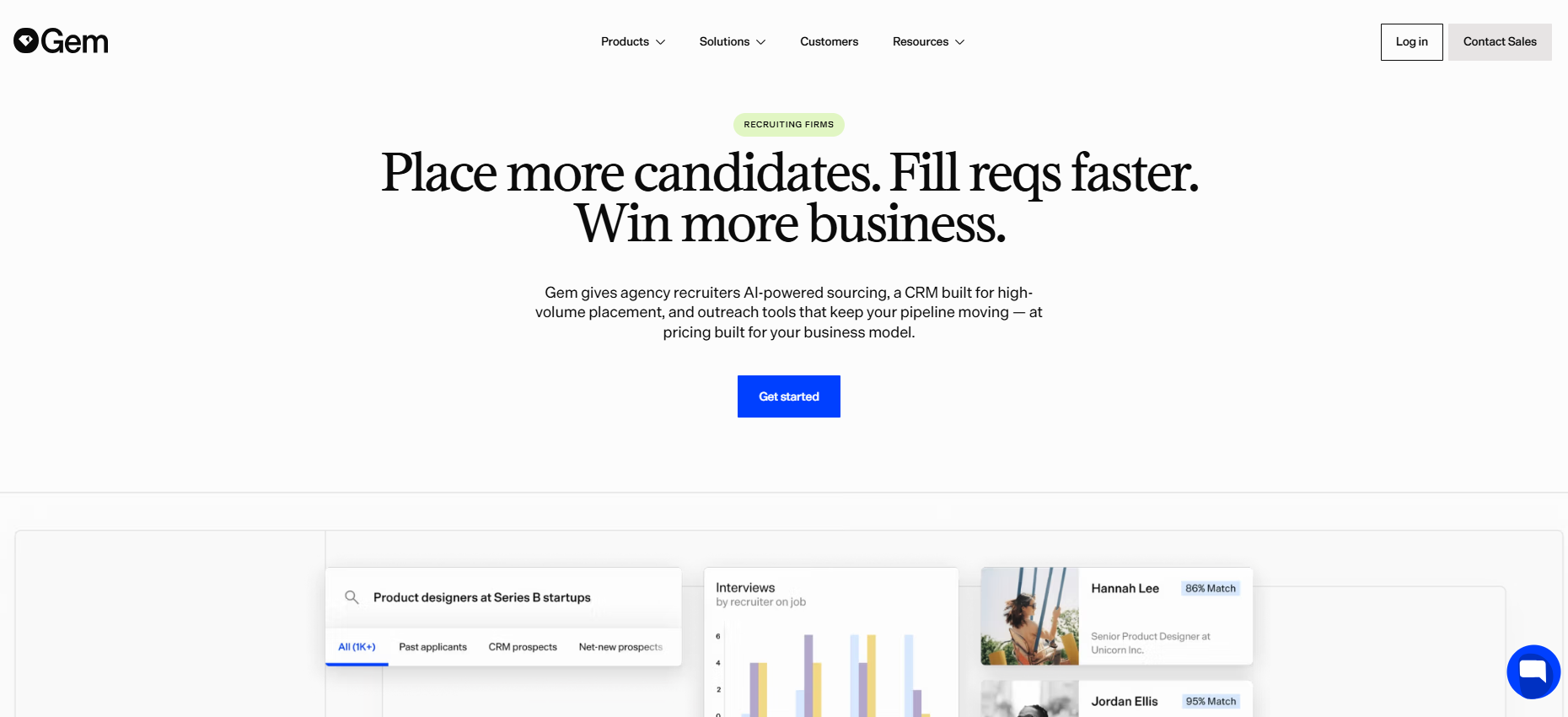
Candidate rediscovery lets you search past applicants, previous prospects, and other people already stored in the database when a new role opens. It also surfaces candidates who match an open position based on existing profile and recruiting data.
For longer-term follow-up, Gem provides Nurture Sequences that are separate from sourcing sequences tied to an active opening. You can schedule messages for a specific future date or set them to send after a defined period.
Sequences support multiple stages and personalized message templates using candidate data stored in Gem. Email and SMS can be scheduled within a sequence, while other activities such as LinkedIn outreach or phone calls can be added as prompted steps.
How to Choose the Right Temporary Recruitment Software
Choosing temporary recruitment software takes more than comparing feature lists. Here are the main factors to consider as you narrow down which option fits your agency.
Start With Your Staffing Model
The type of temporary work you manage shapes what you need from the software.
Placement volume, shift frequency, client requirements, and payroll processes affect which features require priority. Some tools may add cost without adding much value to your day-to-day workflow.
Your business goals also influence the choice. If you expect more clients, workers, or branches, the software needs to support that growth without adding unnecessary steps.
Identify the Features You Need
Temporary recruitment software offers many advantages. But only when its features match the work your recruiters handle each day.
Candidate management, scheduling, onboarding, compliance, timesheets, payroll, reporting, and communication are common areas to compare.
Features such as automation also reduce repetitive tasks like sending reminders, updating candidate statuses, or following up on missing documents. That can improve recruiter productivity without the extra work.
Candidate communication is another key factor to evaluate, especially when temporary roles require fast responses.
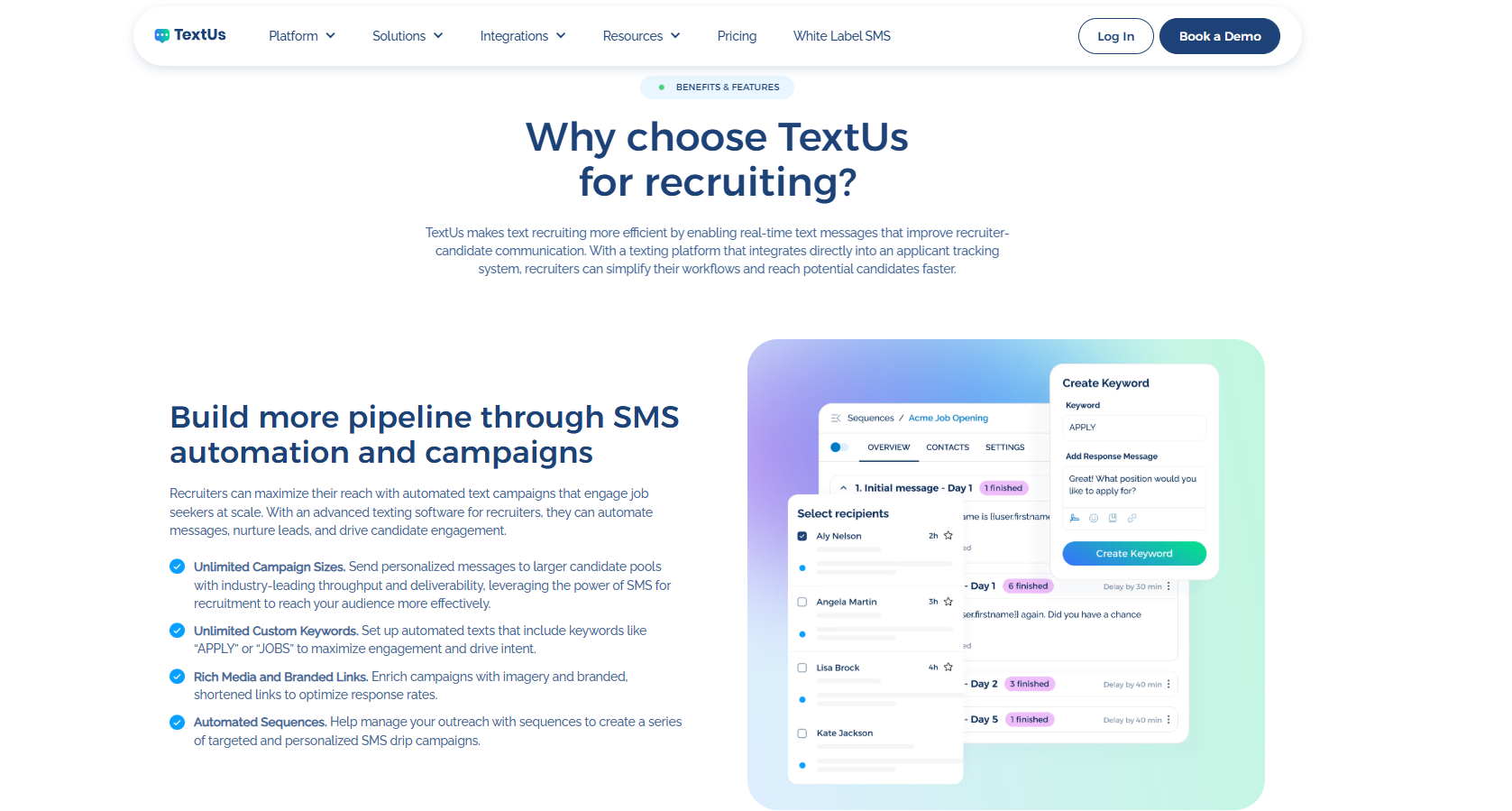
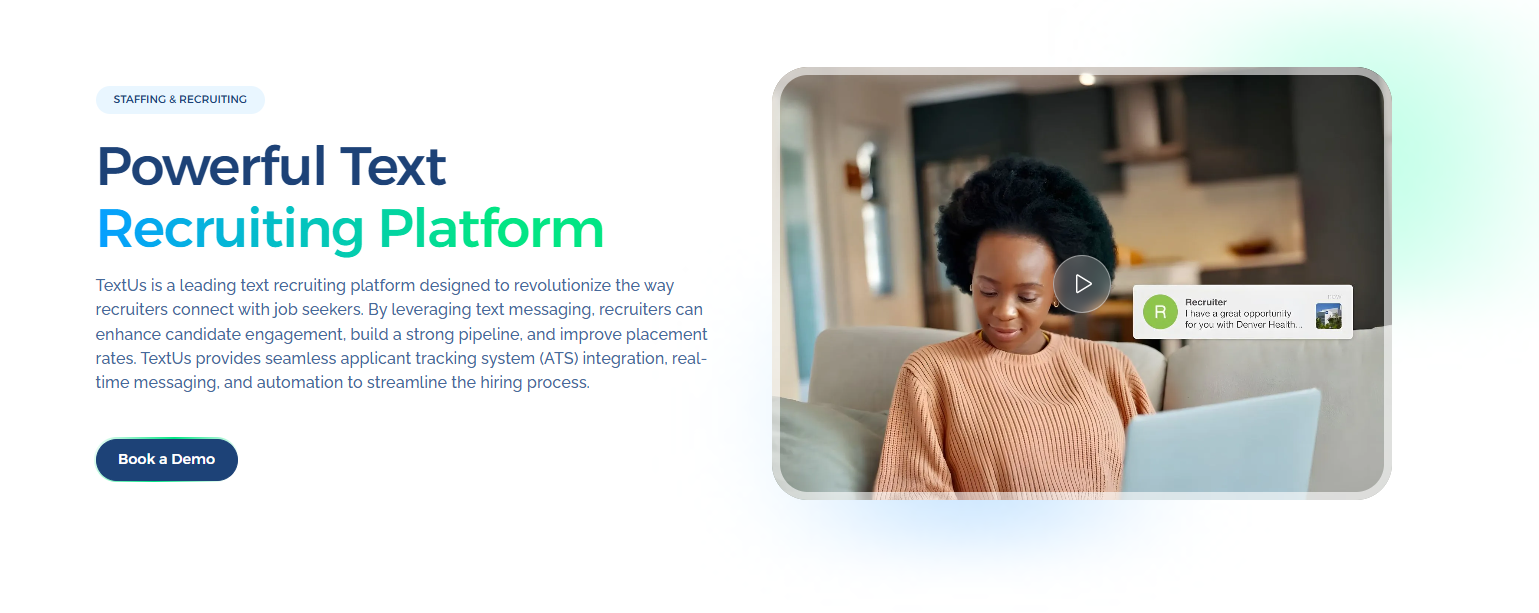
If your recruiting software doesn't offer the texting capabilities you need, TextUs adds conversational SMS, automated outreach, and campaign scheduling to your existing workflow.
This lets you keep your staffing system for recruitment and workforce management while using the SMS marketing platform for candidate and worker communication.
Book a demo with TextUs to see how business texting fits alongside your temporary recruitment software!
Test Real Temporary Staffing Scenarios
Generic walkthroughs may show features, but they don't always reveal how the software handles time-sensitive staffing changes.
Real-world examples could include an urgent shift, a worker cancellation, an expired credential, a replacement request, or a late timesheet. These scenarios show how many steps your recruiters need to complete and where delays may appear.
The same test also gives you a better sense of how different users will interact with the system.
Recruiters, managers, payroll staff, and temporary workers all rely on different parts of the software. Therefore, each workflow needs to be reviewed before you make a decision.
Consider the Recruiter and Worker Experience
The day-to-day experience matters for both recruiters and temporary workers.
Recruiters spend hours inside the software, while workers use it to update availability, accept shifts, upload documents, or submit time.
Simple navigation, mobile access, fast search, and fewer manual handoffs create a more seamless experience for everyone using the system.
Worker experience also affects the relationships you build over time. When job details and required actions are easy to access, temporary workers have fewer reasons to contact recruiters just to confirm basic information.
Compare the Total Cost
Software pricing goes beyond the monthly subscription. Implementation fees, data migration, training, integrations, support, messaging, payroll modules, and additional licenses all affect your overall budget.
The cheapest option may not cost the least once those expenses are included. A higher upfront investment could offer better value if the software replaces several tools or reduces work your recruiters handle by hand.
Cost also needs to match the outcomes you expect. If the software shortens placement time or reduces payroll corrections, those results give you a better way to judge whether the spend is justified.
Review Data Protection and Access Controls
Temporary recruitment software stores personal candidate details, employment records, payroll information, and client data.
That makes data protection an important part of the software evaluation, especially when several employees need access to different records.
Role-based permissions, multi-factor authentication, audit logs, encryption, and session controls can help keep sensitive information secure.
Access levels should match each employee’s responsibilities so recruiters, managers, and payroll staff only see the information they need.
Data storage locations, retention practices, backup procedures, incident response plans, and compliance certifications also show how the provider handles information once it enters the system.
Add SMS to Your Temporary Hiring Process With TextUs
A placement isn't the end of temporary recruitment. You still need to confirm shifts, send schedule changes, follow up on documents, and reach previous candidates when new assignments open.
Instead of keeping text messages in a separate inbox, TextUs ties candidate communication back to the systems where you manage recruitment records.
If you're already a Bullhorn customer, TextUs powers Bullhorn Messaging inside the ATS. It lets you send two-way texts, launch bulk campaigns, and log conversations to candidate, contact, and lead records.
JobDiva users can even text candidates through the TextUs web app, Chrome extension, or mobile app, then log those conversations back to candidate records.
As you add more recruiters, shared message history becomes more important. You can see previous texts before you follow up, which reduces duplicate outreach and keeps candidate context available.
Fast responses are a competitive advantage when several agencies are trying to reach the same temporary workers. TextUs handles the texting side while your staffing software continues to manage candidates, assignments, schedules, and workforce records.
Book a demo with TextUs today to see how you can connect candidate texting with your staffing system!
FAQs About Temporary Recruitment Software
What are the top five ATS systems?
Five established ATS options are Bullhorn, Greenhouse, Access Vincere EVO, iCIMS, and Workable. Bullhorn focuses on staffing agencies, while the others serve hiring teams at many types of companies and organizations.
For temporary recruitment, the right choice depends on scheduling, placements, worker management, payroll, and client requirements.
What is an ATS vs CRM?
An ATS manages applicants as they move through jobs, interviews, offers, and placements. A CRM focuses on long-term candidate and client relationships, including people who may not have applied yet.
Some recruitment automation software includes both systems to streamline sourcing, placement activity, and follow-up within the same database.
What software is commonly used for recruiting?
You can use ATS platforms, recruitment CRMs, sourcing tools, interview scheduling software, job boards, text automation software, and analytics tools.
If you want faster communication with candidates, TextUs adds business SMS to your recruiting workflow. You can use it to handle candidate replies and send time-sensitive updates.
What is the best recruitment software for small businesses?
The best option depends on how often you hire, how many roles you manage, and which parts of recruitment you want the software to handle.
You can look at tools such as JazzHR, Workable, and Breezy HR for applicant tracking, job posting, candidate management, interviews, and hiring workflows.
Continue Reading


Frequently Asked Questions
Business Texting
Built for Results
Create and convert pipeline at scale through industry leading SMS software