
ClickSend vs TextMagic: Which Is Better for SMS Marketing?
Read our ClickSend vs TextMagic review and find out how the two platforms compare. Discover what makes TextUs the superior alternative to both.

Written by
Adam Hamdan
Published
July 24, 2026
ClickSend and TextMagic have become familiar names for sending SMS campaigns. These two platforms share SMS capabilities, including bulk messaging, scheduled texts, and API access.
But the differences start to show in campaign tools, inbox setup, message controls, and the overall cost of scaling outreach.
In this guide, we will compare ClickSend vs TextMagic and go through their main SMS features and pricing. You will see where each platform stands and which alternative offers more control over campaigns.
TL;DR
- ClickSend combines SMS with email, voice, fax, and postal services, while TextMagic leans toward SMS, email, mobile messaging, and a multichannel inbox.
- The best platform depends on how it can handle bulk campaigns, two-way texting, scheduling, automated sequences, contact segmentation, personalization, keywords, templates, shared inboxes, MMS, delivery tracking, opt-outs, APIs, webhooks, and CRM integrations.
- TextUs is a stronger alternative, offering two-way business texting, mass SMS and MMS campaigns, shared inboxes, automated workflows, deliverability and compliance controls, real-time analytics, and native CRM integrations.
What Is ClickSend?
ClickSend is a cloud-based communications platform that supports bulk SMS and MMS campaigns, emails, voice calls, and online posts through its web dashboard.
The platform offers two-way texting, which allows recipients to reply to messages sent from compatible business numbers.
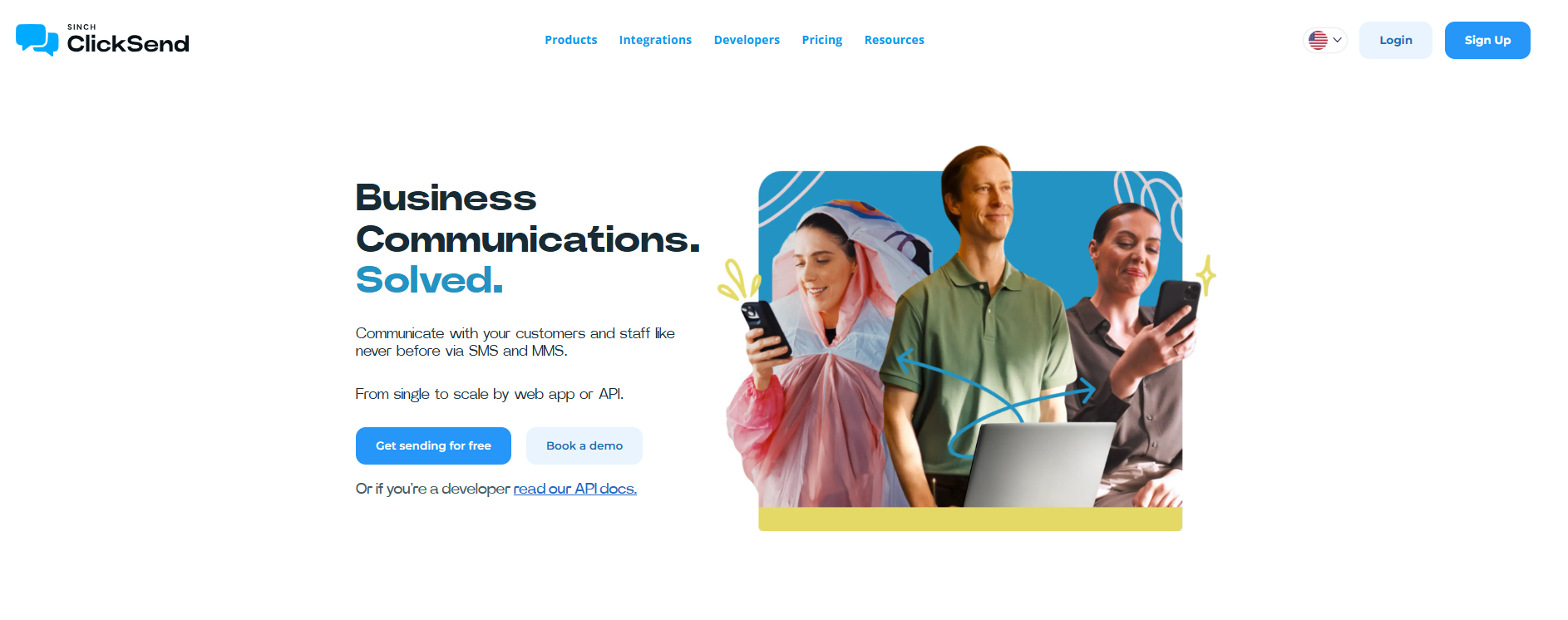
Its Email-to-SMS feature works with common email campaign providers and supports both manual messages and automated alerts.
It also provides an SMS gateway API for transactional messages, notifications, and other automated workflows.
What Is TextMagic?
TextMagic is a business messaging platform that lets you send SMS campaigns, segment contacts, schedule messages, and track delivery.
The platform also supports two-way messaging through virtual business numbers, depending on the country and account setup.
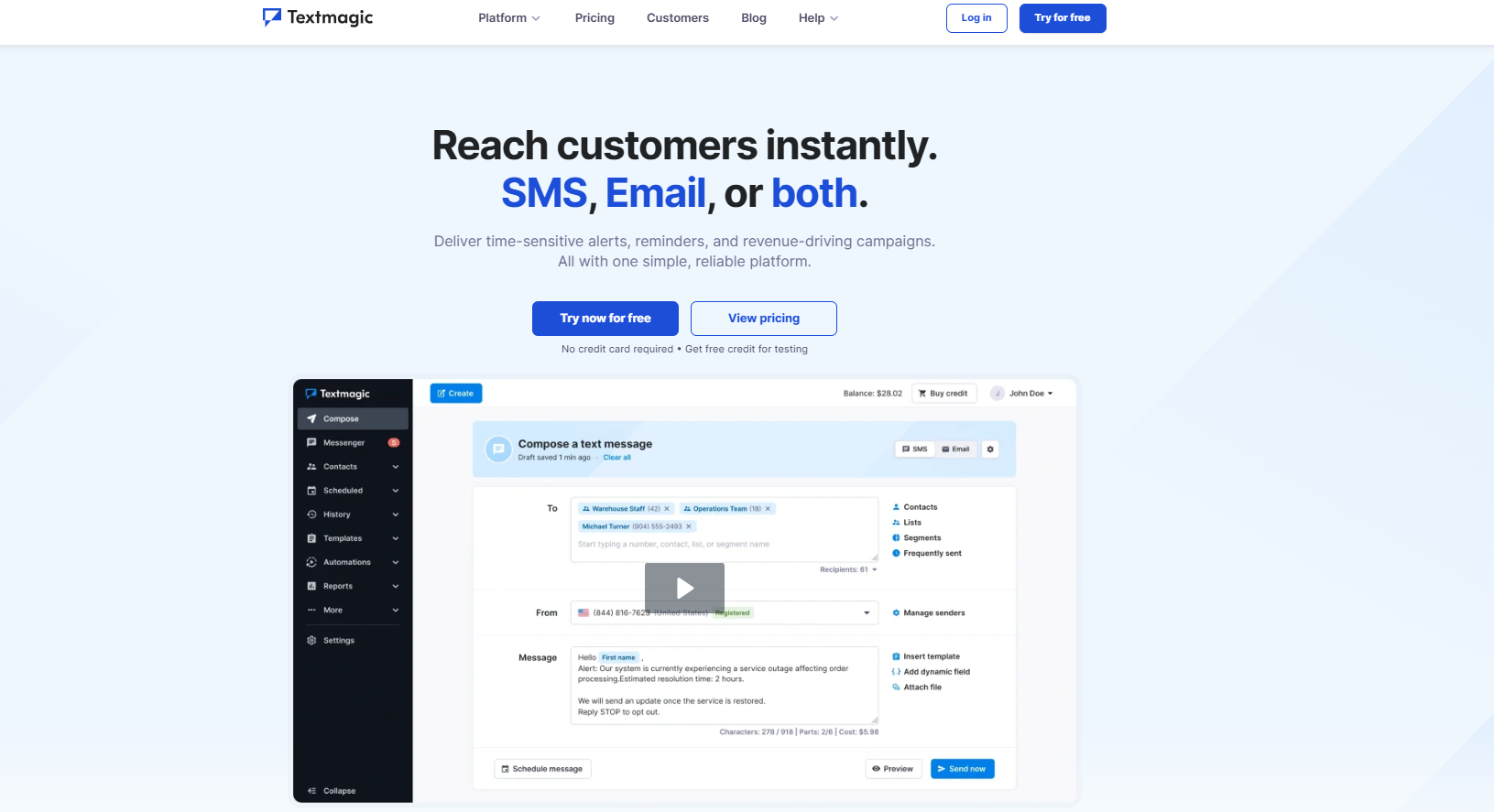
TextMagic includes a REST API, Email-to-SMS, webhooks, and integrations for sending messages from other business systems. Mobile apps for iOS and Android also provide access to contacts, campaigns, and conversations.
What Is TextUs?
TextUs is a business texting platform for sending personalized SMS and MMS campaigns while keeping replies connected to individual contact records.
It lets you segment audiences, schedule messages, add merge fields, test message variations, shorten links, and track campaign results.
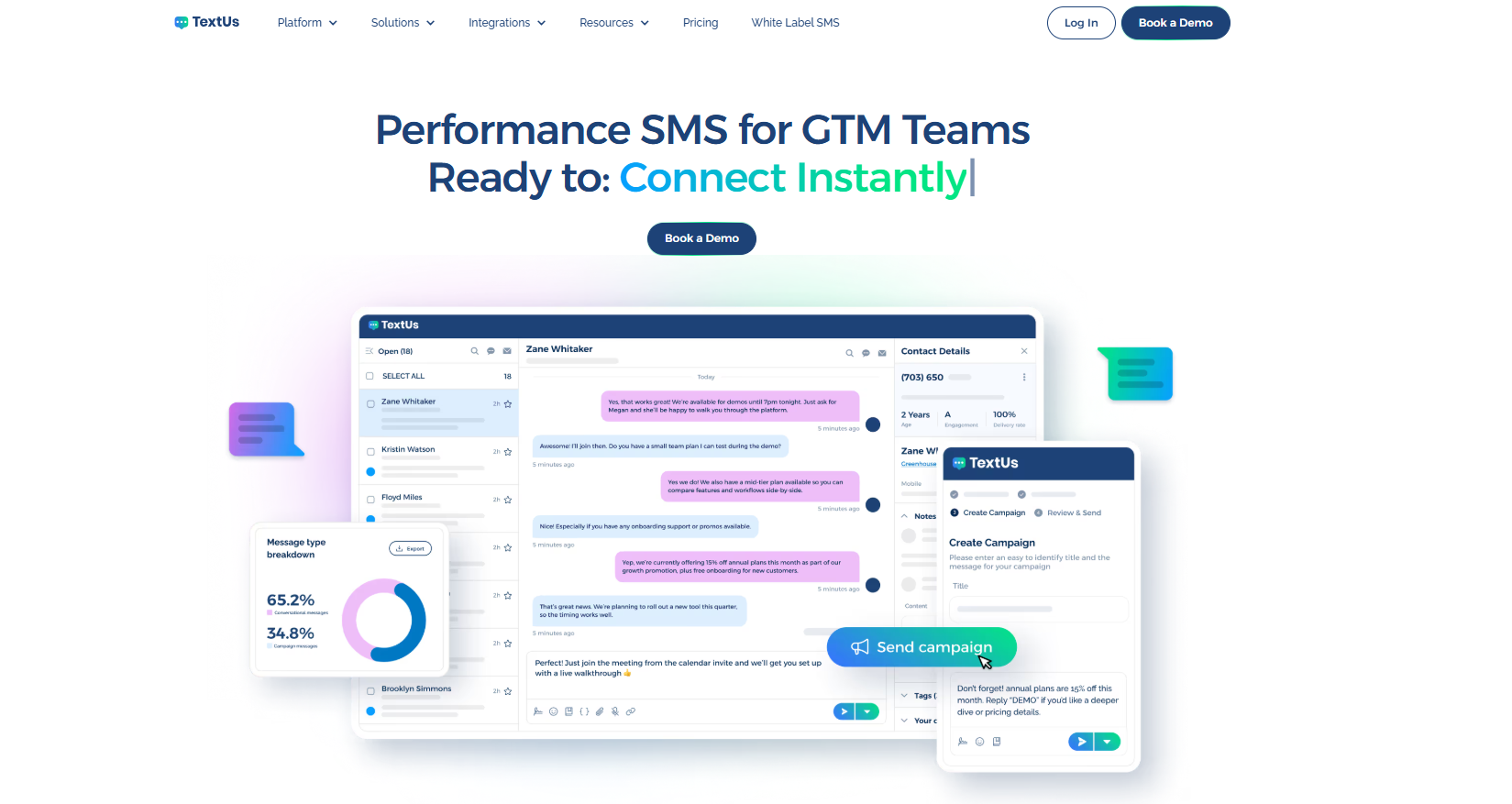
Its shared inbox turns mass texting into two-way conversations instead of leaving replies scattered on separate phones or systems.
Smart Delivery checks each message before it goes out, rewrites weak spots, and flags wording that may trigger spam filters. You get cleaner copy, fewer delivery issues, and more confidence before every send.
Automation also takes over the follow-up from there. You can send based on timing, replies, or contact activity, so you don't have to chase every conversation by hand.
TextUs also supports 10DLC registration, toll-free number requests and verification, and short code registration for eligible accounts. This gives you several sender options for local conversations, national outreach, or higher-volume campaigns.
Book a demo with TextUs to see how it helps you reach more people, keep conversations moving, and spend less time fixing message problems!
Feature Comparison: ClickSend vs TextMagic vs TextUs
SMS marketing stands out for its high open rates, broad global reach, and direct access to people who may not answer emails or return missed calls.
The platform behind each SMS campaign has a major impact on delivery, replies, and follow-up.
These texting software cover many of the same business SMS needs, yet their features support different types of workflows. Here are the key features to compare before you choose a platform.
Bulk SMS Campaigns
ClickSend handles bulk sends through uploaded contact lists, scheduling, personalization fields, link tracking, and campaign reports. Its current campaign limit reaches up to 20,000 recipients per send.
TextMagic follows a familiar list-based setup with contact imports, custom fields, templates, scheduled delivery, and message status tracking. The platform covers the main tools small businesses need for standard SMS broadcasts.
TextUs adds recurring SMS marketing campaigns, audience retargeting, branded short links, and A/B tests with up to three message versions.
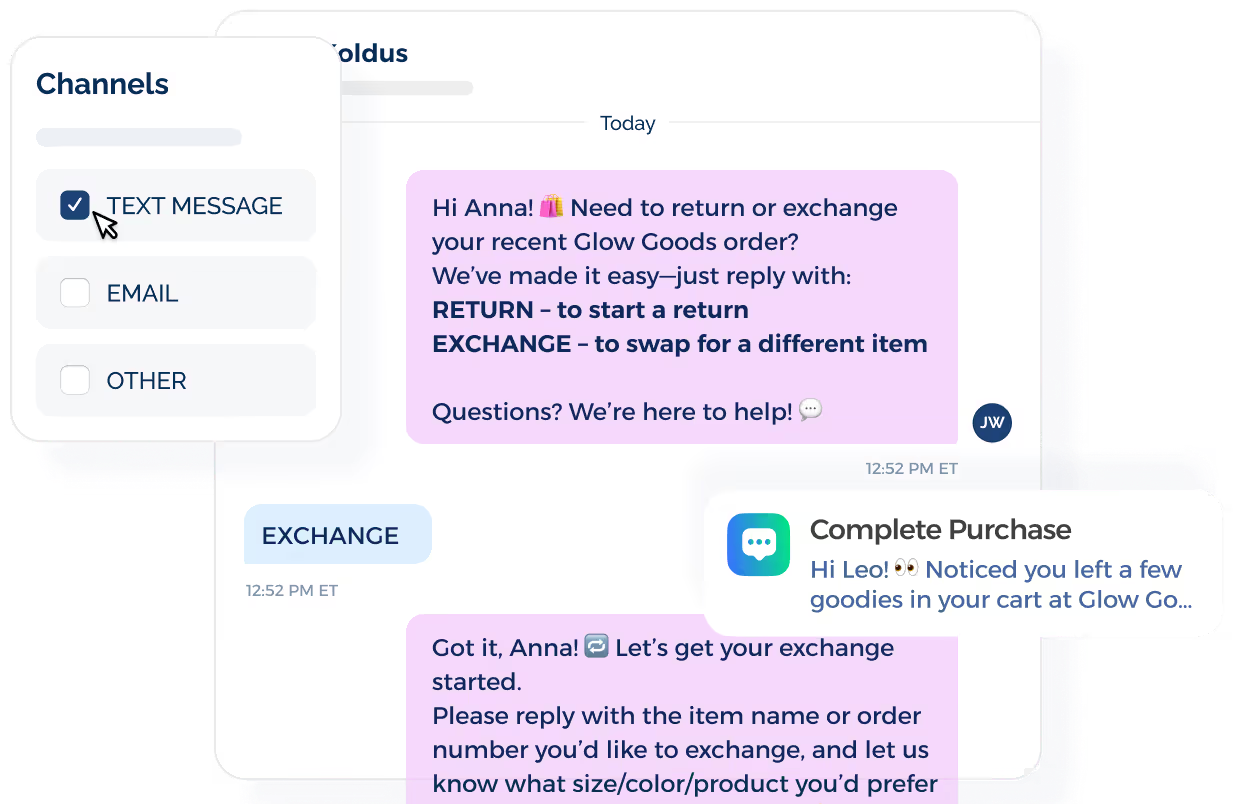
This bulk SMS software also lets you build new audiences from past campaign activity, tags, or keyword subscribers instead of creating every list from scratch.
Two-Way Texting
ClickSend Messenger stores sent and received texts inside the dashboard. Teams may open a conversation, review the thread, and respond from the account.
TextMagic places two-way SMS chats inside one inbox that may also include email, live chat, WhatsApp, Facebook Messenger, and Instagram. This structure brings several customer communication channels into one workspace.
TextUs keeps each conversational text thread tied to the contact record and assigned employee. Notes, transfers, reply alerts, and full conversation history make it easier for teams to manage follow-ups.
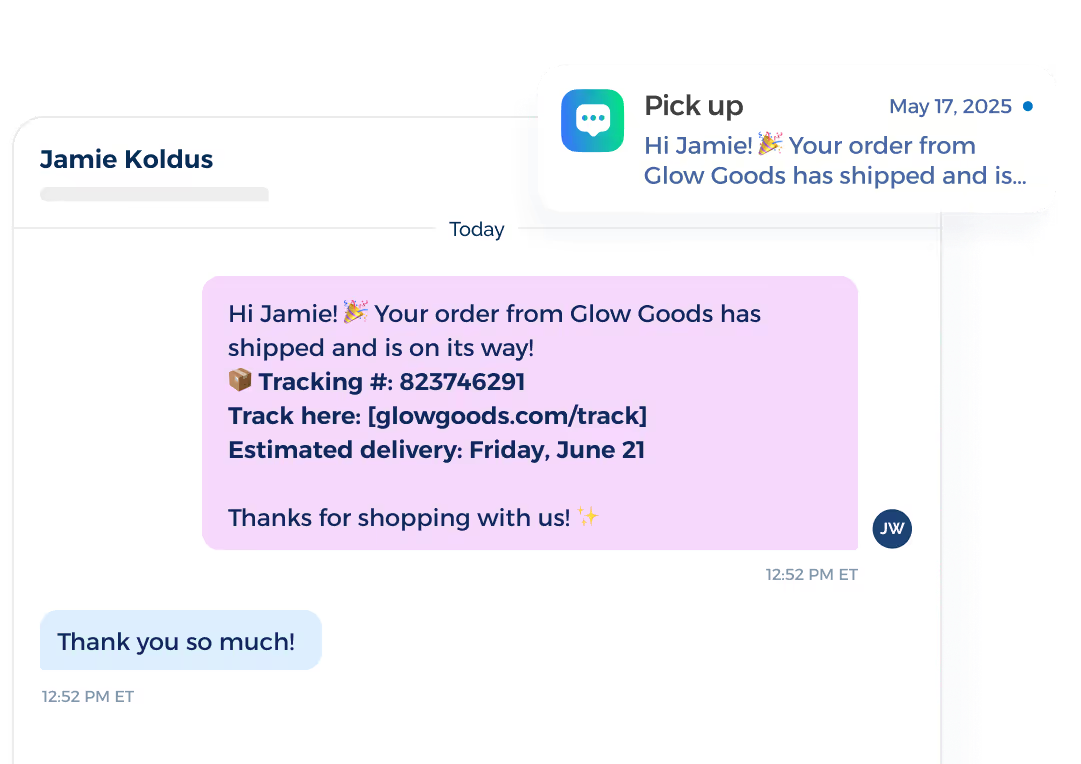
AI engagement scoring reviews the full exchange and labels each active conversation as Cold, Warm, or Hot. These labels point teams toward clients who show stronger interest or intent.
SMS Scheduling
ClickSend includes future delivery for individual texts and bulk campaigns. Users choose a date and time before adding the message to the send queue.
TextMagic offers one-time and recurring text scheduling through its web platform, mobile apps, and API. This works for repeated reminders, alerts, and ongoing campaigns.
TextUs brings campaign scheduling into inbox messages, campaigns, and follow-up workflows.
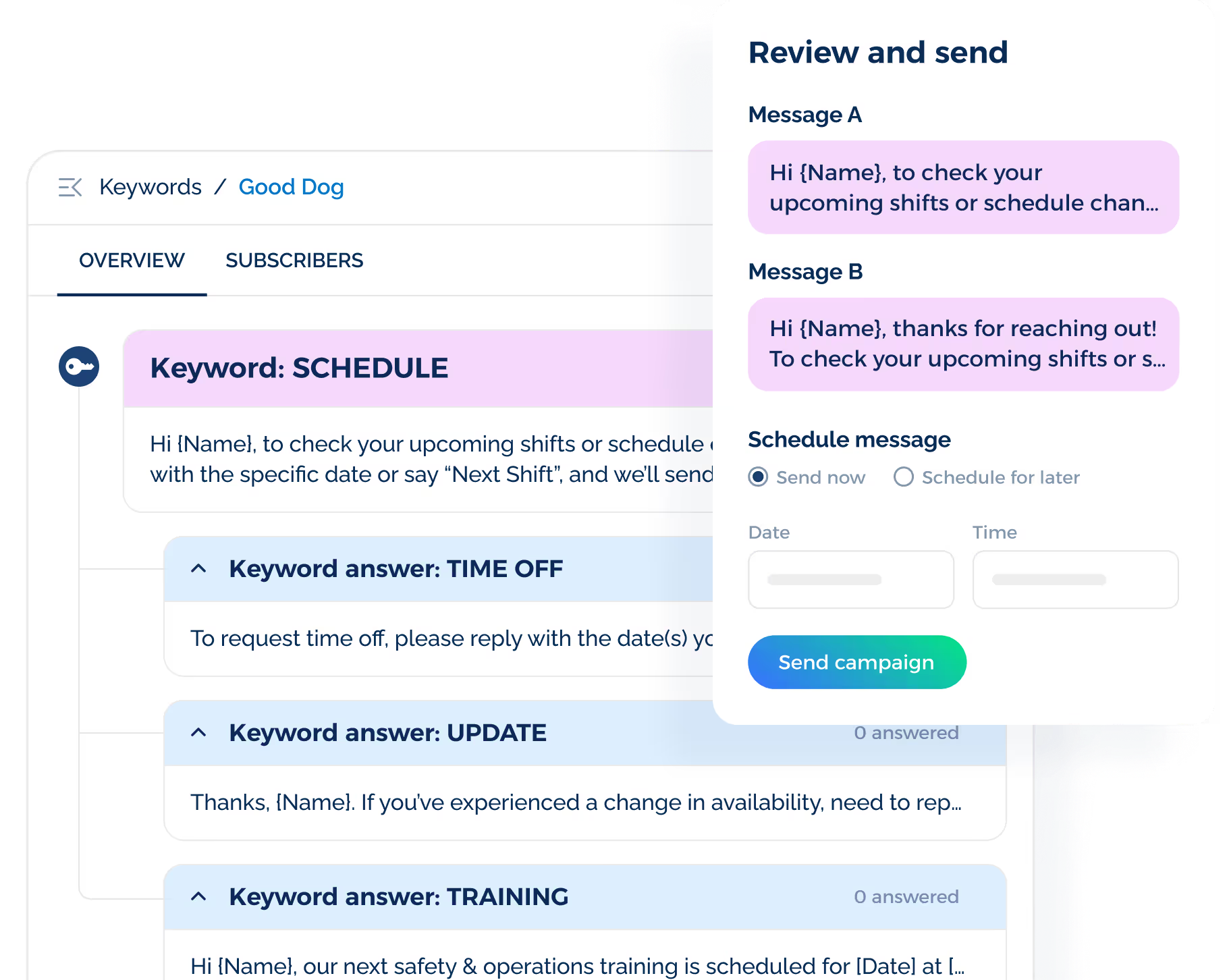
Recurring sends may repeat daily, weekly, biweekly, monthly, or yearly, while scheduled one-to-one texts remain visible to the wider team.
Automated Text Sequences
ClickSend automation centers on inbound rules, APIs, and external integrations. An incoming text may trigger a reply, update a contact list, or pass information to another system.
TextMagic includes an automation builder with triggers, delays, conditional paths, contact updates, and percentage splits. A workflow may begin after a list addition, a tag change, an inbound message, or a manual enrollment.
TextUs Sequences arrange a series of one-to-one messages from selected time intervals. Each step may continue after a reply or stop the remaining outreach, depending on the goal of the workflow.
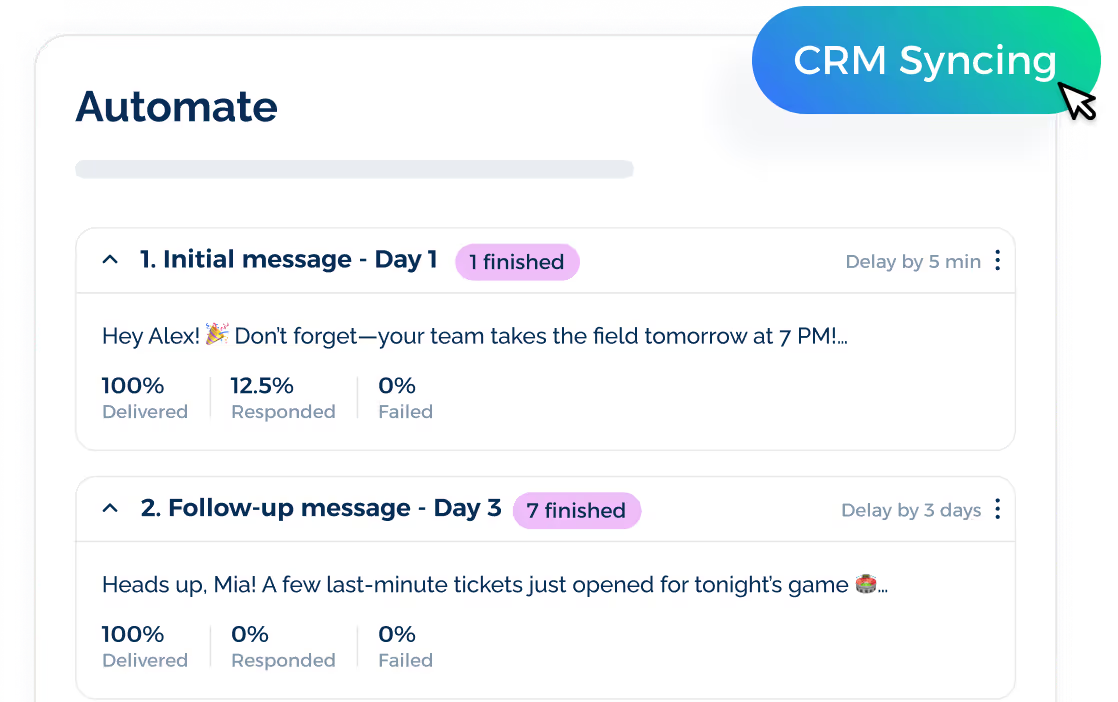
Automated responses suit recruiting outreach, sales follow-ups, appointment reminders, and other conversations that need more than one scheduled message.
Contact Segmentation
ClickSend organizes recipients through contact lists and stored custom fields. More detailed targeting often requires separate lists or data passed through another system.
TextMagic uses lists, tags, and custom fields for audience selection. Its automation filters may also sort contacts by country, date, field value, keyword, or message content.
TextUs supports SMS segmentation from groups, tags, uploaded files, campaign history, and keyword subscribers.
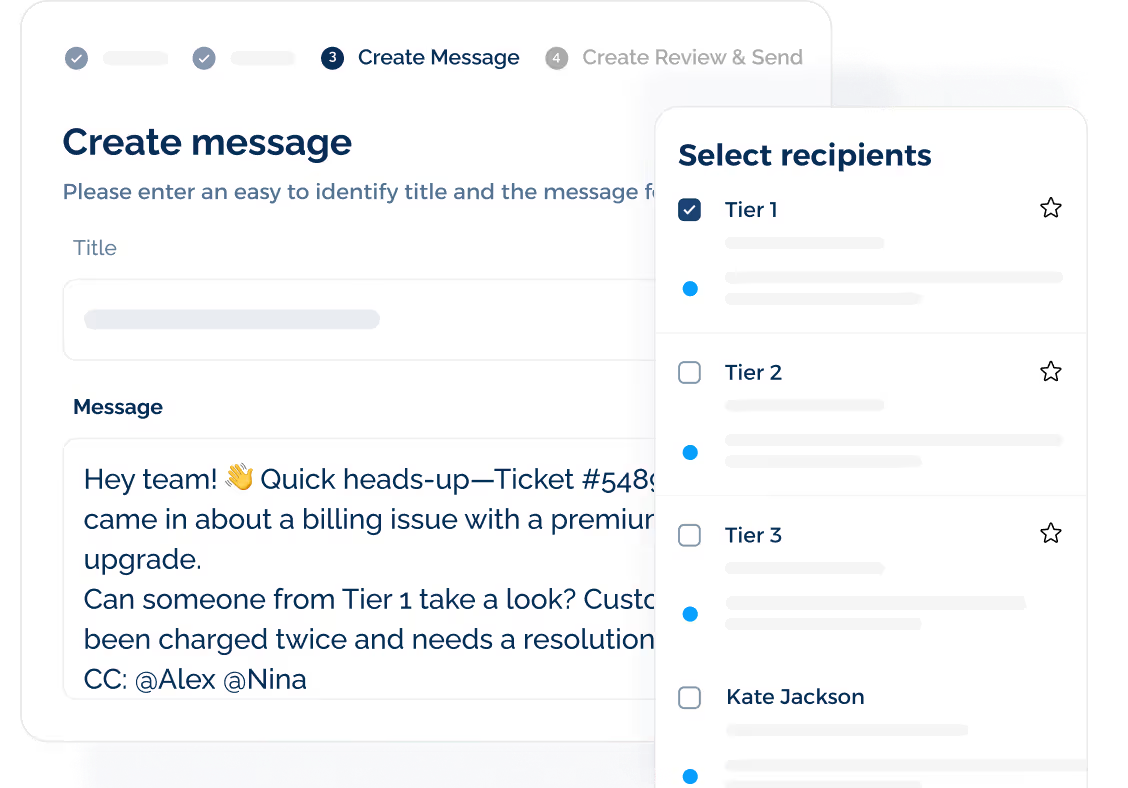
You may also exclude contacts who received another message within a selected time frame, which reduces repeated outreach.
SMS Personalization
ClickSend placeholders pull names, order details, invoice information, and other stored data into campaign messages. The same fields also work inside saved templates.
TextMagic uses mail merge tags and custom contact fields for details such as role, location, appointment date, or account information. It allows you to create additional fields based on the records you already store.
TextUs adds recipient and sender variables for campaigns, templates, sequences, and one-to-one texts. A message may include details about the contact, as well as the employee responsible for the conversation.
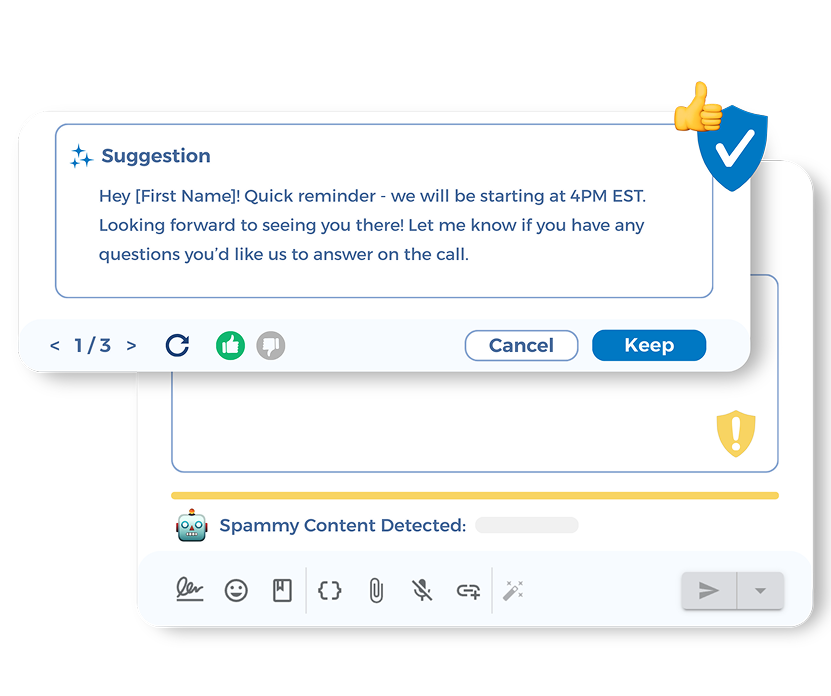
Smart AI Rewrite creates revised versions when a message contains wording that may lower quality or affect delivery. The suggested copy keeps links, personalization fields, and other message details in place.
Custom Keywords and Auto-Replies
ClickSend uses inbound rules to respond when a contact texts a selected word. That response may send a preset message, move the contact to another list, forward the text, or pass the data to a URL.
TextMagic treats keywords as opt-in points and automation triggers. A reply may start a workflow, update a contact record, or send a prepared response.
TextUs includes unlimited SMS keywords with automatic replies. Messages may contain links, media, templates, signatures, and personalized fields, while each contact enters a subscriber group for future outreach.
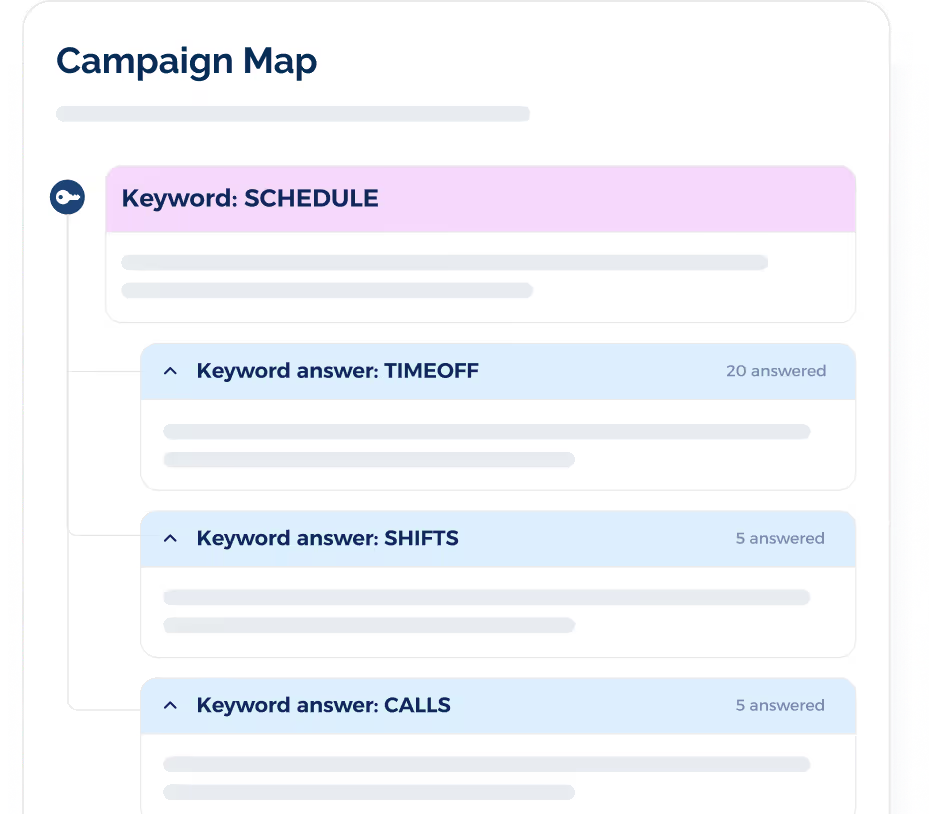
Keyword Answers create an extra layer after the first response. A secondary word may trigger a more specific message, which forms a simple multi-step text path.
Message Templates
ClickSend stores reusable SMS copy for quick messages, campaigns, and Messenger conversations. Placeholders add contact details where needed.
TextMagic also includes saved templates with dynamic fields. You can create and insert them through the web platform or mobile apps with a few clicks.
TextUs separates personal templates from shared organization-wide messages. Admins may publish approved copy, while individual users keep their own saved replies.
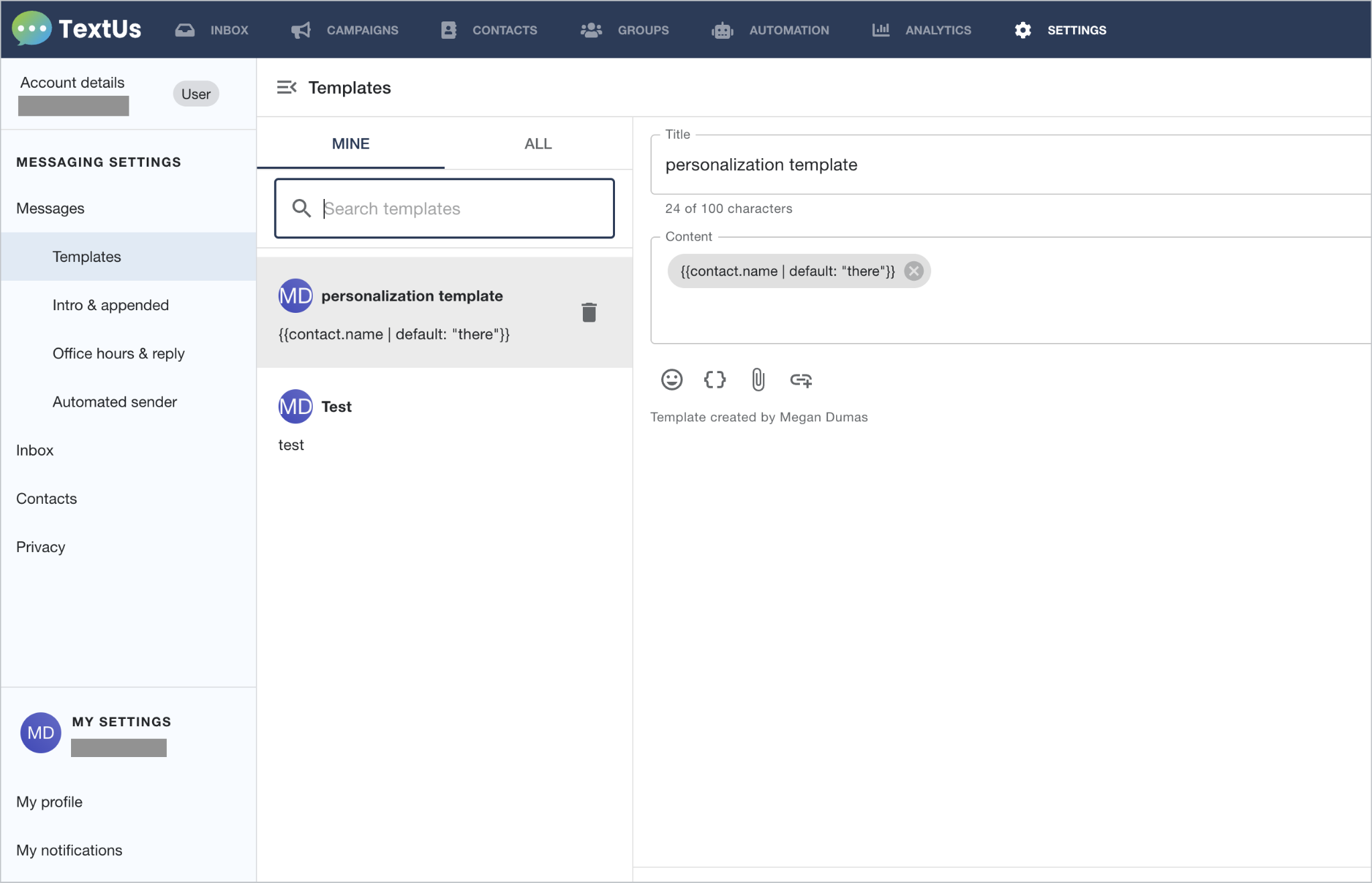
Attachments, shortened links, SMS sender ID details, contact variables, emojis, and signatures may all sit inside the same template. This makes the saved copy usable for inbox replies, campaigns, and automated outreach.
Shared Team Inbox
Inbound and outbound texts appear together in ClickSend Messenger, with subaccounts used to divide users, permissions, records, lists, and account activity.
TextMagic features a multichannel inbox with assignments, notes, permissions, and shared contact access. SMS conversations appear beside its other supported communication channels.
The TextUs inbox centers on team-based SMS work. You can assign contacts, add internal notes, transfer conversations, search message history, export threads, and receive alerts when someone responds.
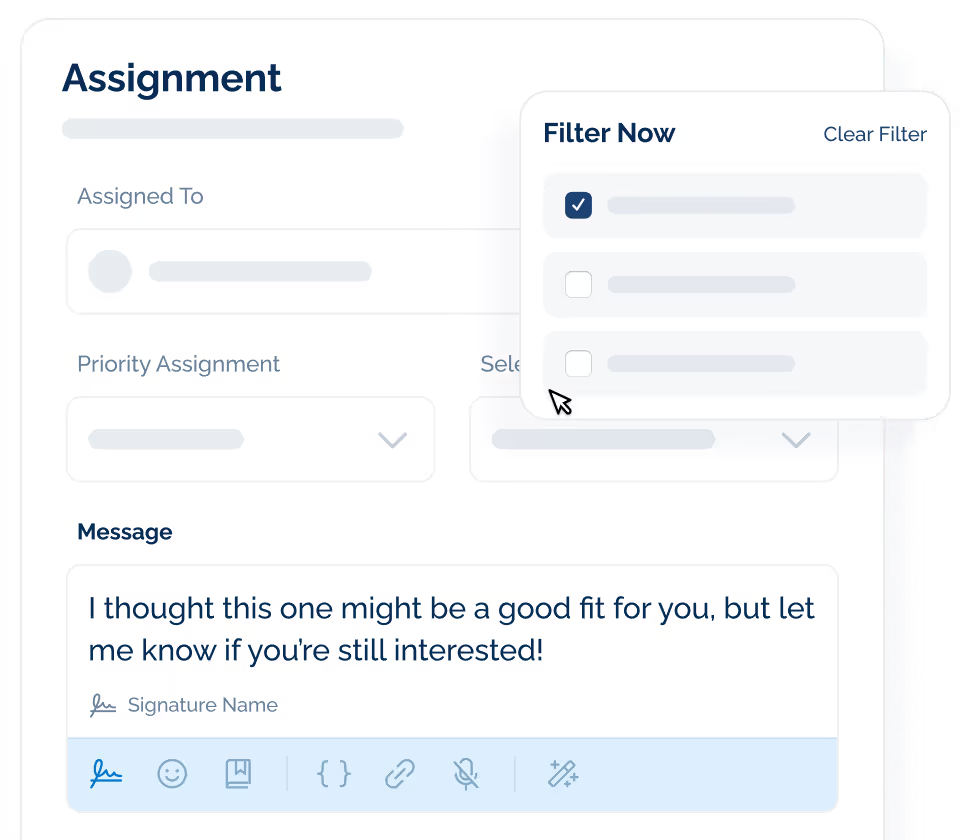
Conversation records also sync with connected CRM and applicant tracking systems. Teams may review the same exchange from the software where they manage candidates, customers, or leads.
MMS Support
ClickSend offers native MMS through its dashboard, campaign tools, integrations, and API in supported markets. File rules, pricing, and delivery depend on the destination and carrier.
TextMagic supports multimedia messages with a standard attachment option. It lets you upload a file and place a download link inside the text instead of sending it as native media.
TextUs accepts inbound and outbound MMS in one-to-one conversations, including JPG, PNG, GIF, PDF, RTF, ICS, and VCF files within its published size limit.
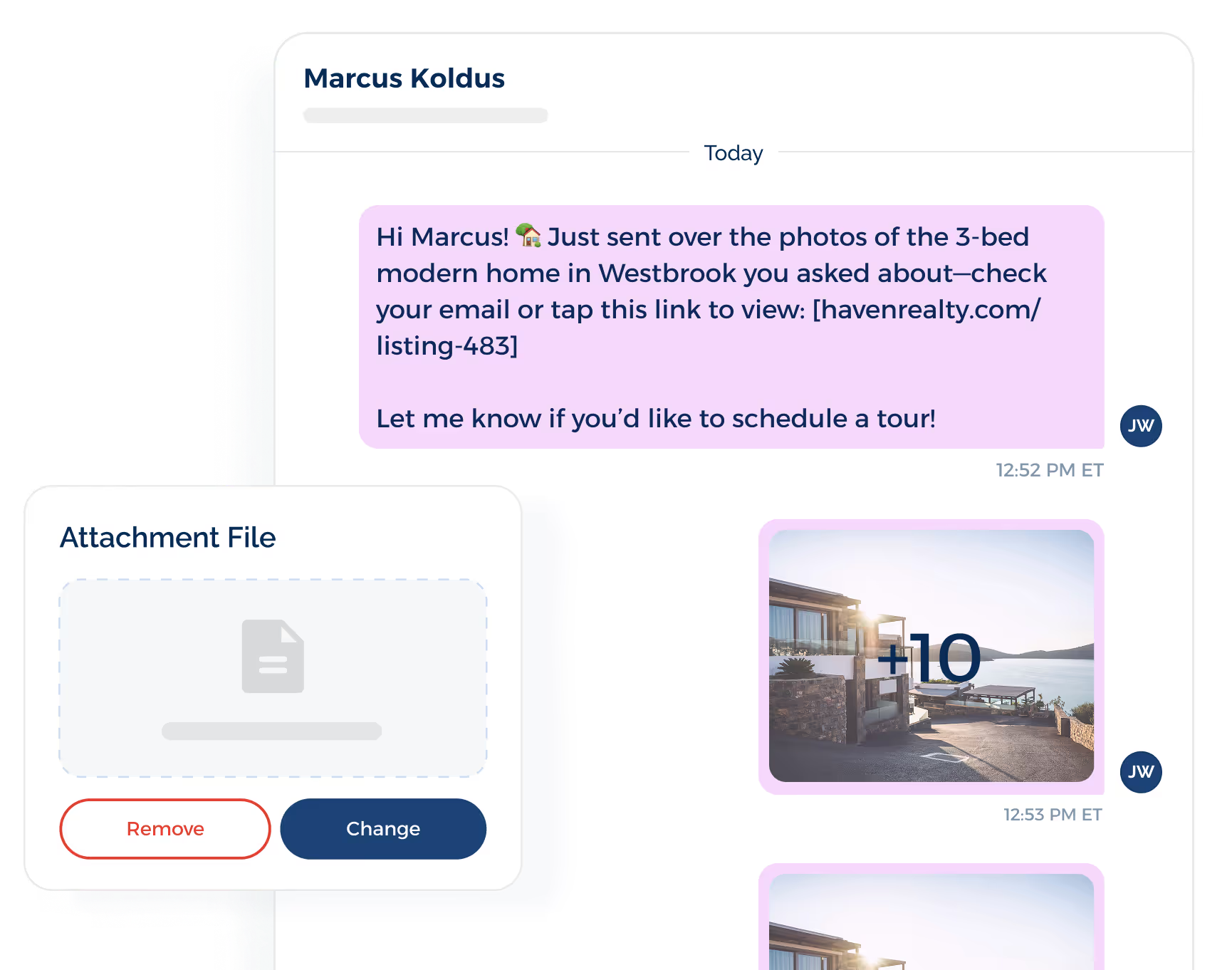
Campaigns Pro adds rich media to larger sends. Teams may attach images, flyers, documents, or calendar files to a bulk campaign instead of relying on a separate link.
Delivery Reports and Message Tracking
ClickSend reports delivery status, campaign performance, and tracked-link activity. API users may collect message receipts through webhooks or retrieve them from the platform.
TextMagic records message status via its dashboard, mobile apps, and API. Incoming replies and team activity also appear inside its conversation tools.
TextUs reporting covers recipient counts, delivery rates, failures, response rates, and shortened-link clicks. Automated workflows also include step-level results, so teams can see where contacts respond or drop out.
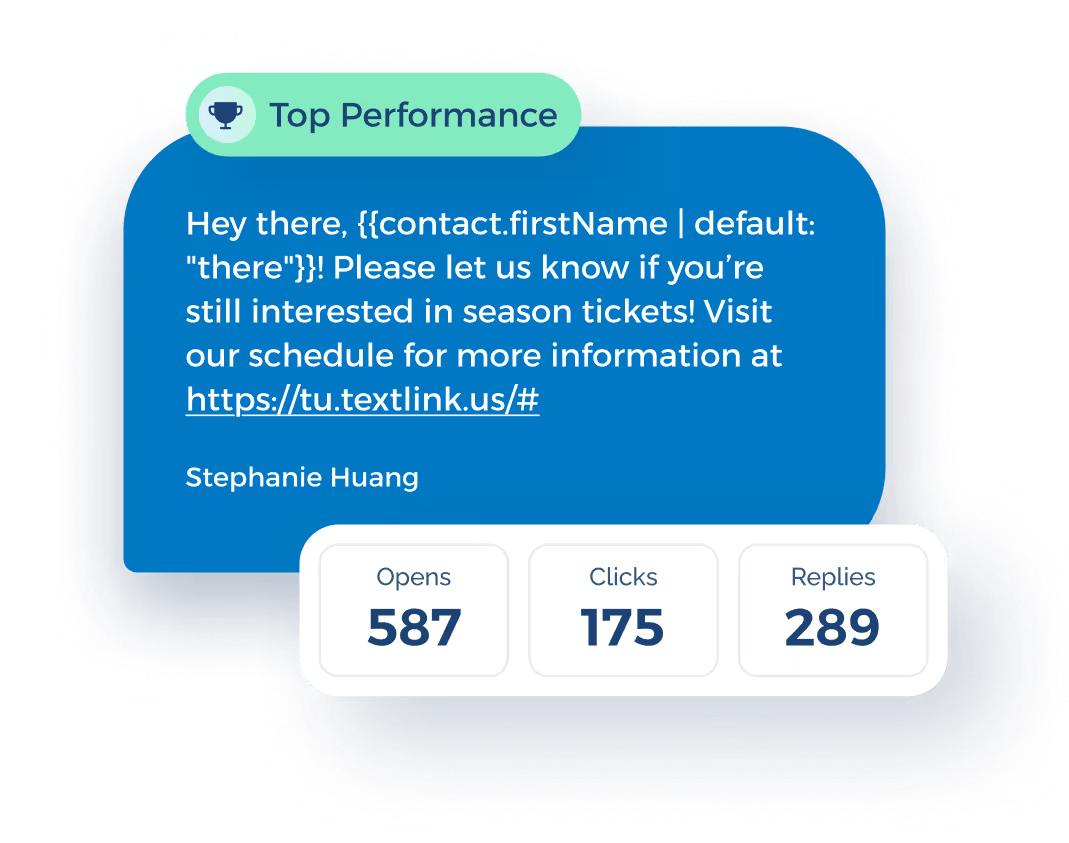
Smart Delivery checks the message before those results come in. Its Message Quality Indicator flags risky wording, symbols, formatting, spam signals, and restricted content before the text goes out.
Opt-Out Management
ClickSend moves unsubscribed contacts into an opt-out list and blocks messages when those contacts remain inside the platform. The process depends on supported unsubscribe terms and account setup.
TextMagic blocks contacts who reply with terms such as STOP, END, QUIT, UNSUBSCRIBE, or STOPALL. Keyword-based signups and website forms cover the opt-in side of the process.
TextUs stops future messages after a contact opts out and restores access only after an accepted opt-in response. Admins may also set organization-wide thresholds that send alerts or pause messaging when unsubscribe rates climb.
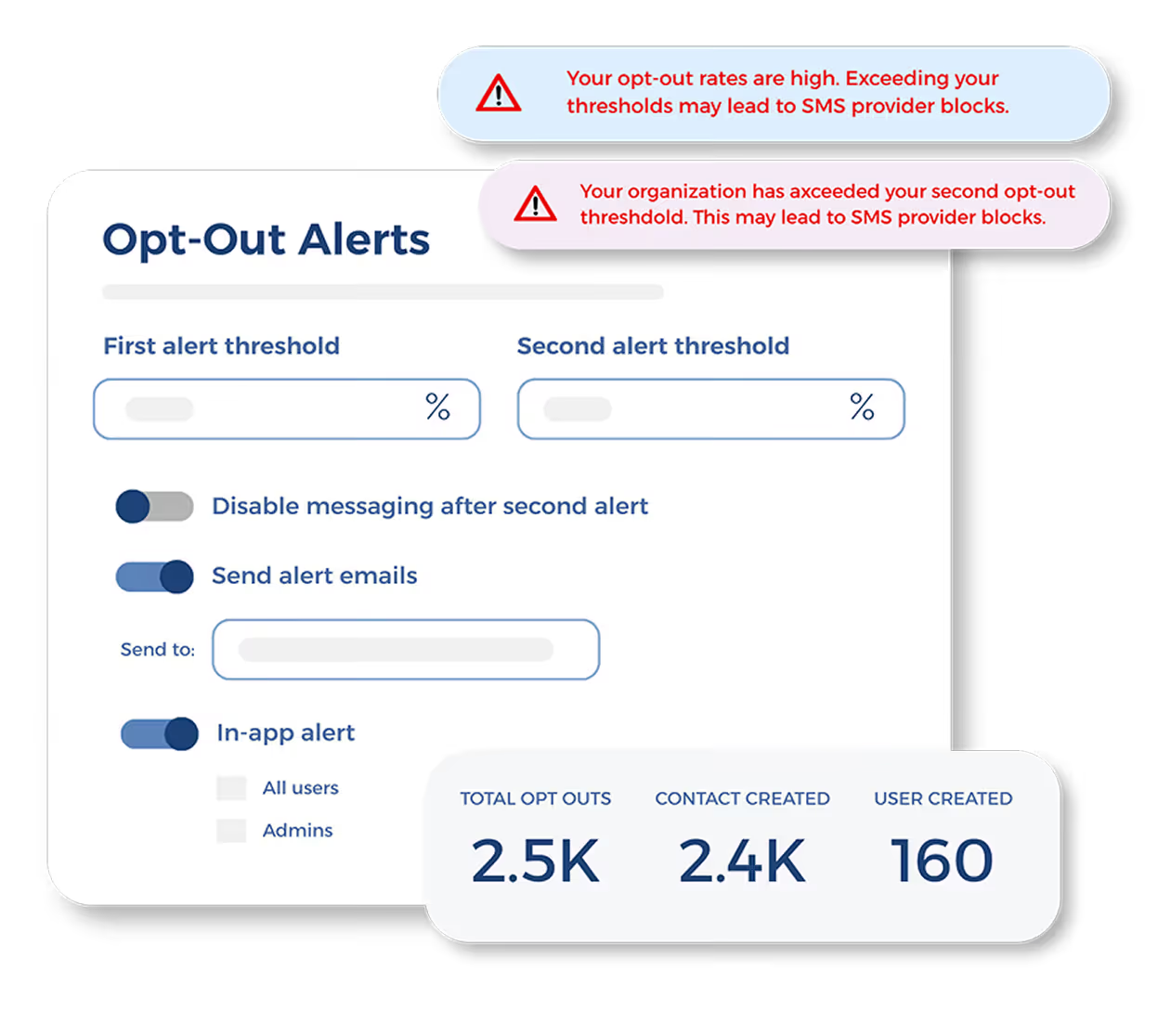
Custom identification and SMS opt-out settings control how often those notices appear. This prevents every message from carrying the same footer while keeping required language in the workflow.
SMS API Access and Webhooks
ClickSend offers APIs for SMS, MMS, email, voice, fax, and postal communication. Its SMS endpoints cover outbound texts, inbound messages, delivery receipts, status changes, and contact actions.
TextMagic provides a REST API for sending and receiving messages, managing contacts, checking delivery results, and accessing account data. Its Zapier integration and Email-to-SMS offer less technical connection options.
The TextUs Next API covers campaigns, recipients, groups, conversations, assignments, messages, deliveries, opt-outs, integrations, and saved replies. Webhooks pass those events to outside systems as they occur.
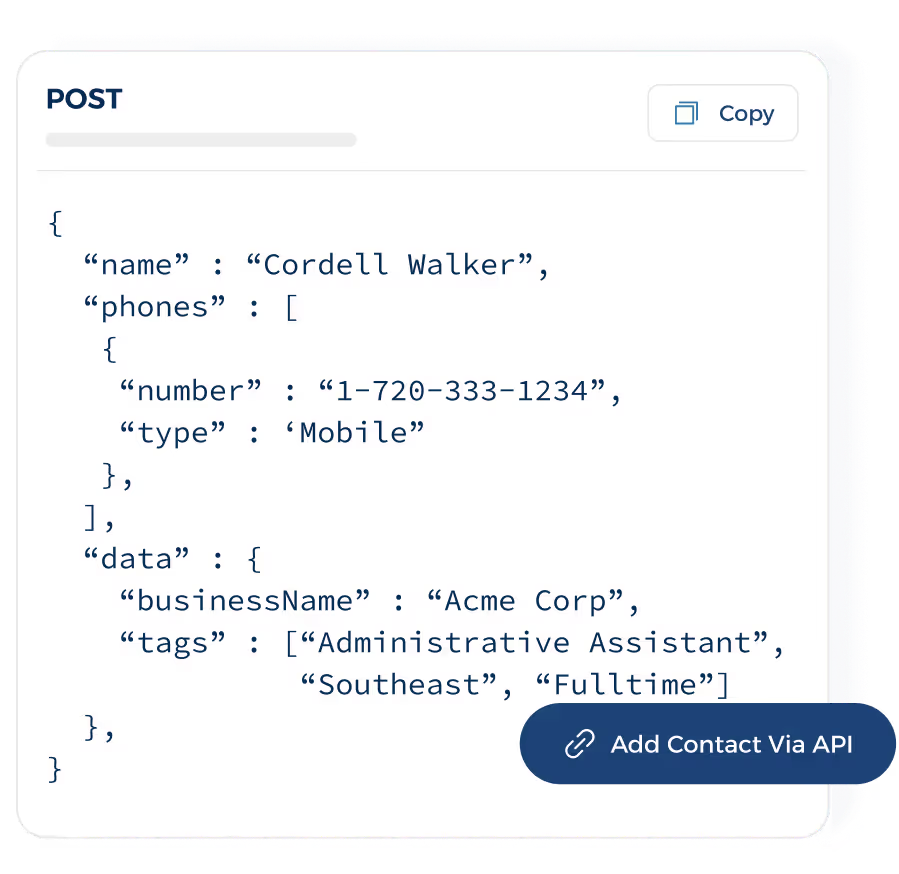
This setup connects custom integrations with the same contact, inbox, and campaign activity already stored inside the platform.
CRM and Business Integrations
ClickSend reaches business software through native apps, Zapier, Make, Microsoft Power Automate, and other connector services. Salesforce has a direct app, while some other tools require a third-party connection.
TextMagic connects with multiple platforms such as Shopify, Google Calendar, and Google Sheets. Direct ecommerce connections are also available for Shopify and WooCommerce.
TextUs offers native connections for:
- Salesforce
- HubSpot
- Microsoft Dynamics 365
- Bullhorn
- Greenhouse
- Workday
- SAP SuccessFactors
- Oracle Taleo
- JobDiva
- JobAdder
- LaborEdge
- Symplr
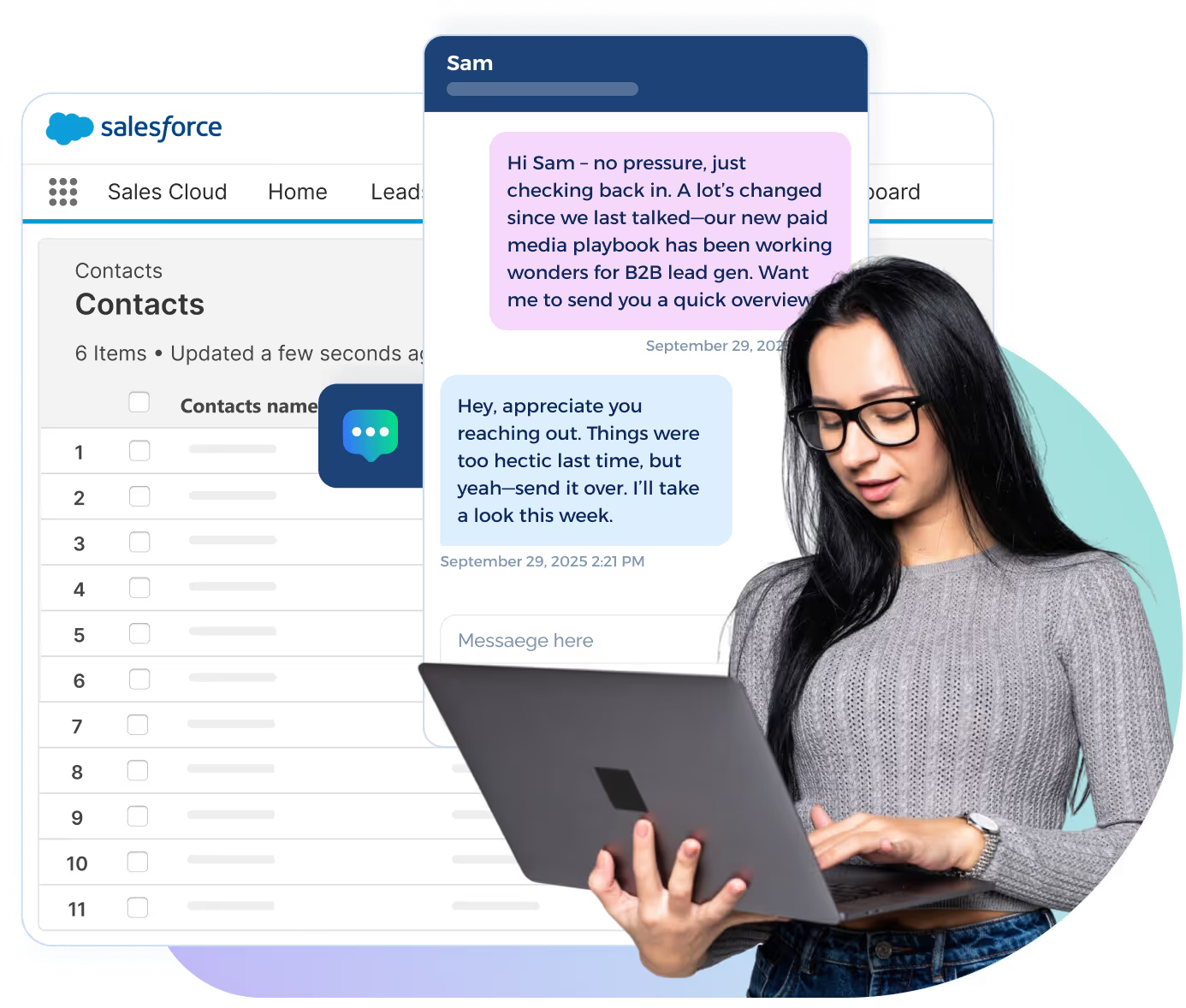
Messages may appear inside the connected lead, candidate, or contact record. Salesforce Flows may also trigger texts as part of an existing sales or recruiting process.
Pricing Comparison: ClickSend vs TextMagic vs TextUs
ClickSend and TextMagic use pay-as-you-go pricing, while TextUs pairs a monthly platform plan with message usage.
The difference comes down to whether you only need sending credits or want messaging tools, automation, AI, analytics, and integrations included in one package.
ClickSend Pricing
ClickSend uses a pay-as-you-go model, with lower estimated SMS rates available at higher top-up levels.
Inbound SMS is free, while outbound pricing changes based on message volume, destination, and account funding.
- Boost: A top-up of $20 or more brings the estimated rate to $0.0274 per message
- Growth: Accounts funded with at least $100 receive an estimated rate of $0.0195 per message
- Scale: A $1,000 minimum top-up lowers the estimated rate to $0.0127 per message
- Enterprise: Top-ups from $2,000 bring the estimated rate down to $0.0093 per message
These figures reflect ClickSend’s displayed pricing for the United States. Country, carrier fees, message type, and total volume may change the final amount.
TextMagic Pricing
TextMagic uses prepaid credits across SMS, email, and its other communication services.
Outbound SMS costs $0.049 per message segment, while longer texts or Unicode characters may count as more than one segment.
A dedicated virtual number costs $10 per month, with the first month free. Replies received through a TextMagic number do not carry an extra message charge.
Local US numbers require a $10 monthly campaign renewal fee after the first free month.
TextUs Offers a More Adaptable Pricing Model
TextUs plans cover more than message delivery alone. Each tier brings business texting, campaign tools, automation, analytics, unlimited contacts, and access to advanced features.
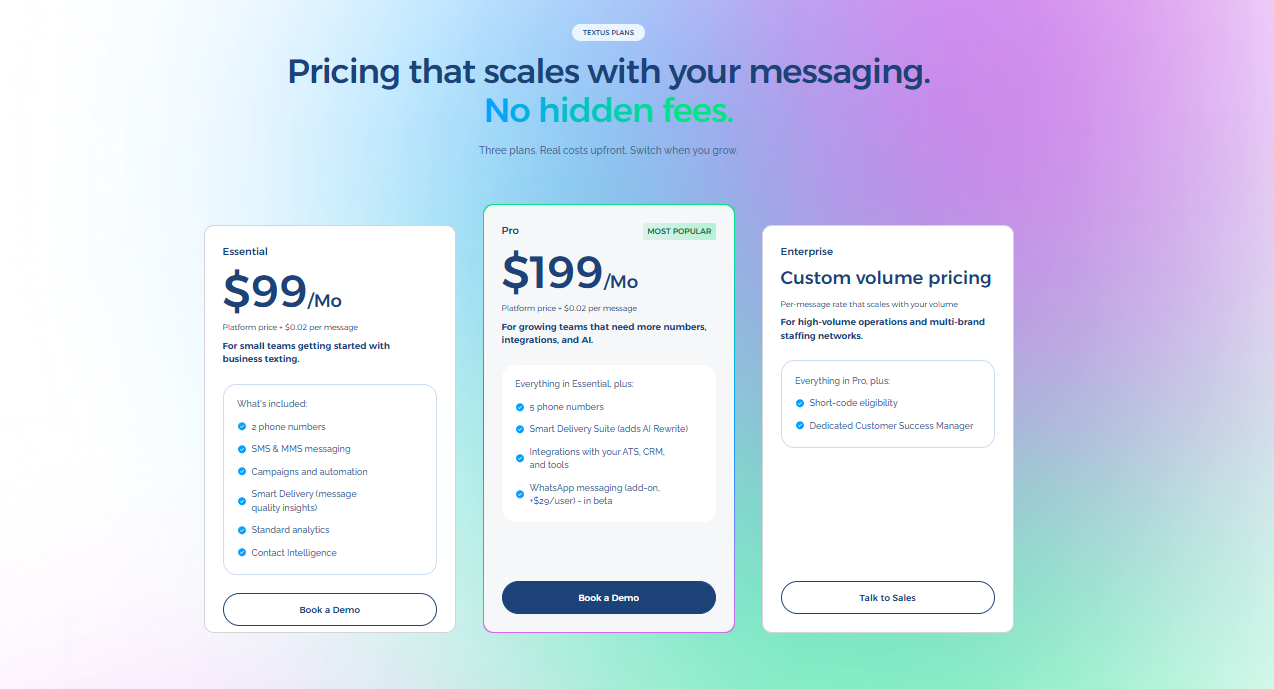
- Pro: At $299 per month, this plan includes 5,000 messages and 5 phone numbers, SMS and MMS, campaigns, automation, the Smart Delivery Suite with AI Rewrite, standard analytics, Contact Intelligence, and integrations with CRM, ATS, and other business tools.
- Enterprise: Custom pricing adds a dedicated, named Customer Success Manager, short-code eligibility, and RCS Branded Sender eligibility.
If you're a small or medium-sized business, TextUs makes it easy to scale as your business needs grow. You may also upgrade, add accounts, or increase volume at any time with prorated billing.
Extra messages are charged at your plan’s overage rate, while downgrades take effect at renewal.
Never Miss Incoming Messages During High-Volume Outreach With TextUs
ClickSend and TextMagic cover bulk sending, scheduling, and reply management. But large campaign outreach puts extra pressure on inbox visibility.
Once responses start arriving, missed messages and slow handoffs can turn active interest into lost opportunities.
TextUs brings campaigns, AI-powered message review, automated follow-ups, shared inboxes, contact segmentation, and CRM or ATS integrations into one connected workflow.
Staff can move from outreach to response without switching between tools or rebuilding the same process for every campaign.
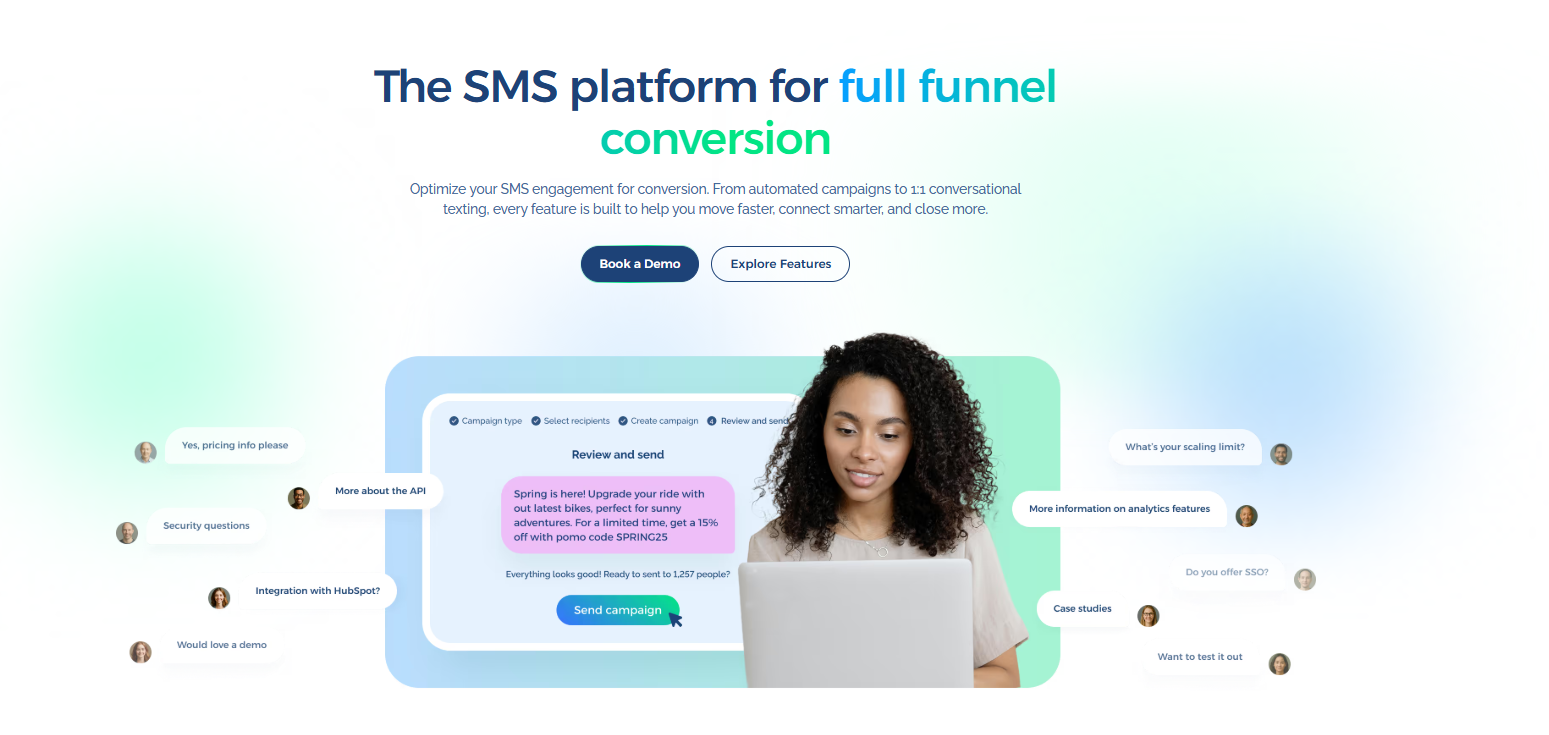
Book a demo with TextUs and see how one platform can turn outreach into replies, follow-ups, and stronger sales performance!
Continue Reading



Frequently Asked Questions
Is ClickSend reliable?
ClickSend publishes a 99.95% uptime SLA. Though final delivery still depends on carrier networks, sender registration, destination, message content, and security requirements.
TextUs is a better choice than ClickSend because it also guarantees an 8-business-hour response for new and active cases during its weekday support hours.
How much does ClickSend cost per text?
ClickSend rates range from about $0.0274 per SMS with a $20 top-up to $0.0093 with a $2,000 top-up.
The final SMS pricing may also change based on the destination, carrier fees, message type, sender ID, and whether you need the same number for outgoing texts and incoming replies.
What is the best text message marketing service?
The best SMS marketing platform depends on message volume, automation, integrations, security, and how replies are managed.
TextUs stands out for small businesses or large organizations that want AI-powered SMS marketing, automated campaigns and sequences, two-way texting, and flexible integrations.
Business Texting
Built for Results
Create and convert pipeline at scale through industry leading SMS software