
Top 30 Customer Engagement Tools for Better Connections
Explore the top 30 customer engagement tools for better connections. Discover what makes TextUs stand out among SMS marketing platforms.

Written by
Adam Hamdan
Published
July 3, 2026

A customer inquiry may start through live chat, continue through email, and end with a support ticket.
Without a manageable system, it's easy to delay replies or send messages that do not match what customers need.
As customer demands grow, scattered messages and one-off follow-ups are no longer enough.
Strong customer engagement strategies help you respond faster and anticipate customer needs before small issues grow.
In this guide, you’ll learn which customer engagement tools can solve common communication challenges and which features matter most before choosing one for your business.
TL;DR
Here are 30 customer engagement tools broken down by platform type:
- SMS marketing platforms: TextUs, Clicksend, SimpleTexting
- Email marketing platforms: Mailchimp, Brevo, ActiveCampaign
- Live chat and AI chatbots: Livechat, Tidio, Drift
- Help desk and customer support tools: Zendesk, Freshdesk, Help Scout
- Customer relationship management (CRM) platforms: HubSpot CRM, Salesforce, Zoho CRM
- Survey and feedback tools: SurveySparrow, Typeform, Qualtrics
- Social engagement tools: Hootsuite, Sprout Social, Buffer
- Loyalty and advocacy tools: Yotpo, Smile.io, ReferralCandy
- Product engagement and analytics tools: Pendo, Mixpanel, Amplitude
- Interactive video platforms: Vimeo Interactive, Mindstamp, Kaltura
Common Customer Engagement Challenges for Businesses
Customer engagement refers to the way you build and maintain relationships through conversations, support, feedback, and ongoing communication.
Even with strong products and good customer service, engagement can break down when conversations are slow and disorganized.
Below are the main challenges that can affect trust, response rates, repeat purchases, and long-term customer loyalty:
Slow Response Times
Slow response times can frustrate customers, especially when they need help with an order, appointment, pricing question, account issue, or support request.
When customers wait too long for an answer, they may lose interest, contact a competitor, leave a poor review, or decide not to move forward.
Disconnected Conversations
Customer conversations happen via multiple channels, such as email, SMS, live chat, social media, phone calls, and support tickets.
When these conversations are disconnected, your team may not have the full context. Customers may have to repeat the same information or deal with mixed messages from different departments.
Lack of Personalization
Poor personalization happens when every customer receives the same message, offer, or follow-up, regardless of their needs or history with your business.
Generic communication makes customers feel overlooked. It also leads to irrelevant promotions, weak follow-ups, and missed chances to connect with customers based on what they care about.
Low Retention
Low customer retention starts when customers do not feel supported after the first sale or interaction.
A customer may leave because onboarding was unclear, follow-ups were missed, support issues stayed unresolved, or the relationship became too quiet after purchase.
Customer retention depends on consistent communication, useful support, and ongoing value.
Missed Sales Opportunities
Sales opportunities can be missed when follow-up happens too late, not at all, or without enough context.
This can happen after abandoned carts, quote requests, pricing page visits, demo requests, form submissions, or inactive account activity. When interest is fresh, timing matters.
Lack of Customer Feedback
Without customer feedback, it's hard to understand what customers like, what frustrates them, and why they leave. This can lead to decisions based on guesses instead of real customer input.
Feedback gaps can affect product updates, support quality, marketing messages, customer experience, and retention strategy.
Manual Communication
As your customer base grows, it becomes harder to keep up with every message, reminder, and follow-up by hand.
Sending every reminder, follow-up, update, check-in, and feedback request by hand takes time and increases the chance of missed messages.
It also creates inconsistent communication if different team members use different timing, wording, or follow-up habits.
30 Best Customer Engagement Tools (By Category)
Customer relationships do not depend on one channel alone. Here are 30 customer engagement solutions by category:
SMS Marketing Platforms
A reminder, appointment update, account check-in, delivery notice, or follow-up question does not always need a long email or phone call.
SMS is best for customer engagement as it fits the way many quick customer interactions happen.
SMS marketing platforms help you send text messages to customers. It also supports two-way conversations, scheduled campaigns, contact lists, SMS segmentation, opt-outs, and reporting.
1. TextUs
TextUs is SMS marketing software for customer engagement that turns text messaging into a real conversation channel.
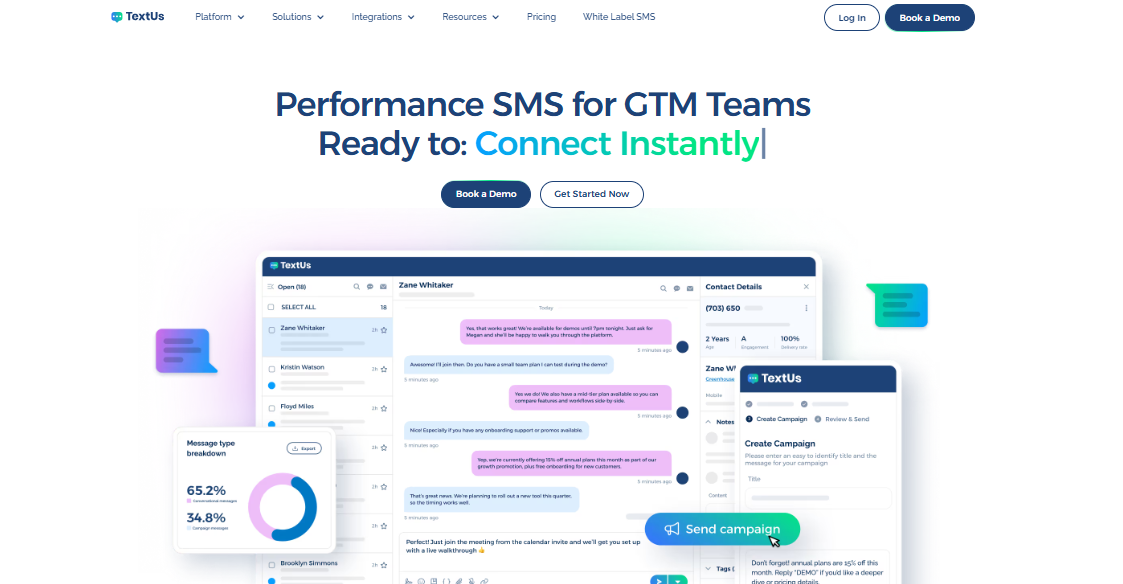
With TextUs, you can quickly launch one-to-one messages, run SMS and MMS campaigns, schedule texts, create sequences, use drip campaigns, and manage replies from a centralized inbox.
But what makes TextUs stand out is its focus on message quality and deliverability risk.
Its Smart Delivery tools include a Message Quality Indicator that reviews message content before a text is sent. It can flag risky wording, profanity, spam-like language, or custom-blocked terms that may affect message quality.
Smart AI Rewrite also adds another useful layer. When a message gets flagged, the AI can suggest a cleaner version while keeping the original intent.
AI in texting helps you improve texts before customers see them, which matters when you are sending campaigns, reminders, or follow-ups at scale.
TextUs also keeps replies organized after the first message. Teams can manage incoming texts from a centralized inbox, review customer history, assign conversations, and receive alerts when customers respond.
That makes TextUs a valuable tool not just for outreach, but for ongoing customer conversations.
TextUs connects with CRM and ATS platforms to ensure SMS activity stays tied to customer records and existing workflows.
With analytics for clicks, replies, opt-outs, response activity, and campaign performance, you can easily see which messages get engagement and where follow-up is needed to improve.
See how TextUs can improve customer engagement and boost your revenue. Book a demo today!
2. ClickSend
ClickSend is a business messaging platform for sending SMS and MMS through an online dashboard, integrations, Email-to-SMS, and API.
The platform supports bulk SMS campaigns from its web browser dashboard. Its SMS Campaign feature can send bulk messages to a contact list of up to 20,000 recipients.
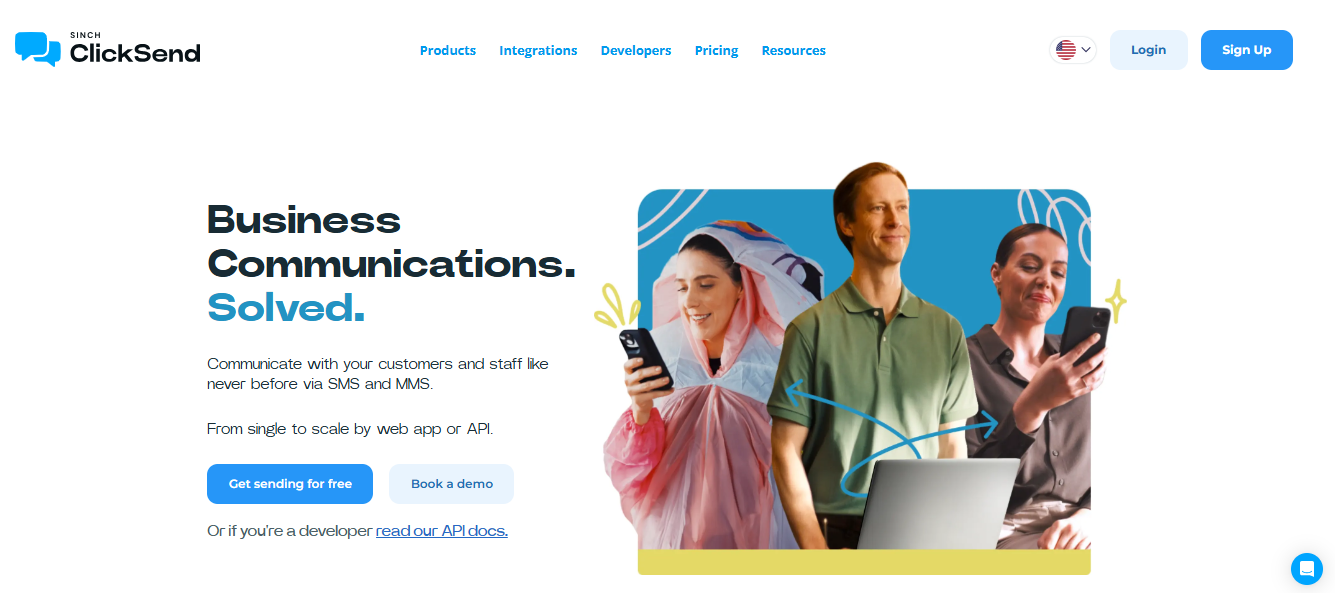
ClickSend also works with existing business workflows. Email-to-SMS lets you send a text from an email client such as Outlook, Gmail, Hotmail, Yahoo, or another provider.
For segmentation and campaign control, ClickSend supports contact lists and group-based sending. Your business can send messages to everyone at once or target different groups with different information.
3. SimpleTexting
SimpleTexting is an SMS marketing platform for sending mass texts, managing two-way conversations, and running text campaigns from a web-based dashboard.
It also supports scheduled texts, recurring campaigns, personalized fields, and MMS messages with media such as images, videos, GIFs, and audio clips.
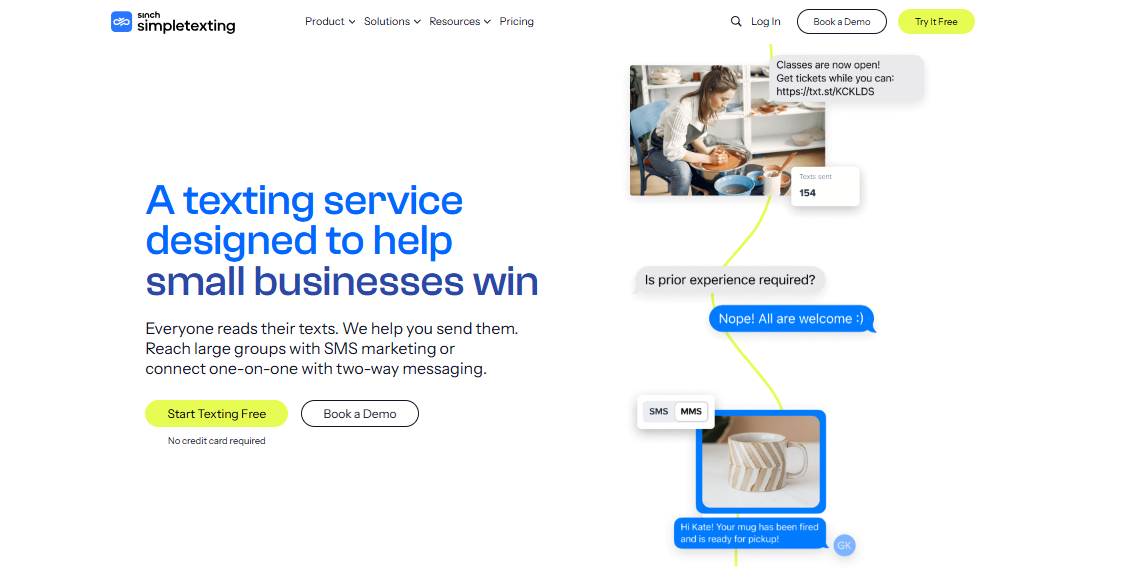
SimpleTexting includes two-way messaging for direct customer conversations. Replies from mass texts appear in the inbox, where your team can respond one-on-one.
For list growth and targeting, SimpleTexting includes text-to-join keywords, web signup forms, unlimited contacts, contact lists, and segmentation tools.
You can group contacts by subscriber list, custom fields, click user behavior, birthday month, opt-in date, or opt-in source.
Email Marketing Platforms
Email marketing platforms let you send newsletters, nurture leads, onboard clients, promote products, and re-engage customers. Email is great for longer messages, lifecycle campaigns, or educational content.
4. Mailchimp
Mailchimp is an email marketing platform that provides email templates, a drag-and-drop builder, and design tools that do not require coding. Its template library includes more than 130 email templates for different campaign needs.
It offers segmentation tools that group contacts by demographics, behavior, interests, purchase history, engagement level, tags, and other audience data.
Mailchimp's automation tools can send messages based on triggers such as signup activity, purchases, abandoned carts, birthdays, subscription renewals, or other customer actions.
The platform also includes A/B testing, multivariate testing on select plans, campaign reports, and marketing analytics.
5. Brevo
Brevo is a marketing and CRM platform with email marketing, SMS, WhatsApp campaigns, automation, transactional email, contact management, and live chat.
It includes a drag-and-drop email editor, pre-designed email templates, and AI tools for email content. Email campaigns can also use personalization to adjust message content for different contacts.
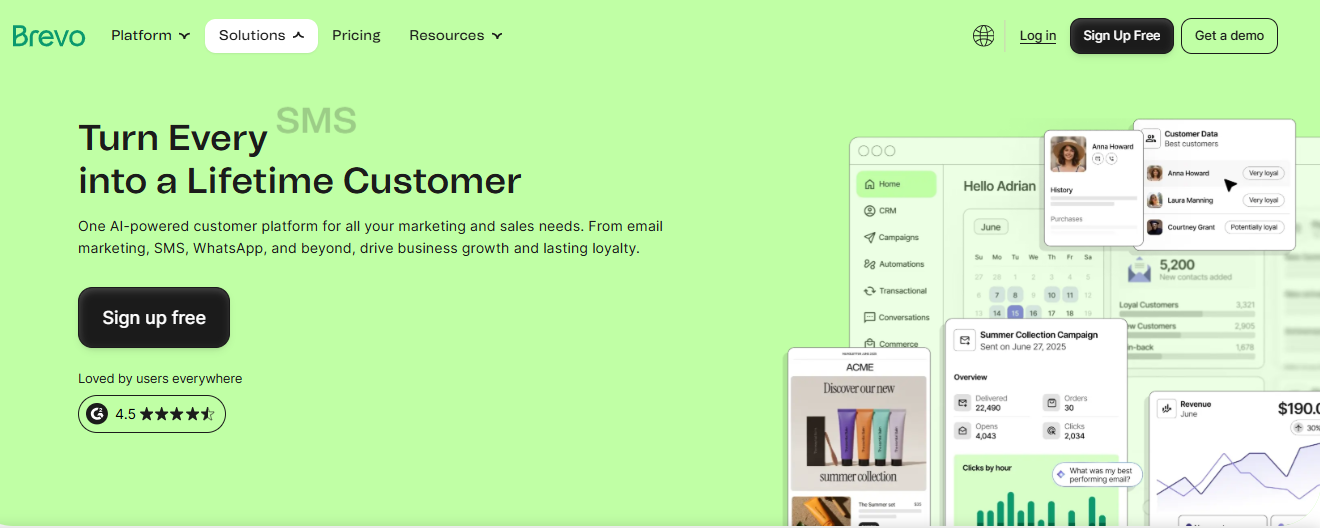
Brevo also has its AI assistant named Aura, which can generate or refine email content, subject lines, preview text, layouts, and images inside the email workflow.
Brevo can use contact attributes, engagement data, dynamic content, data feeds, and Brevo Template Language.
Its email campaign feature includes A/B testing, recipient filtering, campaign previews, test sends, send-time optimization, Google Analytics tracking, and campaign reports.
6. ActiveCampaign
ActiveCampaign is an email marketing and automation platform with tools for marketing campaigns, segmentation, customer journeys, CRM, SMS, WhatsApp, forms, landing pages, and reporting.
Its email tools are tied closely to automation. ActiveCampaign automations are built with triggers, actions, and logic, so you can create workflows that respond to customer behavior.
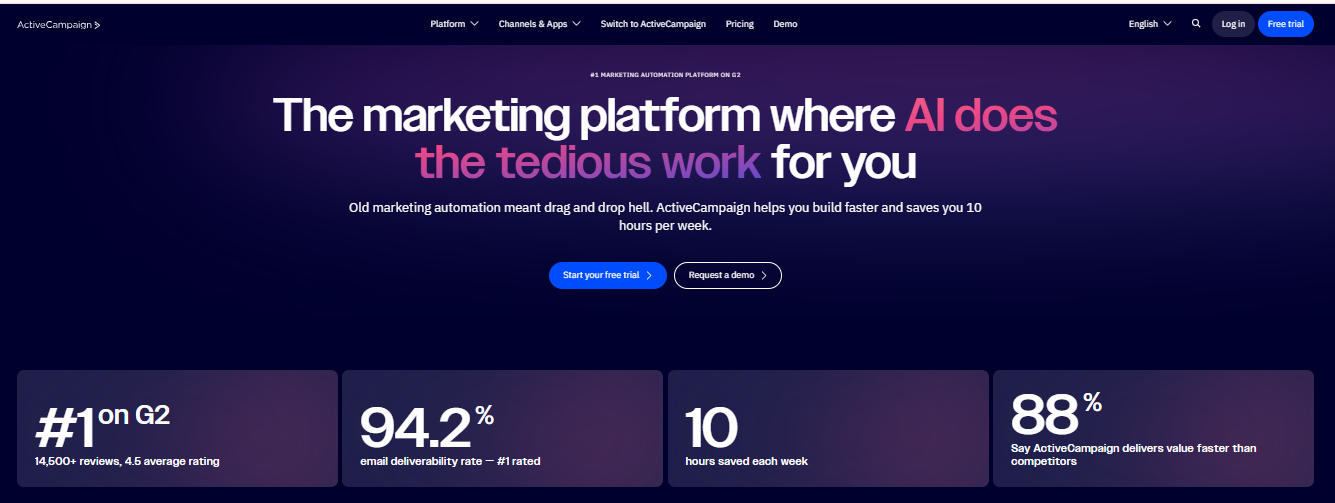
ActiveCampaign includes conditional content inside the email designer. This lets you show or hide parts of an email based on a contact’s interests or other stored information.
This customer service tool has added AI features for email and automation workflows. Active Intelligence is in beta and can assist with campaign creation, automation building, and engagement insight analysis.
Live Chat and AI Chatbots
Live chat and chatbots are used for real-time website engagement and in-app conversations.
Live chat gives customers a direct way to reach your team, while chatbots can answer common questions, route requests, qualify leads, and support customers outside regular business hours.
7. LiveChat
LiveChat is a live chat platform for real-time website and app conversations. Its chat tools include a website chat widget, message history, file sharing, canned responses, tags, chat routing, and agent groups.
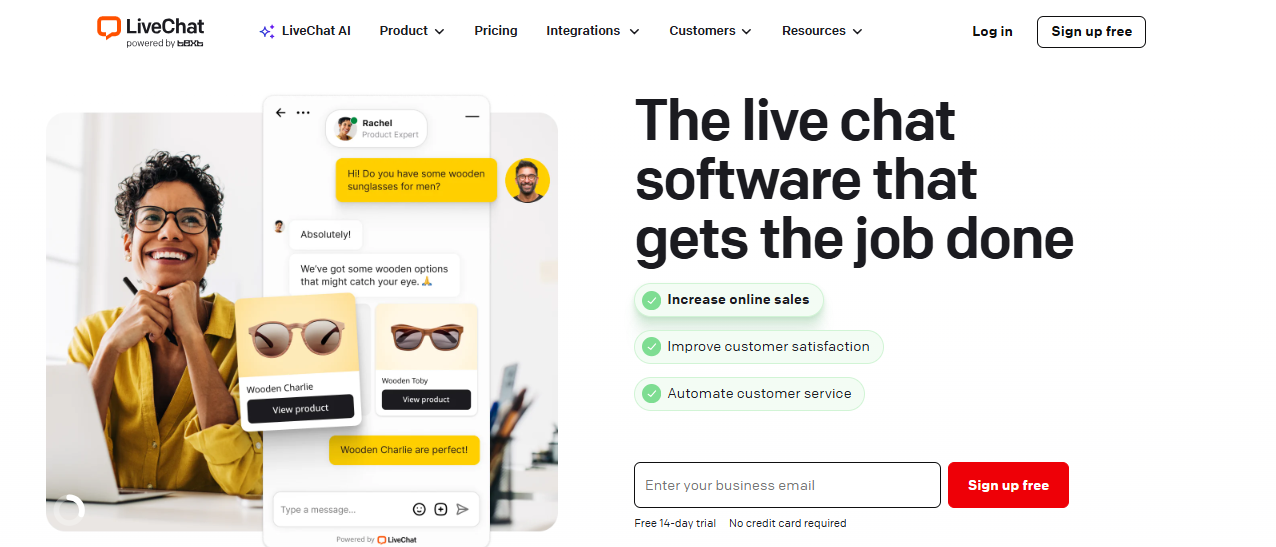
It connects with ChatBot for automated conversations. The chatbot can answer customer questions, handle repeat requests, collect lead details, and pass conversations to human agents when needed.
For a self-service tool, LiveChat can connect with the knowledge base so customers can search help articles from the chat widget.
The platform also integrates with tools such as HubSpot, Salesforce, Zendesk, WhatsApp Business, Apple Messages for Business, Mailchimp, Google Analytics, and Zapier through its integrations and marketplace.
8. Tidio
Tidio is a customer service and AI automation platform for website conversations, customer service, and lead capture.
Its live chat includes chat history, customer profiles, file sharing, multilingual widget options, feedback collection, and tags.
Team features include departments, permissions, automatic chat assignment, internal notes, mentions, macros, chat transcripts, and conversation reports.
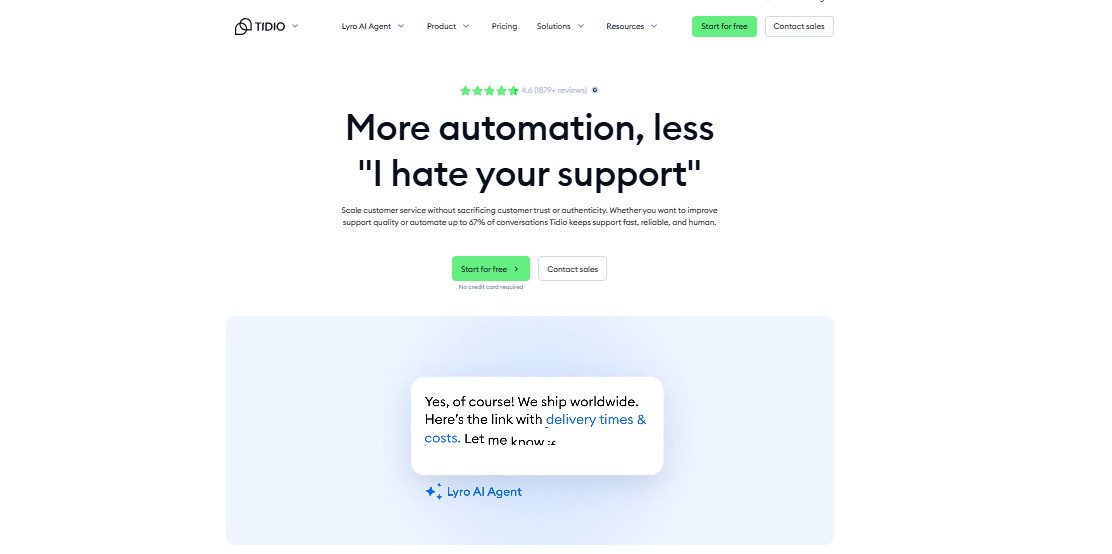
Lyro is Tidio’s AI customer service agent. It can use your support content as a knowledge source, answer customer questions, and transfer conversations to a human agent when needed.
Lyro Actions can also handle tasks such as order updates, lead capture, and account changes through API-based workflows.
9. Drift
Drift is a B2B conversational platform that focuses on using AI chat, routing, and meeting workflows to engage high-intent website visitors in real time.
Drift uses chatbots and live chat to qualify visitors, route leads, and connect buyers with the right sales team member.
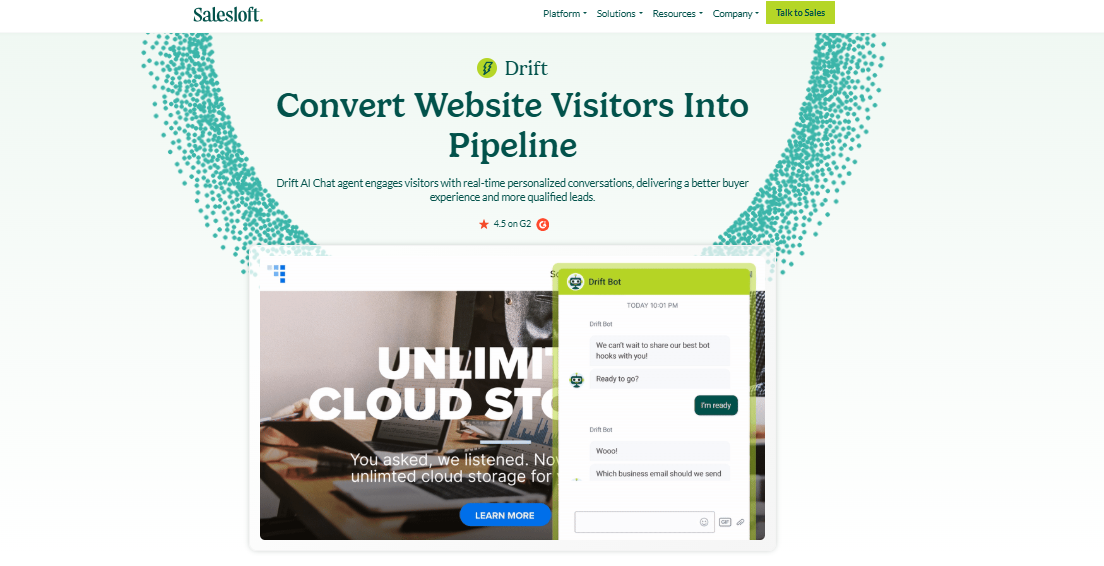
Its Playbooks are automated chat workflows that can start conversations with site visitors, ask qualifying questions, and guide leads toward live chat or meeting booking.
This B2B marketing solution also includes AI features through Drift AI and Drift GPT. These features can assist with buyer conversations, surface conversational insights, and identify trends from chat activity.
Help Desk and Customer Support Tools
Help desk and customer support tools manage tickets, follow-ups, knowledge bases, and AI-assisted service workflows.
These platforms help you organize customer issues, assign work to the right team members, track response times, and improve the support experience.
10. Zendesk
Zendesk is a cloud-based customer service and sales software for managing requests via channels such as email, messaging, live chat, and social media.
Its ticketing tools organize customer requests into support tickets. Teams can use routing rules, workflows, and automated messaging to send tickets to the right support agents.
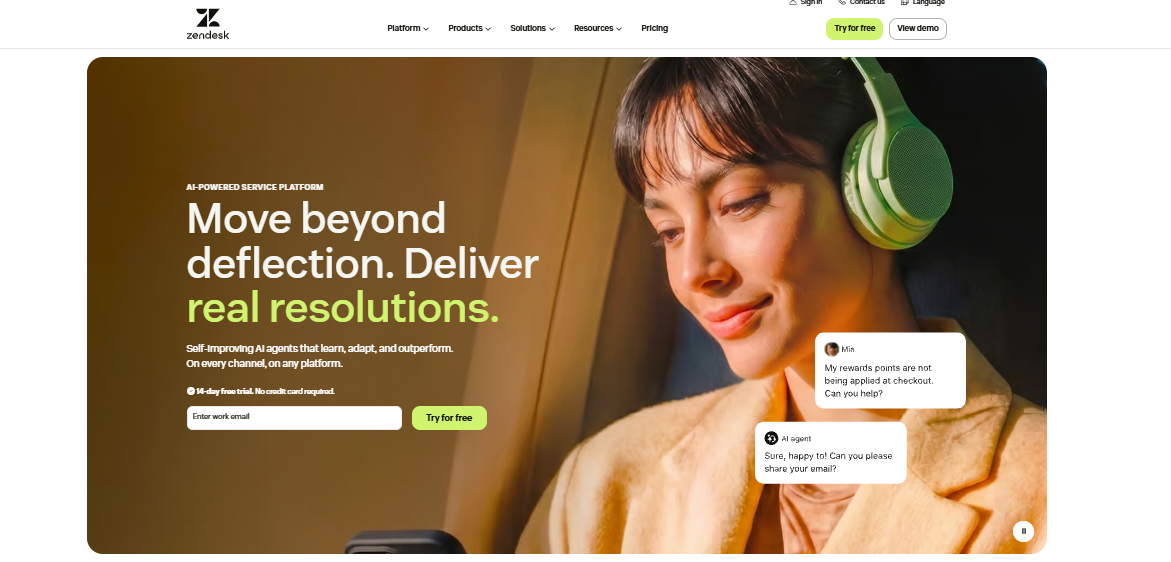
Zendesk includes both push and pull routing models, so tickets can either be assigned to agents or selected by agents from a shared queue.
This communication tool also includes messaging and an AI sales assistant. This includes AI agents, copilots, automation, and quality assurance features for service workflows via chat, email, and voice.
11. Freshdesk
Freshdesk is a cloud-based customer service software and helpdesk platform that centers on ticketing, where customer questions become tickets that agents can assign, prioritize, and resolve.
The platform includes intelligent ticketing features such as shared inboxes, internal threads, task linking, multi-channel engagement, routing, SLA management, and automation.
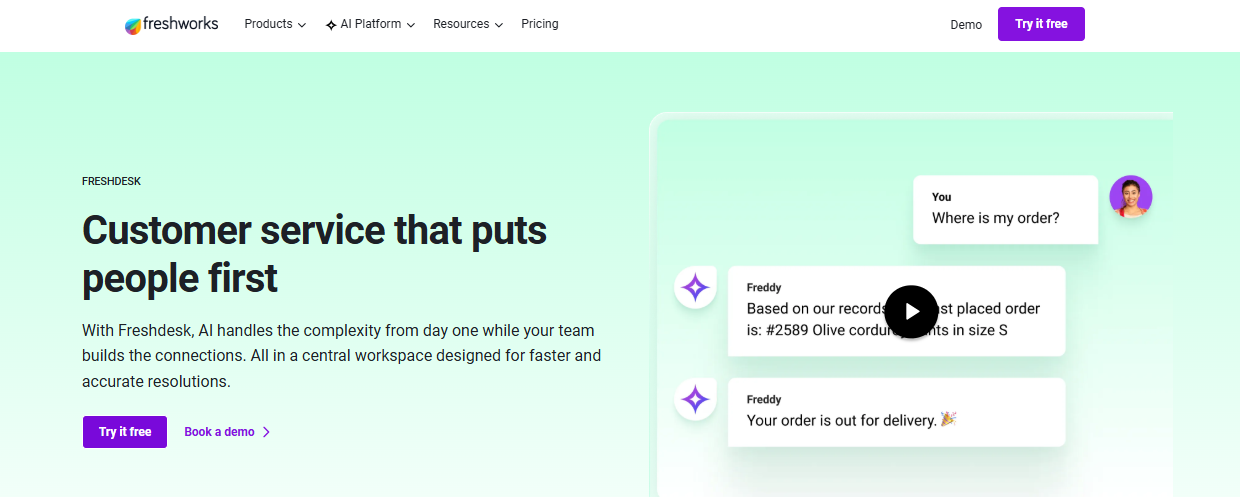
Tickets can be routed by source, agent skill, workload, or other rules, which gives support teams more control over how requests move through the queue.
Freddy AI can suggest ticket fields, categorize and prioritize tickets, route requests, and assist agents with replies. Freddy AI Copilot adds features such as real-time sentiment, context from similar tickets, live translations, and agent assistance during support conversations.
12. Help Scout
Help Scout is customer service software built around shared inboxes, knowledge base content, live chat, proactive messages, and AI-assisted support.
Its main workspace is the Inbox, where customer emails and conversations flow into a shared team view instead of staying inside one person’s email account.
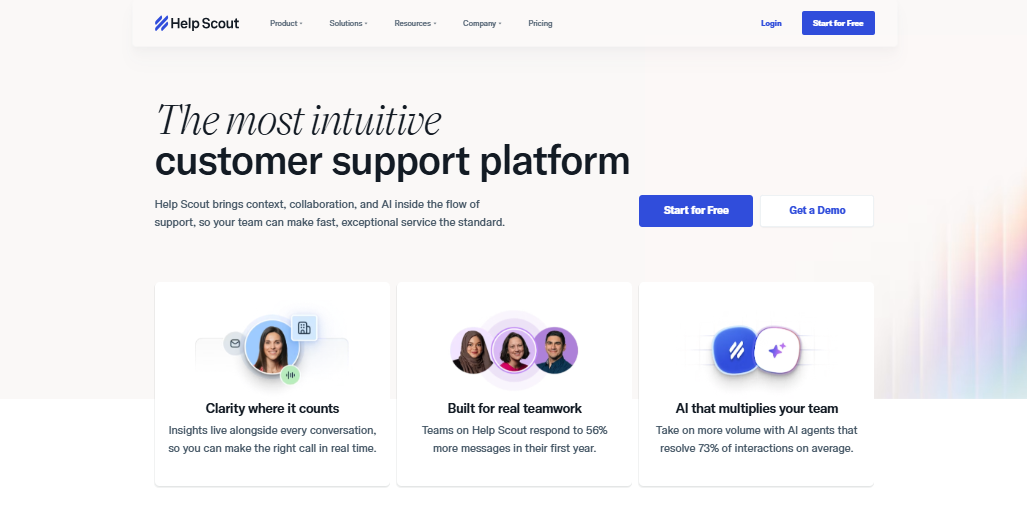
Inbox provides support teams with tools to handle customer conversations together. Teams can assign conversations, use saved replies, add tags, create workflows, search past messages, and manage customer profiles.
Beacon is Help Scout’s embeddable widget for websites and mobile apps that can show a contact form, live chat, Docs articles, AI Answers, and proactive messages.
It can also deliver help articles inside the widget, so customers can search for answers before contacting support.
Customer Relationship Management Platforms
CRM platforms connect engagement with customer records, sales history, support activity, and account management. These tools allow you to see the full customer relationship, not just a single conversation or ticket.
13. HubSpot CRM
HubSpot CRM is a cloud-based customer engagement platform that organizes data of contacts, companies, deals, tickets, and related activities.
Each CRM record can hold key customer details, activity history, notes, emails, calls, meetings, tasks, attachments, and associated records.
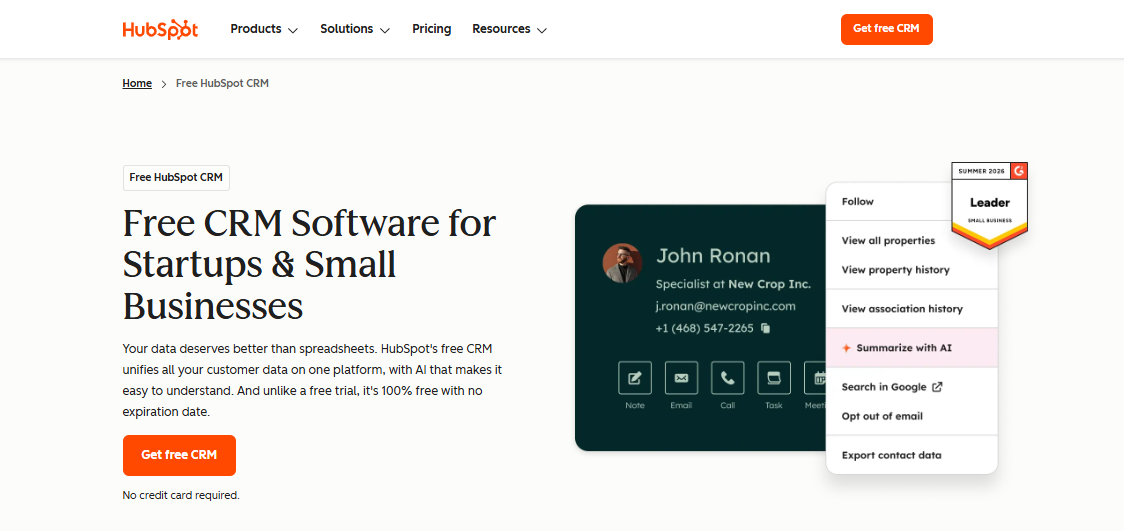
HubSpot CRM also includes tools for customer-facing work, such as live chat, meeting scheduling, email tracking, one-to-one email, templates, snippets, tasks, and contact segmentation.
The platform connects CRM data with lead management, prospecting, pipelines, and deal tracking. Sales Hub can work with HubSpot Smart CRM to manage leads, consolidate prospecting activities, and organize sales communication.
14. Salesforce
Salesforce is CRM software that connects customer data from sales, service, marketing, commerce, IT, and other business teams.
Its Customer 360 product suite brings these areas into one platform so teams can work from shared customer records, account history, activity data, and engagement signals.
Salesforce Sales Cloud centralizes data on customers, companies, leads, accounts, and deals. It includes lead management, opportunity management, account management, sales automation, pipeline tracking, and analytics.
The platform offers Agentforce Marketing (formerly Salesforce Marketing Cloud), which connects customer data, AI, automation, and campaign engagement for B2B and B2C marketing.
15. Zoho CRM
Zoho CRM is used for managing leads, contacts, accounts, deals, sales activity, and customer communication.
It includes omnichannel communication via email, phone, social media, online messaging, and meetings. It also has CRM Plus for broader customer experience workflows across sales, marketing, service, live chat, surveys, and social channels.
Zoho CRM provides workflow rules, custom actions, webhooks, and custom functions. These tools can automate routine tasks, update records, trigger alerts, assign follow-ups, and connect CRM events with other tools.
Zoho CRM has an AI assistant called Zia that can assist with data retrieval, sales predictions, content creation, analytics, suggestions, and other CRM tasks.
Survey and Feedback Tools
Survey and feedback tools collect NPS, CSAT, polls, quizzes, and contextual feedback to understand customer sentiment. These tools help you learn what customers like, what frustrates them, and what needs to improve.
16. SurveySparrow
SurveySparrow is an AI-powered customer feedback platform used for collecting customer feedback through conversational surveys, forms, NPS, CSAT, CES, polls, quizzes, and customer experience surveys.
It provides various survey formats, including conversational, classic, chat-style, kiosk, offline, NPS, CSAT, and CES surveys.
It also includes a question library, visual flow builder, survey logic, personalization options, and collaboration tools for building surveys.
SurveySparrow’s customer satisfaction and SmartReach resources reference sharing surveys through channels such as email, SMS, WhatsApp, links, and embedded website surveys.
17. Typeform
Typeform is an online survey builder for creating interactive quizzes, polls, NPS surveys, registration forms, application forms, and lead capture forms.
Its form experience uses a conversational style, often showing one question at a time, with visual design controls for layouts, images, videos, and branded form experiences.
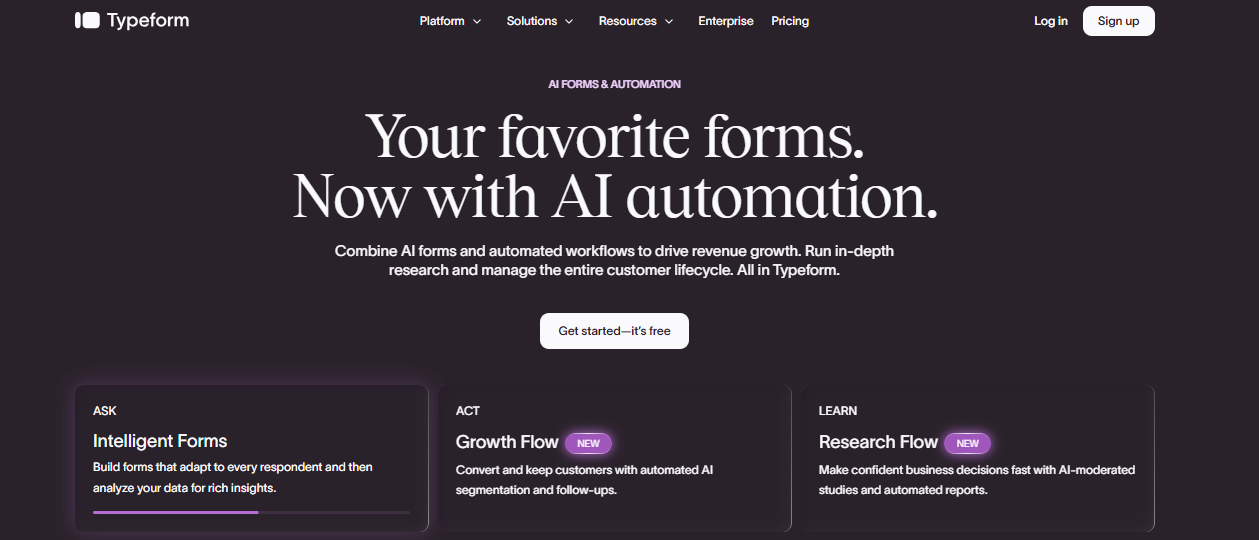
Its logic and branching features let forms change based on a person’s answers. It also includes score and price calculations, variables, URL parameters, and logic maps for building more tailored survey flows.
Typeform has AI features for creating and reviewing forms. It can help generate forms, suggest questions, personalize respondent experiences, and analyze customer responses.
18. Qualtrics
Qualtrics is a survey and experience management platform for collecting, analyzing, and acting on customer feedback. It collects signals from surveys, chat, email, digital behavior, real-time feedback, and other touchpoints.
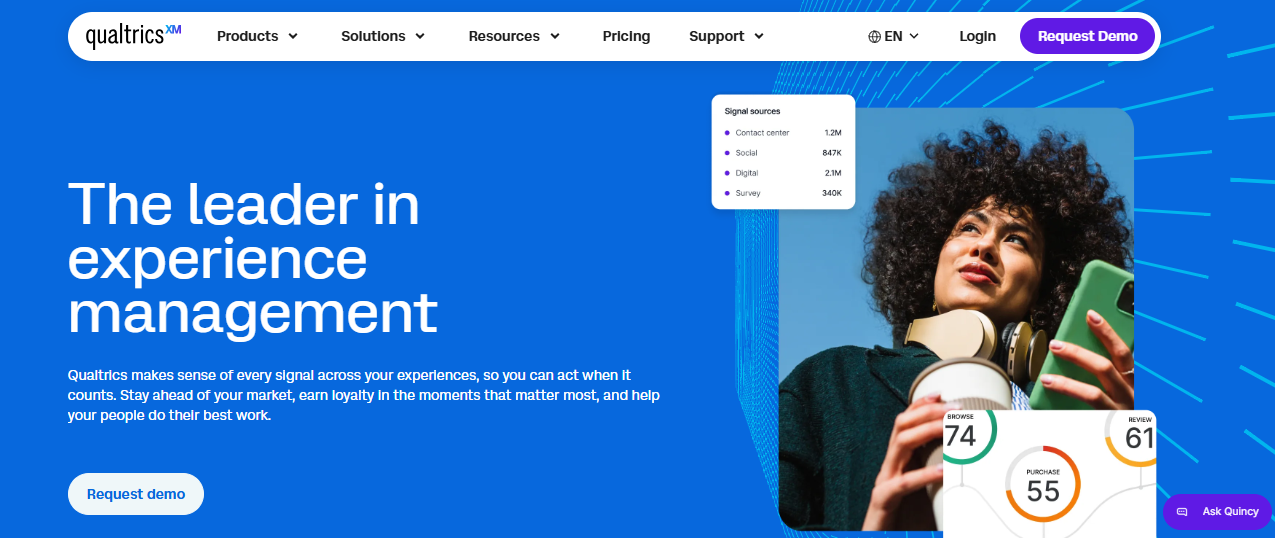
These signals can feed into customer profiles and experience programs, so you can review feedback from multiple channels or moments in the customer journey.
Qualtrics provides tools for survey design, response quality, analysis, and reporting. It includes advanced analysis features such as crosstabs, statistical analysis tools, and generative AI video feedback summarization.
Social Engagement Tools
Social engagement tools monitor and respond to customer activity. These platforms help your business manage comments, direct messages, brand mentions, reviews, and community conversations in one organized workflow.
19. Hootsuite
Hootsuite is a social media management platform for publishing content, managing comments and messages, monitoring brand activity, and reviewing social performance.
Hootsuite Inbox brings social messages and customer interactions into one workspace. Teams can receive and respond to messages from multiple social networks or assign messages to teammates.
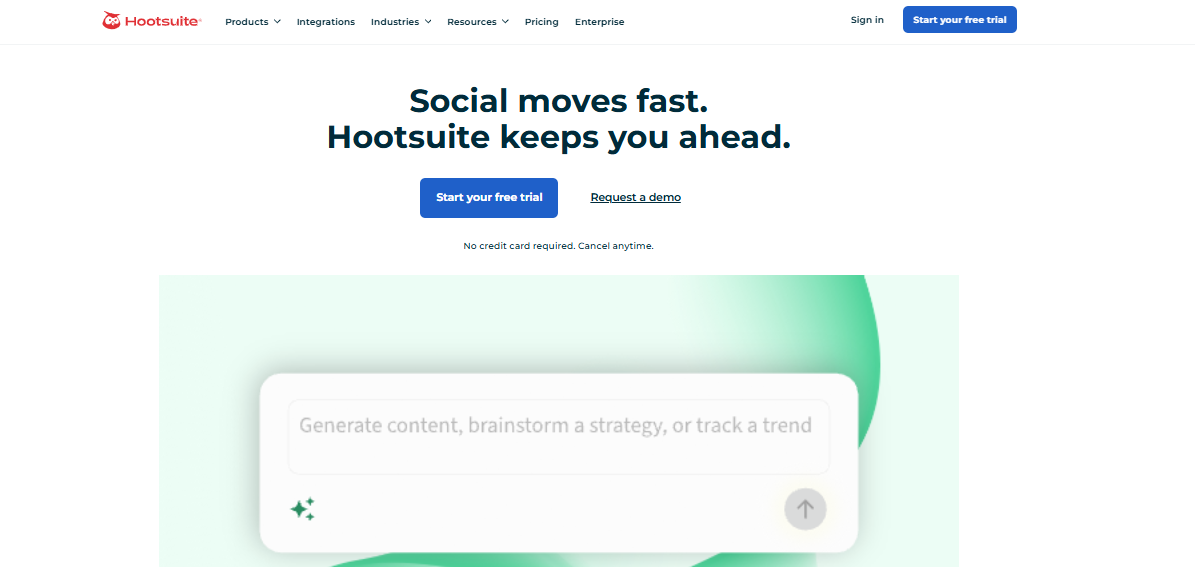
For public engagement, Hootsuite Streams lets teams follow conversations and moderate activity from the dashboard. Teams can reply to comments, hide or delete comments, share comments, and send items to Slack or email for follow-up.
Hootsuite also includes social listening through Talkwalker by Hootsuite. You can monitor brand mentions, competitors, industry keywords, trends, and sentiment.
20. Sprout Social
Sprout Social is a social engagement platform for managing publishing, customer conversations, reviews, social listening, and analytics.
Its Smart Inbox lets you view and manage comments, direct messages, and mentions.
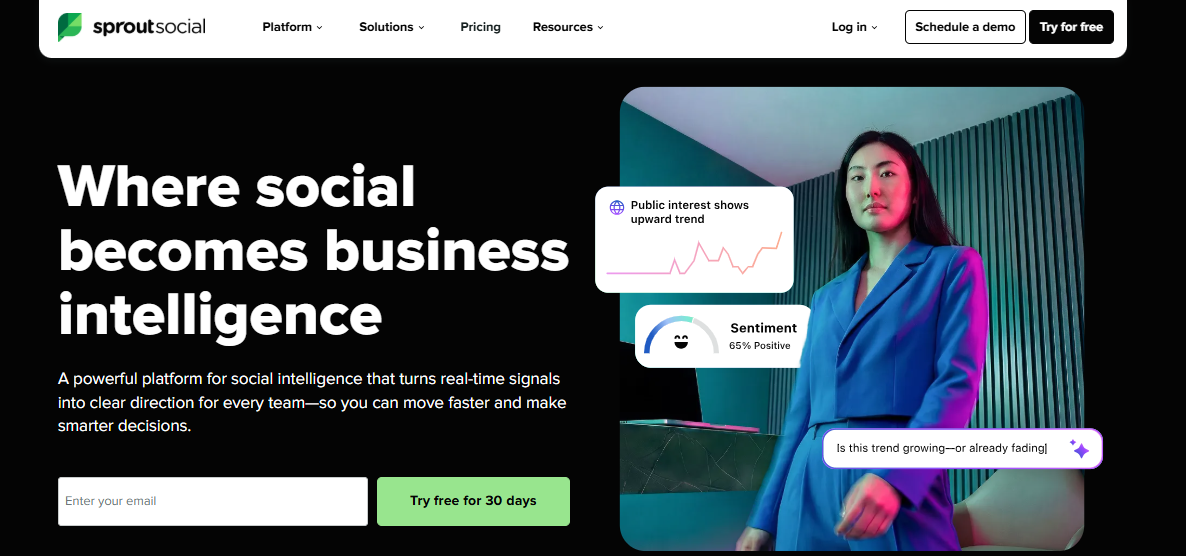
The inbox also includes tagging, message actions, inbox views, message approvals, cases, and brand keyword monitoring for customer care workflows.
Sprout Social provides tools to respond to customers, assign messages, track team activity, and review performance. Its engagement features cover message tasking, response tracking, and customer conversation management.
21. Buffer
Buffer is a social media management platform built around simple social publishing. You can create posts, add them to a queue, schedule them on a calendar, and adjust content for different channels.
It has a Community feature where your team can reply to comments from connected channels.
Buffer works with Instagram professional accounts, Facebook Pages, LinkedIn profiles and pages, TikTok, YouTube, Google Business Profiles, Threads, Bluesky, Mastodon, and X (Twitter).
The platform also includes filters and sorting inside Community. It can open comment threads, reply from Buffer, and focus on conversations that need attention.
Loyalty and Advocacy Tools
Loyalty and advocacy tools support rewards, referrals, and customer retention programs. These platforms encourage repeat purchases, customer referrals, reviews, and long-term brand loyalty.
22. Yotpo
Yotpo is a loyalty and advocacy platform for ecommerce brands that want to run rewards, referrals, reviews, and retention programs from one connected system.
The loyalty side is built around earning rules and rewards. Customers can earn points for purchases, referrals, account sign-ups, social follows, and other actions your business chooses.
Yotpo’s VIP tiers let you create different customer levels based on spend, engagement, or referral activity. Customers can move into higher tiers after reaching set milestones, then unlock different perks at each level.
Referral features are part of Yotpo’s loyalty setup. Customers can share referral links with friends through text or social media, while you track referral activity from the dashboard.
23. Smile.io
Smile.io is an ecommerce loyalty and rewards platform built around creating points, referrals, and VIP programs. The points program lets customers earn points through actions your business defines.
Customers can redeem points through the Smile panel, checkout, or Loyalty Hub, depending on how the program is set up.
Smile.io also includes referral program tools. Loyal customers can share referral links with friends, and your business can set rewards for both the referring customer and the new customer.
VIP programs in Smile.io let customers move through tiers based on milestone rules, such as spend or other program activity. Each tier can have entry rewards, perks, or VIP-only ways to redeem rewards.
24. ReferralCandy
ReferralCandy is a customer acquisition and affiliate marketing platform focused on campaign setup. You can choose referral rewards, friend offers, campaign emails, referral pages, and program promotion settings.
Shopify merchants use its embedded messaging app inside Shopify, while other stores can connect through supported ecommerce integrations or custom setup options.
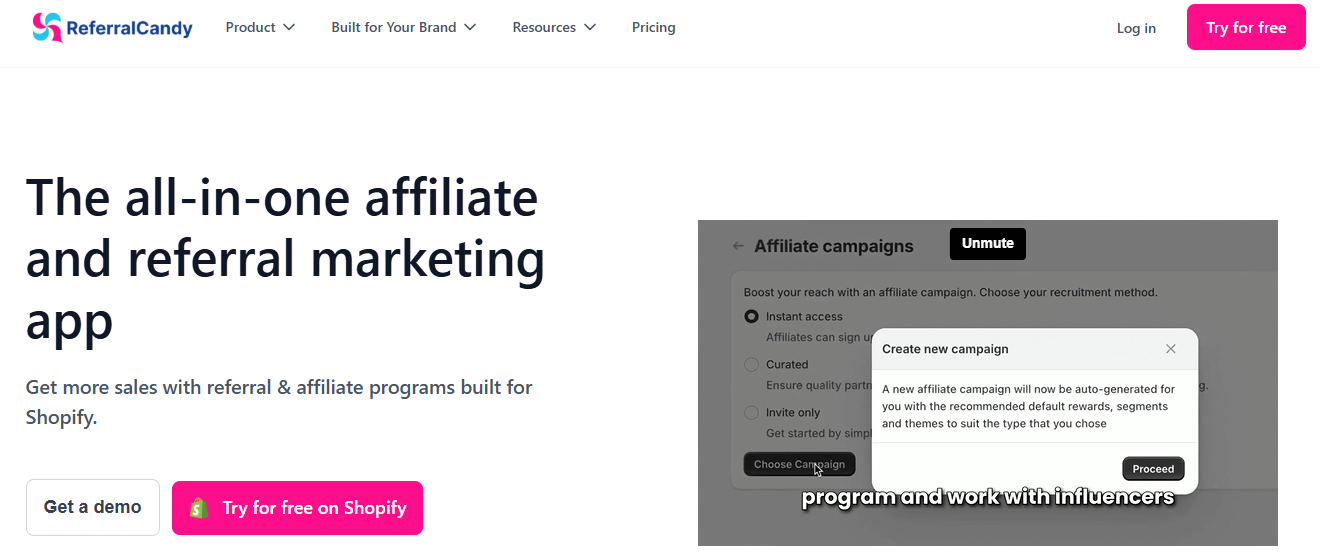
ReferralCandy includes reward controls for both advocates and referred friends. Rewards can be configured around different incentives, such as discounts, store credit, or other program offers.
The campaign can also define how customers enroll, how referral links are shared, and what counts as a successful referral.
Product Engagement and Analytics Tools
Analytics tools help measure engagement, track behavior, and trigger onboarding or retention campaigns based on actions. These allow you to understand how customers use your product and where they may need guidance.
25. Pendo
Pendo is a product analytics and digital adoption platform that helps you understand how users interact with software products and guide them through the product experience.
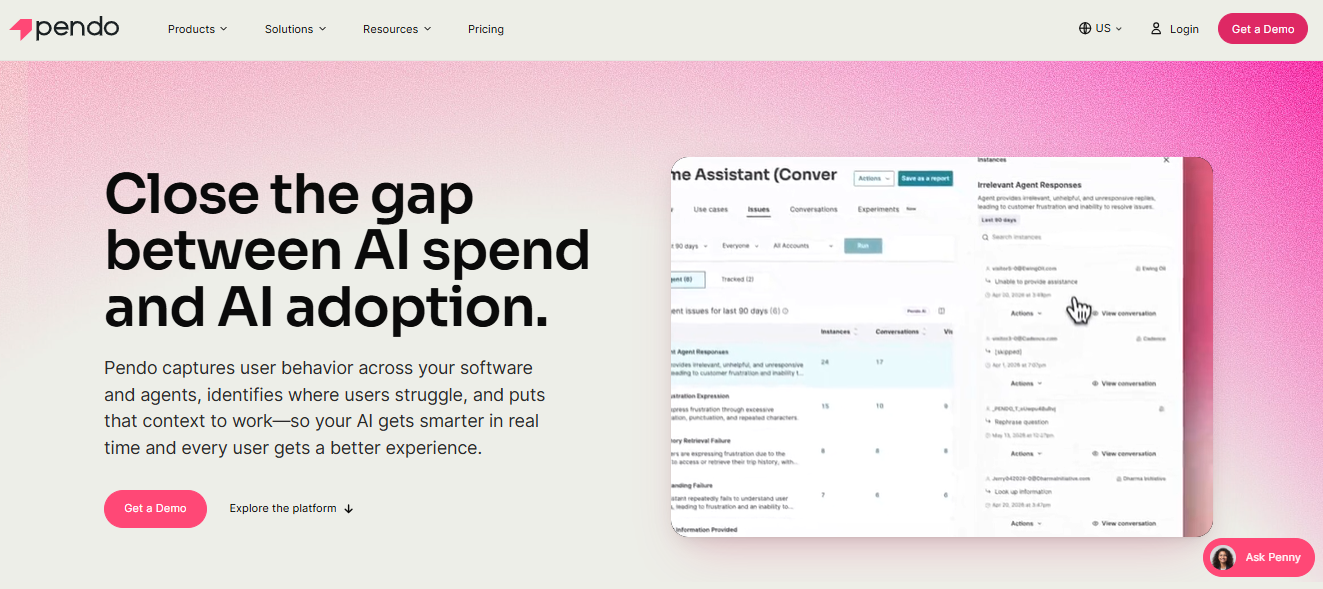
This customer data platform connects analytics with tagging, segmentation, NPS, session replay, and in-app guides, so teams can compare behavior data with user feedback and in-product activity.
Feedback is part of Pendo Listen and can collect user requests in the app and beyond. Session Replay lets teams watch playbacks of visitor interactions with web apps.
26. Mixpanel
Mixpanel is a digital analytics platform for tracking how users move through a digital product. It's more focused on predicting customer behavior analysis than on in-app messaging.
You can use reports such as Insights, Funnels, Flows, and Retention to review user actions on web and mobile products. Funnels show how users move through a series of events and where they drop off.
Mixpanel also includes cohort and profile analysis. Your business can group users by actions, properties, behavior, or engagement patterns, then compare how different groups use the product.
Session Replay adds a visual layer to the analytics workflow. You move from a chart or drop-off point into playback of user sessions to see what happened during the product experience.
27. Amplitude
Amplitude is an AI-powered product platform used by product, growth, marketing, and data teams to study customer behavior insights and connect product activity with outcomes.
The core of Amplitude is product analytics, where it analyzes events, cohorts, funnels, paths, retention, user journeys, and feature usage on websites and apps.
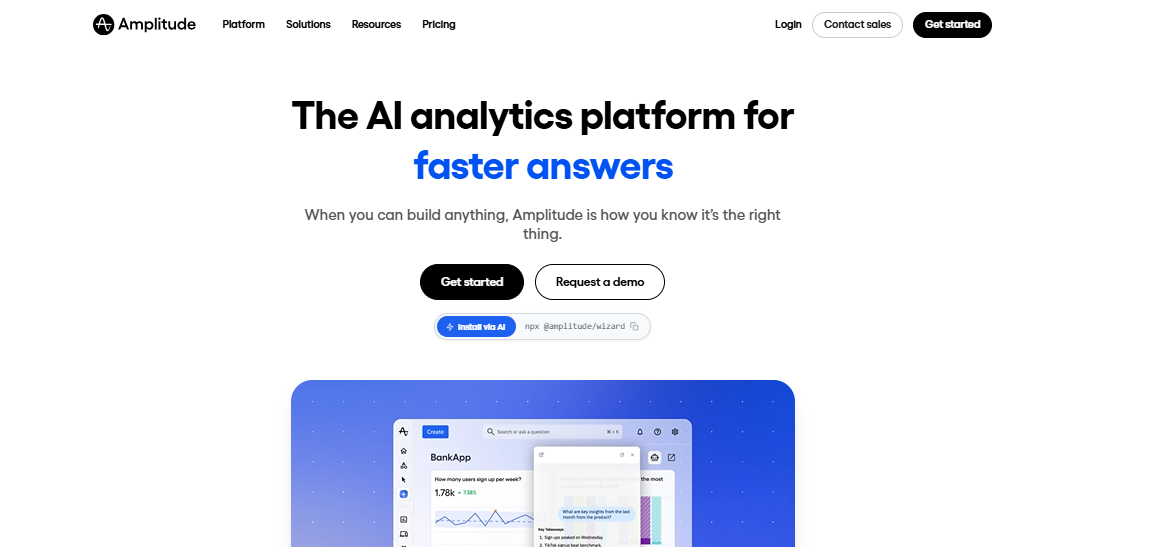
Amplitude also offers out-of-the-box product analytics views for areas such as onboarding, feature engagement, product overview, and retention.
For engagement inside the product, Amplitude includes guides that can create in-product messages that help users discover features or complete workflows. Surveys can also collect feedback directly inside the product experience.
Interactive Video Platforms
Interactive video platforms let you create videos that customers can click, answer, explore, or act on while watching. These tools can be used for product education, customer onboarding, training, lead generation, demos, tutorials, and guided customer experiences.
28. Vimeo Interactive
Vimeo Interactive is an online video platform for adding clickable and action-based elements to video content.
The interactive toolset includes hotspots, time triggers, and interactive overlays. Hotspots act as clickable areas inside the video.
They can be placed on people, objects, or products, then tied to actions such as opening an overlay, jumping to another moment in the video, or clicking out to a URL. Interactive Studio and new interactive overlays require an Enterprise plan.
Vimeo’s overlay builder can add hotspots, text, media, and polls directly into videos. It also offers audience interaction tools for polling questions, live feedback, and graphical overlays for live or event-style experiences.
29. Mindstamp
Mindstamp is an interactive video platform for turning standard videos into clickable, choice-based, and data-rich experiences.
Videos can include buttons, hotspots, images, questions, drawings, multimedia, chapters, transcripts, comments, end CTAs, conditional logic, and personalization.
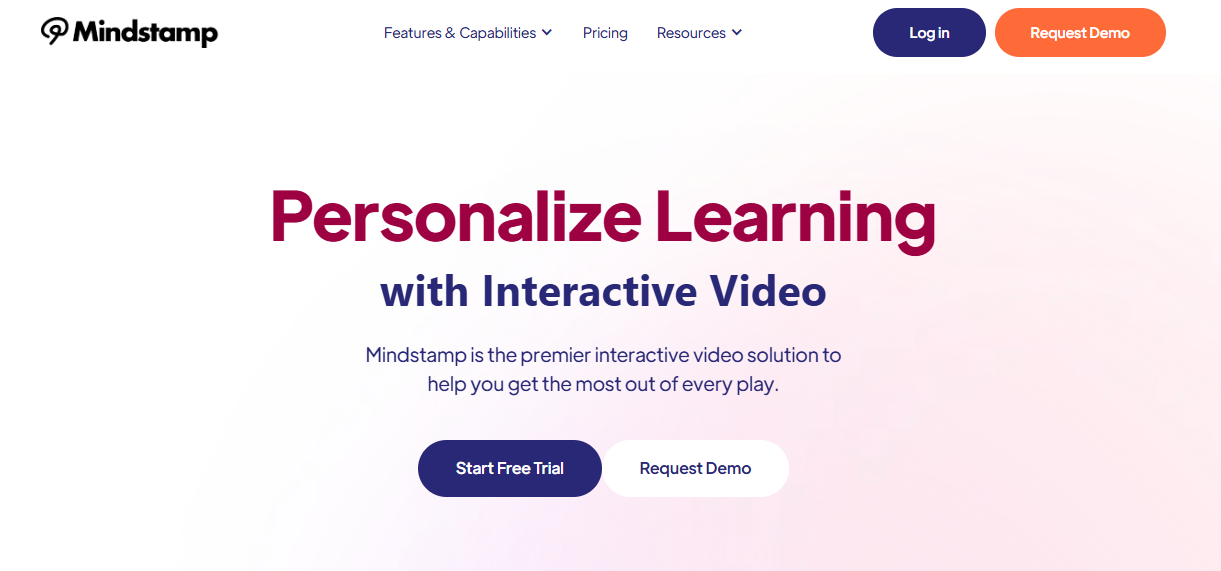
Branching and logic are a major part of Mindstamp’s setup. It lets you create choose-your-own-path video experiences where a viewer’s answer or action changes what happens next.
Mindstamp also includes tools for lead capture, quizzing, shoppable video, and video paywalls. For customer engagement, this means a video can collect contact details, send viewers to checkout, or add product actions inside the video experience.
30. Kaltura
Kaltura is an agentic video and AI avatar platform for creating, managing, publishing, and analyzing video experiences.
The platform's Video Paths allows you to create choice-based video experiences. Viewers can choose different routes through a video, which is well-suited to guided learning, product education, training, onboarding, and event content.
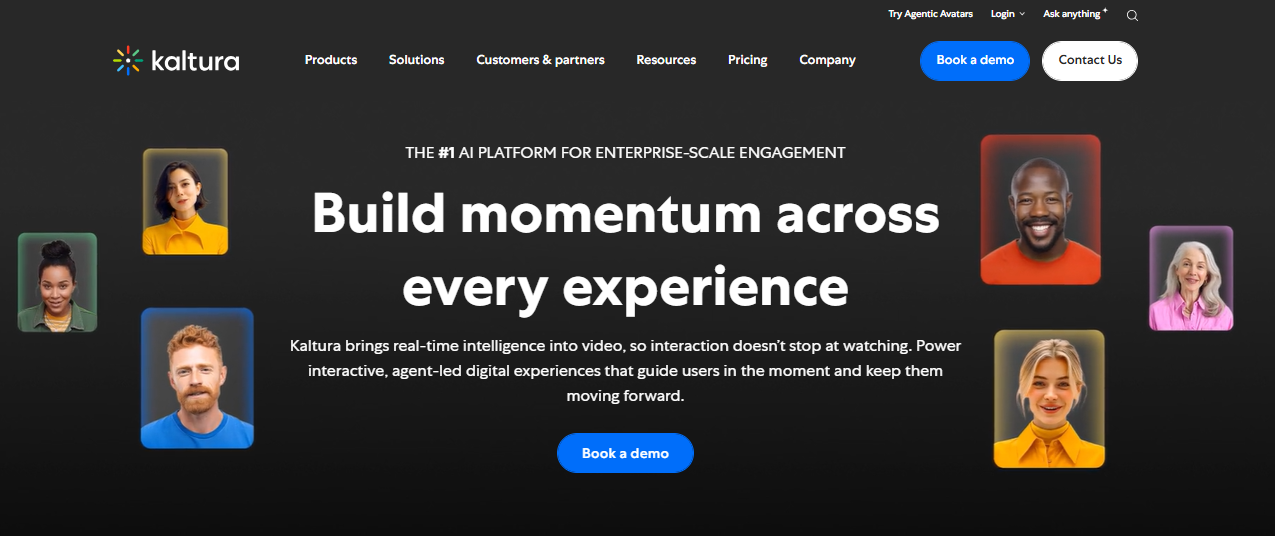
Interactive Video Quizzes add questions directly into video content. Creators can adjust settings such as whether viewers can skip questions, repeat sections, revise answers, see hints, or view correct answers.
Kaltura also includes editing and enrichment tools around interactive content. Video creators can trim clips, create shorter clips from longer videos, and work with media that may include captions.
How to Choose the Best Customer Engagement Tool
Choosing the best customer engagement software starts with knowing what problem you need to solve first. Here are the key factors to consider before choosing a tool for your business.
Define Your Customer Engagement Goals
Start with the outcome you want to improve. Specific goals make it easier to compare key features.
Your goal could be faster response times, more booked demos, higher repeat purchases, better onboarding, stronger retention, or fewer missed follow-ups.
Identify Your Most Important Channels
Your customer engagement tools should match the channels your customers already use.
Some customers prefer SMS for quick updates, while others rely on email, chat, social media, phone, or in-app messages.
You need to review where your team gets the most questions, replies, complaints, and sales opportunities. Then choose tools that make those channels easier to manage instead of trying to be everywhere at once.
Review Your Team’s Workflow
A strong platform should fit the way your team works. Look at who will use the tool, how conversations are assigned, how follow-ups happen, and how managers track performance.
- For sales, this may mean CRM integration, SMS outreach, and automated follow-ups.
- For support, it may mean ticketing, live chat, knowledge base tools, and response tracking.
- For marketing, it may mean segmentation, campaign automation, analytics, email, and SMS marketing.
Check Personalization and Segmentation Features
Good engagement depends on relevance. You need to check for tools that let you segment customers by behavior, purchase history, account type, location, sales cycle stage, or engagement level.
Personalization should go beyond using a first name. The right tool should help you send messages that match what customers have done, what they need, and where they are in the relationship.
Compare Automation Features
Marketing automation can save time, but it should not make communication feel cold.
You have to examine the tools that automate repeat tasks such as welcome messages, reminders, abandoned cart follow-ups, renewal notices, review requests, and re-engagement campaigns.
The best automation features give your team control over timing, triggers, message content, and handoffs to a real person when needed.
Check Ease of Use
A marketing tool can have advanced features and still fail if your team finds it hard to use.
You should review the user-friendly interface, setup process, learning curve, templates, permissions, mobile access, and support resources.
The easier the tool is to use, the more likely your team will provide consistent and relevant communication.
Review Custom Pricing and Scalability
SMS pricing can depend on users, contacts, messages, conversations, features, AI usage, integrations, or support level. Compare the total cost, not just the base monthly plan.
Choose texting software that fits your needs now but can also grow with your team. Look at what happens when your contact list grows, message volume increases, or more departments start using the tool.
Evaluate Security and Compliance
Customer engagement involves personal data, consent, message history, and account information.
You have to review security features such as user permissions, audit logs, data protection, consent tracking, opt-out handling, and compliance support.
This is important for SMS, email, healthcare, finance, ecommerce, and any business that handles sensitive customer information.
Build Stronger Customer Engagement With TextUs
Customer engagement should not stop at a missed email, delayed callback, or forgotten follow-up.
With TextUs, you can strengthen engagement efforts through fast, direct, two-way SMS conversations. It's easier to send reminders, updates, check-ins, and follow-ups from one organized platform.
TextUs brings SMS campaigns, shared inboxes, CRM integrations, analytics, and AI message quality tools together. You can use it to deliver personalized messages throughout the sales process and keep customer conversations moving.
Book a demo with TextUs today and start turning everyday customer messages into stronger engagement moments!
Continue Reading



Frequently Asked Questions
What are the four Ps of customer engagement?
The four Ps of customer engagement are personalization, proactivity, presence, and partnership.
Personalization means tailoring messages and experiences to the customer. Proactivity means reaching out before customers have to ask.
What are engagement tools?
Engagement tools are platforms that help you communicate with more customers, manage conversations, collect feedback, and improve the customer experience.
What are the three Cs of customer engagement?
The three Cs of customer engagement are described as connection, communication, and consistency.
Connection means building a stronger relationship with customers. Communication means sharing useful, timely, and relevant messages.
Business Texting
Built for Results
Create and convert pipeline at scale through industry leading SMS software